Camerafarm product archive #39680
| Image |
Date |
Product description |
Price |
Buy |
|
22/08
|
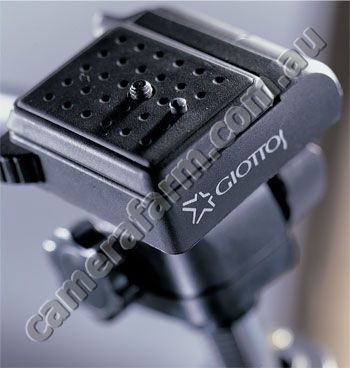
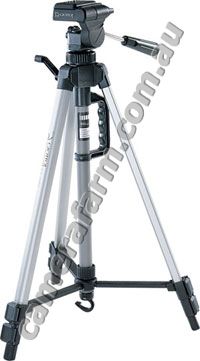
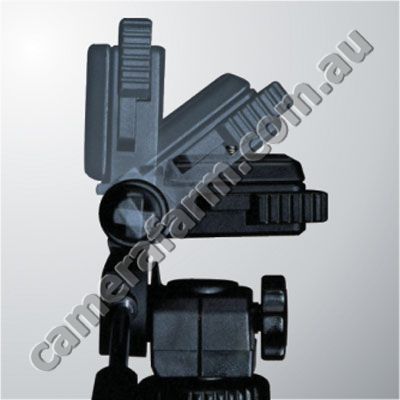
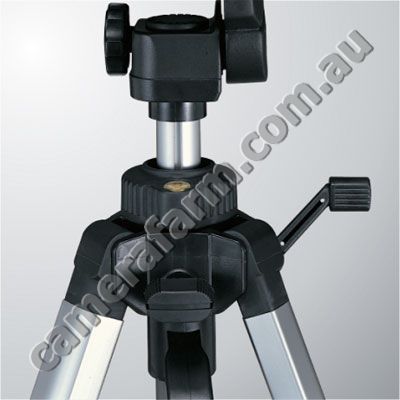
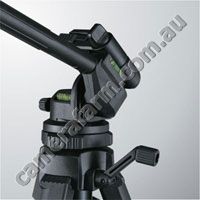
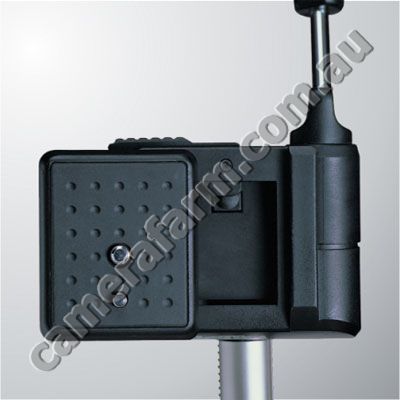
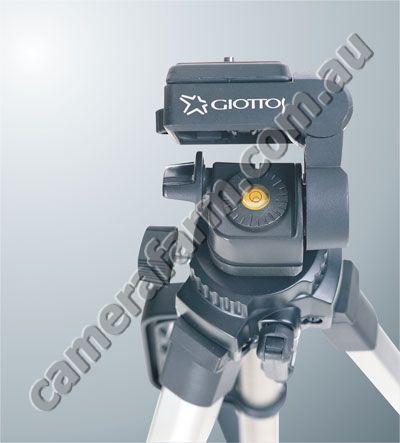
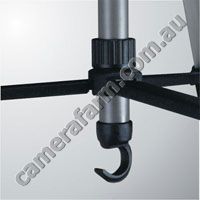
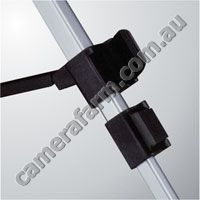
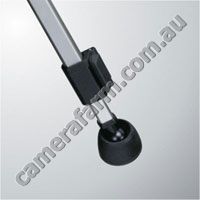
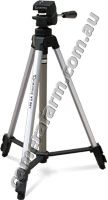
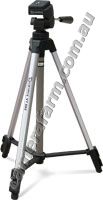
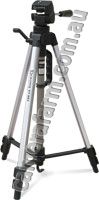
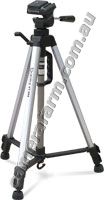
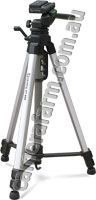
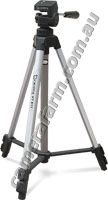
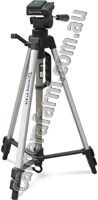
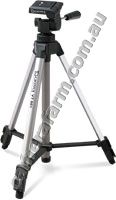
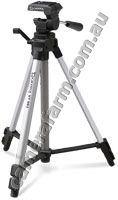
Giottos 806 VT Light-Duty Tripod
|


|
|
|
22/08
|
Glanz 4.7" LCD Screen Protectors - Single
- Prevent scratches & minor cosmetic damage from everyday use 4.7" LCD Screen Protectors Single Piece
Optically clear protective sheet for LCD screen.
Protects against scratches, dirt and dust.
Easy to install, using applicator supplied..
Use the 4" protector and then trim to suit your LCD screen.
Advantages
• Protect your LCD screen from your: Digital Camera, Video Camera, Mobile Phone, MP3 Player, or Remote Controls
• Protects against minor scratches cosmetic damage due to everyday use
• Easy to apply and easy to remove
• 1 x Protective LCD Screen Overlays
Fitting your own screen protector is actually pretty simple. All you need are:
- A pack of screen protectors
- A pair of scissors or penknife.
- Monitor cleaner, the kind you use to spray on your PC monitor to clean your screen.
- Lint-free cloth or camera lens cleaning wipes.
- A plastic card, e.g. a credit or ATM card.
Follow These Simple Steps
With the necessary items ready, all you need is a steady pair of hands and a little patience.
- It is difficult to make a straight cut without the help of a template and ruler. So what you can do is actually to first draw the size of your Camera/PDA screen on a piece of paper, and use that as a guide when you cut out your sheet.
- Clean your Camera/PDA screen throughly by spraying with monitor cleaner and wiping clean using a lint-free cloth or cleaning wipe.
Tip: Although static cling helps your plastic sheet to stick to the screen, don't wipe the screen completely dry. The sheet sticks better if the display is slightly damp.
- Begin sticking the plastic sheet to your screen starting from the bottom left corner and gently applying the rest to the display.
Tip: Do not place the sheet on the screen all at once because that tends to trap huge air bubbles.
- Use a credit/ATM card to swipe over your screen to remove the air bubbles trapped between the sheet and the screen during installation.
|
|
|
|
22/08
|
Inca 4" LCD Screen Protectors - 3 Pack
- Prevent scratches & minor cosmetic damage from everyday use 4" LCD Screen Protectors pack of 3
Screen Protectors provide a clear protective shield to the LCD screen of your device, preventing scratches and minor cosmetic damage due to everyday use.
Use the 4" protector and then trim to suit your LCD screen.
Advantages
• Protect your LCD screen from your: Digital Camera, Video Camera, Mobile Phone, MP3 Player, or Remote Controls
• Protects against minor scratches cosmetic damage due to everyday use
• Easy to apply and easy to remove
• 3x Protective LCD Screen Overlays
Fitting your own screen protector is actually pretty simple. All you need are:
- A pack of screen protectors
- A pair of scissors or penknife.
- Monitor cleaner, the kind you use to spray on your PC monitor to clean your screen.
- Lint-free cloth or camera lens cleaning wipes.
- A plastic card, e.g. a credit or ATM card.
Follow These Simple Steps
With the necessary items ready, all you need is a steady pair of hands and a little patience.
- It is difficult to make a straight cut without the help of a template and ruler. So what you can do is actually to first draw the size of your Camera/PDA screen on a piece of paper, and use that as a guide when you cut out your sheet.
- Clean your Camera/PDA screen throughly by spraying with monitor cleaner and wiping clean using a lint-free cloth or cleaning wipe.
Tip: Although static cling helps your plastic sheet to stick to the screen, don't wipe the screen completely dry. The sheet sticks better if the display is slightly damp.
- Begin sticking the plastic sheet to your screen starting from the bottom left corner and gently applying the rest to the display.
Tip: Do not place the sheet on the screen all at once because that tends to trap huge air bubbles.
- Use a credit/ATM card to swipe over your screen to remove the air bubbles trapped between the sheet and the screen during installation.
|
|
|
|
Previous Page
|
Next Page
|
|