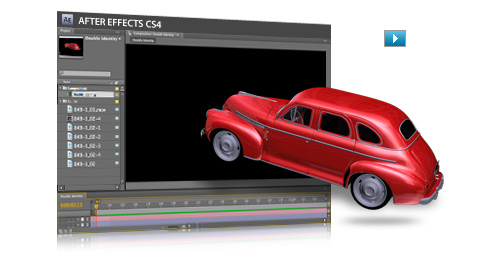
Camerafarm product archive #39715
| Image |
Date |
Product description |
Price |
Buy |
|
26/09
|
Adobe Photoshop and Premiere Elements 7 - Windows Easily combine photos and videos in entertaining ways
Take advantage of the power and simplicity of Adobe Photoshop Elements 7 & Adobe Premiere Elements 7. Easily create extraordinary photos and incredible movies, and use them together in cinematic slide shows and more.

Add cinematic flair to photo slide shows Enhanced
Create a traditional photo slide show, and then add video-style effects, transitions, motion graphics, and more. You can also use new InstantMovie to automatically put your slide shows in motion. Preview slide shows in full screen and then burn them to disc or upload them to the web to share with family and friends.
View it in action
View example
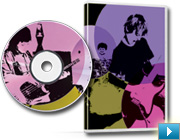
Do more with individual video frames
Capture a single video frame; add text, graphics, and other enhancements; and then put the frame back in your movie for a fun or dramatic freeze-frame effect. Or use it to create a personalized disc cover for your movie.
View it in action
View example
Back to top
Create extraordinary photos and tell amazing stories
Adobe Photoshop Elements 7 software combines power and simplicity so you can make ordinary photos extraordinary, tell your stories in personalized creations, and easily find and view all your photos.

Select and apply with a single stroke New
Simultaneously select a specific photo area and apply incredible effects with a single stroke of the new Smart Brush tool. Improve lighting, add rich textures, and more with eight libraries of over 50 sophisticated effects.

Quickly clean your scene of unwanted elements New
You took five shots of your subject, but pedestrians and cars distract from the scene in every one. Now, see only what you want to see in your photos use new Photomerge Scene Cleaner to simply brush away any elements that changed positions between photos to create a single perfect composite.
Back to top
Easily make movies and get incredible results
With Adobe Premiere Elements 7 software, its easy to make incredible movies. Get started quickly with automated moviemaking options, add knockout visuals and sound, and share your movies everywhere.

Create a polished movie, instantly New
Create polished movies with no effort using creative techniques from Hollywood directors. Just choose a theme and new InstantMovie automatically edits together your best clips with coordinated music, titles, effects, and transitions. You can even customize the final result if you wish.
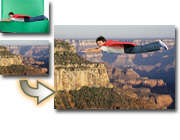
Easily put your subject in a new setting New
Composite video with entertaining results. Use new Videomerge technology to cleanly extract your moving subject from a solid-color background and then drop it into a new setting for a fun or creative twist.
|


|
|
|
26/09
|
Adobe Premiere Pro CS4 - Windows, Upgrade
End-to-end metadata workflow
Easily add metadata to clips both on set with Adobe OnLocation software and while editing using Adobe Premiere Pro, for greater project intelligence. Use speech recognition technology to create text-based metadata to help you organize your assets more efficiently. Pass the metadata through export for web publishing, enabling searchable video and helping to unlock new revenue streams.
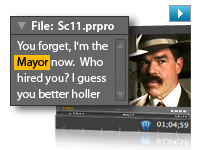
Speech Search
Turn spoken dialogue into text-based, timecode-accurate, searchable metadata. Jump to a specific area of a shot by searching for keywords within the dialogue, and then use keywords to quickly locate and display what you're looking for or even cut video based on the script.

Tapeless camera support
Edit video natively in the latest tapeless formats, including AVCHD, P2, XDCAM EX, and XDCAM HD, without transcoding or rewrapping. Browse your drives and removable media from inside Adobe Premiere Pro to find, log, and import footage.
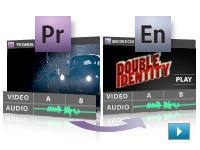
Dynamic workflow with other Adobe tools
Achieve a high level of productivity from production to delivery with the tightly integrated toolset in Adobe Premiere Pro CS4. Eliminate intermediate rendering when moving sequences into Adobe Encore CS4 software, and take advantage of new support for Adobe Photoshop files with video and blend modes.

Faster, customizable SWF output
Create SWF file versions of your DVD and Blu-ray projects for the web, complete with DVD interactivity, menus, URL links, and customizable HTML templates, without opening another application. Export for streaming or progressive download, and reduce encode time by using optimized encode settings in Adobe Media Encoder.
Batch encoding in the background
Save time with Adobe Media Encoder, a separate included software application that automates the process of creating multiple encoded versions of your source files and sequences. Manage priorities and control advanced settings for individual files.
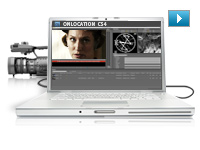
Redesigned Adobe OnLocation CS4
Get critical monitoring information while you record directly to disk with Adobe OnLocation CS4, now cross-platform with a new Adobe-standard interface. Save time and take the tedium out of logging with shot lists and metadata-based project intelligence.
Editing efficiency
Take advantage of more than 50 of the most requested editing enhancements to make your workflow more efficient. Apply effects to multiple selections, get timecode information faster, speed work in the timeline with new keyboard shortcuts, and more.

Industry-leading Blu-ray Disc authoring
Maintain the pristine quality of your HD video all the way to distribution. Create high-definition Blu-ray discs with Encore CS4, working with the same interface used to create standard-definition DVDs and incorporating advanced Blu-ray features like pop-up menus and subtitles and dual-layer burning.
Resource Central
Access product-related news and tutorials online by using the Resource Central panel in Adobe Premiere Pro and Encore.
Efficient tools for creative editing
Create high-quality visual and editorial effects directly within the editing timeline. Edit faster with powerful editing tools that give you precise control and real-time feedback. Add color correction and other effects, audio filters, and more.
Comprehensive video format compatibility
Work with virtually any video format thanks to native editing support for DV, HDV, Sony XDCAM, XDCAM EX, Panasonic P2, and AVCHD. Add uncompressed SD and HD acquisition with hardware cards from third-party vendors.
DVD, Blu-ray Disc, and interactive SWF output with included Adobe Encore CS4
Author once and deliver to three formats: Create DVDs, high-definition Blu-ray discs with pop-up menus, and interactive web versions of your content with Adobe Encore CS4 software, included with Adobe Premiere Pro CS4.
Dynamic workflow with other Adobe tools
Achieve a high level of productivity from production to delivery with the tightly integrated toolset in Adobe Premiere Pro CS4. Eliminate intermediate rendering when moving sequences into Encore CS4, and take advantage of new support for Adobe Photoshop files with video and blend modes.
Direct-to-disk recording and on-set monitoring with included Adobe OnLocation CS4
Record directly to disk and maximize camera image quality using software-based waveform and vectorscope tools to quickly calibrate your camera, check levels, and monitor your signal. Organize shots using metadata logged during the shoot.
End-to-end metadata workflow
Easily add metadata to clips both on set with Adobe OnLocation software and while editing using Adobe Premiere Pro, for greater project intelligence. Use speech recognition technology to create text-based metadata that helps you organize and find your assets more efficiently during editing. Finally, pass the metadata through export for publishing to the web, enabling searchable video and helping to unlock new revenue streams.
Speech Search
Turn spoken dialogue into text-based, timecode-accurate, searchable metadata. Jump to a specific area of a shot by searching for keywords within the dialogue, and then use keywords to quickly locate and display what you're looking for or even cut video based on the script.
Delivery to the web and mobile devices
Deliver video in a variety of formats for viewing on air and on DVD, online and offline with Adobe Flash Player and Adobe Media Player software, and on mobile devices with Adobe Flash Lite software.
Accelerated client review and approval with Adobe Clip Notes
Expedite review cycles and avoid miscommunication by using Adobe Clip Notes. Embed video into a PDF file. Then e-mail the file to clients to add timecode-specific comments that map to the Adobe Premiere Pro timeline.
Resource Central
Access product-related news and tutorials by using the Resource Central panel in Adobe Premiere Pro and Encore.
|
|
|
|
26/09
|
Adobe Premiere Pro CS4 - Windows, Retail
End-to-end metadata workflow
Easily add metadata to clips both on set with Adobe OnLocation software and while editing using Adobe Premiere Pro, for greater project intelligence. Use speech recognition technology to create text-based metadata to help you organize your assets more efficiently. Pass the metadata through export for web publishing, enabling searchable video and helping to unlock new revenue streams.
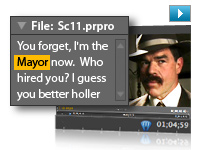
Speech Search
Turn spoken dialogue into text-based, timecode-accurate, searchable metadata. Jump to a specific area of a shot by searching for keywords within the dialogue, and then use keywords to quickly locate and display what you're looking for or even cut video based on the script.

Tapeless camera support
Edit video natively in the latest tapeless formats, including AVCHD, P2, XDCAM EX, and XDCAM HD, without transcoding or rewrapping. Browse your drives and removable media from inside Adobe Premiere Pro to find, log, and import footage.
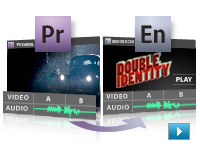
Dynamic workflow with other Adobe tools
Achieve a high level of productivity from production to delivery with the tightly integrated toolset in Adobe Premiere Pro CS4. Eliminate intermediate rendering when moving sequences into Adobe Encore CS4 software, and take advantage of new support for Adobe Photoshop files with video and blend modes.

Faster, customizable SWF output
Create SWF file versions of your DVD and Blu-ray projects for the web, complete with DVD interactivity, menus, URL links, and customizable HTML templates, without opening another application. Export for streaming or progressive download, and reduce encode time by using optimized encode settings in Adobe Media Encoder.
Batch encoding in the background
Save time with Adobe Media Encoder, a separate included software application that automates the process of creating multiple encoded versions of your source files and sequences. Manage priorities and control advanced settings for individual files.
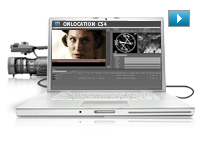
Redesigned Adobe OnLocation CS4
Get critical monitoring information while you record directly to disk with Adobe OnLocation CS4, now cross-platform with a new Adobe-standard interface. Save time and take the tedium out of logging with shot lists and metadata-based project intelligence.
Editing efficiency
Take advantage of more than 50 of the most requested editing enhancements to make your workflow more efficient. Apply effects to multiple selections, get timecode information faster, speed work in the timeline with new keyboard shortcuts, and more.

Industry-leading Blu-ray Disc authoring
Maintain the pristine quality of your HD video all the way to distribution. Create high-definition Blu-ray discs with Encore CS4, working with the same interface used to create standard-definition DVDs and incorporating advanced Blu-ray features like pop-up menus and subtitles and dual-layer burning.
Resource Central
Access product-related news and tutorials online by using the Resource Central panel in Adobe Premiere Pro and Encore.
Efficient tools for creative editing
Create high-quality visual and editorial effects directly within the editing timeline. Edit faster with powerful editing tools that give you precise control and real-time feedback. Add color correction and other effects, audio filters, and more.
Comprehensive video format compatibility
Work with virtually any video format thanks to native editing support for DV, HDV, Sony XDCAM, XDCAM EX, Panasonic P2, and AVCHD. Add uncompressed SD and HD acquisition with hardware cards from third-party vendors.
DVD, Blu-ray Disc, and interactive SWF output with included Adobe Encore CS4
Author once and deliver to three formats: Create DVDs, high-definition Blu-ray discs with pop-up menus, and interactive web versions of your content with Adobe Encore CS4 software, included with Adobe Premiere Pro CS4.
Dynamic workflow with other Adobe tools
Achieve a high level of productivity from production to delivery with the tightly integrated toolset in Adobe Premiere Pro CS4. Eliminate intermediate rendering when moving sequences into Encore CS4, and take advantage of new support for Adobe Photoshop files with video and blend modes.
Direct-to-disk recording and on-set monitoring with included Adobe OnLocation CS4
Record directly to disk and maximize camera image quality using software-based waveform and vectorscope tools to quickly calibrate your camera, check levels, and monitor your signal. Organize shots using metadata logged during the shoot.
End-to-end metadata workflow
Easily add metadata to clips both on set with Adobe OnLocation software and while editing using Adobe Premiere Pro, for greater project intelligence. Use speech recognition technology to create text-based metadata that helps you organize and find your assets more efficiently during editing. Finally, pass the metadata through export for publishing to the web, enabling searchable video and helping to unlock new revenue streams.
Speech Search
Turn spoken dialogue into text-based, timecode-accurate, searchable metadata. Jump to a specific area of a shot by searching for keywords within the dialogue, and then use keywords to quickly locate and display what you're looking for or even cut video based on the script.
Delivery to the web and mobile devices
Deliver video in a variety of formats for viewing on air and on DVD, online and offline with Adobe Flash Player and Adobe Media Player software, and on mobile devices with Adobe Flash Lite software.
Accelerated client review and approval with Adobe Clip Notes
Expedite review cycles and avoid miscommunication by using Adobe Clip Notes. Embed video into a PDF file. Then e-mail the file to clients to add timecode-specific comments that map to the Adobe Premiere Pro timeline.
Resource Central
Access product-related news and tutorials by using the Resource Central panel in Adobe Premiere Pro and Encore.
|
|
|
|
26/09
|
Adobe Premiere Pro CS4 - Windows, Educational Only
End-to-end metadata workflow
Easily add metadata to clips both on set with Adobe OnLocation software and while editing using Adobe Premiere Pro, for greater project intelligence. Use speech recognition technology to create text-based metadata to help you organize your assets more efficiently. Pass the metadata through export for web publishing, enabling searchable video and helping to unlock new revenue streams.
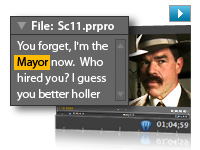
Speech Search
Turn spoken dialogue into text-based, timecode-accurate, searchable metadata. Jump to a specific area of a shot by searching for keywords within the dialogue, and then use keywords to quickly locate and display what you're looking for or even cut video based on the script.

Tapeless camera support
Edit video natively in the latest tapeless formats, including AVCHD, P2, XDCAM EX, and XDCAM HD, without transcoding or rewrapping. Browse your drives and removable media from inside Adobe Premiere Pro to find, log, and import footage.
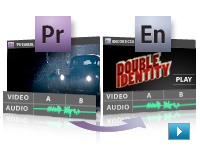
Dynamic workflow with other Adobe tools
Achieve a high level of productivity from production to delivery with the tightly integrated toolset in Adobe Premiere Pro CS4. Eliminate intermediate rendering when moving sequences into Adobe Encore CS4 software, and take advantage of new support for Adobe Photoshop files with video and blend modes.

Faster, customizable SWF output
Create SWF file versions of your DVD and Blu-ray projects for the web, complete with DVD interactivity, menus, URL links, and customizable HTML templates, without opening another application. Export for streaming or progressive download, and reduce encode time by using optimized encode settings in Adobe Media Encoder.
Batch encoding in the background
Save time with Adobe Media Encoder, a separate included software application that automates the process of creating multiple encoded versions of your source files and sequences. Manage priorities and control advanced settings for individual files.
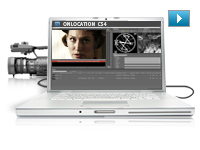
Redesigned Adobe OnLocation CS4
Get critical monitoring information while you record directly to disk with Adobe OnLocation CS4, now cross-platform with a new Adobe-standard interface. Save time and take the tedium out of logging with shot lists and metadata-based project intelligence.
Editing efficiency
Take advantage of more than 50 of the most requested editing enhancements to make your workflow more efficient. Apply effects to multiple selections, get timecode information faster, speed work in the timeline with new keyboard shortcuts, and more.

Industry-leading Blu-ray Disc authoring
Maintain the pristine quality of your HD video all the way to distribution. Create high-definition Blu-ray discs with Encore CS4, working with the same interface used to create standard-definition DVDs and incorporating advanced Blu-ray features like pop-up menus and subtitles and dual-layer burning.
Resource Central
Access product-related news and tutorials online by using the Resource Central panel in Adobe Premiere Pro and Encore.
Efficient tools for creative editing
Create high-quality visual and editorial effects directly within the editing timeline. Edit faster with powerful editing tools that give you precise control and real-time feedback. Add color correction and other effects, audio filters, and more.
Comprehensive video format compatibility
Work with virtually any video format thanks to native editing support for DV, HDV, Sony XDCAM, XDCAM EX, Panasonic P2, and AVCHD. Add uncompressed SD and HD acquisition with hardware cards from third-party vendors.
DVD, Blu-ray Disc, and interactive SWF output with included Adobe Encore CS4
Author once and deliver to three formats: Create DVDs, high-definition Blu-ray discs with pop-up menus, and interactive web versions of your content with Adobe Encore CS4 software, included with Adobe Premiere Pro CS4.
Dynamic workflow with other Adobe tools
Achieve a high level of productivity from production to delivery with the tightly integrated toolset in Adobe Premiere Pro CS4. Eliminate intermediate rendering when moving sequences into Encore CS4, and take advantage of new support for Adobe Photoshop files with video and blend modes.
Direct-to-disk recording and on-set monitoring with included Adobe OnLocation CS4
Record directly to disk and maximize camera image quality using software-based waveform and vectorscope tools to quickly calibrate your camera, check levels, and monitor your signal. Organize shots using metadata logged during the shoot.
End-to-end metadata workflow
Easily add metadata to clips both on set with Adobe OnLocation software and while editing using Adobe Premiere Pro, for greater project intelligence. Use speech recognition technology to create text-based metadata that helps you organize and find your assets more efficiently during editing. Finally, pass the metadata through export for publishing to the web, enabling searchable video and helping to unlock new revenue streams.
Speech Search
Turn spoken dialogue into text-based, timecode-accurate, searchable metadata. Jump to a specific area of a shot by searching for keywords within the dialogue, and then use keywords to quickly locate and display what you're looking for or even cut video based on the script.
Delivery to the web and mobile devices
Deliver video in a variety of formats for viewing on air and on DVD, online and offline with Adobe Flash Player and Adobe Media Player software, and on mobile devices with Adobe Flash Lite software.
Accelerated client review and approval with Adobe Clip Notes
Expedite review cycles and avoid miscommunication by using Adobe Clip Notes. Embed video into a PDF file. Then e-mail the file to clients to add timecode-specific comments that map to the Adobe Premiere Pro timeline.
Resource Central
Access product-related news and tutorials by using the Resource Central panel in Adobe Premiere Pro and Encore.
|
|
|
|
26/09
|
Adobe Premiere Pro CS4 - Mac, Upgrade
End-to-end metadata workflow
Easily add metadata to clips both on set with Adobe OnLocation software and while editing using Adobe Premiere Pro, for greater project intelligence. Use speech recognition technology to create text-based metadata to help you organize your assets more efficiently. Pass the metadata through export for web publishing, enabling searchable video and helping to unlock new revenue streams.
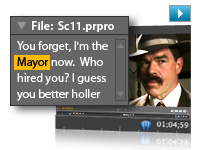
Speech Search
Turn spoken dialogue into text-based, timecode-accurate, searchable metadata. Jump to a specific area of a shot by searching for keywords within the dialogue, and then use keywords to quickly locate and display what you're looking for or even cut video based on the script.

Tapeless camera support
Edit video natively in the latest tapeless formats, including AVCHD, P2, XDCAM EX, and XDCAM HD, without transcoding or rewrapping. Browse your drives and removable media from inside Adobe Premiere Pro to find, log, and import footage.
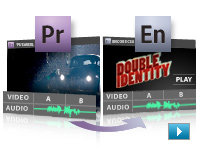
Dynamic workflow with other Adobe tools
Achieve a high level of productivity from production to delivery with the tightly integrated toolset in Adobe Premiere Pro CS4. Eliminate intermediate rendering when moving sequences into Adobe Encore CS4 software, and take advantage of new support for Adobe Photoshop files with video and blend modes.

Faster, customizable SWF output
Create SWF file versions of your DVD and Blu-ray projects for the web, complete with DVD interactivity, menus, URL links, and customizable HTML templates, without opening another application. Export for streaming or progressive download, and reduce encode time by using optimized encode settings in Adobe Media Encoder.
Batch encoding in the background
Save time with Adobe Media Encoder, a separate included software application that automates the process of creating multiple encoded versions of your source files and sequences. Manage priorities and control advanced settings for individual files.
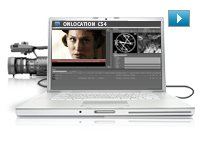
Redesigned Adobe OnLocation CS4
Get critical monitoring information while you record directly to disk with Adobe OnLocation CS4, now cross-platform with a new Adobe-standard interface. Save time and take the tedium out of logging with shot lists and metadata-based project intelligence.
Editing efficiency
Take advantage of more than 50 of the most requested editing enhancements to make your workflow more efficient. Apply effects to multiple selections, get timecode information faster, speed work in the timeline with new keyboard shortcuts, and more.

Industry-leading Blu-ray Disc authoring
Maintain the pristine quality of your HD video all the way to distribution. Create high-definition Blu-ray discs with Encore CS4, working with the same interface used to create standard-definition DVDs and incorporating advanced Blu-ray features like pop-up menus and subtitles and dual-layer burning.
Resource Central
Access product-related news and tutorials online by using the Resource Central panel in Adobe Premiere Pro and Encore.
Efficient tools for creative editing
Create high-quality visual and editorial effects directly within the editing timeline. Edit faster with powerful editing tools that give you precise control and real-time feedback. Add color correction and other effects, audio filters, and more.
Comprehensive video format compatibility
Work with virtually any video format thanks to native editing support for DV, HDV, Sony XDCAM, XDCAM EX, Panasonic P2, and AVCHD. Add uncompressed SD and HD acquisition with hardware cards from third-party vendors.
DVD, Blu-ray Disc, and interactive SWF output with included Adobe Encore CS4
Author once and deliver to three formats: Create DVDs, high-definition Blu-ray discs with pop-up menus, and interactive web versions of your content with Adobe Encore CS4 software, included with Adobe Premiere Pro CS4.
Dynamic workflow with other Adobe tools
Achieve a high level of productivity from production to delivery with the tightly integrated toolset in Adobe Premiere Pro CS4. Eliminate intermediate rendering when moving sequences into Encore CS4, and take advantage of new support for Adobe Photoshop files with video and blend modes.
Direct-to-disk recording and on-set monitoring with included Adobe OnLocation CS4
Record directly to disk and maximize camera image quality using software-based waveform and vectorscope tools to quickly calibrate your camera, check levels, and monitor your signal. Organize shots using metadata logged during the shoot.
End-to-end metadata workflow
Easily add metadata to clips both on set with Adobe OnLocation software and while editing using Adobe Premiere Pro, for greater project intelligence. Use speech recognition technology to create text-based metadata that helps you organize and find your assets more efficiently during editing. Finally, pass the metadata through export for publishing to the web, enabling searchable video and helping to unlock new revenue streams.
Speech Search
Turn spoken dialogue into text-based, timecode-accurate, searchable metadata. Jump to a specific area of a shot by searching for keywords within the dialogue, and then use keywords to quickly locate and display what you're looking for or even cut video based on the script.
Delivery to the web and mobile devices
Deliver video in a variety of formats for viewing on air and on DVD, online and offline with Adobe Flash Player and Adobe Media Player software, and on mobile devices with Adobe Flash Lite software.
Accelerated client review and approval with Adobe Clip Notes
Expedite review cycles and avoid miscommunication by using Adobe Clip Notes. Embed video into a PDF file. Then e-mail the file to clients to add timecode-specific comments that map to the Adobe Premiere Pro timeline.
Resource Central
Access product-related news and tutorials by using the Resource Central panel in Adobe Premiere Pro and Encore.
|
|
|
|
26/09
|
Adobe Premiere Pro CS4 - Mac, Retail
End-to-end metadata workflow
Easily add metadata to clips both on set with Adobe OnLocation software and while editing using Adobe Premiere Pro, for greater project intelligence. Use speech recognition technology to create text-based metadata to help you organize your assets more efficiently. Pass the metadata through export for web publishing, enabling searchable video and helping to unlock new revenue streams.
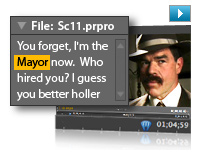
Speech Search
Turn spoken dialogue into text-based, timecode-accurate, searchable metadata. Jump to a specific area of a shot by searching for keywords within the dialogue, and then use keywords to quickly locate and display what you're looking for or even cut video based on the script.

Tapeless camera support
Edit video natively in the latest tapeless formats, including AVCHD, P2, XDCAM EX, and XDCAM HD, without transcoding or rewrapping. Browse your drives and removable media from inside Adobe Premiere Pro to find, log, and import footage.
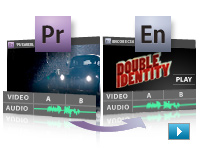
Dynamic workflow with other Adobe tools
Achieve a high level of productivity from production to delivery with the tightly integrated toolset in Adobe Premiere Pro CS4. Eliminate intermediate rendering when moving sequences into Adobe Encore CS4 software, and take advantage of new support for Adobe Photoshop files with video and blend modes.

Faster, customizable SWF output
Create SWF file versions of your DVD and Blu-ray projects for the web, complete with DVD interactivity, menus, URL links, and customizable HTML templates, without opening another application. Export for streaming or progressive download, and reduce encode time by using optimized encode settings in Adobe Media Encoder.
Batch encoding in the background
Save time with Adobe Media Encoder, a separate included software application that automates the process of creating multiple encoded versions of your source files and sequences. Manage priorities and control advanced settings for individual files.
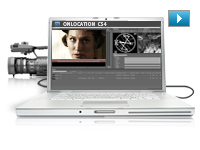
Redesigned Adobe OnLocation CS4
Get critical monitoring information while you record directly to disk with Adobe OnLocation CS4, now cross-platform with a new Adobe-standard interface. Save time and take the tedium out of logging with shot lists and metadata-based project intelligence.
Editing efficiency
Take advantage of more than 50 of the most requested editing enhancements to make your workflow more efficient. Apply effects to multiple selections, get timecode information faster, speed work in the timeline with new keyboard shortcuts, and more.

Industry-leading Blu-ray Disc authoring
Maintain the pristine quality of your HD video all the way to distribution. Create high-definition Blu-ray discs with Encore CS4, working with the same interface used to create standard-definition DVDs and incorporating advanced Blu-ray features like pop-up menus and subtitles and dual-layer burning.
Resource Central
Access product-related news and tutorials online by using the Resource Central panel in Adobe Premiere Pro and Encore.
Efficient tools for creative editing
Create high-quality visual and editorial effects directly within the editing timeline. Edit faster with powerful editing tools that give you precise control and real-time feedback. Add color correction and other effects, audio filters, and more.
Comprehensive video format compatibility
Work with virtually any video format thanks to native editing support for DV, HDV, Sony XDCAM, XDCAM EX, Panasonic P2, and AVCHD. Add uncompressed SD and HD acquisition with hardware cards from third-party vendors.
DVD, Blu-ray Disc, and interactive SWF output with included Adobe Encore CS4
Author once and deliver to three formats: Create DVDs, high-definition Blu-ray discs with pop-up menus, and interactive web versions of your content with Adobe Encore CS4 software, included with Adobe Premiere Pro CS4.
Dynamic workflow with other Adobe tools
Achieve a high level of productivity from production to delivery with the tightly integrated toolset in Adobe Premiere Pro CS4. Eliminate intermediate rendering when moving sequences into Encore CS4, and take advantage of new support for Adobe Photoshop files with video and blend modes.
Direct-to-disk recording and on-set monitoring with included Adobe OnLocation CS4
Record directly to disk and maximize camera image quality using software-based waveform and vectorscope tools to quickly calibrate your camera, check levels, and monitor your signal. Organize shots using metadata logged during the shoot.
End-to-end metadata workflow
Easily add metadata to clips both on set with Adobe OnLocation software and while editing using Adobe Premiere Pro, for greater project intelligence. Use speech recognition technology to create text-based metadata that helps you organize and find your assets more efficiently during editing. Finally, pass the metadata through export for publishing to the web, enabling searchable video and helping to unlock new revenue streams.
Speech Search
Turn spoken dialogue into text-based, timecode-accurate, searchable metadata. Jump to a specific area of a shot by searching for keywords within the dialogue, and then use keywords to quickly locate and display what you're looking for or even cut video based on the script.
Delivery to the web and mobile devices
Deliver video in a variety of formats for viewing on air and on DVD, online and offline with Adobe Flash Player and Adobe Media Player software, and on mobile devices with Adobe Flash Lite software.
Accelerated client review and approval with Adobe Clip Notes
Expedite review cycles and avoid miscommunication by using Adobe Clip Notes. Embed video into a PDF file. Then e-mail the file to clients to add timecode-specific comments that map to the Adobe Premiere Pro timeline.
Resource Central
Access product-related news and tutorials by using the Resource Central panel in Adobe Premiere Pro and Encore.
|
|
|
|
26/09
|
Adobe Premiere Pro CS4 - Mac, Educational Only
End-to-end metadata workflow
Easily add metadata to clips both on set with Adobe OnLocation software and while editing using Adobe Premiere Pro, for greater project intelligence. Use speech recognition technology to create text-based metadata to help you organize your assets more efficiently. Pass the metadata through export for web publishing, enabling searchable video and helping to unlock new revenue streams.
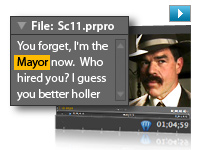
Speech Search
Turn spoken dialogue into text-based, timecode-accurate, searchable metadata. Jump to a specific area of a shot by searching for keywords within the dialogue, and then use keywords to quickly locate and display what you're looking for or even cut video based on the script.

Tapeless camera support
Edit video natively in the latest tapeless formats, including AVCHD, P2, XDCAM EX, and XDCAM HD, without transcoding or rewrapping. Browse your drives and removable media from inside Adobe Premiere Pro to find, log, and import footage.
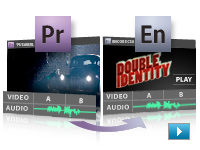
Dynamic workflow with other Adobe tools
Achieve a high level of productivity from production to delivery with the tightly integrated toolset in Adobe Premiere Pro CS4. Eliminate intermediate rendering when moving sequences into Adobe Encore CS4 software, and take advantage of new support for Adobe Photoshop files with video and blend modes.

Faster, customizable SWF output
Create SWF file versions of your DVD and Blu-ray projects for the web, complete with DVD interactivity, menus, URL links, and customizable HTML templates, without opening another application. Export for streaming or progressive download, and reduce encode time by using optimized encode settings in Adobe Media Encoder.
Batch encoding in the background
Save time with Adobe Media Encoder, a separate included software application that automates the process of creating multiple encoded versions of your source files and sequences. Manage priorities and control advanced settings for individual files.
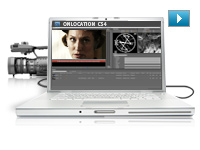
Redesigned Adobe OnLocation CS4
Get critical monitoring information while you record directly to disk with Adobe OnLocation CS4, now cross-platform with a new Adobe-standard interface. Save time and take the tedium out of logging with shot lists and metadata-based project intelligence.
Editing efficiency
Take advantage of more than 50 of the most requested editing enhancements to make your workflow more efficient. Apply effects to multiple selections, get timecode information faster, speed work in the timeline with new keyboard shortcuts, and more.

Industry-leading Blu-ray Disc authoring
Maintain the pristine quality of your HD video all the way to distribution. Create high-definition Blu-ray discs with Encore CS4, working with the same interface used to create standard-definition DVDs and incorporating advanced Blu-ray features like pop-up menus and subtitles and dual-layer burning.
Resource Central
Access product-related news and tutorials online by using the Resource Central panel in Adobe Premiere Pro and Encore.
Efficient tools for creative editing
Create high-quality visual and editorial effects directly within the editing timeline. Edit faster with powerful editing tools that give you precise control and real-time feedback. Add color correction and other effects, audio filters, and more.
Comprehensive video format compatibility
Work with virtually any video format thanks to native editing support for DV, HDV, Sony XDCAM, XDCAM EX, Panasonic P2, and AVCHD. Add uncompressed SD and HD acquisition with hardware cards from third-party vendors.
DVD, Blu-ray Disc, and interactive SWF output with included Adobe Encore CS4
Author once and deliver to three formats: Create DVDs, high-definition Blu-ray discs with pop-up menus, and interactive web versions of your content with Adobe Encore CS4 software, included with Adobe Premiere Pro CS4.
Dynamic workflow with other Adobe tools
Achieve a high level of productivity from production to delivery with the tightly integrated toolset in Adobe Premiere Pro CS4. Eliminate intermediate rendering when moving sequences into Encore CS4, and take advantage of new support for Adobe Photoshop files with video and blend modes.
Direct-to-disk recording and on-set monitoring with included Adobe OnLocation CS4
Record directly to disk and maximize camera image quality using software-based waveform and vectorscope tools to quickly calibrate your camera, check levels, and monitor your signal. Organize shots using metadata logged during the shoot.
End-to-end metadata workflow
Easily add metadata to clips both on set with Adobe OnLocation software and while editing using Adobe Premiere Pro, for greater project intelligence. Use speech recognition technology to create text-based metadata that helps you organize and find your assets more efficiently during editing. Finally, pass the metadata through export for publishing to the web, enabling searchable video and helping to unlock new revenue streams.
Speech Search
Turn spoken dialogue into text-based, timecode-accurate, searchable metadata. Jump to a specific area of a shot by searching for keywords within the dialogue, and then use keywords to quickly locate and display what you're looking for or even cut video based on the script.
Delivery to the web and mobile devices
Deliver video in a variety of formats for viewing on air and on DVD, online and offline with Adobe Flash Player and Adobe Media Player software, and on mobile devices with Adobe Flash Lite software.
Accelerated client review and approval with Adobe Clip Notes
Expedite review cycles and avoid miscommunication by using Adobe Clip Notes. Embed video into a PDF file. Then e-mail the file to clients to add timecode-specific comments that map to the Adobe Premiere Pro timeline.
Resource Central
Access product-related news and tutorials by using the Resource Central panel in Adobe Premiere Pro and Encore.
|
|
|
|
26/09
|
Adobe Photoshop CS4 Extended - Mac, Educational Only
Revolutionary 3D painting and compositing
Now paint directly on 3D models, wrap 2D images around 3D shapes, convert gradient maps to 3D objects, add depth to layers and text, get print-quality output with the new ray-tracing rendering engine, and enjoy exporting to supported common 3D formats.
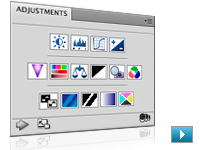
Adjustments panel
Simplify image adjustment by easily accessing every tool you need to nondestructively adjust and enhance the color and tone of your images; on-image controls and a wide variety of presets are also included in the new live and dynamic Adjustments panel.

Masks panel
Quickly create and edit masks from the new Masks panel. This panel offers all the tools you need to create editable pixel- and vector-based masks, adjust mask density and feathering, easily select noncontiguous objects, and more.
Auto-blending of images
Easily create a single image from a series of shots that have different focal points with the enhanced Auto-Blend Layers command, which smoothly blends color and shading and now extends your depth of field, automatically correcting vignettes and lens distortion.
Auto-alignment of layers
Create accurate composites with the enhanced Auto-Align Layers command. Move, rotate, or warp layers to align them more accurately than ever before. Or use spherical alignment to create breathtaking panoramas.
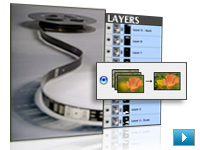
Extended depth of field
Combine a range of images, each with a different exposure, color, and focal point with options to preserve tones and colors into a single color-corrected image.
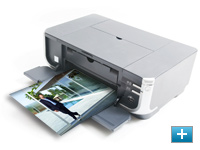
More powerful printing options
Get outstanding prints with superior color management, tighter integration with leading printer models, and the ability to preview out-of-gamut image areas. Support for 16-bit printing on Mac OS offers increased color depth and clarity.
Integration with other Adobe software
Be productive with enhanced integration between Photoshop Extended and other Adobe applications you depend on, including Adobe After Effects, Adobe Premiere Pro, and Adobe Flash Professional software.
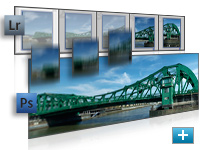
Improved Adobe Photoshop Lightroom workflow
Select multiple photos in Adobe Photoshop Lightroom (sold separately) and automatically open them in Photoshop CS4 to merge them into a panorama, a high dynamic range (HDR) photo, or a multilayered Photoshop document. And seamlessly roundtrip back to Lightroom.

3D object and property editing
Edit, enhance, and manipulate 3D images in a streamlined interface without dialog boxes. Adjust lighting, meshes, and materials. Easily orient objects and position the camera using 3D axes and a ground plane.

Fluid canvas rotation
Now just click to smoothly turn your canvas for distortion-free viewing at any desired angle no more tilting your head in the middle of painting and drawing.
Smoother panning and zooming
Gracefully navigate to any area of an image with new, ultra-smooth zooming and panning. Maintain clarity as you zoom to individual pixels and easily edit at the highest magnification with the new Pixel Grid.
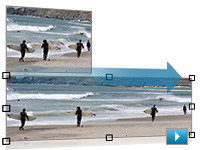
Content-Aware Scaling
Use the new and revolutionary Content-Aware Scaling feature to automatically recompose an image as you resize it, smartly preserving vital areas as the image adapts to the new dimensions. Get the perfect image in one step without time-intensive cropping and retouching.
Enhanced motion graphics editing
Edit motion graphics more efficiently with new single-key shortcuts, sync visual effects with specific points in an audio track using new audio syncing controls, and turn any 3D object into a video display zone.
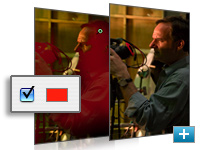
Better raw image processing
Enjoy superior conversion quality as you process raw images with the industry-leading Adobe Photoshop Camera Raw 5 plug-in, which now offers localized corrections, post-crop vignetting, TIFF and JPEG processing, and support for more than 190 camera models.
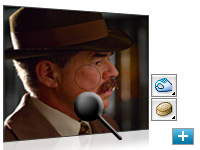
Industry-leading color correction
Enjoy dramatically enhanced color correction with reengineered Dodge, Burn, and Sponge tools that now intelligently preserve color and tone details.
File display options
Easily work with multiple open files by using tabbed document display or n-up views.
Extensibility
Get and share Adobe Flash technology-based panels that developers create to accomplish customized tasks. Plus, get tips and tricks from the thriving worldwide community of Photoshop users through the new Adobe Community Help online service.
Adjustment and Masks panels
Easily access every tool for nondestructive adjustment of color and tone. Quickly adjust specific image areas with easier access to all the tools for creating and editing nondestructive masks.
Streamlined 3D painting and compositing
Now paint directly on 3D models; wrap 2D images around common 3D shapes; convert gradient maps to 3D objects; and add depth to pixel layers, text, 2D shapes, and DICOM frames with volume rendering.
Motion graphics editing
Paint, add text, and clone over multiple frames of an imported video sequence with ease using single-key shortcuts.
Richer painting and drawing toolset
Create or modify images with a wide assortment of professional, fully customizable drawing tools, paint settings, and artistic brushes. Simply drag to resize brushes and adjust for hardness as you paint and preview brush strokes.
Auto-blending of images
Easily create a single image from a series of shots that have different focal points with the enhanced Auto-Blend Layers command, which smoothly blends color and shading and now extends your depth of field, automatically correcting vignettes and lens distortion.
Auto-alignment of layers
Create accurate composites with the enhanced Auto-Align Layers command. Move, rotate, or warp layers to align them more accurately than ever before. Or use spherical alignment to create breathtaking panoramas.
Extended depth of field
Combine a range of images, each with a different exposure, color, and focal point with options to preserve tones and colors into a single color-corrected image.
Image analysis
Extract quantitative information from images with powerful tools that calculate distance, perimeter, area, and other measurements. Record and export data for further quantitative analysis. Even set measurements to the scale in DICOM file headers.
Better raw image processing
Enjoy superior conversion quality as you process raw images with the industry-leading Adobe Photoshop Camera Raw 5 plug-in, which now offers localized corrections, post-crop vignetting, TIFF and JPEG processing, and support for more than 190 camera models.
Efficient file management with Adobe Bridge CS4
Get instant access to Adobe Bridge CS4 with faster start-up, use new workspaces to jump to the right display for every task, easily create web galleries and PDF contact sheets, and more.
Industry-leading color correction
Enjoy dramatically enhanced color correction with reengineered Dodge, Burn, and Sponge tools that now intelligently preserve color and tone details. Make precise adjustments with Brightness/Contrast and Curves controls, the histogram, color channel lines, and a clipping preview.
Extensibility
Get and share Adobe Flash technology-based panels that developers create to accomplish customized tasks. Plus, get tips and tricks from the thriving worldwide community of Photoshop users through access to the new Adobe Community Help online service.
|
|
|
|
26/09
|
Adobe Photoshop CS4 Extended - Windows, Upgrade
Revolutionary 3D painting and compositing
Now paint directly on 3D models, wrap 2D images around 3D shapes, convert gradient maps to 3D objects, add depth to layers and text, get print-quality output with the new ray-tracing rendering engine, and enjoy exporting to supported common 3D formats.
Adjustments panel
Simplify image adjustment by easily accessing every tool you need to nondestructively adjust and enhance the color and tone of your images; on-image controls and a wide variety of presets are also included in the new live and dynamic Adjustments panel.
Masks panel
Quickly create and edit masks from the new Masks panel. This panel offers all the tools you need to create editable pixel- and vector-based masks, adjust mask density and feathering, easily select noncontiguous objects, and more.
Auto-blending of images
Easily create a single image from a series of shots that have different focal points with the enhanced Auto-Blend Layers command, which smoothly blends color and shading and now extends your depth of field, automatically correcting vignettes and lens distortion.
Auto-alignment of layers
Create accurate composites with the enhanced Auto-Align Layers command. Move, rotate, or warp layers to align them more accurately than ever before. Or use spherical alignment to create breathtaking panoramas.
Extended depth of field
Combine a range of images, each with a different exposure, color, and focal point with options to preserve tones and colors into a single color-corrected image.
More powerful printing options
Get outstanding prints with superior color management, tighter integration with leading printer models, and the ability to preview out-of-gamut image areas. Support for 16-bit printing on Mac OS offers increased color depth and clarity.
Integration with other Adobe software
Be productive with enhanced integration between Photoshop Extended and other Adobe applications you depend on, including Adobe After Effects, Adobe Premiere Pro, and Adobe Flash Professional software.
Improved Adobe Photoshop Lightroom workflow
Select multiple photos in Adobe Photoshop Lightroom (sold separately) and automatically open them in Photoshop CS4 to merge them into a panorama, a high dynamic range (HDR) photo, or a multilayered Photoshop document. And seamlessly roundtrip back to Lightroom.
3D object and property editing
Edit, enhance, and manipulate 3D images in a streamlined interface without dialog boxes. Adjust lighting, meshes, and materials. Easily orient objects and position the camera using 3D axes and a ground plane.
Fluid canvas rotation
Now just click to smoothly turn your canvas for distortion-free viewing at any desired angle no more tilting your head in the middle of painting and drawing.
Smoother panning and zooming
Gracefully navigate to any area of an image with new, ultra-smooth zooming and panning. Maintain clarity as you zoom to individual pixels and easily edit at the highest magnification with the new Pixel Grid.
Content-Aware Scaling
Use the new and revolutionary Content-Aware Scaling feature to automatically recompose an image as you resize it, smartly preserving vital areas as the image adapts to the new dimensions. Get the perfect image in one step without time-intensive cropping and retouching.
Enhanced motion graphics editing
Edit motion graphics more efficiently with new single-key shortcuts, sync visual effects with specific points in an audio track using new audio syncing controls, and turn any 3D object into a video display zone.
Better raw image processing
Enjoy superior conversion quality as you process raw images with the industry-leading Adobe Photoshop Camera Raw 5 plug-in, which now offers localized corrections, post-crop vignetting, TIFF and JPEG processing, and support for more than 190 camera models.
Industry-leading color correction
Enjoy dramatically enhanced color correction with reengineered Dodge, Burn, and Sponge tools that now intelligently preserve color and tone details.
File display options
Easily work with multiple open files by using tabbed document display or n-up views.
Extensibility
Get and share Adobe Flash technology-based panels that developers create to accomplish customized tasks. Plus, get tips and tricks from the thriving worldwide community of Photoshop users through the new Adobe Community Help online service.
Adjustment and Masks panels
Easily access every tool for nondestructive adjustment of color and tone. Quickly adjust specific image areas with easier access to all the tools for creating and editing nondestructive masks.
Streamlined 3D painting and compositing
Now paint directly on 3D models; wrap 2D images around common 3D shapes; convert gradient maps to 3D objects; and add depth to pixel layers, text, 2D shapes, and DICOM frames with volume rendering.
Motion graphics editing
Paint, add text, and clone over multiple frames of an imported video sequence with ease using single-key shortcuts.
Richer painting and drawing toolset
Create or modify images with a wide assortment of professional, fully customizable drawing tools, paint settings, and artistic brushes. Simply drag to resize brushes and adjust for hardness as you paint and preview brush strokes.
Auto-blending of images
Easily create a single image from a series of shots that have different focal points with the enhanced Auto-Blend Layers command, which smoothly blends color and shading and now extends your depth of field, automatically correcting vignettes and lens distortion.
Auto-alignment of layers
Create accurate composites with the enhanced Auto-Align Layers command. Move, rotate, or warp layers to align them more accurately than ever before. Or use spherical alignment to create breathtaking panoramas.
Extended depth of field
Combine a range of images, each with a different exposure, color, and focal point with options to preserve tones and colors into a single color-corrected image.
Image analysis
Extract quantitative information from images with powerful tools that calculate distance, perimeter, area, and other measurements. Record and export data for further quantitative analysis. Even set measurements to the scale in DICOM file headers.
Better raw image processing
Enjoy superior conversion quality as you process raw images with the industry-leading Adobe Photoshop Camera Raw 5 plug-in, which now offers localized corrections, post-crop vignetting, TIFF and JPEG processing, and support for more than 190 camera models.
Efficient file management with Adobe Bridge CS4
Get instant access to Adobe Bridge CS4 with faster start-up, use new workspaces to jump to the right display for every task, easily create web galleries and PDF contact sheets, and more.
Industry-leading color correction
Enjoy dramatically enhanced color correction with reengineered Dodge, Burn, and Sponge tools that now intelligently preserve color and tone details. Make precise adjustments with Brightness/Contrast and Curves controls, the histogram, color channel lines, and a clipping preview.
Extensibility
Get and share Adobe Flash technology-based panels that developers create to accomplish customized tasks. Plus, get tips and tricks from the thriving worldwide community of Photoshop users through access to the new Adobe Community Help online service.
|
|
|
|
26/09
|
Adobe Photoshop CS4 Extended - Windows, Retail
Revolutionary 3D painting and compositing
Now paint directly on 3D models, wrap 2D images around 3D shapes, convert gradient maps to 3D objects, add depth to layers and text, get print-quality output with the new ray-tracing rendering engine, and enjoy exporting to supported common 3D formats.
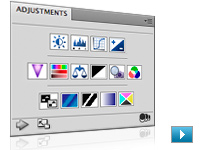
Adjustments panel
Simplify image adjustment by easily accessing every tool you need to nondestructively adjust and enhance the color and tone of your images; on-image controls and a wide variety of presets are also included in the new live and dynamic Adjustments panel.

Masks panel
Quickly create and edit masks from the new Masks panel. This panel offers all the tools you need to create editable pixel- and vector-based masks, adjust mask density and feathering, easily select noncontiguous objects, and more.
Auto-blending of images
Easily create a single image from a series of shots that have different focal points with the enhanced Auto-Blend Layers command, which smoothly blends color and shading and now extends your depth of field, automatically correcting vignettes and lens distortion.
Auto-alignment of layers
Create accurate composites with the enhanced Auto-Align Layers command. Move, rotate, or warp layers to align them more accurately than ever before. Or use spherical alignment to create breathtaking panoramas.
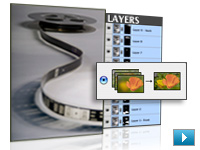
Extended depth of field
Combine a range of images, each with a different exposure, color, and focal point with options to preserve tones and colors into a single color-corrected image.
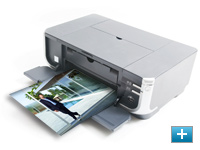
More powerful printing options
Get outstanding prints with superior color management, tighter integration with leading printer models, and the ability to preview out-of-gamut image areas. Support for 16-bit printing on Mac OS offers increased color depth and clarity.
Integration with other Adobe software
Be productive with enhanced integration between Photoshop Extended and other Adobe applications you depend on, including Adobe After Effects, Adobe Premiere Pro, and Adobe Flash Professional software.
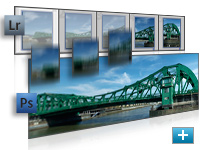
Improved Adobe Photoshop Lightroom workflow
Select multiple photos in Adobe Photoshop Lightroom (sold separately) and automatically open them in Photoshop CS4 to merge them into a panorama, a high dynamic range (HDR) photo, or a multilayered Photoshop document. And seamlessly roundtrip back to Lightroom.

3D object and property editing
Edit, enhance, and manipulate 3D images in a streamlined interface without dialog boxes. Adjust lighting, meshes, and materials. Easily orient objects and position the camera using 3D axes and a ground plane.

Fluid canvas rotation
Now just click to smoothly turn your canvas for distortion-free viewing at any desired angle no more tilting your head in the middle of painting and drawing.
Smoother panning and zooming
Gracefully navigate to any area of an image with new, ultra-smooth zooming and panning. Maintain clarity as you zoom to individual pixels and easily edit at the highest magnification with the new Pixel Grid.
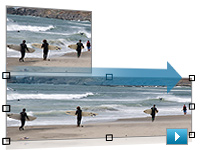
Content-Aware Scaling
Use the new and revolutionary Content-Aware Scaling feature to automatically recompose an image as you resize it, smartly preserving vital areas as the image adapts to the new dimensions. Get the perfect image in one step without time-intensive cropping and retouching.
Enhanced motion graphics editing
Edit motion graphics more efficiently with new single-key shortcuts, sync visual effects with specific points in an audio track using new audio syncing controls, and turn any 3D object into a video display zone.
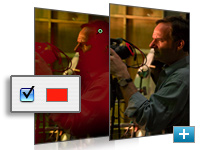
Better raw image processing
Enjoy superior conversion quality as you process raw images with the industry-leading Adobe Photoshop Camera Raw 5 plug-in, which now offers localized corrections, post-crop vignetting, TIFF and JPEG processing, and support for more than 190 camera models.
Industry-leading color correction
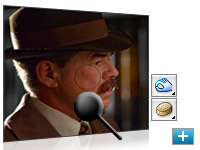
Enjoy dramatically enhanced color correction with reengineered Dodge, Burn, and Sponge tools that now intelligently preserve color and tone details.
File display options
Easily work with multiple open files by using tabbed document display or n-up views.
Extensibility
Get and share Adobe Flash technology-based panels that developers create to accomplish customized tasks. Plus, get tips and tricks from the thriving worldwide community of Photoshop users through the new Adobe Community Help online service.
Adjustment and Masks panels
Easily access every tool for nondestructive adjustment of color and tone. Quickly adjust specific image areas with easier access to all the tools for creating and editing nondestructive masks.
Streamlined 3D painting and compositing
Now paint directly on 3D models; wrap 2D images around common 3D shapes; convert gradient maps to 3D objects; and add depth to pixel layers, text, 2D shapes, and DICOM frames with volume rendering.
Motion graphics editing
Paint, add text, and clone over multiple frames of an imported video sequence with ease using single-key shortcuts.
Richer painting and drawing toolset
Create or modify images with a wide assortment of professional, fully customizable drawing tools, paint settings, and artistic brushes. Simply drag to resize brushes and adjust for hardness as you paint and preview brush strokes.
Auto-blending of images
Easily create a single image from a series of shots that have different focal points with the enhanced Auto-Blend Layers command, which smoothly blends color and shading and now extends your depth of field, automatically correcting vignettes and lens distortion.
Auto-alignment of layers
Create accurate composites with the enhanced Auto-Align Layers command. Move, rotate, or warp layers to align them more accurately than ever before. Or use spherical alignment to create breathtaking panoramas.
Extended depth of field
Combine a range of images, each with a different exposure, color, and focal point with options to preserve tones and colors into a single color-corrected image.
Image analysis
Extract quantitative information from images with powerful tools that calculate distance, perimeter, area, and other measurements. Record and export data for further quantitative analysis. Even set measurements to the scale in DICOM file headers.
Better raw image processing
Enjoy superior conversion quality as you process raw images with the industry-leading Adobe Photoshop Camera Raw 5 plug-in, which now offers localized corrections, post-crop vignetting, TIFF and JPEG processing, and support for more than 190 camera models.
Efficient file management with Adobe Bridge CS4
Get instant access to Adobe Bridge CS4 with faster start-up, use new workspaces to jump to the right display for every task, easily create web galleries and PDF contact sheets, and more.
Industry-leading color correction
Enjoy dramatically enhanced color correction with reengineered Dodge, Burn, and Sponge tools that now intelligently preserve color and tone details. Make precise adjustments with Brightness/Contrast and Curves controls, the histogram, color channel lines, and a clipping preview.
Extensibility
Get and share Adobe Flash technology-based panels that developers create to accomplish customized tasks. Plus, get tips and tricks from the thriving worldwide community of Photoshop users through access to the new Adobe Community Help online service.
|
|
|
|
26/09
|
Adobe Photoshop CS4 Extended - Windows, Educational Only
Revolutionary 3D painting and compositing
Now paint directly on 3D models, wrap 2D images around 3D shapes, convert gradient maps to 3D objects, add depth to layers and text, get print-quality output with the new ray-tracing rendering engine, and enjoy exporting to supported common 3D formats.

Adjustments panel
Simplify image adjustment by easily accessing every tool you need to nondestructively adjust and enhance the color and tone of your images; on-image controls and a wide variety of presets are also included in the new live and dynamic Adjustments panel.

Masks panel
Quickly create and edit masks from the new Masks panel. This panel offers all the tools you need to create editable pixel- and vector-based masks, adjust mask density and feathering, easily select noncontiguous objects, and more.
Auto-blending of images
Easily create a single image from a series of shots that have different focal points with the enhanced Auto-Blend Layers command, which smoothly blends color and shading and now extends your depth of field, automatically correcting vignettes and lens distortion.
Auto-alignment of layers
Create accurate composites with the enhanced Auto-Align Layers command. Move, rotate, or warp layers to align them more accurately than ever before. Or use spherical alignment to create breathtaking panoramas.

Extended depth of field
Combine a range of images, each with a different exposure, color, and focal point with options to preserve tones and colors into a single color-corrected image.

More powerful printing options
Get outstanding prints with superior color management, tighter integration with leading printer models, and the ability to preview out-of-gamut image areas. Support for 16-bit printing on Mac OS offers increased color depth and clarity.
Integration with other Adobe software
Be productive with enhanced integration between Photoshop Extended and other Adobe applications you depend on, including Adobe After Effects, Adobe Premiere Pro, and Adobe Flash Professional software.

Improved Adobe Photoshop Lightroom workflow
Select multiple photos in Adobe Photoshop Lightroom (sold separately) and automatically open them in Photoshop CS4 to merge them into a panorama, a high dynamic range (HDR) photo, or a multilayered Photoshop document. And seamlessly roundtrip back to Lightroom.

3D object and property editing
Edit, enhance, and manipulate 3D images in a streamlined interface without dialog boxes. Adjust lighting, meshes, and materials. Easily orient objects and position the camera using 3D axes and a ground plane.

Fluid canvas rotation
Now just click to smoothly turn your canvas for distortion-free viewing at any desired angle no more tilting your head in the middle of painting and drawing.
Smoother panning and zooming
Gracefully navigate to any area of an image with new, ultra-smooth zooming and panning. Maintain clarity as you zoom to individual pixels and easily edit at the highest magnification with the new Pixel Grid.

Content-Aware Scaling
Use the new and revolutionary Content-Aware Scaling feature to automatically recompose an image as you resize it, smartly preserving vital areas as the image adapts to the new dimensions. Get the perfect image in one step without time-intensive cropping and retouching.
Enhanced motion graphics editing
Edit motion graphics more efficiently with new single-key shortcuts, sync visual effects with specific points in an audio track using new audio syncing controls, and turn any 3D object into a video display zone.

Better raw image processing
Enjoy superior conversion quality as you process raw images with the industry-leading Adobe Photoshop Camera Raw 5 plug-in, which now offers localized corrections, post-crop vignetting, TIFF and JPEG processing, and support for more than 190 camera models.

Industry-leading color correction
Enjoy dramatically enhanced color correction with reengineered Dodge, Burn, and Sponge tools that now intelligently preserve color and tone details.
File display options
Easily work with multiple open files by using tabbed document display or n-up views.
Extensibility
Get and share Adobe Flash technology-based panels that developers create to accomplish customized tasks. Plus, get tips and tricks from the thriving worldwide community of Photoshop users through the new Adobe Community Help online service.
Adjustment and Masks panels
Easily access every tool for nondestructive adjustment of color and tone. Quickly adjust specific image areas with easier access to all the tools for creating and editing nondestructive masks.
Streamlined 3D painting and compositing
Now paint directly on 3D models; wrap 2D images around common 3D shapes; convert gradient maps to 3D objects; and add depth to pixel layers, text, 2D shapes, and DICOM frames with volume rendering.
Motion graphics editing
Paint, add text, and clone over multiple frames of an imported video sequence with ease using single-key shortcuts.
Richer painting and drawing toolset
Create or modify images with a wide assortment of professional, fully customizable drawing tools, paint settings, and artistic brushes. Simply drag to resize brushes and adjust for hardness as you paint and preview brush strokes.
Auto-blending of images
Easily create a single image from a series of shots that have different focal points with the enhanced Auto-Blend Layers command, which smoothly blends color and shading and now extends your depth of field, automatically correcting vignettes and lens distortion.
Auto-alignment of layers
Create accurate composites with the enhanced Auto-Align Layers command. Move, rotate, or warp layers to align them more accurately than ever before. Or use spherical alignment to create breathtaking panoramas.
Extended depth of field
Combine a range of images, each with a different exposure, color, and focal point with options to preserve tones and colors into a single color-corrected image.
Image analysis
Extract quantitative information from images with powerful tools that calculate distance, perimeter, area, and other measurements. Record and export data for further quantitative analysis. Even set measurements to the scale in DICOM file headers.
Better raw image processing
Enjoy superior conversion quality as you process raw images with the industry-leading Adobe Photoshop Camera Raw 5 plug-in, which now offers localized corrections, post-crop vignetting, TIFF and JPEG processing, and support for more than 190 camera models.
Efficient file management with Adobe Bridge CS4
Get instant access to Adobe Bridge CS4 with faster start-up, use new workspaces to jump to the right display for every task, easily create web galleries and PDF contact sheets, and more.
Industry-leading color correction
Enjoy dramatically enhanced color correction with reengineered Dodge, Burn, and Sponge tools that now intelligently preserve color and tone details. Make precise adjustments with Brightness/Contrast and Curves controls, the histogram, color channel lines, and a clipping preview.
Extensibility
Get and share Adobe Flash technology-based panels that developers create to accomplish customized tasks. Plus, get tips and tricks from the thriving worldwide community of Photoshop users through access to the new Adobe Community Help online service.
|
|
|
|
26/09
|
Adobe Photoshop CS4 Extended - Mac, Retail
Revolutionary 3D painting and compositing
Now paint directly on 3D models, wrap 2D images around 3D shapes, convert gradient maps to 3D objects, add depth to layers and text, get print-quality output with the new ray-tracing rendering engine, and enjoy exporting to supported common 3D formats.
Adjustments panel
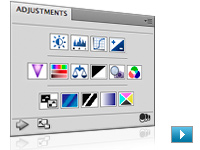
Simplify image adjustment by easily accessing every tool you need to nondestructively adjust and enhance the color and tone of your images; on-image controls and a wide variety of presets are also included in the new live and dynamic Adjustments panel.

Masks panel
Quickly create and edit masks from the new Masks panel. This panel offers all the tools you need to create editable pixel- and vector-based masks, adjust mask density and feathering, easily select noncontiguous objects, and more.
Auto-blending of images
Easily create a single image from a series of shots that have different focal points with the enhanced Auto-Blend Layers command, which smoothly blends color and shading and now extends your depth of field, automatically correcting vignettes and lens distortion.
Auto-alignment of layers
Create accurate composites with the enhanced Auto-Align Layers command. Move, rotate, or warp layers to align them more accurately than ever before. Or use spherical alignment to create breathtaking panoramas.
Extended depth of field
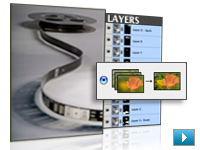
Combine a range of images, each with a different exposure, color, and focal point with options to preserve tones and colors into a single color-corrected image.
More powerful printing options
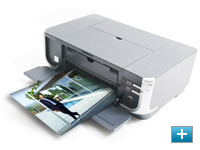
Get outstanding prints with superior color management, tighter integration with leading printer models, and the ability to preview out-of-gamut image areas. Support for 16-bit printing on Mac OS offers increased color depth and clarity.
Integration with other Adobe software
Be productive with enhanced integration between Photoshop Extended and other Adobe applications you depend on, including Adobe After Effects, Adobe Premiere Pro, and Adobe Flash Professional software.
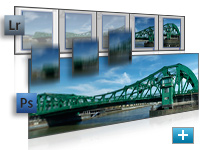
Improved Adobe Photoshop Lightroom workflow
Select multiple photos in Adobe Photoshop Lightroom (sold separately) and automatically open them in Photoshop CS4 to merge them into a panorama, a high dynamic range (HDR) photo, or a multilayered Photoshop document. And seamlessly roundtrip back to Lightroom.

3D object and property editing
Edit, enhance, and manipulate 3D images in a streamlined interface without dialog boxes. Adjust lighting, meshes, and materials. Easily orient objects and position the camera using 3D axes and a ground plane.

Fluid canvas rotation
Now just click to smoothly turn your canvas for distortion-free viewing at any desired angle no more tilting your head in the middle of painting and drawing.
Smoother panning and zooming
Gracefully navigate to any area of an image with new, ultra-smooth zooming and panning. Maintain clarity as you zoom to individual pixels and easily edit at the highest magnification with the new Pixel Grid.
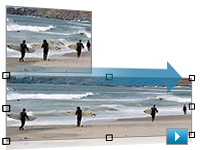
Content-Aware Scaling
Use the new and revolutionary Content-Aware Scaling feature to automatically recompose an image as you resize it, smartly preserving vital areas as the image adapts to the new dimensions. Get the perfect image in one step without time-intensive cropping and retouching.
Enhanced motion graphics editing
Edit motion graphics more efficiently with new single-key shortcuts, sync visual effects with specific points in an audio track using new audio syncing controls, and turn any 3D object into a video display zone.
Better raw image processing
Enjoy superior conversion quality as you process raw images with the industry-leading Adobe Photoshop Camera Raw 5 plug-in, which now offers localized corrections, post-crop vignetting, TIFF and JPEG processing, and support for more than 190 camera models.
Industry-leading color correction
Enjoy dramatically enhanced color correction with reengineered Dodge, Burn, and Sponge tools that now intelligently preserve color and tone details.
File display options
Easily work with multiple open files by using tabbed document display or n-up views.
Extensibility
Get and share Adobe Flash technology-based panels that developers create to accomplish customized tasks. Plus, get tips and tricks from the thriving worldwide community of Photoshop users through the new Adobe Community Help online service.
Adjustment and Masks panels
Easily access every tool for nondestructive adjustment of color and tone. Quickly adjust specific image areas with easier access to all the tools for creating and editing nondestructive masks.
Streamlined 3D painting and compositing
Now paint directly on 3D models; wrap 2D images around common 3D shapes; convert gradient maps to 3D objects; and add depth to pixel layers, text, 2D shapes, and DICOM frames with volume rendering.
Motion graphics editing
Paint, add text, and clone over multiple frames of an imported video sequence with ease using single-key shortcuts.
Richer painting and drawing toolset
Create or modify images with a wide assortment of professional, fully customizable drawing tools, paint settings, and artistic brushes. Simply drag to resize brushes and adjust for hardness as you paint and preview brush strokes.
Auto-blending of images
Easily create a single image from a series of shots that have different focal points with the enhanced Auto-Blend Layers command, which smoothly blends color and shading and now extends your depth of field, automatically correcting vignettes and lens distortion.
Auto-alignment of layers
Create accurate composites with the enhanced Auto-Align Layers command. Move, rotate, or warp layers to align them more accurately than ever before. Or use spherical alignment to create breathtaking panoramas.
Extended depth of field
Combine a range of images, each with a different exposure, color, and focal point with options to preserve tones and colors into a single color-corrected image.
Image analysis
Extract quantitative information from images with powerful tools that calculate distance, perimeter, area, and other measurements. Record and export data for further quantitative analysis. Even set measurements to the scale in DICOM file headers.
Better raw image processing
Enjoy superior conversion quality as you process raw images with the industry-leading Adobe Photoshop Camera Raw 5 plug-in, which now offers localized corrections, post-crop vignetting, TIFF and JPEG processing, and support for more than 190 camera models.
Efficient file management with Adobe Bridge CS4
Get instant access to Adobe Bridge CS4 with faster start-up, use new workspaces to jump to the right display for every task, easily create web galleries and PDF contact sheets, and more.
Industry-leading color correction
Enjoy dramatically enhanced color correction with reengineered Dodge, Burn, and Sponge tools that now intelligently preserve color and tone details. Make precise adjustments with Brightness/Contrast and Curves controls, the histogram, color channel lines, and a clipping preview.
Extensibility
Get and share Adobe Flash technology-based panels that developers create to accomplish customized tasks. Plus, get tips and tricks from the thriving worldwide community of Photoshop users through access to the new Adobe Community Help online service.
|
|
|
|
26/09
|
Adobe Photoshop CS4 - Windows, Upgrade
Smoother panning and zooming and fluid canvas rotation
Navigate to any area of an image with new, ultra-smooth zooming and panning. Maintain clarity as you zoom to individual pixels and easily edit at the highest magnification with the new Pixel Grid. And use the revolutionary new Rotate View tool to smoothly turn your canvas for distortion-free viewing at any angle.
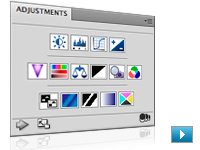
Adjustments panel
Simplify image adjustment by easily accessing every tool you need to nondestructively adjust and enhance the color and tone of your images; on-image controls and a wide variety of presets are also included in the new live and dynamic Adjustments panel.

Masks panel
Quickly create and edit masks from the new Masks panel. This panel offers all the tools you need to create editable pixel- and vector-based masks, adjust mask density and feathering, easily select noncontiguous objects, and more.
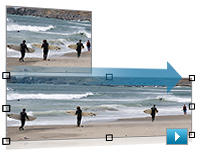
Content-Aware Scaling
Use the new and revolutionary Content-Aware Scaling feature to automatically recompose an image as you resize it, smartly preserving vital areas as the image adapts to the new dimensions. Get the perfect image in one step without time-intensive cropping and retouching.
Auto-blending of images
Easily create a single image from a series of shots that have different focal points with the enhanced Auto-Blend Layers command, which smoothly blends color and shading and now extends your depth of field, automatically correcting vignettes and lens distortion.
Auto-alignment of layers
Create accurate composites with the enhanced Auto-Align Layers command. Move, rotate, or warp layers to align them more accurately than ever before. Or use spherical alignment to create breathtaking panoramas.
Efficient file management with Adobe Bridge CS4
Get instant access to Adobe Bridge CS4 with faster start-up, use new workspaces to jump to the right display for every task, easily create web galleries and PDF contact sheets, and more.
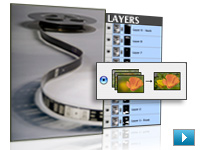
Extended depth of field
Combine a range of images, each with a different exposure, color, and focal point with options to preserve tones and colors into a single color-corrected image.
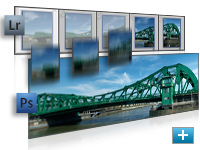
Improved Adobe Photoshop Lightroom workflow
Select multiple photos in Adobe Photoshop Lightroom software (sold separately) and automatically open them in Adobe Photoshop CS4 to merge them into a panorama, a high dynamic range (HDR) photo, or a multilayered Photoshop document. And seamlessly roundtrip back to Lightroom.
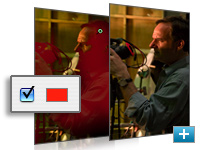
Better raw image processing
Enjoy superior conversion quality as you process raw images with the industry-leading Adobe Photoshop Camera Raw 5 plug-in, which now offers localized corrections, post-crop vignetting, TIFF and JPEG processing, and support for more than 190 camera models.
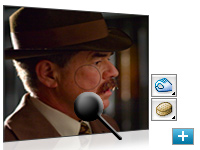
Industry-leading color correction
Enjoy dramatically enhanced color correction with reengineered Dodge, Burn, and Sponge tools that now intelligently preserve color and tone details.
More powerful printing options
Get outstanding prints with superior color management, tighter integration with leading printer models, and the ability to preview out-of-gamut image areas. Support for 16-bit printing on Mac OS offers increased color depth and clarity.
File display options
Easily work with multiple open files by using tabbed document display or n-up views.
New Adjustments and Masks panels
Easily access every tool for nondestructive adjustment of color and tone. Quickly adjust specific image areas with easier access to all the tools for creating and editing nondestructive masks.
Nondestructive image editing
Experiment without harming your original photo. Visualize different effects and manipulate objects using nondestructive Smart Filters and Smart Objects. Preserve color and tone details as you correct with intelligent Dodge, Burn, and Sponge tools.
Better raw image processing
Enjoy superior conversion quality as you process raw images with the industry-leading Adobe Photoshop Camera Raw 5 plug-in, which now offers localized corrections, post-crop vignetting, TIFF and JPEG processing, and support for more than 190 camera models.
Quick Selection tool
Loosely draw on an image area and the Quick Selection tool automatically completes the selection for you. Then use simple sliders to preview and refine your selection.
Improved Adobe Photoshop Lightroom workflow
Select multiple photos in Adobe Photoshop Lightroom software (sold separately) and automatically open them in Photoshop CS4 to merge them into a panorama, a high dynamic range (HDR) photo, or a multilayered Photoshop document. And seamlessly roundtrip back to Lightroom.
Auto-blending of images
Easily create a single image from a series of shots that have different focal points with the enhanced Auto-Blend Layers command, which smoothly blends color and shading and now extends your depth of field, automatically correcting vignettes and lens distortion.
Auto-alignment of layers
Create accurate composites with the enhanced Auto-Align Layers command. Move, rotate, or warp layers to align them more accurately than ever before. Or use spherical alignment to create breathtaking panoramas.
Extended depth of field
Combine a range of images, each with a different exposure, color, and focal point with options to preserve tones and colors into a single color-corrected image.
More powerful printing options
Get outstanding prints with superior color management, tighter integration with leading printer models, and the ability to preview out-of-gamut image areas. Support for 16-bit printing on Mac OS offers increased color depth and clarity.
Efficient file management with Adobe Bridge CS4
Get instant access to Adobe Bridge CS4 with faster start-up, use new workspaces to jump to the right display for every task, easily create web galleries and PDF contact sheets, and more.
Broad file format support
Import and export hundreds of file formats, including PSD, AI, PDF, NEF, CRW, TIFF, BMP, Cineon, JPEG, JPEG2000, FXG, OpenEXR, PNG, and Targa.
Extensibility
Get and share Adobe Flash technology-based panels that developers create to accomplish customized tasks. Plus, get tips and tricks from the thriving worldwide community of Photoshop users through the new Adobe Community Help online service.
|
|
|
|
26/09
|
Adobe Photoshop CS4 - Windows, Retail
Smoother panning and zooming and fluid canvas rotation
Navigate to any area of an image with new, ultra-smooth zooming and panning. Maintain clarity as you zoom to individual pixels and easily edit at the highest magnification with the new Pixel Grid. And use the revolutionary new Rotate View tool to smoothly turn your canvas for distortion-free viewing at any angle.
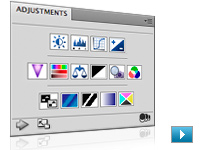
Adjustments panel
Simplify image adjustment by easily accessing every tool you need to nondestructively adjust and enhance the color and tone of your images; on-image controls and a wide variety of presets are also included in the new live and dynamic Adjustments panel.

Masks panel
Quickly create and edit masks from the new Masks panel. This panel offers all the tools you need to create editable pixel- and vector-based masks, adjust mask density and feathering, easily select noncontiguous objects, and more.
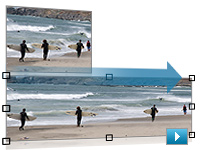
Content-Aware Scaling
Use the new and revolutionary Content-Aware Scaling feature to automatically recompose an image as you resize it, smartly preserving vital areas as the image adapts to the new dimensions. Get the perfect image in one step without time-intensive cropping and retouching.
Auto-blending of images
Easily create a single image from a series of shots that have different focal points with the enhanced Auto-Blend Layers command, which smoothly blends color and shading and now extends your depth of field, automatically correcting vignettes and lens distortion.
Auto-alignment of layers
Create accurate composites with the enhanced Auto-Align Layers command. Move, rotate, or warp layers to align them more accurately than ever before. Or use spherical alignment to create breathtaking panoramas.
Efficient file management with Adobe Bridge CS4
Get instant access to Adobe Bridge CS4 with faster start-up, use new workspaces to jump to the right display for every task, easily create web galleries and PDF contact sheets, and more.
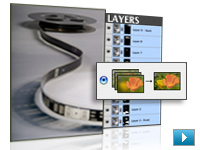
Extended depth of field
Combine a range of images, each with a different exposure, color, and focal point with options to preserve tones and colors into a single color-corrected image.
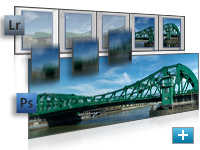
Improved Adobe Photoshop Lightroom workflow
Select multiple photos in Adobe Photoshop Lightroom software (sold separately) and automatically open them in Adobe Photoshop CS4 to merge them into a panorama, a high dynamic range (HDR) photo, or a multilayered Photoshop document. And seamlessly roundtrip back to Lightroom.
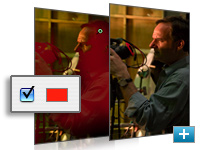
Better raw image processing
Enjoy superior conversion quality as you process raw images with the industry-leading Adobe Photoshop Camera Raw 5 plug-in, which now offers localized corrections, post-crop vignetting, TIFF and JPEG processing, and support for more than 190 camera models.
Industry-leading color correction
Enjoy dramatically enhanced color correction with reengineered Dodge, Burn, and Sponge tools that now intelligently preserve color and tone details.
More powerful printing options
Get outstanding prints with superior color management, tighter integration with leading printer models, and the ability to preview out-of-gamut image areas. Support for 16-bit printing on Mac OS offers increased color depth and clarity.
File display options
Easily work with multiple open files by using tabbed document display or n-up views.
New Adjustments and Masks panels
Easily access every tool for nondestructive adjustment of color and tone. Quickly adjust specific image areas with easier access to all the tools for creating and editing nondestructive masks.
Nondestructive image editing
Experiment without harming your original photo. Visualize different effects and manipulate objects using nondestructive Smart Filters and Smart Objects. Preserve color and tone details as you correct with intelligent Dodge, Burn, and Sponge tools.
Better raw image processing
Enjoy superior conversion quality as you process raw images with the industry-leading Adobe Photoshop Camera Raw 5 plug-in, which now offers localized corrections, post-crop vignetting, TIFF and JPEG processing, and support for more than 190 camera models.
Quick Selection tool
Loosely draw on an image area and the Quick Selection tool automatically completes the selection for you. Then use simple sliders to preview and refine your selection.
Improved Adobe Photoshop Lightroom workflow
Select multiple photos in Adobe Photoshop Lightroom software (sold separately) and automatically open them in Photoshop CS4 to merge them into a panorama, a high dynamic range (HDR) photo, or a multilayered Photoshop document. And seamlessly roundtrip back to Lightroom.
Auto-blending of images
Easily create a single image from a series of shots that have different focal points with the enhanced Auto-Blend Layers command, which smoothly blends color and shading and now extends your depth of field, automatically correcting vignettes and lens distortion.
Auto-alignment of layers
Create accurate composites with the enhanced Auto-Align Layers command. Move, rotate, or warp layers to align them more accurately than ever before. Or use spherical alignment to create breathtaking panoramas.
Extended depth of field
Combine a range of images, each with a different exposure, color, and focal point with options to preserve tones and colors into a single color-corrected image.
More powerful printing options
Get outstanding prints with superior color management, tighter integration with leading printer models, and the ability to preview out-of-gamut image areas. Support for 16-bit printing on Mac OS offers increased color depth and clarity.
Efficient file management with Adobe Bridge CS4
Get instant access to Adobe Bridge CS4 with faster start-up, use new workspaces to jump to the right display for every task, easily create web galleries and PDF contact sheets, and more.
Broad file format support
Import and export hundreds of file formats, including PSD, AI, PDF, NEF, CRW, TIFF, BMP, Cineon, JPEG, JPEG2000, FXG, OpenEXR, PNG, and Targa.
Extensibility
Get and share Adobe Flash technology-based panels that developers create to accomplish customized tasks. Plus, get tips and tricks from the thriving worldwide community of Photoshop users through the new Adobe Community Help online service.
|
|
|
|
26/09
|
Adobe Photoshop CS4 - Mac, Upgrade
Smoother panning and zooming and fluid canvas rotation
Navigate to any area of an image with new, ultra-smooth zooming and panning. Maintain clarity as you zoom to individual pixels and easily edit at the highest magnification with the new Pixel Grid. And use the revolutionary new Rotate View tool to smoothly turn your canvas for distortion-free viewing at any angle.
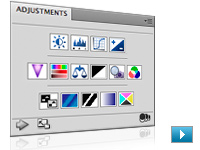
Adjustments panel
Simplify image adjustment by easily accessing every tool you need to nondestructively adjust and enhance the color and tone of your images; on-image controls and a wide variety of presets are also included in the new live and dynamic Adjustments panel.

Masks panel
Quickly create and edit masks from the new Masks panel. This panel offers all the tools you need to create editable pixel- and vector-based masks, adjust mask density and feathering, easily select noncontiguous objects, and more.
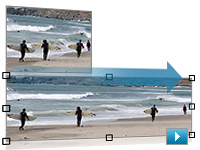
Content-Aware Scaling
Use the new and revolutionary Content-Aware Scaling feature to automatically recompose an image as you resize it, smartly preserving vital areas as the image adapts to the new dimensions. Get the perfect image in one step without time-intensive cropping and retouching.
Auto-blending of images
Easily create a single image from a series of shots that have different focal points with the enhanced Auto-Blend Layers command, which smoothly blends color and shading and now extends your depth of field, automatically correcting vignettes and lens distortion.
Auto-alignment of layers
Create accurate composites with the enhanced Auto-Align Layers command. Move, rotate, or warp layers to align them more accurately than ever before. Or use spherical alignment to create breathtaking panoramas.
Efficient file management with Adobe Bridge CS4
Get instant access to Adobe Bridge CS4 with faster start-up, use new workspaces to jump to the right display for every task, easily create web galleries and PDF contact sheets, and more.
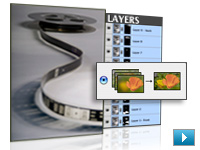
Extended depth of field
Combine a range of images, each with a different exposure, color, and focal point with options to preserve tones and colors into a single color-corrected image.
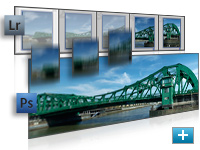
Improved Adobe Photoshop Lightroom workflow
Select multiple photos in Adobe Photoshop Lightroom software (sold separately) and automatically open them in Adobe Photoshop CS4 to merge them into a panorama, a high dynamic range (HDR) photo, or a multilayered Photoshop document. And seamlessly roundtrip back to Lightroom.
Better raw image processing
Enjoy superior conversion quality as you process raw images with the industry-leading Adobe Photoshop Camera Raw 5 plug-in, which now offers localized corrections, post-crop vignetting, TIFF and JPEG processing, and support for more than 190 camera models.
Industry-leading color correction
Enjoy dramatically enhanced color correction with reengineered Dodge, Burn, and Sponge tools that now intelligently preserve color and tone details.
More powerful printing options
Get outstanding prints with superior color management, tighter integration with leading printer models, and the ability to preview out-of-gamut image areas. Support for 16-bit printing on Mac OS offers increased color depth and clarity.
File display options
Easily work with multiple open files by using tabbed document display or n-up views.
New Adjustments and Masks panels
Easily access every tool for nondestructive adjustment of color and tone. Quickly adjust specific image areas with easier access to all the tools for creating and editing nondestructive masks.
Nondestructive image editing
Experiment without harming your original photo. Visualize different effects and manipulate objects using nondestructive Smart Filters and Smart Objects. Preserve color and tone details as you correct with intelligent Dodge, Burn, and Sponge tools.
Better raw image processing
Enjoy superior conversion quality as you process raw images with the industry-leading Adobe Photoshop Camera Raw 5 plug-in, which now offers localized corrections, post-crop vignetting, TIFF and JPEG processing, and support for more than 190 camera models.
Quick Selection tool
Loosely draw on an image area and the Quick Selection tool automatically completes the selection for you. Then use simple sliders to preview and refine your selection.
Improved Adobe Photoshop Lightroom workflow
Select multiple photos in Adobe Photoshop Lightroom software (sold separately) and automatically open them in Photoshop CS4 to merge them into a panorama, a high dynamic range (HDR) photo, or a multilayered Photoshop document. And seamlessly roundtrip back to Lightroom.
Auto-blending of images
Easily create a single image from a series of shots that have different focal points with the enhanced Auto-Blend Layers command, which smoothly blends color and shading and now extends your depth of field, automatically correcting vignettes and lens distortion.
Auto-alignment of layers
Create accurate composites with the enhanced Auto-Align Layers command. Move, rotate, or warp layers to align them more accurately than ever before. Or use spherical alignment to create breathtaking panoramas.
Extended depth of field
Combine a range of images, each with a different exposure, color, and focal point with options to preserve tones and colors into a single color-corrected image.
More powerful printing options
Get outstanding prints with superior color management, tighter integration with leading printer models, and the ability to preview out-of-gamut image areas. Support for 16-bit printing on Mac OS offers increased color depth and clarity.
Efficient file management with Adobe Bridge CS4
Get instant access to Adobe Bridge CS4 with faster start-up, use new workspaces to jump to the right display for every task, easily create web galleries and PDF contact sheets, and more.
Broad file format support
Import and export hundreds of file formats, including PSD, AI, PDF, NEF, CRW, TIFF, BMP, Cineon, JPEG, JPEG2000, FXG, OpenEXR, PNG, and Targa.
Extensibility
Get and share Adobe Flash technology-based panels that developers create to accomplish customized tasks. Plus, get tips and tricks from the thriving worldwide community of Photoshop users through the new Adobe Community Help online service.
|
|
|
|
26/09
|
Adobe Photoshop CS4 - Mac, Retail
Smoother panning and zooming and fluid canvas rotation
Navigate to any area of an image with new, ultra-smooth zooming and panning. Maintain clarity as you zoom to individual pixels and easily edit at the highest magnification with the new Pixel Grid. And use the revolutionary new Rotate View tool to smoothly turn your canvas for distortion-free viewing at any angle.
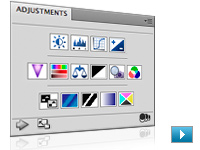
Adjustments panel
Simplify image adjustment by easily accessing every tool you need to nondestructively adjust and enhance the color and tone of your images; on-image controls and a wide variety of presets are also included in the new live and dynamic Adjustments panel.

Masks panel
Quickly create and edit masks from the new Masks panel. This panel offers all the tools you need to create editable pixel- and vector-based masks, adjust mask density and feathering, easily select noncontiguous objects, and more.
Content-Aware Scaling
Use the new and revolutionary Content-Aware Scaling feature to automatically recompose an image as you resize it, smartly preserving vital areas as the image adapts to the new dimensions. Get the perfect image in one step without time-intensive cropping and retouching.
Auto-blending of images
Easily create a single image from a series of shots that have different focal points with the enhanced Auto-Blend Layers command, which smoothly blends color and shading and now extends your depth of field, automatically correcting vignettes and lens distortion.
Auto-alignment of layers
Create accurate composites with the enhanced Auto-Align Layers command. Move, rotate, or warp layers to align them more accurately than ever before. Or use spherical alignment to create breathtaking panoramas.
Efficient file management with Adobe Bridge CS4
Get instant access to Adobe Bridge CS4 with faster start-up, use new workspaces to jump to the right display for every task, easily create web galleries and PDF contact sheets, and more.
Extended depth of field
Combine a range of images, each with a different exposure, color, and focal point with options to preserve tones and colors into a single color-corrected image.
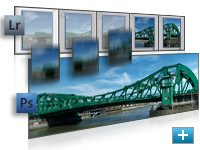
Improved Adobe Photoshop Lightroom workflow
Select multiple photos in Adobe Photoshop Lightroom software (sold separately) and automatically open them in Adobe Photoshop CS4 to merge them into a panorama, a high dynamic range (HDR) photo, or a multilayered Photoshop document. And seamlessly roundtrip back to Lightroom.
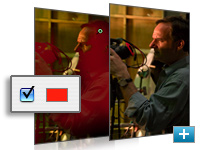
Better raw image processing
Enjoy superior conversion quality as you process raw images with the industry-leading Adobe Photoshop Camera Raw 5 plug-in, which now offers localized corrections, post-crop vignetting, TIFF and JPEG processing, and support for more than 190 camera models.
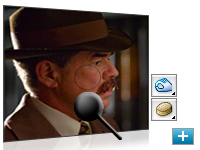
Industry-leading color correction
Enjoy dramatically enhanced color correction with reengineered Dodge, Burn, and Sponge tools that now intelligently preserve color and tone details.
More powerful printing options
Get outstanding prints with superior color management, tighter integration with leading printer models, and the ability to preview out-of-gamut image areas. Support for 16-bit printing on Mac OS offers increased color depth and clarity.
File display options
Easily work with multiple open files by using tabbed document display or n-up views.
New Adjustments and Masks panels
Easily access every tool for nondestructive adjustment of color and tone. Quickly adjust specific image areas with easier access to all the tools for creating and editing nondestructive masks.
Nondestructive image editing
Experiment without harming your original photo. Visualize different effects and manipulate objects using nondestructive Smart Filters and Smart Objects. Preserve color and tone details as you correct with intelligent Dodge, Burn, and Sponge tools.
Better raw image processing
Enjoy superior conversion quality as you process raw images with the industry-leading Adobe Photoshop Camera Raw 5 plug-in, which now offers localized corrections, post-crop vignetting, TIFF and JPEG processing, and support for more than 190 camera models.
Quick Selection tool
Loosely draw on an image area and the Quick Selection tool automatically completes the selection for you. Then use simple sliders to preview and refine your selection.
Improved Adobe Photoshop Lightroom workflow
Select multiple photos in Adobe Photoshop Lightroom software (sold separately) and automatically open them in Photoshop CS4 to merge them into a panorama, a high dynamic range (HDR) photo, or a multilayered Photoshop document. And seamlessly roundtrip back to Lightroom.
Auto-blending of images
Easily create a single image from a series of shots that have different focal points with the enhanced Auto-Blend Layers command, which smoothly blends color and shading and now extends your depth of field, automatically correcting vignettes and lens distortion.
Auto-alignment of layers
Create accurate composites with the enhanced Auto-Align Layers command. Move, rotate, or warp layers to align them more accurately than ever before. Or use spherical alignment to create breathtaking panoramas.
Extended depth of field
Combine a range of images, each with a different exposure, color, and focal point with options to preserve tones and colors into a single color-corrected image.
More powerful printing options
Get outstanding prints with superior color management, tighter integration with leading printer models, and the ability to preview out-of-gamut image areas. Support for 16-bit printing on Mac OS offers increased color depth and clarity.
Efficient file management with Adobe Bridge CS4
Get instant access to Adobe Bridge CS4 with faster start-up, use new workspaces to jump to the right display for every task, easily create web galleries and PDF contact sheets, and more.
Broad file format support
Import and export hundreds of file formats, including PSD, AI, PDF, NEF, CRW, TIFF, BMP, Cineon, JPEG, JPEG2000, FXG, OpenEXR, PNG, and Targa.
Extensibility
Get and share Adobe Flash technology-based panels that developers create to accomplish customized tasks. Plus, get tips and tricks from the thriving worldwide community of Photoshop users through the new Adobe Community Help online service.
|
|
|
|
26/09
|
Adobe InDesign CS4 - Windows, Upgrade
Live Preflight
Preflight while you design. Continuous preflighting alerts you to potential production problems in real time so you can quickly navigate to a problem, fix it directly in layout, and keep working.
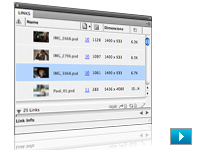
Customizable Links panel
Find, sort, and manage all of your document's placed files in the customizable Links panel. View attributes that are most critical to your workflow such as scale, rotation, and resolution.

Conditional text
Deliver multiple versions of a document for different users, all from a single Adobe InDesign source file. Hide text at paragraph, word, and even character level without relying on layers. The remaining text and anchored objects automatically reflow in the layout.

Cross-references
Simplify the writing, production, and management of long documents with flexible and powerful cross-references that dynamically update as content is changed or moved within a document.

Interactive document design with SWF file export
Transform page layouts into dynamic SWF files without working in the Adobe Flash authoring environment. Create digital documents with interactive buttons, hyperlinks, and unique page transitions for playback in the Adobe Flash Player runtime.
Smart Text Reflow
Automatically add pages at the end of a story, selection, or document when text is overset using this new preference. Smart Text Reflow works hand in hand with conditional text as pages are automatically deleted or added when conditional text is hidden or shown in the document.
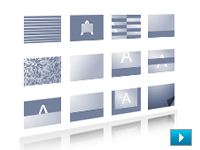
Page transitions in SWF and PDF files
Apply page transitions such as curl, wipe, dissolve, fade, and more to individual pages or all spreads, and output to SWF or PDF. Preview a page transition before it is applied, and experiment with speed and direction for greater design control.
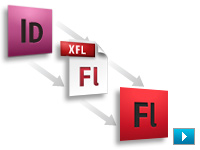
Export to Adobe Flash CS4 Professional (XFL)
Export documents to the XFL format and open them in Flash CS4 Professional with the visual fidelity of your original InDesign layout maintained. Use Flash to add sophisticated interactivity, animation, and navigation to complex layouts for an engaging reading experience.
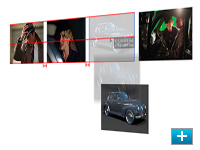
Smart Guides
Quickly align, space, rotate, and resize single or multiple objects with the help of dynamic guides. The guides, object dimensions, rotation angles, and x and y coordinates appear dynamically so you can quickly snap an object's edge or its vertical or horizontal center to another object or page edge in the layout.
Spread rotation
Temporarily rotate the spread view without physically turning your monitor. Enjoy full editing capability at 90- and 180-degree angles so that you can easily include nonhorizontal elements in your designs.
Multichannel publishing
Deliver an engaging reading experience for print or screen. Export immersive SWF files for playback in the Adobe Flash Player runtime, interactive PDF documents complete with video and sound, or sophisticated layouts for publishing to print.
Integration with other Adobe design applications
Take advantage of tight integration with other Adobe Creative Suite 4 components to quickly design and deliver engaging page layouts for multiple media. Use common presets and color settings and a standard user interface for a more efficient workflow.
Layout productivity tools
Quickly and precisely produce sophisticated page layouts with gorgeous designs using productivity tools that were created or enhanced based on the input of Adobe InDesign users worldwide.
Professional typography
Create beautiful, sophisticated typography for any media with the power of text and table styles, text wrap control, the Paragraph Composer, OpenType support, drop caps, and more.
Extensive creative tools at your fingertips
Explore creative possibilities directly in InDesign, resulting in more nuanced page layouts in less time. Powerful tools include built-in Adobe Photoshop effects, support for Photoshop artwork in 3D, integrated drawing tools, nondestructive effects, and finer transparency controls.
Preflighting and print controls
Use a range of tools, presets, onscreen controls, JDF technology, and live preflighting to fix errors while you work, so you can speed up production, increase reliability, and deliver your document correctly for print the first time.
Automation for long-document creation
Rapidly create complex long documents with cross-references, conditional text, automated bullets and numbering, dynamic page addition and deletion, and more, which minimize manual production, help ensure content accuracy, and enable consistent formatting.
Workflow automation
Create powerful automated workflows using standards-based XML features to automatically populate and lay out pages with text and images. Incorporate database-driven content for utmost efficiency while publishing across channels.
Extensibility
Rapidly build unique workflows and software solutions for custom publishing using InDesign Markup Language (IDML), an XML-based file format that enables developers to create or modify files using standard XML tools.
Online services
Tap into the creative community quickly, and collaborate smoothly with your customers, colleagues, and vendors. Share your screen, search for expert help, and get color inspiration through online services accessed from within InDesign.
|
|
|
|
26/09
|
Adobe InDesign CS4 - Windows, Retail
Live Preflight
Preflight while you design. Continuous preflighting alerts you to potential production problems in real time so you can quickly navigate to a problem, fix it directly in layout, and keep working.
Customizable Links panel
Find, sort, and manage all of your document's placed files in the customizable Links panel. View attributes that are most critical to your workflow such as scale, rotation, and resolution.
Conditional text
Deliver multiple versions of a document for different users, all from a single Adobe InDesign source file. Hide text at paragraph, word, and even character level without relying on layers. The remaining text and anchored objects automatically reflow in the layout.
Cross-references
Simplify the writing, production, and management of long documents with flexible and powerful cross-references that dynamically update as content is changed or moved within a document.
Interactive document design with SWF file export
Transform page layouts into dynamic SWF files without working in the Adobe Flash authoring environment. Create digital documents with interactive buttons, hyperlinks, and unique page transitions for playback in the Adobe Flash Player runtime.
Smart Text Reflow
Automatically add pages at the end of a story, selection, or document when text is overset using this new preference. Smart Text Reflow works hand in hand with conditional text as pages are automatically deleted or added when conditional text is hidden or shown in the document.
Page transitions in SWF and PDF files
Apply page transitions such as curl, wipe, dissolve, fade, and more to individual pages or all spreads, and output to SWF or PDF. Preview a page transition before it is applied, and experiment with speed and direction for greater design control.
Export to Adobe Flash CS4 Professional (XFL)
Export documents to the XFL format and open them in Flash CS4 Professional with the visual fidelity of your original InDesign layout maintained. Use Flash to add sophisticated interactivity, animation, and navigation to complex layouts for an engaging reading experience.
Smart Guides
Quickly align, space, rotate, and resize single or multiple objects with the help of dynamic guides. The guides, object dimensions, rotation angles, and x and y coordinates appear dynamically so you can quickly snap an object's edge or its vertical or horizontal center to another object or page edge in the layout.
Spread rotation
Temporarily rotate the spread view without physically turning your monitor. Enjoy full editing capability at 90- and 180-degree angles so that you can easily include nonhorizontal elements in your designs.
Multichannel publishing
Deliver an engaging reading experience for print or screen. Export immersive SWF files for playback in the Adobe Flash Player runtime, interactive PDF documents complete with video and sound, or sophisticated layouts for publishing to print.
Integration with other Adobe design applications
Take advantage of tight integration with other Adobe Creative Suite 4 components to quickly design and deliver engaging page layouts for multiple media. Use common presets and color settings and a standard user interface for a more efficient workflow.
Layout productivity tools
Quickly and precisely produce sophisticated page layouts with gorgeous designs using productivity tools that were created or enhanced based on the input of Adobe InDesign users worldwide.
Professional typography
Create beautiful, sophisticated typography for any media with the power of text and table styles, text wrap control, the Paragraph Composer, OpenType support, drop caps, and more.
Extensive creative tools at your fingertips
Explore creative possibilities directly in InDesign, resulting in more nuanced page layouts in less time. Powerful tools include built-in Adobe Photoshop effects, support for Photoshop artwork in 3D, integrated drawing tools, nondestructive effects, and finer transparency controls.
Preflighting and print controls
Use a range of tools, presets, onscreen controls, JDF technology, and live preflighting to fix errors while you work, so you can speed up production, increase reliability, and deliver your document correctly for print the first time.
Automation for long-document creation
Rapidly create complex long documents with cross-references, conditional text, automated bullets and numbering, dynamic page addition and deletion, and more, which minimize manual production, help ensure content accuracy, and enable consistent formatting.
Workflow automation
Create powerful automated workflows using standards-based XML features to automatically populate and lay out pages with text and images. Incorporate database-driven content for utmost efficiency while publishing across channels.
Extensibility
Rapidly build unique workflows and software solutions for custom publishing using InDesign Markup Language (IDML), an XML-based file format that enables developers to create or modify files using standard XML tools.
Online services
Tap into the creative community quickly, and collaborate smoothly with your customers, colleagues, and vendors. Share your screen, search for expert help, and get color inspiration through online services accessed from within InDesign.
|
|
|
|
26/09
|
Adobe InDesign CS4 - Windows, Educational Only
Live Preflight
Preflight while you design. Continuous preflighting alerts you to potential production problems in real time so you can quickly navigate to a problem, fix it directly in layout, and keep working.
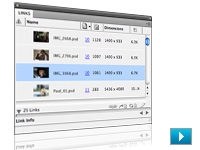
Customizable Links panel
Find, sort, and manage all of your document's placed files in the customizable Links panel. View attributes that are most critical to your workflow such as scale, rotation, and resolution.

Conditional text
Deliver multiple versions of a document for different users, all from a single Adobe InDesign source file. Hide text at paragraph, word, and even character level without relying on layers. The remaining text and anchored objects automatically reflow in the layout.

Cross-references
Simplify the writing, production, and management of long documents with flexible and powerful cross-references that dynamically update as content is changed or moved within a document.

Interactive document design with SWF file export
Transform page layouts into dynamic SWF files without working in the Adobe Flash authoring environment. Create digital documents with interactive buttons, hyperlinks, and unique page transitions for playback in the Adobe Flash Player runtime.
Smart Text Reflow
Automatically add pages at the end of a story, selection, or document when text is overset using this new preference. Smart Text Reflow works hand in hand with conditional text as pages are automatically deleted or added when conditional text is hidden or shown in the document.
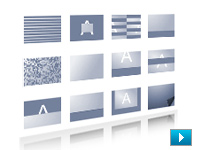
Page transitions in SWF and PDF files
Apply page transitions such as curl, wipe, dissolve, fade, and more to individual pages or all spreads, and output to SWF or PDF. Preview a page transition before it is applied, and experiment with speed and direction for greater design control.
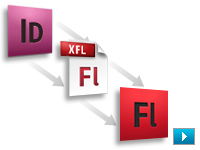
Export to Adobe Flash CS4 Professional (XFL)
Export documents to the XFL format and open them in Flash CS4 Professional with the visual fidelity of your original InDesign layout maintained. Use Flash to add sophisticated interactivity, animation, and navigation to complex layouts for an engaging reading experience.
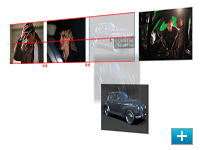
Smart Guides
Quickly align, space, rotate, and resize single or multiple objects with the help of dynamic guides. The guides, object dimensions, rotation angles, and x and y coordinates appear dynamically so you can quickly snap an object's edge or its vertical or horizontal center to another object or page edge in the layout.
Spread rotation
Temporarily rotate the spread view without physically turning your monitor. Enjoy full editing capability at 90- and 180-degree angles so that you can easily include nonhorizontal elements in your designs.
Multichannel publishing
Deliver an engaging reading experience for print or screen. Export immersive SWF files for playback in the Adobe Flash Player runtime, interactive PDF documents complete with video and sound, or sophisticated layouts for publishing to print.
Integration with other Adobe design applications
Take advantage of tight integration with other Adobe Creative Suite 4 components to quickly design and deliver engaging page layouts for multiple media. Use common presets and color settings and a standard user interface for a more efficient workflow.
Layout productivity tools
Quickly and precisely produce sophisticated page layouts with gorgeous designs using productivity tools that were created or enhanced based on the input of Adobe InDesign users worldwide.
Professional typography
Create beautiful, sophisticated typography for any media with the power of text and table styles, text wrap control, the Paragraph Composer, OpenType support, drop caps, and more.
Extensive creative tools at your fingertips
Explore creative possibilities directly in InDesign, resulting in more nuanced page layouts in less time. Powerful tools include built-in Adobe Photoshop effects, support for Photoshop artwork in 3D, integrated drawing tools, nondestructive effects, and finer transparency controls.
Preflighting and print controls
Use a range of tools, presets, onscreen controls, JDF technology, and live preflighting to fix errors while you work, so you can speed up production, increase reliability, and deliver your document correctly for print the first time.
Automation for long-document creation
Rapidly create complex long documents with cross-references, conditional text, automated bullets and numbering, dynamic page addition and deletion, and more, which minimize manual production, help ensure content accuracy, and enable consistent formatting.
Workflow automation
Create powerful automated workflows using standards-based XML features to automatically populate and lay out pages with text and images. Incorporate database-driven content for utmost efficiency while publishing across channels.
Extensibility
Rapidly build unique workflows and software solutions for custom publishing using InDesign Markup Language (IDML), an XML-based file format that enables developers to create or modify files using standard XML tools.
Online services
Tap into the creative community quickly, and collaborate smoothly with your customers, colleagues, and vendors. Share your screen, search for expert help, and get color inspiration through online services accessed from within InDesign.
|
|
|
|
26/09
|
Adobe InDesign CS4 - Mac, Upgrade
Live Preflight
Preflight while you design. Continuous preflighting alerts you to potential production problems in real time so you can quickly navigate to a problem, fix it directly in layout, and keep working.
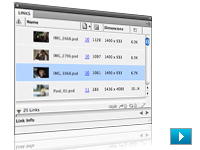
Customizable Links panel
Find, sort, and manage all of your document's placed files in the customizable Links panel. View attributes that are most critical to your workflow such as scale, rotation, and resolution.

Conditional text
Deliver multiple versions of a document for different users, all from a single Adobe InDesign source file. Hide text at paragraph, word, and even character level without relying on layers. The remaining text and anchored objects automatically reflow in the layout.

Cross-references
Simplify the writing, production, and management of long documents with flexible and powerful cross-references that dynamically update as content is changed or moved within a document.

Interactive document design with SWF file export
Transform page layouts into dynamic SWF files without working in the Adobe Flash authoring environment. Create digital documents with interactive buttons, hyperlinks, and unique page transitions for playback in the Adobe Flash Player runtime.
Smart Text Reflow
Automatically add pages at the end of a story, selection, or document when text is overset using this new preference. Smart Text Reflow works hand in hand with conditional text as pages are automatically deleted or added when conditional text is hidden or shown in the document.
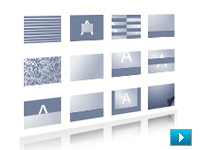
Page transitions in SWF and PDF files
Apply page transitions such as curl, wipe, dissolve, fade, and more to individual pages or all spreads, and output to SWF or PDF. Preview a page transition before it is applied, and experiment with speed and direction for greater design control.
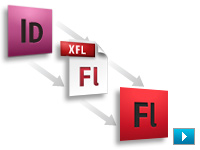
Export to Adobe Flash CS4 Professional (XFL)
Export documents to the XFL format and open them in Flash CS4 Professional with the visual fidelity of your original InDesign layout maintained. Use Flash to add sophisticated interactivity, animation, and navigation to complex layouts for an engaging reading experience.
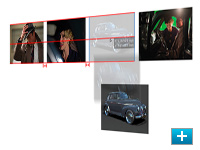
Smart Guides
Quickly align, space, rotate, and resize single or multiple objects with the help of dynamic guides. The guides, object dimensions, rotation angles, and x and y coordinates appear dynamically so you can quickly snap an object's edge or its vertical or horizontal center to another object or page edge in the layout.
Spread rotation
Temporarily rotate the spread view without physically turning your monitor. Enjoy full editing capability at 90- and 180-degree angles so that you can easily include nonhorizontal elements in your designs.
Multichannel publishing
Deliver an engaging reading experience for print or screen. Export immersive SWF files for playback in the Adobe Flash Player runtime, interactive PDF documents complete with video and sound, or sophisticated layouts for publishing to print.
Integration with other Adobe design applications
Take advantage of tight integration with other Adobe Creative Suite 4 components to quickly design and deliver engaging page layouts for multiple media. Use common presets and color settings and a standard user interface for a more efficient workflow.
Layout productivity tools
Quickly and precisely produce sophisticated page layouts with gorgeous designs using productivity tools that were created or enhanced based on the input of Adobe InDesign users worldwide.
Professional typography
Create beautiful, sophisticated typography for any media with the power of text and table styles, text wrap control, the Paragraph Composer, OpenType support, drop caps, and more.
Extensive creative tools at your fingertips
Explore creative possibilities directly in InDesign, resulting in more nuanced page layouts in less time. Powerful tools include built-in Adobe Photoshop effects, support for Photoshop artwork in 3D, integrated drawing tools, nondestructive effects, and finer transparency controls.
Preflighting and print controls
Use a range of tools, presets, onscreen controls, JDF technology, and live preflighting to fix errors while you work, so you can speed up production, increase reliability, and deliver your document correctly for print the first time.
Automation for long-document creation
Rapidly create complex long documents with cross-references, conditional text, automated bullets and numbering, dynamic page addition and deletion, and more, which minimize manual production, help ensure content accuracy, and enable consistent formatting.
Workflow automation
Create powerful automated workflows using standards-based XML features to automatically populate and lay out pages with text and images. Incorporate database-driven content for utmost efficiency while publishing across channels.
Extensibility
Rapidly build unique workflows and software solutions for custom publishing using InDesign Markup Language (IDML), an XML-based file format that enables developers to create or modify files using standard XML tools.
Online services
Tap into the creative community quickly, and collaborate smoothly with your customers, colleagues, and vendors. Share your screen, search for expert help, and get color inspiration through online services accessed from within InDesign.
|
|
|
|
26/09
|
Adobe InDesign CS4 - Mac, Retail
Live Preflight
Preflight while you design. Continuous preflighting alerts you to potential production problems in real time so you can quickly navigate to a problem, fix it directly in layout, and keep working.
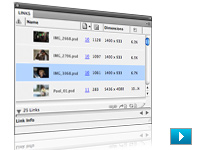
Customizable Links panel
Find, sort, and manage all of your document's placed files in the customizable Links panel. View attributes that are most critical to your workflow such as scale, rotation, and resolution.

Conditional text
Deliver multiple versions of a document for different users, all from a single Adobe InDesign source file. Hide text at paragraph, word, and even character level without relying on layers. The remaining text and anchored objects automatically reflow in the layout.

Cross-references
Simplify the writing, production, and management of long documents with flexible and powerful cross-references that dynamically update as content is changed or moved within a document.

Interactive document design with SWF file export
Transform page layouts into dynamic SWF files without working in the Adobe Flash authoring environment. Create digital documents with interactive buttons, hyperlinks, and unique page transitions for playback in the Adobe Flash Player runtime.
Smart Text Reflow
Automatically add pages at the end of a story, selection, or document when text is overset using this new preference. Smart Text Reflow works hand in hand with conditional text as pages are automatically deleted or added when conditional text is hidden or shown in the document.
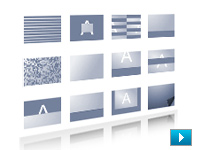
Page transitions in SWF and PDF files
Apply page transitions such as curl, wipe, dissolve, fade, and more to individual pages or all spreads, and output to SWF or PDF. Preview a page transition before it is applied, and experiment with speed and direction for greater design control.
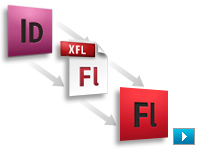
Export to Adobe Flash CS4 Professional (XFL)
Export documents to the XFL format and open them in Flash CS4 Professional with the visual fidelity of your original InDesign layout maintained. Use Flash to add sophisticated interactivity, animation, and navigation to complex layouts for an engaging reading experience.
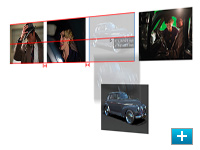
Smart Guides
Quickly align, space, rotate, and resize single or multiple objects with the help of dynamic guides. The guides, object dimensions, rotation angles, and x and y coordinates appear dynamically so you can quickly snap an object's edge or its vertical or horizontal center to another object or page edge in the layout.
Spread rotation
Temporarily rotate the spread view without physically turning your monitor. Enjoy full editing capability at 90- and 180-degree angles so that you can easily include nonhorizontal elements in your designs.
Multichannel publishing
Deliver an engaging reading experience for print or screen. Export immersive SWF files for playback in the Adobe Flash Player runtime, interactive PDF documents complete with video and sound, or sophisticated layouts for publishing to print.
Integration with other Adobe design applications
Take advantage of tight integration with other Adobe Creative Suite 4 components to quickly design and deliver engaging page layouts for multiple media. Use common presets and color settings and a standard user interface for a more efficient workflow.
Layout productivity tools
Quickly and precisely produce sophisticated page layouts with gorgeous designs using productivity tools that were created or enhanced based on the input of Adobe InDesign users worldwide.
Professional typography
Create beautiful, sophisticated typography for any media with the power of text and table styles, text wrap control, the Paragraph Composer, OpenType support, drop caps, and more.
Extensive creative tools at your fingertips
Explore creative possibilities directly in InDesign, resulting in more nuanced page layouts in less time. Powerful tools include built-in Adobe Photoshop effects, support for Photoshop artwork in 3D, integrated drawing tools, nondestructive effects, and finer transparency controls.
Preflighting and print controls
Use a range of tools, presets, onscreen controls, JDF technology, and live preflighting to fix errors while you work, so you can speed up production, increase reliability, and deliver your document correctly for print the first time.
Automation for long-document creation
Rapidly create complex long documents with cross-references, conditional text, automated bullets and numbering, dynamic page addition and deletion, and more, which minimize manual production, help ensure content accuracy, and enable consistent formatting.
Workflow automation
Create powerful automated workflows using standards-based XML features to automatically populate and lay out pages with text and images. Incorporate database-driven content for utmost efficiency while publishing across channels.
Extensibility
Rapidly build unique workflows and software solutions for custom publishing using InDesign Markup Language (IDML), an XML-based file format that enables developers to create or modify files using standard XML tools.
Online services
Tap into the creative community quickly, and collaborate smoothly with your customers, colleagues, and vendors. Share your screen, search for expert help, and get color inspiration through online services accessed from within InDesign.
|
|
|
|
26/09
|
Adobe InDesign CS4 - Mac, Educational Only
Live Preflight
Preflight while you design. Continuous preflighting alerts you to potential production problems in real time so you can quickly navigate to a problem, fix it directly in layout, and keep working.
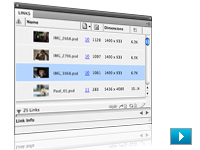
Customizable Links panel
Find, sort, and manage all of your document's placed files in the customizable Links panel. View attributes that are most critical to your workflow such as scale, rotation, and resolution.

Conditional text
Deliver multiple versions of a document for different users, all from a single Adobe InDesign source file. Hide text at paragraph, word, and even character level without relying on layers. The remaining text and anchored objects automatically reflow in the layout.

Cross-references
Simplify the writing, production, and management of long documents with flexible and powerful cross-references that dynamically update as content is changed or moved within a document.

Interactive document design with SWF file export
Transform page layouts into dynamic SWF files without working in the Adobe Flash authoring environment. Create digital documents with interactive buttons, hyperlinks, and unique page transitions for playback in the Adobe Flash Player runtime.
Smart Text Reflow
Automatically add pages at the end of a story, selection, or document when text is overset using this new preference. Smart Text Reflow works hand in hand with conditional text as pages are automatically deleted or added when conditional text is hidden or shown in the document.
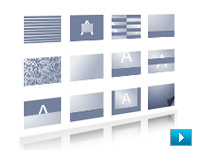
Page transitions in SWF and PDF files
Apply page transitions such as curl, wipe, dissolve, fade, and more to individual pages or all spreads, and output to SWF or PDF. Preview a page transition before it is applied, and experiment with speed and direction for greater design control.
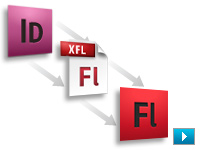
Export to Adobe Flash CS4 Professional (XFL)
Export documents to the XFL format and open them in Flash CS4 Professional with the visual fidelity of your original InDesign layout maintained. Use Flash to add sophisticated interactivity, animation, and navigation to complex layouts for an engaging reading experience.
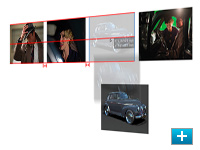
Smart Guides
Quickly align, space, rotate, and resize single or multiple objects with the help of dynamic guides. The guides, object dimensions, rotation angles, and x and y coordinates appear dynamically so you can quickly snap an object's edge or its vertical or horizontal center to another object or page edge in the layout.
Spread rotation
Temporarily rotate the spread view without physically turning your monitor. Enjoy full editing capability at 90- and 180-degree angles so that you can easily include nonhorizontal elements in your designs.
Multichannel publishing
Deliver an engaging reading experience for print or screen. Export immersive SWF files for playback in the Adobe Flash Player runtime, interactive PDF documents complete with video and sound, or sophisticated layouts for publishing to print.
Integration with other Adobe design applications
Take advantage of tight integration with other Adobe Creative Suite 4 components to quickly design and deliver engaging page layouts for multiple media. Use common presets and color settings and a standard user interface for a more efficient workflow.
Layout productivity tools
Quickly and precisely produce sophisticated page layouts with gorgeous designs using productivity tools that were created or enhanced based on the input of Adobe InDesign users worldwide.
Professional typography
Create beautiful, sophisticated typography for any media with the power of text and table styles, text wrap control, the Paragraph Composer, OpenType support, drop caps, and more.
Extensive creative tools at your fingertips
Explore creative possibilities directly in InDesign, resulting in more nuanced page layouts in less time. Powerful tools include built-in Adobe Photoshop effects, support for Photoshop artwork in 3D, integrated drawing tools, nondestructive effects, and finer transparency controls.
Preflighting and print controls
Use a range of tools, presets, onscreen controls, JDF technology, and live preflighting to fix errors while you work, so you can speed up production, increase reliability, and deliver your document correctly for print the first time.
Automation for long-document creation
Rapidly create complex long documents with cross-references, conditional text, automated bullets and numbering, dynamic page addition and deletion, and more, which minimize manual production, help ensure content accuracy, and enable consistent formatting.
Workflow automation
Create powerful automated workflows using standards-based XML features to automatically populate and lay out pages with text and images. Incorporate database-driven content for utmost efficiency while publishing across channels.
Extensibility
Rapidly build unique workflows and software solutions for custom publishing using InDesign Markup Language (IDML), an XML-based file format that enables developers to create or modify files using standard XML tools.
Online services
Tap into the creative community quickly, and collaborate smoothly with your customers, colleagues, and vendors. Share your screen, search for expert help, and get color inspiration through online services accessed from within InDesign.
|
|
|
|
26/09
|
Adobe InCopy CS4 - Windows, Upgrade
Conditional text
Quickly deliver multiple versions of a document from a single Adobe InCopy CS4 file. Build student/teacher textbook editions, multilanguage publications, and more by creating conditions and applying them to text to hide content without using layers.
Table editing in Story and Galley views
Edit your table content directly within the text flow in both Story View and Galley View so you can easily correct overset text without impacting table design.
Change-tracking in tables
Speed up document reviews with the ability to track changes in tables. View changes to table content directly within your InCopy CS4 document without relying on hard-copy proofs.
Inline editorial notes in tables
Easily collaborate on table content by storing alternate text, writer-editor communications, and other annotations in notes that are linked to specific table text. Easily add, delete, hide, show, and navigate among notes in tables.
Support for cross-references
Simplify writing and production of long documents with the ability to create cross-references that update as content changes or moves within an Adobe InDesign document.
Support for spread rotation
Easily edit content that appears in nonhorizontal alignment thanks to support for rotation of spreads in 90-degree increments. Spread rotation established in InDesign CS4 is maintained in InCopy CS4.
Easy hyperlink creation
Create compelling interactive documents with hyperlinks that navigate to external URLs or files, jump to another page, and more. Quickly convert text to hyperlinks, and verify your hyperlinks directly within InCopy CS4.
Customizable Links panel
Use the newly redesigned, customizable Links panel to find, sort, manage, and organize all placed files in your InCopy CS4 documents and assignments, including linked InCopy files. Click thumbnail images of files for detailed information.
Single-page spread creation
Create documents that include single-page spreads for greater time savings and more flexibility when composing and editing content.
Access to Adobe ConnectNow
Share your screen and collaborate in real time with team members regardless of their locations using Adobe ConnectNow. Work across platforms and invite up to two online guests at a time by accessing the web-based Adobe ConnectNow service through InCopy.
Parallel collaborative workflow
Experience tight integration between Adobe InCopy CS4 and InDesign CS4 software for a parallel workflow in which local and remote writers, editors, and designers can simultaneously work on a single InDesign document without overwriting each other's contributions.
Flexible page views
Edit in the view most suited to your current task. Galley View displays 100% accurate line breaks, Story View enables faster word processing, and Layout View lets you edit text in relation to the design.
Precise copyfitting
View copyfit information as you work. Constant visual feedback informs you of space remaining or how far you've gone over as well as story depth and line, word, and character counts.
Powerful tools for editorial productivity
Work more efficiently with the redesigned Links panel for easy management of all placed files; paragraph and character styles, which ensure typographical consistency; the ability to easily resolve style conflicts in imported Microsoft Word documents; and more.
Intelligent editorial collaboration
Easily track text changes across your entire InCopy CS4 document, including tables. Hide, show, navigate, and accept or reject changes, and store annotations in notes tied to specific positions in a story or table cells.
Flexible workspace
Take advantage of a flexible workspace that lets you invoke multiple views of different documents in a single uncluttered window, tab through open documents to find the one you need, and quickly switch between task-based workspaces.
Professional typography
Apply a wide range of precise typographic adjustments such as leading, letter spacing, and paragraph spacing; use OpenType fonts and Unicode character encoding; and easily insert glyphs using the Glyphs panel.
Access to Adobe ConnectNow
Share your screen and collaborate in real time with team members regardless of their locations using Adobe ConnectNow. Work across platforms and invite up to two online guests at a time by accessing the web-based Adobe ConnectNow service through InCopy.
Long-document support
Quickly produce multiple versions of a document from a single source file thanks to new support for conditional text, and create cross-references that update as content changes or moves within an InDesign document.
Multichannel publishing
Easily develop and deliver content for both print and digital documents. A new panel enables easy hyperlink creation, and you can export files to Adobe PDF for print or web viewing.
|
|
|
|
26/09
|
Adobe InCopy CS4 - Windows, Retail
Conditional text
Quickly deliver multiple versions of a document from a single Adobe InCopy CS4 file. Build student/teacher textbook editions, multilanguage publications, and more by creating conditions and applying them to text to hide content without using layers.
Table editing in Story and Galley views
Edit your table content directly within the text flow in both Story View and Galley View so you can easily correct overset text without impacting table design.
Change-tracking in tables
Speed up document reviews with the ability to track changes in tables. View changes to table content directly within your InCopy CS4 document without relying on hard-copy proofs.
Inline editorial notes in tables
Easily collaborate on table content by storing alternate text, writer-editor communications, and other annotations in notes that are linked to specific table text. Easily add, delete, hide, show, and navigate among notes in tables.
Support for cross-references
Simplify writing and production of long documents with the ability to create cross-references that update as content changes or moves within an Adobe InDesign document.
Support for spread rotation
Easily edit content that appears in nonhorizontal alignment thanks to support for rotation of spreads in 90-degree increments. Spread rotation established in InDesign CS4 is maintained in InCopy CS4.
Easy hyperlink creation
Create compelling interactive documents with hyperlinks that navigate to external URLs or files, jump to another page, and more. Quickly convert text to hyperlinks, and verify your hyperlinks directly within InCopy CS4.
Customizable Links panel
Use the newly redesigned, customizable Links panel to find, sort, manage, and organize all placed files in your InCopy CS4 documents and assignments, including linked InCopy files. Click thumbnail images of files for detailed information.
Single-page spread creation
Create documents that include single-page spreads for greater time savings and more flexibility when composing and editing content.
Access to Adobe ConnectNow
Share your screen and collaborate in real time with team members regardless of their locations using Adobe ConnectNow. Work across platforms and invite up to two online guests at a time by accessing the web-based Adobe ConnectNow service through InCopy.
Parallel collaborative workflow
Experience tight integration between Adobe InCopy CS4 and InDesign CS4 software for a parallel workflow in which local and remote writers, editors, and designers can simultaneously work on a single InDesign document without overwriting each other's contributions.
Flexible page views
Edit in the view most suited to your current task. Galley View displays 100% accurate line breaks, Story View enables faster word processing, and Layout View lets you edit text in relation to the design.
Precise copyfitting
View copyfit information as you work. Constant visual feedback informs you of space remaining or how far you've gone over as well as story depth and line, word, and character counts.
Powerful tools for editorial productivity
Work more efficiently with the redesigned Links panel for easy management of all placed files; paragraph and character styles, which ensure typographical consistency; the ability to easily resolve style conflicts in imported Microsoft Word documents; and more.
Intelligent editorial collaboration
Easily track text changes across your entire InCopy CS4 document, including tables. Hide, show, navigate, and accept or reject changes, and store annotations in notes tied to specific positions in a story or table cells.
Flexible workspace
Take advantage of a flexible workspace that lets you invoke multiple views of different documents in a single uncluttered window, tab through open documents to find the one you need, and quickly switch between task-based workspaces.
Professional typography
Apply a wide range of precise typographic adjustments such as leading, letter spacing, and paragraph spacing; use OpenType fonts and Unicode character encoding; and easily insert glyphs using the Glyphs panel.
Access to Adobe ConnectNow
Share your screen and collaborate in real time with team members regardless of their locations using Adobe ConnectNow. Work across platforms and invite up to two online guests at a time by accessing the web-based Adobe ConnectNow service through InCopy.
Long-document support
Quickly produce multiple versions of a document from a single source file thanks to new support for conditional text, and create cross-references that update as content changes or moves within an InDesign document.
Multichannel publishing
Easily develop and deliver content for both print and digital documents. A new panel enables easy hyperlink creation, and you can export files to Adobe PDF for print or web viewing.
|
|
|
|
26/09
|
Adobe InCopy CS4 - Mac, Upgrade
Conditional text
Quickly deliver multiple versions of a document from a single Adobe InCopy CS4 file. Build student/teacher textbook editions, multilanguage publications, and more by creating conditions and applying them to text to hide content without using layers.
Table editing in Story and Galley views
Edit your table content directly within the text flow in both Story View and Galley View so you can easily correct overset text without impacting table design.
Change-tracking in tables
Speed up document reviews with the ability to track changes in tables. View changes to table content directly within your InCopy CS4 document without relying on hard-copy proofs.
Inline editorial notes in tables
Easily collaborate on table content by storing alternate text, writer-editor communications, and other annotations in notes that are linked to specific table text. Easily add, delete, hide, show, and navigate among notes in tables.
Support for cross-references
Simplify writing and production of long documents with the ability to create cross-references that update as content changes or moves within an Adobe InDesign document.
Support for spread rotation
Easily edit content that appears in nonhorizontal alignment thanks to support for rotation of spreads in 90-degree increments. Spread rotation established in InDesign CS4 is maintained in InCopy CS4.
Easy hyperlink creation
Create compelling interactive documents with hyperlinks that navigate to external URLs or files, jump to another page, and more. Quickly convert text to hyperlinks, and verify your hyperlinks directly within InCopy CS4.
Customizable Links panel
Use the newly redesigned, customizable Links panel to find, sort, manage, and organize all placed files in your InCopy CS4 documents and assignments, including linked InCopy files. Click thumbnail images of files for detailed information.
Single-page spread creation
Create documents that include single-page spreads for greater time savings and more flexibility when composing and editing content.
Access to Adobe ConnectNow
Share your screen and collaborate in real time with team members regardless of their locations using Adobe ConnectNow. Work across platforms and invite up to two online guests at a time by accessing the web-based Adobe ConnectNow service through InCopy.
Parallel collaborative workflow
Experience tight integration between Adobe InCopy CS4 and InDesign CS4 software for a parallel workflow in which local and remote writers, editors, and designers can simultaneously work on a single InDesign document without overwriting each other's contributions.
Flexible page views
Edit in the view most suited to your current task. Galley View displays 100% accurate line breaks, Story View enables faster word processing, and Layout View lets you edit text in relation to the design.
Precise copyfitting
View copyfit information as you work. Constant visual feedback informs you of space remaining or how far you've gone over as well as story depth and line, word, and character counts.
Powerful tools for editorial productivity
Work more efficiently with the redesigned Links panel for easy management of all placed files; paragraph and character styles, which ensure typographical consistency; the ability to easily resolve style conflicts in imported Microsoft Word documents; and more.
Intelligent editorial collaboration
Easily track text changes across your entire InCopy CS4 document, including tables. Hide, show, navigate, and accept or reject changes, and store annotations in notes tied to specific positions in a story or table cells.
Flexible workspace
Take advantage of a flexible workspace that lets you invoke multiple views of different documents in a single uncluttered window, tab through open documents to find the one you need, and quickly switch between task-based workspaces.
Professional typography
Apply a wide range of precise typographic adjustments such as leading, letter spacing, and paragraph spacing; use OpenType fonts and Unicode character encoding; and easily insert glyphs using the Glyphs panel.
Access to Adobe ConnectNow
Share your screen and collaborate in real time with team members regardless of their locations using Adobe ConnectNow. Work across platforms and invite up to two online guests at a time by accessing the web-based Adobe ConnectNow service through InCopy.
Long-document support
Quickly produce multiple versions of a document from a single source file thanks to new support for conditional text, and create cross-references that update as content changes or moves within an InDesign document.
Multichannel publishing
Easily develop and deliver content for both print and digital documents. A new panel enables easy hyperlink creation, and you can export files to Adobe PDF for print or web viewing.
|
|
|
|
26/09
|
Adobe InCopy CS4 - Mac, Retail
Conditional text
Quickly deliver multiple versions of a document from a single Adobe InCopy CS4 file. Build student/teacher textbook editions, multilanguage publications, and more by creating conditions and applying them to text to hide content without using layers.
Table editing in Story and Galley views
Edit your table content directly within the text flow in both Story View and Galley View so you can easily correct overset text without impacting table design.
Change-tracking in tables
Speed up document reviews with the ability to track changes in tables. View changes to table content directly within your InCopy CS4 document without relying on hard-copy proofs.
Inline editorial notes in tables
Easily collaborate on table content by storing alternate text, writer-editor communications, and other annotations in notes that are linked to specific table text. Easily add, delete, hide, show, and navigate among notes in tables.
Support for cross-references
Simplify writing and production of long documents with the ability to create cross-references that update as content changes or moves within an Adobe InDesign document.
Support for spread rotation
Easily edit content that appears in nonhorizontal alignment thanks to support for rotation of spreads in 90-degree increments. Spread rotation established in InDesign CS4 is maintained in InCopy CS4.
Easy hyperlink creation
Create compelling interactive documents with hyperlinks that navigate to external URLs or files, jump to another page, and more. Quickly convert text to hyperlinks, and verify your hyperlinks directly within InCopy CS4.
Customizable Links panel
Use the newly redesigned, customizable Links panel to find, sort, manage, and organize all placed files in your InCopy CS4 documents and assignments, including linked InCopy files. Click thumbnail images of files for detailed information.
Single-page spread creation
Create documents that include single-page spreads for greater time savings and more flexibility when composing and editing content.
Access to Adobe ConnectNow
Share your screen and collaborate in real time with team members regardless of their locations using Adobe ConnectNow. Work across platforms and invite up to two online guests at a time by accessing the web-based Adobe ConnectNow service through InCopy.
Parallel collaborative workflow
Experience tight integration between Adobe InCopy CS4 and InDesign CS4 software for a parallel workflow in which local and remote writers, editors, and designers can simultaneously work on a single InDesign document without overwriting each other's contributions.
Flexible page views
Edit in the view most suited to your current task. Galley View displays 100% accurate line breaks, Story View enables faster word processing, and Layout View lets you edit text in relation to the design.
Precise copyfitting
View copyfit information as you work. Constant visual feedback informs you of space remaining or how far you've gone over as well as story depth and line, word, and character counts.
Powerful tools for editorial productivity
Work more efficiently with the redesigned Links panel for easy management of all placed files; paragraph and character styles, which ensure typographical consistency; the ability to easily resolve style conflicts in imported Microsoft Word documents; and more.
Intelligent editorial collaboration
Easily track text changes across your entire InCopy CS4 document, including tables. Hide, show, navigate, and accept or reject changes, and store annotations in notes tied to specific positions in a story or table cells.
Flexible workspace
Take advantage of a flexible workspace that lets you invoke multiple views of different documents in a single uncluttered window, tab through open documents to find the one you need, and quickly switch between task-based workspaces.
Professional typography
Apply a wide range of precise typographic adjustments such as leading, letter spacing, and paragraph spacing; use OpenType fonts and Unicode character encoding; and easily insert glyphs using the Glyphs panel.
Access to Adobe ConnectNow
Share your screen and collaborate in real time with team members regardless of their locations using Adobe ConnectNow. Work across platforms and invite up to two online guests at a time by accessing the web-based Adobe ConnectNow service through InCopy.
Long-document support
Quickly produce multiple versions of a document from a single source file thanks to new support for conditional text, and create cross-references that update as content changes or moves within an InDesign document.
Multichannel publishing
Easily develop and deliver content for both print and digital documents. A new panel enables easy hyperlink creation, and you can export files to Adobe PDF for print or web viewing.
|
|
|
|
26/09
|
Adobe Illustrator CS4 - Windows, Upgrade
Multiple artboards
Create files containing up to 100 artboards of varying sizes and display them any way you want overlapping, side by side, or stacked. Save, export, and print artboards independently or together. Save a selected range or all artboards as a multipage PDF file.
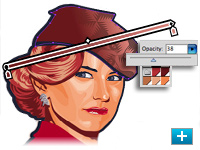
Transparency in gradients
Define the opacity of any individual color stop in a gradient. Reveal underlying objects and images, and create rich color and texture mixes using multiple layers, knockouts, and cover-up fades.

Blob Brush tool
Sketch with a brush that generates a single clean vector shape, even when strokes overlap. Draw naturally, using the Blob Brush tool together with the Eraser and Smooth tools.
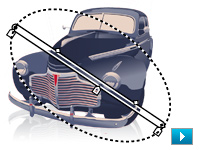
Gradients exposed
Interact with gradients right on your object. Set gradient angle, position, and elliptical dimensions. Add and edit colors using sliders all with immediate feedback where you work.
Integration and delivery
Collaborate with your team, work across products, and deliver almost anywhere thanks to integrated tools and extensive format support. Confidently design for print, interactive experiences, motion effects, and more.
Enhanced user experience
Stay in the creative groove thanks to interface improvements that include on-object controls. Interact with tools smoothly, and increase your efficiency using new timesaving features and shortcuts.
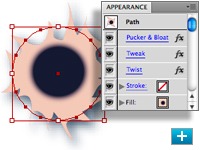
In-panel appearance editing
Edit object characteristics directly in the Appearance panel, eliminating the need to open fill, stroke, or effects panels. Work with shared attributes and control display for faster rendering.
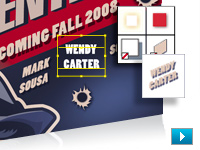
Refined graphic styles
Combine styles for unique effects and increased efficiency, and apply styles without disturbing an object's existing appearance. Enjoy new thumbnail previews and an expanded library of prebuilt styles.
Clipping masks demystified
Work with masks more easily by viewing only the clipped area of your objects during editing. Take advantage of Isolation Mode, and use Edit Clipping Path for even more control.
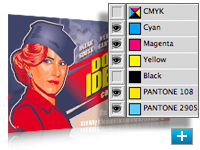
Separations Preview
Avoid color output surprises such as unexpected spot colors, unwanted overprinting, overprints that don't overprint, white overprinting, and CMYK blacks in text and placed files.
Sophisticated vector drawing controls
Sketch naturally using the Blob Brush tool that turns strokes into a single filled object. Advanced path controls, graphic styles, and appearance editing enable intuitive vector drawing.
Integration with Adobe design applications
Share files smoothly with other Adobe professional design applications, collaborate with colleagues, and work easily among multiple tools for different media.
Advanced typography
Enjoy easy type creation and professional control with more than 80 OpenType fonts, paragraph and character styles, paragraph composition, underlining and strikethroughs, transparent effects, and more.
Multiple artboards
Create files containing up to 100 artboards of varying sizes and display them any way you want overlapping, side by side, or stacked. Save, export, and print artboards independently or together. Save a selected range or all artboards as a multipage PDF file.
Live Color
Explore, apply, and control color variations using Live Color to interactively edit or replace colors. Use the Color Guide panel to quickly choose tints, shades, or harmonious combinations.
Live Trace
Quickly and accurately convert photos, scans, or other bitmap images to editable and scalable vector paths using Live Trace.
Live Paint
Easily paint closed or partially closed objects with the Live Paint Bucket, which automatically detects and corrects gaps. Interactively select colors from the Swatches panel for faster work.
Adobe PDF file creation tools
Create protected, graphic-rich PDF files with Adobe Illustrator layers retained, multiple pages, color space and transparency handling, and ultimate prepress control, including printer's marks and bleeds.
In-panel appearance editing
Edit object characteristics directly in the Appearance panel, eliminating the need to open fill, stroke, or effects panels. Work with shared attributes and control display for faster rendering.
Gradients and transparency
Edit gradients directly on your object. Rotate them, add and adjust colors, and create elliptical gradients. You can even define the transparency of individual color stops in a gradient.
|
|
|
|
26/09
|
Adobe Illustrator CS4 - Windows, Retail
Multiple artboards
Create files containing up to 100 artboards of varying sizes and display them any way you want overlapping, side by side, or stacked. Save, export, and print artboards independently or together. Save a selected range or all artboards as a multipage PDF file.
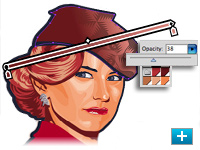
Transparency in gradients
Define the opacity of any individual color stop in a gradient. Reveal underlying objects and images, and create rich color and texture mixes using multiple layers, knockouts, and cover-up fades.

Blob Brush tool
Sketch with a brush that generates a single clean vector shape, even when strokes overlap. Draw naturally, using the Blob Brush tool together with the Eraser and Smooth tools.
Gradients exposed
Interact with gradients right on your object. Set gradient angle, position, and elliptical dimensions. Add and edit colors using sliders all with immediate feedback where you work.
Integration and delivery
Collaborate with your team, work across products, and deliver almost anywhere thanks to integrated tools and extensive format support. Confidently design for print, interactive experiences, motion effects, and more.
Enhanced user experience
Stay in the creative groove thanks to interface improvements that include on-object controls. Interact with tools smoothly, and increase your efficiency using new timesaving features and shortcuts.
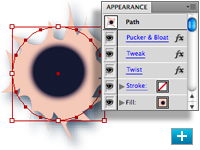
In-panel appearance editing
Edit object characteristics directly in the Appearance panel, eliminating the need to open fill, stroke, or effects panels. Work with shared attributes and control display for faster rendering.
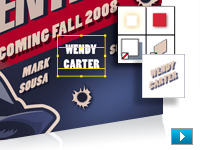
Refined graphic styles
Combine styles for unique effects and increased efficiency, and apply styles without disturbing an object's existing appearance. Enjoy new thumbnail previews and an expanded library of prebuilt styles.
Clipping masks demystified
Work with masks more easily by viewing only the clipped area of your objects during editing. Take advantage of Isolation Mode, and use Edit Clipping Path for even more control.
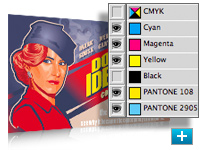
Separations Preview
Avoid color output surprises such as unexpected spot colors, unwanted overprinting, overprints that don't overprint, white overprinting, and CMYK blacks in text and placed files.
Sophisticated vector drawing controls
Sketch naturally using the Blob Brush tool that turns strokes into a single filled object. Advanced path controls, graphic styles, and appearance editing enable intuitive vector drawing.
Integration with Adobe design applications
Share files smoothly with other Adobe professional design applications, collaborate with colleagues, and work easily among multiple tools for different media.
Advanced typography
Enjoy easy type creation and professional control with more than 80 OpenType fonts, paragraph and character styles, paragraph composition, underlining and strikethroughs, transparent effects, and more.
Multiple artboards
Create files containing up to 100 artboards of varying sizes and display them any way you want overlapping, side by side, or stacked. Save, export, and print artboards independently or together. Save a selected range or all artboards as a multipage PDF file.
Live Color
Explore, apply, and control color variations using Live Color to interactively edit or replace colors. Use the Color Guide panel to quickly choose tints, shades, or harmonious combinations.
Live Trace
Quickly and accurately convert photos, scans, or other bitmap images to editable and scalable vector paths using Live Trace.
Live Paint
Easily paint closed or partially closed objects with the Live Paint Bucket, which automatically detects and corrects gaps. Interactively select colors from the Swatches panel for faster work.
Adobe PDF file creation tools
Create protected, graphic-rich PDF files with Adobe Illustrator layers retained, multiple pages, color space and transparency handling, and ultimate prepress control, including printer's marks and bleeds.
In-panel appearance editing
Edit object characteristics directly in the Appearance panel, eliminating the need to open fill, stroke, or effects panels. Work with shared attributes and control display for faster rendering.
Gradients and transparency
Edit gradients directly on your object. Rotate them, add and adjust colors, and create elliptical gradients. You can even define the transparency of individual color stops in a gradient.
|
|
|
|
26/09
|
Adobe Illustrator CS4 - Windows, Educational Only
Multiple artboards
Create files containing up to 100 artboards of varying sizes and display them any way you want overlapping, side by side, or stacked. Save, export, and print artboards independently or together. Save a selected range or all artboards as a multipage PDF file.
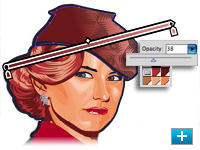
Transparency in gradients
Define the opacity of any individual color stop in a gradient. Reveal underlying objects and images, and create rich color and texture mixes using multiple layers, knockouts, and cover-up fades.

Blob Brush tool
Sketch with a brush that generates a single clean vector shape, even when strokes overlap. Draw naturally, using the Blob Brush tool together with the Eraser and Smooth tools.
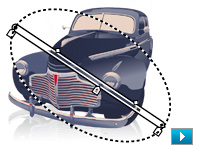
Gradients exposed
Interact with gradients right on your object. Set gradient angle, position, and elliptical dimensions. Add and edit colors using sliders all with immediate feedback where you work.
Integration and delivery
Collaborate with your team, work across products, and deliver almost anywhere thanks to integrated tools and extensive format support. Confidently design for print, interactive experiences, motion effects, and more.
Enhanced user experience
Stay in the creative groove thanks to interface improvements that include on-object controls. Interact with tools smoothly, and increase your efficiency using new timesaving features and shortcuts.
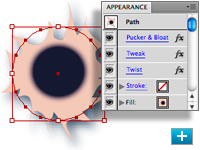
In-panel appearance editing
Edit object characteristics directly in the Appearance panel, eliminating the need to open fill, stroke, or effects panels. Work with shared attributes and control display for faster rendering.
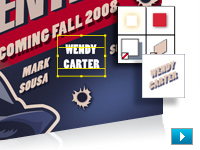
Refined graphic styles
Combine styles for unique effects and increased efficiency, and apply styles without disturbing an object's existing appearance. Enjoy new thumbnail previews and an expanded library of prebuilt styles.
Clipping masks demystified
Work with masks more easily by viewing only the clipped area of your objects during editing. Take advantage of Isolation Mode, and use Edit Clipping Path for even more control.
Separations Preview
Avoid color output surprises such as unexpected spot colors, unwanted overprinting, overprints that don't overprint, white overprinting, and CMYK blacks in text and placed files.
Sophisticated vector drawing controls
Sketch naturally using the Blob Brush tool that turns strokes into a single filled object. Advanced path controls, graphic styles, and appearance editing enable intuitive vector drawing.
Integration with Adobe design applications
Share files smoothly with other Adobe professional design applications, collaborate with colleagues, and work easily among multiple tools for different media.
Advanced typography
Enjoy easy type creation and professional control with more than 80 OpenType fonts, paragraph and character styles, paragraph composition, underlining and strikethroughs, transparent effects, and more.
Multiple artboards
Create files containing up to 100 artboards of varying sizes and display them any way you want overlapping, side by side, or stacked. Save, export, and print artboards independently or together. Save a selected range or all artboards as a multipage PDF file.
Live Color
Explore, apply, and control color variations using Live Color to interactively edit or replace colors. Use the Color Guide panel to quickly choose tints, shades, or harmonious combinations.
Live Trace
Quickly and accurately convert photos, scans, or other bitmap images to editable and scalable vector paths using Live Trace.
Live Paint
Easily paint closed or partially closed objects with the Live Paint Bucket, which automatically detects and corrects gaps. Interactively select colors from the Swatches panel for faster work.
Adobe PDF file creation tools
Create protected, graphic-rich PDF files with Adobe Illustrator layers retained, multiple pages, color space and transparency handling, and ultimate prepress control, including printer's marks and bleeds.
In-panel appearance editing
Edit object characteristics directly in the Appearance panel, eliminating the need to open fill, stroke, or effects panels. Work with shared attributes and control display for faster rendering.
Gradients and transparency
Edit gradients directly on your object. Rotate them, add and adjust colors, and create elliptical gradients. You can even define the transparency of individual color stops in a gradient.
|
|
|
|
26/09
|
Adobe Illustrator CS4 - Mac, Upgrade
Multiple artboards
Create files containing up to 100 artboards of varying sizes and display them any way you want overlapping, side by side, or stacked. Save, export, and print artboards independently or together. Save a selected range or all artboards as a multipage PDF file.
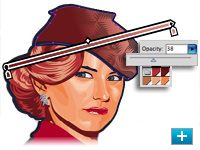
Transparency in gradients
Define the opacity of any individual color stop in a gradient. Reveal underlying objects and images, and create rich color and texture mixes using multiple layers, knockouts, and cover-up fades.

Blob Brush tool
Sketch with a brush that generates a single clean vector shape, even when strokes overlap. Draw naturally, using the Blob Brush tool together with the Eraser and Smooth tools.
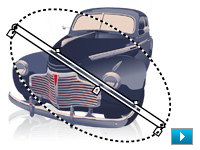
Gradients exposed
Interact with gradients right on your object. Set gradient angle, position, and elliptical dimensions. Add and edit colors using sliders all with immediate feedback where you work.
Integration and delivery
Collaborate with your team, work across products, and deliver almost anywhere thanks to integrated tools and extensive format support. Confidently design for print, interactive experiences, motion effects, and more.
Enhanced user experience
Stay in the creative groove thanks to interface improvements that include on-object controls. Interact with tools smoothly, and increase your efficiency using new timesaving features and shortcuts.
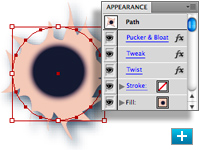
In-panel appearance editing
Edit object characteristics directly in the Appearance panel, eliminating the need to open fill, stroke, or effects panels. Work with shared attributes and control display for faster rendering.
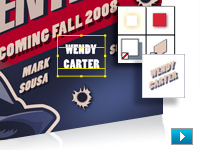
Refined graphic styles
Combine styles for unique effects and increased efficiency, and apply styles without disturbing an object's existing appearance. Enjoy new thumbnail previews and an expanded library of prebuilt styles.
Clipping masks demystified
Work with masks more easily by viewing only the clipped area of your objects during editing. Take advantage of Isolation Mode, and use Edit Clipping Path for even more control.
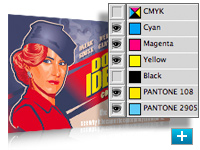
Separations Preview
Avoid color output surprises such as unexpected spot colors, unwanted overprinting, overprints that don't overprint, white overprinting, and CMYK blacks in text and placed files.
Sophisticated vector drawing controls
Sketch naturally using the Blob Brush tool that turns strokes into a single filled object. Advanced path controls, graphic styles, and appearance editing enable intuitive vector drawing.
Integration with Adobe design applications
Share files smoothly with other Adobe professional design applications, collaborate with colleagues, and work easily among multiple tools for different media.
Advanced typography
Enjoy easy type creation and professional control with more than 80 OpenType fonts, paragraph and character styles, paragraph composition, underlining and strikethroughs, transparent effects, and more.
Multiple artboards
Create files containing up to 100 artboards of varying sizes and display them any way you want overlapping, side by side, or stacked. Save, export, and print artboards independently or together. Save a selected range or all artboards as a multipage PDF file.
Live Color
Explore, apply, and control color variations using Live Color to interactively edit or replace colors. Use the Color Guide panel to quickly choose tints, shades, or harmonious combinations.
Live Trace
Quickly and accurately convert photos, scans, or other bitmap images to editable and scalable vector paths using Live Trace.
Live Paint
Easily paint closed or partially closed objects with the Live Paint Bucket, which automatically detects and corrects gaps. Interactively select colors from the Swatches panel for faster work.
Adobe PDF file creation tools
Create protected, graphic-rich PDF files with Adobe Illustrator layers retained, multiple pages, color space and transparency handling, and ultimate prepress control, including printer's marks and bleeds.
In-panel appearance editing
Edit object characteristics directly in the Appearance panel, eliminating the need to open fill, stroke, or effects panels. Work with shared attributes and control display for faster rendering.
Gradients and transparency
Edit gradients directly on your object. Rotate them, add and adjust colors, and create elliptical gradients. You can even define the transparency of individual color stops in a gradient.
|
|
|
|
26/09
|
Adobe Illustrator CS4 - Mac, Retail
Multiple artboards
Create files containing up to 100 artboards of varying sizes and display them any way you want overlapping, side by side, or stacked. Save, export, and print artboards independently or together. Save a selected range or all artboards as a multipage PDF file.
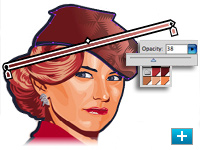
Transparency in gradients
Define the opacity of any individual color stop in a gradient. Reveal underlying objects and images, and create rich color and texture mixes using multiple layers, knockouts, and cover-up fades.

Blob Brush tool
Sketch with a brush that generates a single clean vector shape, even when strokes overlap. Draw naturally, using the Blob Brush tool together with the Eraser and Smooth tools.
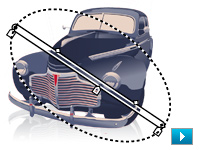
Gradients exposed
Interact with gradients right on your object. Set gradient angle, position, and elliptical dimensions. Add and edit colors using sliders all with immediate feedback where you work.
Integration and delivery
Collaborate with your team, work across products, and deliver almost anywhere thanks to integrated tools and extensive format support. Confidently design for print, interactive experiences, motion effects, and more.
Enhanced user experience
Stay in the creative groove thanks to interface improvements that include on-object controls. Interact with tools smoothly, and increase your efficiency using new timesaving features and shortcuts.
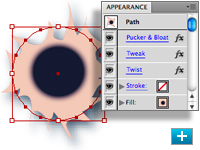
In-panel appearance editing
Edit object characteristics directly in the Appearance panel, eliminating the need to open fill, stroke, or effects panels. Work with shared attributes and control display for faster rendering.
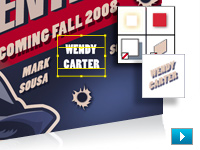
Refined graphic styles
Combine styles for unique effects and increased efficiency, and apply styles without disturbing an object's existing appearance. Enjoy new thumbnail previews and an expanded library of prebuilt styles.
Clipping masks demystified
Work with masks more easily by viewing only the clipped area of your objects during editing. Take advantage of Isolation Mode, and use Edit Clipping Path for even more control.
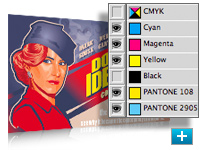
Separations Preview
Avoid color output surprises such as unexpected spot colors, unwanted overprinting, overprints that don't overprint, white overprinting, and CMYK blacks in text and placed files.
Sophisticated vector drawing controls
Sketch naturally using the Blob Brush tool that turns strokes into a single filled object. Advanced path controls, graphic styles, and appearance editing enable intuitive vector drawing.
Integration with Adobe design applications
Share files smoothly with other Adobe professional design applications, collaborate with colleagues, and work easily among multiple tools for different media.
Advanced typography
Enjoy easy type creation and professional control with more than 80 OpenType fonts, paragraph and character styles, paragraph composition, underlining and strikethroughs, transparent effects, and more.
Multiple artboards
Create files containing up to 100 artboards of varying sizes and display them any way you want overlapping, side by side, or stacked. Save, export, and print artboards independently or together. Save a selected range or all artboards as a multipage PDF file.
Live Color
Explore, apply, and control color variations using Live Color to interactively edit or replace colors. Use the Color Guide panel to quickly choose tints, shades, or harmonious combinations.
Live Trace
Quickly and accurately convert photos, scans, or other bitmap images to editable and scalable vector paths using Live Trace.
Live Paint
Easily paint closed or partially closed objects with the Live Paint Bucket, which automatically detects and corrects gaps. Interactively select colors from the Swatches panel for faster work.
Adobe PDF file creation tools
Create protected, graphic-rich PDF files with Adobe Illustrator layers retained, multiple pages, color space and transparency handling, and ultimate prepress control, including printer's marks and bleeds.
In-panel appearance editing
Edit object characteristics directly in the Appearance panel, eliminating the need to open fill, stroke, or effects panels. Work with shared attributes and control display for faster rendering.
Gradients and transparency
Edit gradients directly on your object. Rotate them, add and adjust colors, and create elliptical gradients. You can even define the transparency of individual color stops in a gradient.
|
|
|
|
26/09
|
Adobe Illustrator CS4 - Mac, Educational Only
Multiple artboards
Create files containing up to 100 artboards of varying sizes and display them any way you want overlapping, side by side, or stacked. Save, export, and print artboards independently or together. Save a selected range or all artboards as a multipage PDF file.
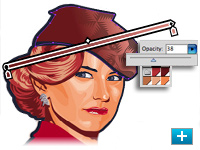
Transparency in gradients
Define the opacity of any individual color stop in a gradient. Reveal underlying objects and images, and create rich color and texture mixes using multiple layers, knockouts, and cover-up fades.

Blob Brush tool
Sketch with a brush that generates a single clean vector shape, even when strokes overlap. Draw naturally, using the Blob Brush tool together with the Eraser and Smooth tools.
Gradients exposed
Interact with gradients right on your object. Set gradient angle, position, and elliptical dimensions. Add and edit colors using sliders all with immediate feedback where you work.
Integration and delivery
Collaborate with your team, work across products, and deliver almost anywhere thanks to integrated tools and extensive format support. Confidently design for print, interactive experiences, motion effects, and more.
Enhanced user experience
Stay in the creative groove thanks to interface improvements that include on-object controls. Interact with tools smoothly, and increase your efficiency using new timesaving features and shortcuts.
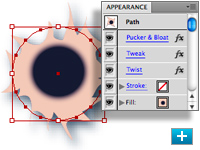
In-panel appearance editing
Edit object characteristics directly in the Appearance panel, eliminating the need to open fill, stroke, or effects panels. Work with shared attributes and control display for faster rendering.
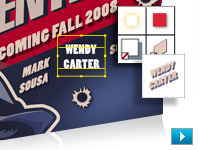
Refined graphic styles
Combine styles for unique effects and increased efficiency, and apply styles without disturbing an object's existing appearance. Enjoy new thumbnail previews and an expanded library of prebuilt styles.
Clipping masks demystified
Work with masks more easily by viewing only the clipped area of your objects during editing. Take advantage of Isolation Mode, and use Edit Clipping Path for even more control.
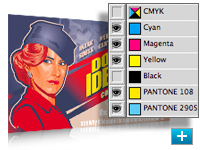
Separations Preview
Avoid color output surprises such as unexpected spot colors, unwanted overprinting, overprints that don't overprint, white overprinting, and CMYK blacks in text and placed files.
Sophisticated vector drawing controls
Sketch naturally using the Blob Brush tool that turns strokes into a single filled object. Advanced path controls, graphic styles, and appearance editing enable intuitive vector drawing.
Integration with Adobe design applications
Share files smoothly with other Adobe professional design applications, collaborate with colleagues, and work easily among multiple tools for different media.
Advanced typography
Enjoy easy type creation and professional control with more than 80 OpenType fonts, paragraph and character styles, paragraph composition, underlining and strikethroughs, transparent effects, and more.
Multiple artboards
Create files containing up to 100 artboards of varying sizes and display them any way you want overlapping, side by side, or stacked. Save, export, and print artboards independently or together. Save a selected range or all artboards as a multipage PDF file.
Live Color
Explore, apply, and control color variations using Live Color to interactively edit or replace colors. Use the Color Guide panel to quickly choose tints, shades, or harmonious combinations.
Live Trace
Quickly and accurately convert photos, scans, or other bitmap images to editable and scalable vector paths using Live Trace.
Live Paint
Easily paint closed or partially closed objects with the Live Paint Bucket, which automatically detects and corrects gaps. Interactively select colors from the Swatches panel for faster work.
Adobe PDF file creation tools
Create protected, graphic-rich PDF files with Adobe Illustrator layers retained, multiple pages, color space and transparency handling, and ultimate prepress control, including printer's marks and bleeds.
In-panel appearance editing
Edit object characteristics directly in the Appearance panel, eliminating the need to open fill, stroke, or effects panels. Work with shared attributes and control display for faster rendering.
Gradients and transparency
Edit gradients directly on your object. Rotate them, add and adjust colors, and create elliptical gradients. You can even define the transparency of individual color stops in a gradient.
|
|
|
|
26/09
|
Marumi Silky Soft (B) Filter - 77mm Marumi Silky Soft (B) Filter - 77mm
|
|
|
|
26/09
|
Adobe Fireworks CS4 - Windows, Upgrade
Adobe AIR authoring
Create your Adobe AIR prototype directly within Adobe Fireworks, ready to be deployed to HTML and CSS, Adobe Flex, or SWF. Easily convert your click-through mock-up.
PDF export
Generate high-fidelity, protected PDF documents from your Fireworks comps for client communication. Help safeguard your designs with password protection separate passwords can be created for viewing and other tasks such as printing, copying, and commenting.
Customizable and reusable assets
Jump-start your design process with the Common Library, a repository of graphic symbols, form elements, text symbols, and animations frequently used in web and software applications, interfaces, and websites. Expand your collection with your own custom symbols and styles for continued rapid design.
Improved performance
Work faster and smarter with overall performance enhancements, from file opening and saving to symbol updates and intensive bitmap and vector operations.
New user interface
Easily switch from other Adobe Creative Suite 4 components such as Adobe Photoshop CS4, Illustrator CS4, and Flash CS4 Professional software thanks to a universal user interface design.
Enhanced type handling
Produce exceptional type designs with the enhanced typesetting capabilities of the Adobe text engine. Import or copy/paste double-byte characters from Illustrator (CS3 or CS4) and Photoshop (CS3 or CS4) without loss of fidelity. Float text inside a path for high-impact logos.
CSS export
Design complete web pages in a robust graphic environment and then export standards-compliant, CSS-based layouts, complete with external style sheets, in one step. Integrate foreground and background graphics with new slice types.
Styles panel upgrades
Work more efficiently with the enhanced Styles panel. With the click of an icon, choose between default Fireworks styles, current document styles, or styles from other libraries. Multiple style sets can easily be accessed.
Workspace improvements
Quickly place Smart Guides on your canvas for swift, accurate positioning and measurement of guides and elements. Edit symbols in place for precise symbol refinement in context with the rest of your design.
Adobe Kuler integration
Access the latest color themes from the Adobe Kuler web-hosted service right in Fireworks to sample and apply to your web designs. Craft color harmonies for your own use or to upload to Kuler.
Adobe ConnectNow integration
Connect client to designer for a real-time online meeting with full-screen sharing across platforms and the country with the Adobe ConnectNow service.
Sophisticated prototyping
Creatively design interactive layouts for websites and rich Internet applications (RIAs). Export website comps to Adobe Dreamweaver software as standards-compliant, CSS-based layouts, and bring RIA prototypes into Adobe Flex software with professional-quality coding.
Superb design tools
Create and edit vector and bitmap images, or import and modify native Adobe Photoshop and Adobe Illustrator files. Apply effects, styles, and blend modes to add depth and character to text and symbols.
Optimization and scaling tools
Optimize graphics for virtually any scenario with preview, selective JPEG compression, and a wide range of export controls. Intelligently scale buttons and graphic symbols with 9-slice scaling to accelerate website and application prototyping.
Intelligent integration
Import Photoshop PSD files while retaining layers, effects, and blend modes and save Adobe Fireworks PNG files in native Photoshop format. Copy and paste objects from Fireworks CS4 into Dreamweaver CS4 or Adobe Flash CS4 Professional software.
RIA authoring support
Prototype layouts for RIAs in Fireworks and then export them directly to Adobe Flex, while retaining absolute positioning, styling, and professional-quality coding.
Cross-platform support
Work how you want to work: Fireworks CS4 is available for PowerPC and Intel based Macs as well as Microsoft Windows XP and Windows Vista systems.
CSS export
Design complete web pages in a robust graphic environment and then export standards-compliant, CSS-based layouts, complete with external style sheets, in one step. Integrate foreground and background graphics with new slice types.
Client collaboration
Demo in a real-time online meeting with the Adobe ConnectNow service. Generate high-fidelity PDF files or interactive HTML comps for review. Create an Adobe AIR prototype to run on any platform.
Customizable and reusable assets
Jump-start your design process with a Common Library of graphic symbols, form elements, text symbols, and animations. Expand your collection with your own custom symbols and styles for continued rapid design.
Improved performance
Work faster and smarter with overall performance enhancements, from file opening and saving to symbol updates and intensive bitmap and vector operations.
|
|
|
|
26/09
|
Marumi Silky Soft (B) Filter - 72mm Marumi Silky Soft (B) Filter - 72mm
|
|
|
|
26/09
|
Adobe Fireworks CS4 - Windows, Retail
Adobe AIR authoring
Create your Adobe AIR prototype directly within Adobe Fireworks, ready to be deployed to HTML and CSS, Adobe Flex, or SWF. Easily convert your click-through mock-up.
PDF export
Generate high-fidelity, protected PDF documents from your Fireworks comps for client communication. Help safeguard your designs with password protection separate passwords can be created for viewing and other tasks such as printing, copying, and commenting.

Customizable and reusable assets
Jump-start your design process with the Common Library, a repository of graphic symbols, form elements, text symbols, and animations frequently used in web and software applications, interfaces, and websites. Expand your collection with your own custom symbols and styles for continued rapid design.
Improved performance
Work faster and smarter with overall performance enhancements, from file opening and saving to symbol updates and intensive bitmap and vector operations.
New user interface
Easily switch from other Adobe Creative Suite 4 components such as Adobe Photoshop CS4, Illustrator CS4, and Flash CS4 Professional software thanks to a universal user interface design.
Enhanced type handling
Produce exceptional type designs with the enhanced typesetting capabilities of the Adobe text engine. Import or copy/paste double-byte characters from Illustrator (CS3 or CS4) and Photoshop (CS3 or CS4) without loss of fidelity. Float text inside a path for high-impact logos.
CSS export
Design complete web pages in a robust graphic environment and then export standards-compliant, CSS-based layouts, complete with external style sheets, in one step. Integrate foreground and background graphics with new slice types.
Styles panel upgrades
Work more efficiently with the enhanced Styles panel. With the click of an icon, choose between default Fireworks styles, current document styles, or styles from other libraries. Multiple style sets can easily be accessed.
Workspace improvements
Quickly place Smart Guides on your canvas for swift, accurate positioning and measurement of guides and elements. Edit symbols in place for precise symbol refinement in context with the rest of your design.
Adobe Kuler integration
Access the latest color themes from the Adobe Kuler web-hosted service right in Fireworks to sample and apply to your web designs. Craft color harmonies for your own use or to upload to Kuler.
Adobe ConnectNow integration
Connect client to designer for a real-time online meeting with full-screen sharing across platforms and the country with the Adobe ConnectNow service.
Sophisticated prototyping
Creatively design interactive layouts for websites and rich Internet applications (RIAs). Export website comps to Adobe Dreamweaver software as standards-compliant, CSS-based layouts, and bring RIA prototypes into Adobe Flex software with professional-quality coding.
Superb design tools
Create and edit vector and bitmap images, or import and modify native Adobe Photoshop and Adobe Illustrator files. Apply effects, styles, and blend modes to add depth and character to text and symbols.
Optimization and scaling tools
Optimize graphics for virtually any scenario with preview, selective JPEG compression, and a wide range of export controls. Intelligently scale buttons and graphic symbols with 9-slice scaling to accelerate website and application prototyping.
Intelligent integration
Import Photoshop PSD files while retaining layers, effects, and blend modes and save Adobe Fireworks PNG files in native Photoshop format. Copy and paste objects from Fireworks CS4 into Dreamweaver CS4 or Adobe Flash CS4 Professional software.
RIA authoring support
Prototype layouts for RIAs in Fireworks and then export them directly to Adobe Flex, while retaining absolute positioning, styling, and professional-quality coding.
Cross-platform support
Work how you want to work: Fireworks CS4 is available for PowerPC and Intel based Macs as well as Microsoft Windows XP and Windows Vista systems.
CSS export
Design complete web pages in a robust graphic environment and then export standards-compliant, CSS-based layouts, complete with external style sheets, in one step. Integrate foreground and background graphics with new slice types.
Client collaboration
Demo in a real-time online meeting with the Adobe ConnectNow service. Generate high-fidelity PDF files or interactive HTML comps for review. Create an Adobe AIR prototype to run on any platform.
Customizable and reusable assets
Jump-start your design process with a Common Library of graphic symbols, form elements, text symbols, and animations. Expand your collection with your own custom symbols and styles for continued rapid design.
Improved performance
Work faster and smarter with overall performance enhancements, from file opening and saving to symbol updates and intensive bitmap and vector operations.
|
|
|
|
26/09
|
Marumi Silky Soft (B) Filter - 67mm Marumi Silky Soft (B) Filter - 67mm
|

|
|
|
26/09
|
Adobe Fireworks CS4 - Windows, Educational Only
Adobe AIR authoring
Create your Adobe AIR prototype directly within Adobe Fireworks, ready to be deployed to HTML and CSS, Adobe Flex, or SWF. Easily convert your click-through mock-up.
PDF export
Generate high-fidelity, protected PDF documents from your Fireworks comps for client communication. Help safeguard your designs with password protection separate passwords can be created for viewing and other tasks such as printing, copying, and commenting.

Customizable and reusable assets
Jump-start your design process with the Common Library, a repository of graphic symbols, form elements, text symbols, and animations frequently used in web and software applications, interfaces, and websites. Expand your collection with your own custom symbols and styles for continued rapid design.
Improved performance
Work faster and smarter with overall performance enhancements, from file opening and saving to symbol updates and intensive bitmap and vector operations.
New user interface
Easily switch from other Adobe Creative Suite 4 components such as Adobe Photoshop CS4, Illustrator CS4, and Flash CS4 Professional software thanks to a universal user interface design.
Enhanced type handling
Produce exceptional type designs with the enhanced typesetting capabilities of the Adobe text engine. Import or copy/paste double-byte characters from Illustrator (CS3 or CS4) and Photoshop (CS3 or CS4) without loss of fidelity. Float text inside a path for high-impact logos.
CSS export
Design complete web pages in a robust graphic environment and then export standards-compliant, CSS-based layouts, complete with external style sheets, in one step. Integrate foreground and background graphics with new slice types.
Styles panel upgrades
Work more efficiently with the enhanced Styles panel. With the click of an icon, choose between default Fireworks styles, current document styles, or styles from other libraries. Multiple style sets can easily be accessed.
Workspace improvements
Quickly place Smart Guides on your canvas for swift, accurate positioning and measurement of guides and elements. Edit symbols in place for precise symbol refinement in context with the rest of your design.
Adobe Kuler integration
Access the latest color themes from the Adobe Kuler web-hosted service right in Fireworks to sample and apply to your web designs. Craft color harmonies for your own use or to upload to Kuler.
Adobe ConnectNow integration
Connect client to designer for a real-time online meeting with full-screen sharing across platforms and the country with the Adobe ConnectNow service.
Sophisticated prototyping
Creatively design interactive layouts for websites and rich Internet applications (RIAs). Export website comps to Adobe Dreamweaver software as standards-compliant, CSS-based layouts, and bring RIA prototypes into Adobe Flex software with professional-quality coding.
Superb design tools
Create and edit vector and bitmap images, or import and modify native Adobe Photoshop and Adobe Illustrator files. Apply effects, styles, and blend modes to add depth and character to text and symbols.
Optimization and scaling tools
Optimize graphics for virtually any scenario with preview, selective JPEG compression, and a wide range of export controls. Intelligently scale buttons and graphic symbols with 9-slice scaling to accelerate website and application prototyping.
Intelligent integration
Import Photoshop PSD files while retaining layers, effects, and blend modes and save Adobe Fireworks PNG files in native Photoshop format. Copy and paste objects from Fireworks CS4 into Dreamweaver CS4 or Adobe Flash CS4 Professional software.
RIA authoring support
Prototype layouts for RIAs in Fireworks and then export them directly to Adobe Flex, while retaining absolute positioning, styling, and professional-quality coding.
Cross-platform support
Work how you want to work: Fireworks CS4 is available for PowerPC and Intel based Macs as well as Microsoft Windows XP and Windows Vista systems.
CSS export
Design complete web pages in a robust graphic environment and then export standards-compliant, CSS-based layouts, complete with external style sheets, in one step. Integrate foreground and background graphics with new slice types.
Client collaboration
Demo in a real-time online meeting with the Adobe ConnectNow service. Generate high-fidelity PDF files or interactive HTML comps for review. Create an Adobe AIR prototype to run on any platform.
Customizable and reusable assets
Jump-start your design process with a Common Library of graphic symbols, form elements, text symbols, and animations. Expand your collection with your own custom symbols and styles for continued rapid design.
Improved performance
Work faster and smarter with overall performance enhancements, from file opening and saving to symbol updates and intensive bitmap and vector operations.
|
|
|
|
26/09
|
Marumi Silky Soft (B) Filter - 62mm Marumi Silky Soft (B) Filter - 62mm
|
|
|
|
26/09
|
Adobe Fireworks CS4 - Mac, Upgrade
Adobe AIR authoring
Create your Adobe AIR prototype directly within Adobe Fireworks, ready to be deployed to HTML and CSS, Adobe Flex, or SWF. Easily convert your click-through mock-up.
PDF export
Generate high-fidelity, protected PDF documents from your Fireworks comps for client communication. Help safeguard your designs with password protection separate passwords can be created for viewing and other tasks such as printing, copying, and commenting.

Customizable and reusable assets
Jump-start your design process with the Common Library, a repository of graphic symbols, form elements, text symbols, and animations frequently used in web and software applications, interfaces, and websites. Expand your collection with your own custom symbols and styles for continued rapid design.
Improved performance
Work faster and smarter with overall performance enhancements, from file opening and saving to symbol updates and intensive bitmap and vector operations.
New user interface
Easily switch from other Adobe Creative Suite 4 components such as Adobe Photoshop CS4, Illustrator CS4, and Flash CS4 Professional software thanks to a universal user interface design.
Enhanced type handling
Produce exceptional type designs with the enhanced typesetting capabilities of the Adobe text engine. Import or copy/paste double-byte characters from Illustrator (CS3 or CS4) and Photoshop (CS3 or CS4) without loss of fidelity. Float text inside a path for high-impact logos.
CSS export
Design complete web pages in a robust graphic environment and then export standards-compliant, CSS-based layouts, complete with external style sheets, in one step. Integrate foreground and background graphics with new slice types.
Styles panel upgrades
Work more efficiently with the enhanced Styles panel. With the click of an icon, choose between default Fireworks styles, current document styles, or styles from other libraries. Multiple style sets can easily be accessed.
Workspace improvements
Quickly place Smart Guides on your canvas for swift, accurate positioning and measurement of guides and elements. Edit symbols in place for precise symbol refinement in context with the rest of your design.
Adobe Kuler integration
Access the latest color themes from the Adobe Kuler web-hosted service right in Fireworks to sample and apply to your web designs. Craft color harmonies for your own use or to upload to Kuler.
Adobe ConnectNow integration
Connect client to designer for a real-time online meeting with full-screen sharing across platforms and the country with the Adobe ConnectNow service.
Sophisticated prototyping
Creatively design interactive layouts for websites and rich Internet applications (RIAs). Export website comps to Adobe Dreamweaver software as standards-compliant, CSS-based layouts, and bring RIA prototypes into Adobe Flex software with professional-quality coding.
Superb design tools
Create and edit vector and bitmap images, or import and modify native Adobe Photoshop and Adobe Illustrator files. Apply effects, styles, and blend modes to add depth and character to text and symbols.
Optimization and scaling tools
Optimize graphics for virtually any scenario with preview, selective JPEG compression, and a wide range of export controls. Intelligently scale buttons and graphic symbols with 9-slice scaling to accelerate website and application prototyping.
Intelligent integration
Import Photoshop PSD files while retaining layers, effects, and blend modes and save Adobe Fireworks PNG files in native Photoshop format. Copy and paste objects from Fireworks CS4 into Dreamweaver CS4 or Adobe Flash CS4 Professional software.
RIA authoring support
Prototype layouts for RIAs in Fireworks and then export them directly to Adobe Flex, while retaining absolute positioning, styling, and professional-quality coding.
Cross-platform support
Work how you want to work: Fireworks CS4 is available for PowerPC and Intel based Macs as well as Microsoft Windows XP and Windows Vista systems.
CSS export
Design complete web pages in a robust graphic environment and then export standards-compliant, CSS-based layouts, complete with external style sheets, in one step. Integrate foreground and background graphics with new slice types.
Client collaboration
Demo in a real-time online meeting with the Adobe ConnectNow service. Generate high-fidelity PDF files or interactive HTML comps for review. Create an Adobe AIR prototype to run on any platform.
Customizable and reusable assets
Jump-start your design process with a Common Library of graphic symbols, form elements, text symbols, and animations. Expand your collection with your own custom symbols and styles for continued rapid design.
Improved performance
Work faster and smarter with overall performance enhancements, from file opening and saving to symbol updates and intensive bitmap and vector operations.
|
|
|
|
26/09
|
Marumi Silky Soft (B) Filter - 58mm Marumi Silky Soft (B) Filter - 58mm
|
|
|
|
26/09
|
Adobe Fireworks CS4 - Mac, Retail
Adobe AIR authoring
Create your Adobe AIR prototype directly within Adobe Fireworks, ready to be deployed to HTML and CSS, Adobe Flex, or SWF. Easily convert your click-through mock-up.
PDF export
Generate high-fidelity, protected PDF documents from your Fireworks comps for client communication. Help safeguard your designs with password protection separate passwords can be created for viewing and other tasks such as printing, copying, and commenting.

Customizable and reusable assets
Jump-start your design process with the Common Library, a repository of graphic symbols, form elements, text symbols, and animations frequently used in web and software applications, interfaces, and websites. Expand your collection with your own custom symbols and styles for continued rapid design.
Improved performance
Work faster and smarter with overall performance enhancements, from file opening and saving to symbol updates and intensive bitmap and vector operations.
New user interface
Easily switch from other Adobe Creative Suite 4 components such as Adobe Photoshop CS4, Illustrator CS4, and Flash CS4 Professional software thanks to a universal user interface design.
Enhanced type handling
Produce exceptional type designs with the enhanced typesetting capabilities of the Adobe text engine. Import or copy/paste double-byte characters from Illustrator (CS3 or CS4) and Photoshop (CS3 or CS4) without loss of fidelity. Float text inside a path for high-impact logos.
CSS export
Design complete web pages in a robust graphic environment and then export standards-compliant, CSS-based layouts, complete with external style sheets, in one step. Integrate foreground and background graphics with new slice types.
Styles panel upgrades
Work more efficiently with the enhanced Styles panel. With the click of an icon, choose between default Fireworks styles, current document styles, or styles from other libraries. Multiple style sets can easily be accessed.
Workspace improvements
Quickly place Smart Guides on your canvas for swift, accurate positioning and measurement of guides and elements. Edit symbols in place for precise symbol refinement in context with the rest of your design.
Adobe Kuler integration
Access the latest color themes from the Adobe Kuler web-hosted service right in Fireworks to sample and apply to your web designs. Craft color harmonies for your own use or to upload to Kuler.
Adobe ConnectNow integration
Connect client to designer for a real-time online meeting with full-screen sharing across platforms and the country with the Adobe ConnectNow service.
Sophisticated prototyping
Creatively design interactive layouts for websites and rich Internet applications (RIAs). Export website comps to Adobe Dreamweaver software as standards-compliant, CSS-based layouts, and bring RIA prototypes into Adobe Flex software with professional-quality coding.
Superb design tools
Create and edit vector and bitmap images, or import and modify native Adobe Photoshop and Adobe Illustrator files. Apply effects, styles, and blend modes to add depth and character to text and symbols.
Optimization and scaling tools
Optimize graphics for virtually any scenario with preview, selective JPEG compression, and a wide range of export controls. Intelligently scale buttons and graphic symbols with 9-slice scaling to accelerate website and application prototyping.
Intelligent integration
Import Photoshop PSD files while retaining layers, effects, and blend modes and save Adobe Fireworks PNG files in native Photoshop format. Copy and paste objects from Fireworks CS4 into Dreamweaver CS4 or Adobe Flash CS4 Professional software.
RIA authoring support
Prototype layouts for RIAs in Fireworks and then export them directly to Adobe Flex, while retaining absolute positioning, styling, and professional-quality coding.
Cross-platform support
Work how you want to work: Fireworks CS4 is available for PowerPC and Intel based Macs as well as Microsoft Windows XP and Windows Vista systems.
CSS export
Design complete web pages in a robust graphic environment and then export standards-compliant, CSS-based layouts, complete with external style sheets, in one step. Integrate foreground and background graphics with new slice types.
Client collaboration
Demo in a real-time online meeting with the Adobe ConnectNow service. Generate high-fidelity PDF files or interactive HTML comps for review. Create an Adobe AIR prototype to run on any platform.
Customizable and reusable assets
Jump-start your design process with a Common Library of graphic symbols, form elements, text symbols, and animations. Expand your collection with your own custom symbols and styles for continued rapid design.
Improved performance
Work faster and smarter with overall performance enhancements, from file opening and saving to symbol updates and intensive bitmap and vector operations.
|
|
|
|
26/09
|
Marumi Silky Soft (B) Filter - 55mm Marumi Silky Soft (B) Filter - 55mm
|
|
|
|
26/09
|
Marumi Silky Soft (B) Filter - 52mm Marumi Silky Soft (B) Filter - 52mm
|
|
|
|
26/09
|
Marumi Silky Soft (B) Filter - 49mm Marumi Silky Soft (B) Filter - 49mm
|
|
|
|
26/09
|
Nikon AN-CP21 Hand Strap - for Coolpix
|
|
|
|
26/09
|
Nikon AN-CP18 Neck Strap - for Coolpix P80, P6000 AN-CP18 Neck Strap
AN-CP18 Camera Strap for P80 and P6000, as supplied with P80 and P6000 COOLPIX Cameras
|
|
|
|
26/09
|
Marumi Silky Soft (A) Filter - 77mm Marumi Silky Soft (A) Filter - 77mm
|
|
|
|
26/09
|
Marumi Silky Soft (A) Filter - 72mm Marumi Silky Soft (A) Filter - 72mm
|
|
|
|
26/09
|
Marumi Silky Soft (A) Filter - 67mm Marumi Silky Soft (A) Filter - 67mm
|
|
|
|
26/09
|
Marumi Silky Soft (A) Filter - 62mm Marumi Silky Soft (A) Filter - 62mm
|
|
|
|
26/09
|
Nikon AN-CP16 Neck Strap - for Coolpix P5100, P5000 AN-CP16 Neck Strap
AN-CP16 Strap, as supplied with COOLPIX P5000 and P5100 Digital Cameras.
|
|
|
|
26/09
|
Marumi Silky Soft (A) Filter - 58mm Marumi Silky Soft (A) Filter - 58mm
|
|
|
|
26/09
|
Marumi Silky Soft (A) Filter - 55mm Marumi Silky Soft (A) Filter - 55mm
|
|
|
|
26/09
|
Nikon AN-CP14 Hand Strap - for Coolpix AN-CP14 Hand Strap
As supplied with:
COOLPIX 2200, 3200, 3700, 4100, 4200, 4600, 5200, 5600
L1, L2, L3, L4, L5, L6, L10, L11, L12, L14, L15
P1, P2, P3, P4
S1, S2, S3, S5, S6, S9, S50, S50c, S51, S51C, S200, S500, S510 and S700
|
|
|
|
26/09
|
Marumi Silky Soft (A) Filter - 52mm
|
|
|
|
26/09
|
Nikon MC-35 GPS Cord MC-35 GPS Cord
Connects GPS devices to cameras 10 pin connector via PC cable supplied by manufacturer of GPS device
|
|
|
|
26/09
|
Marumi Silky Soft (A) Filter - 49mm Marumi 49mm SILKY SOFT (A) FILTER
|
|
|
|
26/09
|
Nikon MC-30 Remote Cord MC-30 Remote Cord with Grip / Lock
For D3, D300, D200, D2Xs, D100, D1X / D1H (80cm), D700
|
|
|
|
26/09
|
Nikon MC-25 Adapter Cord - for MC-12B MC-25 Adapter Cord
For MC-12B to D2Xs, D2H, D1, F5 , D100, D1X / D1H (20cm), D700
|
|
|
|
26/09
|
Nikon MC-23 Connecting Cord MC-23 Connecting Cord for synching two cameras
D2Xs, D2H, F6, D100, D1X / D1H (40cm), D700
|
|
|
|
26/09
|
Nikon MC-22 Remote Cord with Banana Plugs MC-22 Remote Cord with 3 Banana Plugs
-
Blue, yellow and black banana plug terminals to connect to a shutter triggering device
-
Remote control operation via sound or signal is available
For D3, D300, D200, D100, D2Xs, D1X / D1H (1m), D700
|
|
|
|
26/09
|
Nikon MC-21 Extension Cord MC-21 Extension Cord
For F90 / D / S / X, F100, D1, F5, D100, D200, D2Xs, D1X / D1H (3m)
For MC-20, MC-22, MC-23, MC-25 or MC-30 remote cords
|
|
|
|
26/09
|
Nikon MC-36 Remote Cord Remote Cord MC-36
Multi-Function Remote Cord (33.5 in.) MC-36
For D3, D300, D200, D2Xs, D2Hs
|
|
|
|
26/09
|
Nikon MC-DC1 Remote Cord MC-DC1 Remote Cord - for D80, D70s
|
|
|
|
26/09
|
Nikon PV-14 Printer Dock Insert Nikon PV-14 Printer Dock Insert
|
|
|
|
26/09
|
Nikon PV-13 Printer Dock Insert Nikon PV-13 Printer Dock Insert
|
|
|
|
26/09
|
Marumi Diffusion Filter - 77mm Marumi Diffusion Filter - 77mm
| |
Thanks to special processing the DIFFUSION do refract rays and can create natural blur.
The DIFF-II with higher refractive index do portray objects more softly.
|
|
|
|
|
26/09
|
Marumi Diffusion Filter - 72mm Marumi Diffusion Filter - 72mm
| |
Thanks to special processing the DIFFUSION do refract rays and can create natural blur.
The DIFF-II with higher refractive index do portray objects more softly.
|
|
|
|
|
26/09
|
Marumi Diffusion Filter - 67mm Marumi Diffusion Filter - 67mm
| |
Thanks to special processing the DIFFUSION do refract rays and can create natural blur.
The DIFF-II with higher refractive index do portray objects more softly.
|
|
|
|
|
26/09
|
Marumi Diffusion Filter - 62mm Marumi Diffusion Filter - 62mm
| |
Thanks to special processing the DIFFUSION do refract rays and can create natural blur.
The DIFF-II with higher refractive index do portray objects more softly.
|
|
|
|
|
26/09
|
Marumi Diffusion Filter - 58mm Marumi Diffusion Filter - 58mm
| |
Thanks to special processing the DIFFUSION do refract rays and can create natural blur.
The DIFF-II with higher refractive index do portray objects more softly.
|
|
|
|
|
26/09
|
Marumi Diffusion Filter - 55mm Marumi Diffusion Filter - 55mm
| |
Thanks to special processing the DIFFUSION do refract rays and can create natural blur.
The DIFF-II with higher refractive index do portray objects more softly.
|
|
|
|
|
26/09
|
Marumi Diffusion Filter - 52mm Marumi Diffusion Filter - 52mm
| |
Thanks to special processing the DIFFUSION do refract rays and can create natural blur.
The DIFF-II with higher refractive index do portray objects more softly.
|
|
|
|
|
26/09
|
Marumi Diffusion Filter - 49mm Marumi Diffusion Filter - 49mm
| |
Thanks to special processing the DIFFUSION do refract rays and can create natural blur.
The DIFF-II with higher refractive index do portray objects more softly.
|
|
|
|
|
26/09
|
Nikon PV-12 Printer Dock InsertNikon PV-12 Printer Dock Insert
|
|
|
|
26/09
|
Nikon MV-15 Cool-Station - for Coolpix S6Nikon MV-15 Cool-Station - for Coolpix S6
|
|
|
|
26/09
|
Nikon MV-14 Cool-Station - for Coolpix S5 Nikon MV-14 Cool-Station - for Coolpix S5
|
|
|
|
26/09
|
Nikon MV-12 Cool-Station - for Coolpix S2 COOL-STATION MV-12
This dedicated cradle serves as a multifunctional base. It allows quick and easy battery recharging, the uploading of images to a computer.
|
|
|
|
26/09
|
Nikon ML-L3 Remote Control ML-L3 Remote Control, with CML-L3
For D60, D40/x, D80, D70s, D70
Key Features
-
Trigger the shutter remotely when using slower shutter speeds to prevent camera movement
-
Offers immediate release mode and two second delay mode
-
Range approximately 16 feet in front of camera
|
|
|
|
26/09
|
Nikon ML-3 Modulite Remote Control Set Remote Control Set ML-3
For cameras with ten-pin remote terminal. The ML-3 offers remote control for two separate channels via an infrared LED beam, enabling automatic camera operation from a distance of up to about 8m. Auto triggering, delayed shutter release, single and continuous shooting are all possible.
With case
For D2Xs, D200, D2H, D1H, D1X - 8m range
|
|
|
|
26/09
|
Marumi Waterproof Multi-Coated Circular Polarising Filter (C-PL) - 58mm Marumi Waterproof Multi-Coated Circular Polarising Filter (C-PL) - 58mm
|
|
|
|
26/09
|
Marumi Waterproof Multi-Coated Circular Polarising Filter (C-PL) - 55mm Marumi Waterproof Multi-Coated Circular Polarising Filter (C-PL) - 55mm
|
|
|
|
26/09
|
Marumi Waterproof Multi-Coated Circular Polarising Filter (C-PL) - 52mm Waterproof Multi-Coated Circular Polarising Filter (C-PL) - 52mm
|
|
|
|
26/09
|
Marumi Circular Polarising Filter - 86mm
|
|
|
|
26/09
|
Adobe Fireworks CS4 - Mac, Educational Only
Adobe AIR authoring
Create your Adobe AIR prototype directly within Adobe Fireworks, ready to be deployed to HTML and CSS, Adobe Flex, or SWF. Easily convert your click-through mock-up.
PDF export
Generate high-fidelity, protected PDF documents from your Fireworks comps for client communication. Help safeguard your designs with password protection separate passwords can be created for viewing and other tasks such as printing, copying, and commenting.

Customizable and reusable assets
Jump-start your design process with the Common Library, a repository of graphic symbols, form elements, text symbols, and animations frequently used in web and software applications, interfaces, and websites. Expand your collection with your own custom symbols and styles for continued rapid design.
Improved performance
Work faster and smarter with overall performance enhancements, from file opening and saving to symbol updates and intensive bitmap and vector operations.
New user interface
Easily switch from other Adobe Creative Suite 4 components such as Adobe Photoshop CS4, Illustrator CS4, and Flash CS4 Professional software thanks to a universal user interface design.
Enhanced type handling
Produce exceptional type designs with the enhanced typesetting capabilities of the Adobe text engine. Import or copy/paste double-byte characters from Illustrator (CS3 or CS4) and Photoshop (CS3 or CS4) without loss of fidelity. Float text inside a path for high-impact logos.
CSS export
Design complete web pages in a robust graphic environment and then export standards-compliant, CSS-based layouts, complete with external style sheets, in one step. Integrate foreground and background graphics with new slice types.
Styles panel upgrades
Work more efficiently with the enhanced Styles panel. With the click of an icon, choose between default Fireworks styles, current document styles, or styles from other libraries. Multiple style sets can easily be accessed.
Workspace improvements
Quickly place Smart Guides on your canvas for swift, accurate positioning and measurement of guides and elements. Edit symbols in place for precise symbol refinement in context with the rest of your design.
Adobe Kuler integration
Access the latest color themes from the Adobe Kuler web-hosted service right in Fireworks to sample and apply to your web designs. Craft color harmonies for your own use or to upload to Kuler.
Adobe ConnectNow integration
Connect client to designer for a real-time online meeting with full-screen sharing across platforms and the country with the Adobe ConnectNow service.
Sophisticated prototyping
Creatively design interactive layouts for websites and rich Internet applications (RIAs). Export website comps to Adobe Dreamweaver software as standards-compliant, CSS-based layouts, and bring RIA prototypes into Adobe Flex software with professional-quality coding.
Superb design tools
Create and edit vector and bitmap images, or import and modify native Adobe Photoshop and Adobe Illustrator files. Apply effects, styles, and blend modes to add depth and character to text and symbols.
Optimization and scaling tools
Optimize graphics for virtually any scenario with preview, selective JPEG compression, and a wide range of export controls. Intelligently scale buttons and graphic symbols with 9-slice scaling to accelerate website and application prototyping.
Intelligent integration
Import Photoshop PSD files while retaining layers, effects, and blend modes and save Adobe Fireworks PNG files in native Photoshop format. Copy and paste objects from Fireworks CS4 into Dreamweaver CS4 or Adobe Flash CS4 Professional software.
RIA authoring support
Prototype layouts for RIAs in Fireworks and then export them directly to Adobe Flex, while retaining absolute positioning, styling, and professional-quality coding.
Cross-platform support
Work how you want to work: Fireworks CS4 is available for PowerPC and Intel based Macs as well as Microsoft Windows XP and Windows Vista systems.
CSS export
Design complete web pages in a robust graphic environment and then export standards-compliant, CSS-based layouts, complete with external style sheets, in one step. Integrate foreground and background graphics with new slice types.
Client collaboration
Demo in a real-time online meeting with the Adobe ConnectNow service. Generate high-fidelity PDF files or interactive HTML comps for review. Create an Adobe AIR prototype to run on any platform.
Customizable and reusable assets
Jump-start your design process with a Common Library of graphic symbols, form elements, text symbols, and animations. Expand your collection with your own custom symbols and styles for continued rapid design.
Improved performance
Work faster and smarter with overall performance enhancements, from file opening and saving to symbol updates and intensive bitmap and vector operations.
|
|
|
|
26/09
|
Marumi Circular Polarising Filter - 82mm
|
|
|
|
26/09
|
Marumi Circular Polarising Filter - 77mm
|
|
|
|
26/09
|
Marumi Circular Polarising Filter - 72mm
|
|
|
|
26/09
|
Marumi Circular Polarising Filter - 67mm
|
|
|
|
26/09
|
Marumi Circular Polarising Filter - 62mm
|
|
|
|
26/09
|
Marumi Circular Polarising Filter - 58mm
|
|
|
|
26/09
|
Marumi Circular Polarising Filter - 55mm
|
|
|
|
26/09
|
Marumi Circular Polarising Filter - 52mm
|
|
|
|
26/09
|
Marumi Circular Polarising Filter - 49mm
|
|
|
|
26/09
|
Marumi Circular Polarising Filter - 48mm
|
|
|
|
26/09
|
Marumi Circular Polarising Filter - 46mm
|
|
|
|
26/09
|
Marumi Circular Polarising Filter - 43mm
|
|
|
|
26/09
|
Marumi Circular Polarising Filter - 40.5mm
|
|
|
|
26/09
|
Marumi Circular Polarising Filter - 37mm
|
|
|
|
26/09
|
Marumi Circular Polarising Filter - 34mm
|
|
|
|
26/09
|
Marumi Circular Polarising Filter - 30mm
|
|
|
|
26/09
|
Marumi Circular Polarising Filter - 30.5mm
|
|
|
|
26/09
|
Marumi Circular Polarising Filter - 28mm
|
|
|
|
26/09
|
Marumi Circular Polarising Filter - 27mm
|
|
|
|
26/09
|
Marumi Circular Polarising Filter - 25mm
|
|
|
|
26/09
|
Adobe Flash CS4 Professional - Windows, Upgrade
Object-based animation
Gain complete control over individual animation attributes with object-based animation, which applies tweens directly to objects instead of to keyframes. Easily make changes to motion with Bezier handles.

3D transformation
Animate 2D objects through 3D space with exciting new 3D translation and rotation tools, which allow you to animate along the x, y, and z axes. Apply local or global transformation to any object.

Procedural modeling with Deco and Spray Brush
Turn symbols into instant design tools. Apply symbols in a variety of ways: Quickly create kaleidoscope-like effects and apply fills using the Deco tool, or randomly spray symbols across any defined area using the Spray Brush.

Metadata (XMP) support
Add metadata to SWF files using the new XMP panel. Quickly assign tags for enhanced collaboration and better mobile experiences.
Authoring for Adobe AIR
Deliver interactive experiences to the desktop with new integrated capability to publish to the Adobe AIR runtime. Reach even more audiences across more devices web, mobile, and now the desktop.
XFL support
Open content from Adobe InDesign or After Effects software and retain file integrity. With the cross-application XFL format, easily import content for further development in Adobe Flash.
Inverse kinematics with the Bones tool
Create chain-like animation effects with a series of linked objects, or quickly distort a single shape using the new Bones tool.
Motion editor
Experience detailed control over keyframe parameters, including rotation, size, scale, position, filters, and more, using the new motion editor. Refine easing control with graphical displays similar to those in After Effects.
Motion presets
Jump-start your project with prebuilt animations that can be applied to any object. Select from dozens of presets or create and save your own. Share presets with others to save animation time.
H.264 support
Encode to any format recognized by the Adobe Flash Player runtime with Adobe Media Encoder, the same tool found in other Adobe video products and now with support for H.264.
Object-based animation
Gain complete control over individual animation attributes with object-based animation, which applies tweens directly to objects instead of to keyframes. Easily make changes to motion with Bezier handles.
3D transformation
Animate 2D objects through 3D space with exciting new 3D translation and rotation tools, which allow you to animate along the x, y, and z axes. Apply local or global transformation to any object.
Inverse kinematics with the Bones tool
Create chain-like animation effects with a series of linked objects, or quickly distort a single shape using the new Bones tool.
Procedural modeling with Deco and Spray Brush
Turn symbols into instant design tools. Apply symbols in a variety of ways: Quickly create kaleidoscope-like effects and apply fills using the Deco tool, or randomly spray symbols across any defined area using the Spray Brush.
Sophisticated video tools
Leverage the Adobe Media Encoder and experience advanced video capabilities including embedded cue points, alpha channel support, and high-quality video codecs.
Authoring for Adobe AIR
Deliver interactive experiences to the desktop with new integrated capability to publish to the Adobe AIR runtime.
New Adobe Creative Suite interface
Boost your efficiency with intuitive panel docking and spring-loaded behaviors that streamline your interaction with tools throughout the Adobe Creative Suite editions.
Delivery to the most recent version of Adobe Flash Player
Continue to reach wide audiences around the world by delivering to the most popular media player on the Internet today: Adobe Flash Player.
XFL support
Open content from Adobe InDesign or After Effects software and retain file integrity.
|
|
|
|
26/09
|
Adobe Flash CS4 Professional - Windows, Retail
Object-based animation
Gain complete control over individual animation attributes with object-based animation, which applies tweens directly to objects instead of to keyframes. Easily make changes to motion with Bezier handles.

3D transformation
Animate 2D objects through 3D space with exciting new 3D translation and rotation tools, which allow you to animate along the x, y, and z axes. Apply local or global transformation to any object.

Procedural modeling with Deco and Spray Brush
Turn symbols into instant design tools. Apply symbols in a variety of ways: Quickly create kaleidoscope-like effects and apply fills using the Deco tool, or randomly spray symbols across any defined area using the Spray Brush.

Metadata (XMP) support
Add metadata to SWF files using the new XMP panel. Quickly assign tags for enhanced collaboration and better mobile experiences.
Authoring for Adobe AIR
Deliver interactive experiences to the desktop with new integrated capability to publish to the Adobe AIR runtime. Reach even more audiences across more devices web, mobile, and now the desktop.
XFL support
Open content from Adobe InDesign or After Effects software and retain file integrity. With the cross-application XFL format, easily import content for further development in Adobe Flash.
Inverse kinematics with the Bones tool
Create chain-like animation effects with a series of linked objects, or quickly distort a single shape using the new Bones tool.
Motion editor
Experience detailed control over keyframe parameters, including rotation, size, scale, position, filters, and more, using the new motion editor. Refine easing control with graphical displays similar to those in After Effects.
Motion presets
Jump-start your project with prebuilt animations that can be applied to any object. Select from dozens of presets or create and save your own. Share presets with others to save animation time.
H.264 support
Encode to any format recognized by the Adobe Flash Player runtime with Adobe Media Encoder, the same tool found in other Adobe video products and now with support for H.264.
Object-based animation
Gain complete control over individual animation attributes with object-based animation, which applies tweens directly to objects instead of to keyframes. Easily make changes to motion with Bezier handles.
3D transformation
Animate 2D objects through 3D space with exciting new 3D translation and rotation tools, which allow you to animate along the x, y, and z axes. Apply local or global transformation to any object.
Inverse kinematics with the Bones tool
Create chain-like animation effects with a series of linked objects, or quickly distort a single shape using the new Bones tool.
Procedural modeling with Deco and Spray Brush
Turn symbols into instant design tools. Apply symbols in a variety of ways: Quickly create kaleidoscope-like effects and apply fills using the Deco tool, or randomly spray symbols across any defined area using the Spray Brush.
Sophisticated video tools
Leverage the Adobe Media Encoder and experience advanced video capabilities including embedded cue points, alpha channel support, and high-quality video codecs.
Authoring for Adobe AIR
Deliver interactive experiences to the desktop with new integrated capability to publish to the Adobe AIR runtime.
New Adobe Creative Suite interface
Boost your efficiency with intuitive panel docking and spring-loaded behaviors that streamline your interaction with tools throughout the Adobe Creative Suite editions.
Delivery to the most recent version of Adobe Flash Player
Continue to reach wide audiences around the world by delivering to the most popular media player on the Internet today: Adobe Flash Player.
XFL support
Open content from Adobe InDesign or After Effects software and retain file integrity.
|
|
|
|
26/09
|
Adobe Flash CS4 Professional - Windows, Educational Only
Object-based animation
Gain complete control over individual animation attributes with object-based animation, which applies tweens directly to objects instead of to keyframes. Easily make changes to motion with Bezier handles.

3D transformation
Animate 2D objects through 3D space with exciting new 3D translation and rotation tools, which allow you to animate along the x, y, and z axes. Apply local or global transformation to any object.

Procedural modeling with Deco and Spray Brush
Turn symbols into instant design tools. Apply symbols in a variety of ways: Quickly create kaleidoscope-like effects and apply fills using the Deco tool, or randomly spray symbols across any defined area using the Spray Brush.

Metadata (XMP) support
Add metadata to SWF files using the new XMP panel. Quickly assign tags for enhanced collaboration and better mobile experiences.
Authoring for Adobe AIR
Deliver interactive experiences to the desktop with new integrated capability to publish to the Adobe AIR runtime. Reach even more audiences across more devices web, mobile, and now the desktop.
XFL support
Open content from Adobe InDesign or After Effects software and retain file integrity. With the cross-application XFL format, easily import content for further development in Adobe Flash.
Inverse kinematics with the Bones tool
Create chain-like animation effects with a series of linked objects, or quickly distort a single shape using the new Bones tool.
Motion editor
Experience detailed control over keyframe parameters, including rotation, size, scale, position, filters, and more, using the new motion editor. Refine easing control with graphical displays similar to those in After Effects.
Motion presets
Jump-start your project with prebuilt animations that can be applied to any object. Select from dozens of presets or create and save your own. Share presets with others to save animation time.
H.264 support
Encode to any format recognized by the Adobe Flash Player runtime with Adobe Media Encoder, the same tool found in other Adobe video products and now with support for H.264.
Object-based animation
Gain complete control over individual animation attributes with object-based animation, which applies tweens directly to objects instead of to keyframes. Easily make changes to motion with Bezier handles.
3D transformation
Animate 2D objects through 3D space with exciting new 3D translation and rotation tools, which allow you to animate along the x, y, and z axes. Apply local or global transformation to any object.
Inverse kinematics with the Bones tool
Create chain-like animation effects with a series of linked objects, or quickly distort a single shape using the new Bones tool.
Procedural modeling with Deco and Spray Brush
Turn symbols into instant design tools. Apply symbols in a variety of ways: Quickly create kaleidoscope-like effects and apply fills using the Deco tool, or randomly spray symbols across any defined area using the Spray Brush.
Sophisticated video tools
Leverage the Adobe Media Encoder and experience advanced video capabilities including embedded cue points, alpha channel support, and high-quality video codecs.
Authoring for Adobe AIR
Deliver interactive experiences to the desktop with new integrated capability to publish to the Adobe AIR runtime.
New Adobe Creative Suite interface
Boost your efficiency with intuitive panel docking and spring-loaded behaviors that streamline your interaction with tools throughout the Adobe Creative Suite editions.
Delivery to the most recent version of Adobe Flash Player
Continue to reach wide audiences around the world by delivering to the most popular media player on the Internet today: Adobe Flash Player.
XFL support
Open content from Adobe InDesign or After Effects software and retain file integrity.
|
|
|
|
26/09
|
Adobe Flash CS4 Professional - Mac, Upgrade
Object-based animation
Gain complete control over individual animation attributes with object-based animation, which applies tweens directly to objects instead of to keyframes. Easily make changes to motion with Bezier handles.

3D transformation
Animate 2D objects through 3D space with exciting new 3D translation and rotation tools, which allow you to animate along the x, y, and z axes. Apply local or global transformation to any object.

Procedural modeling with Deco and Spray Brush
Turn symbols into instant design tools. Apply symbols in a variety of ways: Quickly create kaleidoscope-like effects and apply fills using the Deco tool, or randomly spray symbols across any defined area using the Spray Brush.

Metadata (XMP) support
Add metadata to SWF files using the new XMP panel. Quickly assign tags for enhanced collaboration and better mobile experiences.
Authoring for Adobe AIR
Deliver interactive experiences to the desktop with new integrated capability to publish to the Adobe AIR runtime. Reach even more audiences across more devices web, mobile, and now the desktop.
XFL support
Open content from Adobe InDesign or After Effects software and retain file integrity. With the cross-application XFL format, easily import content for further development in Adobe Flash.
Inverse kinematics with the Bones tool
Create chain-like animation effects with a series of linked objects, or quickly distort a single shape using the new Bones tool.
Motion editor
Experience detailed control over keyframe parameters, including rotation, size, scale, position, filters, and more, using the new motion editor. Refine easing control with graphical displays similar to those in After Effects.
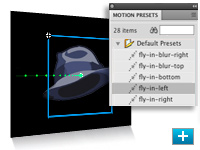
Motion presets
Jump-start your project with prebuilt animations that can be applied to any object. Select from dozens of presets or create and save your own. Share presets with others to save animation time.
H.264 support
Encode to any format recognized by the Adobe Flash Player runtime with Adobe Media Encoder, the same tool found in other Adobe video products and now with support for H.264.
Object-based animation
Gain complete control over individual animation attributes with object-based animation, which applies tweens directly to objects instead of to keyframes. Easily make changes to motion with Bezier handles.
3D transformation
Animate 2D objects through 3D space with exciting new 3D translation and rotation tools, which allow you to animate along the x, y, and z axes. Apply local or global transformation to any object.
Inverse kinematics with the Bones tool
Create chain-like animation effects with a series of linked objects, or quickly distort a single shape using the new Bones tool.
Procedural modeling with Deco and Spray Brush
Turn symbols into instant design tools. Apply symbols in a variety of ways: Quickly create kaleidoscope-like effects and apply fills using the Deco tool, or randomly spray symbols across any defined area using the Spray Brush.
Sophisticated video tools
Leverage the Adobe Media Encoder and experience advanced video capabilities including embedded cue points, alpha channel support, and high-quality video codecs.
Authoring for Adobe AIR
Deliver interactive experiences to the desktop with new integrated capability to publish to the Adobe AIR runtime.
New Adobe Creative Suite interface
Boost your efficiency with intuitive panel docking and spring-loaded behaviors that streamline your interaction with tools throughout the Adobe Creative Suite editions.
Delivery to the most recent version of Adobe Flash Player
Continue to reach wide audiences around the world by delivering to the most popular media player on the Internet today: Adobe Flash Player.
XFL support
Open content from Adobe InDesign or After Effects software and retain file integrity.
|
|
|
|
26/09
|
Adobe Flash CS4 Professional - Mac, Retail
Object-based animation
Gain complete control over individual animation attributes with object-based animation, which applies tweens directly to objects instead of to keyframes. Easily make changes to motion with Bezier handles.

3D transformation
Animate 2D objects through 3D space with exciting new 3D translation and rotation tools, which allow you to animate along the x, y, and z axes. Apply local or global transformation to any object.

Procedural modeling with Deco and Spray Brush
Turn symbols into instant design tools. Apply symbols in a variety of ways: Quickly create kaleidoscope-like effects and apply fills using the Deco tool, or randomly spray symbols across any defined area using the Spray Brush.

Metadata (XMP) support
Add metadata to SWF files using the new XMP panel. Quickly assign tags for enhanced collaboration and better mobile experiences.
Authoring for Adobe AIR
Deliver interactive experiences to the desktop with new integrated capability to publish to the Adobe AIR runtime. Reach even more audiences across more devices web, mobile, and now the desktop.
XFL support
Open content from Adobe InDesign or After Effects software and retain file integrity. With the cross-application XFL format, easily import content for further development in Adobe Flash.
Inverse kinematics with the Bones tool
Create chain-like animation effects with a series of linked objects, or quickly distort a single shape using the new Bones tool.
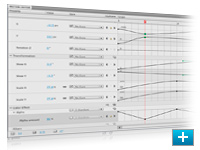
Motion editor
Experience detailed control over keyframe parameters, including rotation, size, scale, position, filters, and more, using the new motion editor. Refine easing control with graphical displays similar to those in After Effects.
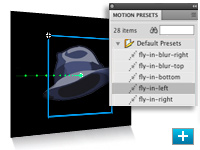
Motion presets
Jump-start your project with prebuilt animations that can be applied to any object. Select from dozens of presets or create and save your own. Share presets with others to save animation time.
H.264 support
Encode to any format recognized by the Adobe Flash Player runtime with Adobe Media Encoder, the same tool found in other Adobe video products and now with support for H.264.
Object-based animation
Gain complete control over individual animation attributes with object-based animation, which applies tweens directly to objects instead of to keyframes. Easily make changes to motion with Bezier handles.
3D transformation
Animate 2D objects through 3D space with exciting new 3D translation and rotation tools, which allow you to animate along the x, y, and z axes. Apply local or global transformation to any object.
Inverse kinematics with the Bones tool
Create chain-like animation effects with a series of linked objects, or quickly distort a single shape using the new Bones tool.
Procedural modeling with Deco and Spray Brush
Turn symbols into instant design tools. Apply symbols in a variety of ways: Quickly create kaleidoscope-like effects and apply fills using the Deco tool, or randomly spray symbols across any defined area using the Spray Brush.
Sophisticated video tools
Leverage the Adobe Media Encoder and experience advanced video capabilities including embedded cue points, alpha channel support, and high-quality video codecs.
Authoring for Adobe AIR
Deliver interactive experiences to the desktop with new integrated capability to publish to the Adobe AIR runtime.
New Adobe Creative Suite interface
Boost your efficiency with intuitive panel docking and spring-loaded behaviors that streamline your interaction with tools throughout the Adobe Creative Suite editions.
Delivery to the most recent version of Adobe Flash Player
Continue to reach wide audiences around the world by delivering to the most popular media player on the Internet today: Adobe Flash Player.
XFL support
Open content from Adobe InDesign or After Effects software and retain file integrity.
|
|
|
|
26/09
|
Adobe Flash CS4 Professional - Mac, Educational Only
Object-based animation
Gain complete control over individual animation attributes with object-based animation, which applies tweens directly to objects instead of to keyframes. Easily make changes to motion with Bezier handles.

3D transformation
Animate 2D objects through 3D space with exciting new 3D translation and rotation tools, which allow you to animate along the x, y, and z axes. Apply local or global transformation to any object.

Procedural modeling with Deco and Spray Brush
Turn symbols into instant design tools. Apply symbols in a variety of ways: Quickly create kaleidoscope-like effects and apply fills using the Deco tool, or randomly spray symbols across any defined area using the Spray Brush.

Metadata (XMP) support
Add metadata to SWF files using the new XMP panel. Quickly assign tags for enhanced collaboration and better mobile experiences.
Authoring for Adobe AIR
Deliver interactive experiences to the desktop with new integrated capability to publish to the Adobe AIR runtime. Reach even more audiences across more devices web, mobile, and now the desktop.
XFL support
Open content from Adobe InDesign or After Effects software and retain file integrity. With the cross-application XFL format, easily import content for further development in Adobe Flash.
Inverse kinematics with the Bones tool
Create chain-like animation effects with a series of linked objects, or quickly distort a single shape using the new Bones tool.
Motion editor
Experience detailed control over keyframe parameters, including rotation, size, scale, position, filters, and more, using the new motion editor. Refine easing control with graphical displays similar to those in After Effects.
Motion presets
Jump-start your project with prebuilt animations that can be applied to any object. Select from dozens of presets or create and save your own. Share presets with others to save animation time.
H.264 support
Encode to any format recognized by the Adobe Flash Player runtime with Adobe Media Encoder, the same tool found in other Adobe video products and now with support for H.264.
Object-based animation
Gain complete control over individual animation attributes with object-based animation, which applies tweens directly to objects instead of to keyframes. Easily make changes to motion with Bezier handles.
3D transformation
Animate 2D objects through 3D space with exciting new 3D translation and rotation tools, which allow you to animate along the x, y, and z axes. Apply local or global transformation to any object.
Inverse kinematics with the Bones tool
Create chain-like animation effects with a series of linked objects, or quickly distort a single shape using the new Bones tool.
Procedural modeling with Deco and Spray Brush
Turn symbols into instant design tools. Apply symbols in a variety of ways: Quickly create kaleidoscope-like effects and apply fills using the Deco tool, or randomly spray symbols across any defined area using the Spray Brush.
Sophisticated video tools
Leverage the Adobe Media Encoder and experience advanced video capabilities including embedded cue points, alpha channel support, and high-quality video codecs.
Authoring for Adobe AIR
Deliver interactive experiences to the desktop with new integrated capability to publish to the Adobe AIR runtime.
New Adobe Creative Suite interface
Boost your efficiency with intuitive panel docking and spring-loaded behaviors that streamline your interaction with tools throughout the Adobe Creative Suite editions.
Delivery to the most recent version of Adobe Flash Player
Continue to reach wide audiences around the world by delivering to the most popular media player on the Internet today: Adobe Flash Player.
XFL support
Open content from Adobe InDesign or After Effects software and retain file integrity.
|
|
|
|
26/09
|
Marumi Skylight 1A Filter - 86mmMarumi Skylight 1A Filter - 86mm
|
|
|
|
26/09
|
Marumi Skylight 1A Filter - 82mmMarumi Skylight 1A Filter - 82mm
|
|
|
|
26/09
|
Marumi Skylight 1A Filter - 77mmMarumi Skylight 1A Filter - 77mm
|
|
|
|
26/09
|
Marumi Skylight 1A Filter - 72mmMarumi Skylight 1A Filter - 72mm
|
|
|
|
26/09
|
Marumi Skylight 1A Filter - 67mmMarumi Skylight 1A Filter - 67mm
|
|
|
|
26/09
|
Marumi Skylight 1A Filter - 62mmMarumi Skylight 1A Filter - 62mm
|
|
|
|
26/09
|
Marumi Skylight 1A Filter - 58mmMarumi Skylight 1A Filter - 58mm
|
|
|
|
26/09
|
Marumi Skylight 1A Filter - 55mmMarumi Skylight 1A Filter - 55mm
|
|
|
|
26/09
|
Marumi Skylight 1A Filter - 52mmMarumi Skylight 1A Filter - 52mm
|
|
|
|
26/09
|
Marumi Skylight 1A Filter - 49mm Marumi Skylight 1A Filter - 49mm
|
|
|
|
26/09
|
Marumi Skylight 1A Filter - 48mmMarumi Skylight 1A Filter - 48mm
|
|
|
|
26/09
|
Marumi Skylight 1A Filter - 46mmMarumi Skylight 1A Filter - 46mm
|
|
|
|
26/09
|
Marumi Skylight 1A Filter - 43mmMarumi Skylight 1A Filter - 43mm
|
|
|
|
26/09
|
Marumi Skylight 1A Filter - 40.5mmMarumi Skylight 1A Filter - 40.5mm
|
|
|
|
26/09
|
Marumi Skylight 1A Filter - 39mmMarumi Skylight 1A Filter - 39mm
|
|
|
|
26/09
|
Marumi Skylight 1A Filter - 37mmMarumi Skylight 1A Filter - 37mm
|
|
|
|
26/09
|
Marumi Skylight 1A Filter - 36mmMarumi Skylight 1A Filter - 36mm
|
|
|
|
26/09
|
Marumi Skylight 1A Filter - 34mmMarumi Skylight 1A Filter - 34mm
|
|
|
|
26/09
|
Marumi Skylight 1A Filter - 30mmMarumi Skylight 1A Filter - 30mm
|
|
|
|
26/09
|
Marumi Skylight 1A Filter - 30.5mmMarumi Skylight 1A Filter - 30.5mm
|
|
|
|
26/09
|
Marumi Skylight 1A Filter - 28mmMarumi Skylight 1A Filter - 28mm
|
|
|
|
26/09
|
Marumi Skylight 1A Filter - 27mmMarumi Skylight 1A Filter - 27mm
|
|
|
|
26/09
|
Marumi Skylight 1A Filter - 24mmMarumi Skylight 1A Filter - 24mm
|
|
|
|
26/09
|
Marumi Waterproof Multi-Coated UV Filter - 55mm Marumi Waterproof Multi-Coated UV Filter - 55mm
• HIGH QUALITY MULTI-COATING
• SPECIAL WATERPROOF COATING RESISTS MARKS
• SLIMLINE FRAME - IDEAL FOR WIDE ANGLE LENSES
|
|
|
|
26/09
|
Marumi Waterproof Multi-Coated UV Filter - 52mm Marumi Waterproof Multi-Coated UV Filter - 52mm
• HIGH QUALITY MULTI-COATING
• SPECIAL WATERPROOF COATING RESISTS MARKS
• SLIMLINE FRAME - IDEAL FOR WIDE ANGLE LENSES
|
|
|
|
26/09
|
Marumi MC-L370 Dynamic UV Filter - 77mm Marumi MC-L370 Dynamic UV Filter - 77mm
The MC-L370 Dynamic is a new UV type filter, using a unique type of multi-coating
which achieves over 99% light transmission, and a sharp cutoff at 350nm. An
excellent choice for all high-peformance lenses.
|
|
|
|
26/09
|
Marumi MC-L370 Dynamic UV Filter - 72mm Marumi MC-L370 Dynamic UV Filter - 72mm
The MC-L370 Dynamic is a new UV type filter, using a unique type of multi-coating
which achieves over 99% light transmission, and a sharp cutoff at 350nm. An
excellent choice for all high-peformance lenses.
|
|
|
|
26/09
|
Marumi MC-L370 Dynamic UV Filter - 62mm Marumi MC-L370 Dynamic UV Filter - 62mm
The MC-L370 Dynamic is a new UV type filter, using a unique type of multi-coating
which achieves over 99% light transmission, and a sharp cutoff at 350nm. An
excellent choice for all high-peformance lenses.
|
|
|
|
26/09
|
Marumi MC-L370 Dynamic UV Filter - 58mm Marumi MC-L370 Dynamic UV Filter - 58mm
The MC-L370 Dynamic is a new UV type filter, using a unique type of multi-coating
which achieves over 99% light transmission, and a sharp cutoff at 350nm. An
excellent choice for all high-peformance lenses.
|
|
|
|
26/09
|
Marumi MC-L370 Dynamic UV Filter - 55mm Marumi MC-L370 Dynamic UV Filter - 55mm
The MC-L370 Dynamic is a new UV type filter, using a unique type of multi-coating
which achieves over 99% light transmission, and a sharp cutoff at 350nm. An
excellent choice for all high-peformance lenses.
|
|
|
|
26/09
|
Marumi MC-L370 Dynamic UV Filter - 52mm Marumi MC-L370 Dynamic UV Filter - 52mm
The MC-L370 Dynamic is a new UV type filter, using a unique type of multi-coating
which achieves over 99% light transmission, and a sharp cutoff at 350nm. An
excellent choice for all high-peformance lenses.
|
|
|
|
26/09
|
Marumi MC-L370 Dynamic UV Filter - 49mm Marumi MC-L370 Dynamic UV Filter - 49mm
The MC-L370 Dynamic is a new UV type filter, using a unique type of multi-coating
which achieves over 99% light transmission, and a sharp cutoff at 350nm. An
excellent choice for all high-peformance lenses.
|
|
|
|
26/09
|
Marumi UV Filter - 86mmMarumi UV Filter - 86mm
|
|
|
|
26/09
|
Marumi UV Filter - 82mmMarumi UV Filter - 82mm
|
|
|
|
26/09
|
Marumi UV Filter - 77mmMarumi UV Filter - 77mm
|
|
|
|
26/09
|
Marumi UV Filter - 72mmMarumi UV Filter - 72mm
|
|
|
|
26/09
|
Marumi UV Filter - 67mmMarumi UV Filter - 67mm
|
|
|
|
26/09
|
Marumi UV Filter - 62mmMarumi UV Filter - 62mm
|
|
|
|
26/09
|
Marumi UV Filter - 58mmMarumi UV Filter - 58mm
|
|
|
|
26/09
|
Marumi UV Filter - 55mmMarumi UV Filter - 55mm
|
|
|
|
26/09
|
Marumi UV Filter - 52mmMarumi UV Filter - 52mm
|
|
|
|
26/09
|
Marumi UV Filter - 49mmMarumi UV Filter - 49mm
|
|
|
|
26/09
|
Marumi UV Filter - 48mmMarumi UV Filter - 48mm
|
|
|
|
26/09
|
Marumi UV Filter - 46mmMarumi UV Filter - 46mm
|
|
|
|
26/09
|
Marumi UV Filter - 43mmMarumi UV Filter - 43mm
|
|
|
|
26/09
|
Marumi UV Filter - 40.5mmMarumi UV Filter - 40.5mm
|
|
|
|
26/09
|
Marumi UV Filter - 39mmMarumi UV Filter - 39mm
|
|
|
|
26/09
|
Marumi UV Filter - 37mmMarumi UV Filter - 37mm
|
|
|
|
26/09
|
Marumi UV Filter - 36mmMarumi UV Filter - 36mm
|
|
|
|
26/09
|
Marumi UV Filter - 34mmMarumi UV Filter - 34mm
|
|
|
|
26/09
|
Marumi UV Filter - 30mmMarumi UV Filter - 30mm
|
|
|
|
26/09
|
Marumi UV Filter - 30.5mmMarumi UV Filter - 30.5mm
|
|
|
|
26/09
|
Marumi UV Filter - 28mmMarumi UV Filter - 28mm
|
|
|
|
26/09
|
Marumi UV Filter - 27mmMarumi UV Filter - 27mm
|
|
|
|
26/09
|
Marumi UV Filter - 25mmMarumi UV Filter - 25mm
|
|
|
|
26/09
|
Marumi UV Filter - 24mmMarumi UV Filter - 24mm
|
|
|
|
26/09
|
Nikon MB-D200 Multi-Power Battery Pack - for D200
Multi-function Battery Pack MB-D200
The Multi-Power Battery Pack MB-D200 is ergonomically designed for extended stability and potential for vertical shooting. It runs either on AA-size batteries or 2x EN-EL3e batteries. When 2 EN-EL3e batteries are used, power is sequentially consumed, so the battery exhausted first can be replaced independently. It has an extra main- and sub command dial and alternative buttons for shutter release and AF start. The MB-D200 weighs approx. 230g and its dimensions are approx. 147.5 (W) x 72.5 (D) x 110 (H) mm.
|
|
|
|
26/09
|
AP Film Cassette Opener - Bench TypeAP Film Cassette Opener - Bench Type
|
|
|
|
26/09
|
Nikon MB-D10 Multi-Power Battery Pack - for D300 MB-D10 Multi-Power Battery Pack - for D300
The MB-D10 multi-power battery pack increases the maximum frame advance rate to 8 frames per second * and extends autonomous operating time when using batteries. It is ergonomically designed for improved grip with the camera in the vertical shooting position and is powered by eight AA-size standard batteries or a specific Nikon battery. Features alternative shutter-release button, multi-selector and AF start buttons for use when holding the camera in the vertical shooting position, as well as secondary main- and sub command dials.
-
MB-D10 Multi-Power Battery Pack for D700 & D300 includes MS-D10EN for use with EN-EL3e battery (sold separately), and MS-D10 for use with 8 AA batteries (not included; accepts 1.5 V LR-6 (Alkaline), Lithium (FR6), Ni-MH (HR6) or Ni-Mn (ZR6))
-
Can use EN-EL4/EN-EL4A (sold separately) with optional BL-3 Battery Chamber Cover
-
EN-EL4/EN-EL4a batteries require BL-3 Battery Chamber Cover (sold separately) and either the MH-21 or MH-22 Quick Charger (both sold separately)
-
EN-EL4a/EN-EL4 and AA batteries support higher frame advance rates (8 Frames per second in the D700 & D300) than the EN-EL3e
|
|
|
|
26/09
|
AP Film Cassette OpenerAP Film Cassette Opener
|
|
|
|
26/09
|
Adobe Creative Suite 4 (CS4) Web Standard - Windows, Upgrade
- Upgrade from Design/Web Standard/Premium CS3, Production Premium CS3, Master Collection CS3 *** Upgrade from Design/Web Standard/Premium CS3, Production Premium CS3, Master Collection CS3 ***
* Dreamweaver CS4
* Flash CS4 Professional
* Fireworks CS4
* Contribute CS4
* Adobe Bridge CS4
* Adobe Device Central CS4
* Version Cue CS4
New versions, new integration
Enjoy updated versions of the tools you need when designing for the web, mobile devices, and the desktop. Adobe Creative Suite 4 Web Standard includes new versions of Adobe Dreamweaver, Flash Professional, Fireworks, and Contribute.
Complex web pages made approachable
Design and develop more sophisticated websites with the new Live View in Dreamweaver CS4, featuring interactive code editing. Rely on the new Related Files and Code Navigator features to dive deeply into complex pages.
Animation and transformational enhancements
Quicky animate in Flash CS4 Professional using new object-based animation controls which apply tweens directly to objects instead of keyframes. Add perspective with new 3D translation and rotation tools. Bring your animations to life with the advanced inverse kinematics of the Bones tool.
Multiple export options from a single creative source
Design once and deploy to many formats without having to re-create your work. Move from Dreamweaver or Flash to Fireworks with confidence, thanks to a universal interface design.
Advanced application development
Design and create your Adobe AIR interactive prototype in Fireworks for deployment in Adobe Dreamweaver, Flash Professional, or Flex software. Enhance your Adobe AIR application with HTML and JavaScript in Dreamweaver and then preview or deploy it immediately.
Mobile content authoring
Extend your websites to mobile devices with sleek workflows and high-fidelity results. Adobe Device Central CS4 offers tighter integration with Flash Professional and other Creative Suite 4 components and enables full-featured content testing.
Online services
Tap into the creative community quickly, and collaborate smoothly with your customers, colleagues, and vendors. Share your screen, search for expert help, and get color inspiration through online services accessed from within the components of Creative Suite 4 Web Standard.
PDF collaboration
Communicate with your clients professionally with PDF export from Fireworks CS4. Fireworks automatically transforms linked pages into interactive PDF elements so clients can quickly experience how your design flows from one page to another.
Collaborative web publishing
Establish a collaborative workflow and process to author, review, and publish content without compromising website integrity with Contribute CS4. Define different review paths at the template level, from single approval to multiple sign-offs.
Cross-platform support
Take advantage of support for Mac OS, Microsoft Windows XP, and Windows Vista systems. Design with your chosen system, and then deliver across platforms with reliable, consistent, and high-performance results.
Power tools for high-powered work
Step up to powerful web tools, complete with integrated workflows and enhanced utilities. Design, develop, and maintain sophisticated websites, full-featured applications, and compelling interactive experiences for the web, mobile devices, and the desktop.
Total workflow integration
Follow your workflow wherever it leads you with Adobe Dreamweaver CS4, Flash CS4 Professional, and Fireworks CS4. Manage your assets with Adobe Bridge CS4, and experience real-world mobile development and testing with Adobe Device Central CS4.
Animation and transformational enhancements
Quickly animate in Flash CS4 Professional using new object-based animation controls which apply tweens directly to objects instead of keyframes. Add perspective with new 3D translation and rotation tools. Bring your animations to life with the advanced inverse kinematics of the Bones tool.
Cutting-edge technologies coupled with industry standards
Work with the latest technologies to output standards-based websites and applications, whether you're working with client-side HTML/XHTML, CSS, and XML; server-side application languages like Adobe ColdFusion, ASP, and PHP; or advanced JavaScript and XML (Ajax).
Adobe ActionScript 3.0 development
Code more effectively with ActionScript 3.0, the Adobe Flash Player runtime programming language. Leverage the extensive ActionScript 3.0 API, libraries, and community support to extend the reach and improve the performance of your applications.
Best practices
Make best practices in web design and development your practice with standards-based tools from Adobe whether you're building CSS-based layouts or data-rich pages with the accessible HTML Data Set feature.
Mobile content authoring
Extend your websites to mobile devices with sleek workflows and high-fidelity results. Adobe Device Central CS4 offers tighter integration with Flash and other Adobe Creative Suite 4 components and enables full-featured content testing.
Advanced application development
Design and create your Adobe AIR interactive prototype in Fireworks for deployment in Adobe Dreamweaver, Flash Professional, or Flex software. Enhance your Adobe AIR application with HTML and JavaScript in Dreamweaver and then preview or deploy it immediately.
Cross-platform support
Take advantage of support for Mac OS, Microsoft Windows XP, and Windows Vista systems. Design with your chosen system, and then deliver across platforms with reliable, consistent, and high-performance results.
|
|
|
|
26/09
|
Adobe Creative Suite 4 (CS4) Web Standard - Windows, Retail * Dreamweaver CS4
* Flash CS4 Professional
* Fireworks CS4
* Contribute CS4
* Adobe Bridge CS4
* Adobe Device Central CS4
* Version Cue CS4
New versions, new integration
Enjoy updated versions of the tools you need when designing for the web, mobile devices, and the desktop. Adobe Creative Suite 4 Web Standard includes new versions of Adobe Dreamweaver, Flash Professional, Fireworks, and Contribute.
Complex web pages made approachable
Design and develop more sophisticated websites with the new Live View in Dreamweaver CS4, featuring interactive code editing. Rely on the new Related Files and Code Navigator features to dive deeply into complex pages.
Animation and transformational enhancements
Quicky animate in Flash CS4 Professional using new object-based animation controls which apply tweens directly to objects instead of keyframes. Add perspective with new 3D translation and rotation tools. Bring your animations to life with the advanced inverse kinematics of the Bones tool.
Multiple export options from a single creative source
Design once and deploy to many formats without having to re-create your work. Move from Dreamweaver or Flash to Fireworks with confidence, thanks to a universal interface design.
Advanced application development
Design and create your Adobe AIR interactive prototype in Fireworks for deployment in Adobe Dreamweaver, Flash Professional, or Flex software. Enhance your Adobe AIR application with HTML and JavaScript in Dreamweaver and then preview or deploy it immediately.
Mobile content authoring
Extend your websites to mobile devices with sleek workflows and high-fidelity results. Adobe Device Central CS4 offers tighter integration with Flash Professional and other Creative Suite 4 components and enables full-featured content testing.
Online services
Tap into the creative community quickly, and collaborate smoothly with your customers, colleagues, and vendors. Share your screen, search for expert help, and get color inspiration through online services accessed from within the components of Creative Suite 4 Web Standard.
PDF collaboration
Communicate with your clients professionally with PDF export from Fireworks CS4. Fireworks automatically transforms linked pages into interactive PDF elements so clients can quickly experience how your design flows from one page to another.
Collaborative web publishing
Establish a collaborative workflow and process to author, review, and publish content without compromising website integrity with Contribute CS4. Define different review paths at the template level, from single approval to multiple sign-offs.
Cross-platform support
Take advantage of support for Mac OS, Microsoft Windows XP, and Windows Vista systems. Design with your chosen system, and then deliver across platforms with reliable, consistent, and high-performance results.
Power tools for high-powered work
Step up to powerful web tools, complete with integrated workflows and enhanced utilities. Design, develop, and maintain sophisticated websites, full-featured applications, and compelling interactive experiences for the web, mobile devices, and the desktop.
Total workflow integration
Follow your workflow wherever it leads you with Adobe Dreamweaver CS4, Flash CS4 Professional, and Fireworks CS4. Manage your assets with Adobe Bridge CS4, and experience real-world mobile development and testing with Adobe Device Central CS4.
Animation and transformational enhancements
Quickly animate in Flash CS4 Professional using new object-based animation controls which apply tweens directly to objects instead of keyframes. Add perspective with new 3D translation and rotation tools. Bring your animations to life with the advanced inverse kinematics of the Bones tool.
Cutting-edge technologies coupled with industry standards
Work with the latest technologies to output standards-based websites and applications, whether you're working with client-side HTML/XHTML, CSS, and XML; server-side application languages like Adobe ColdFusion, ASP, and PHP; or advanced JavaScript and XML (Ajax).
Adobe ActionScript 3.0 development
Code more effectively with ActionScript 3.0, the Adobe Flash Player runtime programming language. Leverage the extensive ActionScript 3.0 API, libraries, and community support to extend the reach and improve the performance of your applications.
Best practices
Make best practices in web design and development your practice with standards-based tools from Adobe whether you're building CSS-based layouts or data-rich pages with the accessible HTML Data Set feature.
Mobile content authoring
Extend your websites to mobile devices with sleek workflows and high-fidelity results. Adobe Device Central CS4 offers tighter integration with Flash and other Adobe Creative Suite 4 components and enables full-featured content testing.
Advanced application development
Design and create your Adobe AIR interactive prototype in Fireworks for deployment in Adobe Dreamweaver, Flash Professional, or Flex software. Enhance your Adobe AIR application with HTML and JavaScript in Dreamweaver and then preview or deploy it immediately.
Cross-platform support
Take advantage of support for Mac OS, Microsoft Windows XP, and Windows Vista systems. Design with your chosen system, and then deliver across platforms with reliable, consistent, and high-performance results.
|
|
|
|
26/09
|
Adobe Creative Suite 4 (CS4) Web Standard - Windows, Educational Only * Dreamweaver CS4
* Flash CS4 Professional
* Fireworks CS4
* Contribute CS4
* Adobe Bridge CS4
* Adobe Device Central CS4
* Version Cue CS4
New versions, new integration
Enjoy updated versions of the tools you need when designing for the web, mobile devices, and the desktop. Adobe Creative Suite 4 Web Standard includes new versions of Adobe Dreamweaver, Flash Professional, Fireworks, and Contribute.
Complex web pages made approachable
Design and develop more sophisticated websites with the new Live View in Dreamweaver CS4, featuring interactive code editing. Rely on the new Related Files and Code Navigator features to dive deeply into complex pages.
Animation and transformational enhancements
Quicky animate in Flash CS4 Professional using new object-based animation controls which apply tweens directly to objects instead of keyframes. Add perspective with new 3D translation and rotation tools. Bring your animations to life with the advanced inverse kinematics of the Bones tool.
Multiple export options from a single creative source
Design once and deploy to many formats without having to re-create your work. Move from Dreamweaver or Flash to Fireworks with confidence, thanks to a universal interface design.
Advanced application development
Design and create your Adobe AIR interactive prototype in Fireworks for deployment in Adobe Dreamweaver, Flash Professional, or Flex software. Enhance your Adobe AIR application with HTML and JavaScript in Dreamweaver and then preview or deploy it immediately.
Mobile content authoring
Extend your websites to mobile devices with sleek workflows and high-fidelity results. Adobe Device Central CS4 offers tighter integration with Flash Professional and other Creative Suite 4 components and enables full-featured content testing.
Online services
Tap into the creative community quickly, and collaborate smoothly with your customers, colleagues, and vendors. Share your screen, search for expert help, and get color inspiration through online services accessed from within the components of Creative Suite 4 Web Standard.
PDF collaboration
Communicate with your clients professionally with PDF export from Fireworks CS4. Fireworks automatically transforms linked pages into interactive PDF elements so clients can quickly experience how your design flows from one page to another.
Collaborative web publishing
Establish a collaborative workflow and process to author, review, and publish content without compromising website integrity with Contribute CS4. Define different review paths at the template level, from single approval to multiple sign-offs.
Cross-platform support
Take advantage of support for Mac OS, Microsoft Windows XP, and Windows Vista systems. Design with your chosen system, and then deliver across platforms with reliable, consistent, and high-performance results.
Power tools for high-powered work
Step up to powerful web tools, complete with integrated workflows and enhanced utilities. Design, develop, and maintain sophisticated websites, full-featured applications, and compelling interactive experiences for the web, mobile devices, and the desktop.
Total workflow integration
Follow your workflow wherever it leads you with Adobe Dreamweaver CS4, Flash CS4 Professional, and Fireworks CS4. Manage your assets with Adobe Bridge CS4, and experience real-world mobile development and testing with Adobe Device Central CS4.
Animation and transformational enhancements
Quickly animate in Flash CS4 Professional using new object-based animation controls which apply tweens directly to objects instead of keyframes. Add perspective with new 3D translation and rotation tools. Bring your animations to life with the advanced inverse kinematics of the Bones tool.
Cutting-edge technologies coupled with industry standards
Work with the latest technologies to output standards-based websites and applications, whether you're working with client-side HTML/XHTML, CSS, and XML; server-side application languages like Adobe ColdFusion, ASP, and PHP; or advanced JavaScript and XML (Ajax).
Adobe ActionScript 3.0 development
Code more effectively with ActionScript 3.0, the Adobe Flash Player runtime programming language. Leverage the extensive ActionScript 3.0 API, libraries, and community support to extend the reach and improve the performance of your applications.
Best practices
Make best practices in web design and development your practice with standards-based tools from Adobe whether you're building CSS-based layouts or data-rich pages with the accessible HTML Data Set feature.
Mobile content authoring
Extend your websites to mobile devices with sleek workflows and high-fidelity results. Adobe Device Central CS4 offers tighter integration with Flash and other Adobe Creative Suite 4 components and enables full-featured content testing.
Advanced application development
Design and create your Adobe AIR interactive prototype in Fireworks for deployment in Adobe Dreamweaver, Flash Professional, or Flex software. Enhance your Adobe AIR application with HTML and JavaScript in Dreamweaver and then preview or deploy it immediately.
Cross-platform support
Take advantage of support for Mac OS, Microsoft Windows XP, and Windows Vista systems. Design with your chosen system, and then deliver across platforms with reliable, consistent, and high-performance results.
|
|
|
|
26/09
|
Adobe Creative Suite 4 (CS4) Web Standard - Mac, Upgrade
- Upgrade from Design/Web Standard/Premium CS3, Production Premium CS3, Master Collection CS3 *** Upgrade from Design/Web Standard/Premium CS3, Production Premium CS3, Master Collection CS3 ***
* Dreamweaver CS4
* Flash CS4 Professional
* Fireworks CS4
* Contribute CS4
* Adobe Bridge CS4
* Adobe Device Central CS4
* Version Cue CS4
New versions, new integration
Enjoy updated versions of the tools you need when designing for the web, mobile devices, and the desktop. Adobe Creative Suite 4 Web Standard includes new versions of Adobe Dreamweaver, Flash Professional, Fireworks, and Contribute.
Complex web pages made approachable
Design and develop more sophisticated websites with the new Live View in Dreamweaver CS4, featuring interactive code editing. Rely on the new Related Files and Code Navigator features to dive deeply into complex pages.
Animation and transformational enhancements
Quicky animate in Flash CS4 Professional using new object-based animation controls which apply tweens directly to objects instead of keyframes. Add perspective with new 3D translation and rotation tools. Bring your animations to life with the advanced inverse kinematics of the Bones tool.
Multiple export options from a single creative source
Design once and deploy to many formats without having to re-create your work. Move from Dreamweaver or Flash to Fireworks with confidence, thanks to a universal interface design.
Advanced application development
Design and create your Adobe AIR interactive prototype in Fireworks for deployment in Adobe Dreamweaver, Flash Professional, or Flex software. Enhance your Adobe AIR application with HTML and JavaScript in Dreamweaver and then preview or deploy it immediately.
Mobile content authoring
Extend your websites to mobile devices with sleek workflows and high-fidelity results. Adobe Device Central CS4 offers tighter integration with Flash Professional and other Creative Suite 4 components and enables full-featured content testing.
Online services
Tap into the creative community quickly, and collaborate smoothly with your customers, colleagues, and vendors. Share your screen, search for expert help, and get color inspiration through online services accessed from within the components of Creative Suite 4 Web Standard.
PDF collaboration
Communicate with your clients professionally with PDF export from Fireworks CS4. Fireworks automatically transforms linked pages into interactive PDF elements so clients can quickly experience how your design flows from one page to another.
Collaborative web publishing
Establish a collaborative workflow and process to author, review, and publish content without compromising website integrity with Contribute CS4. Define different review paths at the template level, from single approval to multiple sign-offs.
Cross-platform support
Take advantage of support for Mac OS, Microsoft Windows XP, and Windows Vista systems. Design with your chosen system, and then deliver across platforms with reliable, consistent, and high-performance results.
Power tools for high-powered work
Step up to powerful web tools, complete with integrated workflows and enhanced utilities. Design, develop, and maintain sophisticated websites, full-featured applications, and compelling interactive experiences for the web, mobile devices, and the desktop.
Total workflow integration
Follow your workflow wherever it leads you with Adobe Dreamweaver CS4, Flash CS4 Professional, and Fireworks CS4. Manage your assets with Adobe Bridge CS4, and experience real-world mobile development and testing with Adobe Device Central CS4.
Animation and transformational enhancements
Quickly animate in Flash CS4 Professional using new object-based animation controls which apply tweens directly to objects instead of keyframes. Add perspective with new 3D translation and rotation tools. Bring your animations to life with the advanced inverse kinematics of the Bones tool.
Cutting-edge technologies coupled with industry standards
Work with the latest technologies to output standards-based websites and applications, whether you're working with client-side HTML/XHTML, CSS, and XML; server-side application languages like Adobe ColdFusion, ASP, and PHP; or advanced JavaScript and XML (Ajax).
Adobe ActionScript 3.0 development
Code more effectively with ActionScript 3.0, the Adobe Flash Player runtime programming language. Leverage the extensive ActionScript 3.0 API, libraries, and community support to extend the reach and improve the performance of your applications.
Best practices
Make best practices in web design and development your practice with standards-based tools from Adobe whether you're building CSS-based layouts or data-rich pages with the accessible HTML Data Set feature.
Mobile content authoring
Extend your websites to mobile devices with sleek workflows and high-fidelity results. Adobe Device Central CS4 offers tighter integration with Flash and other Adobe Creative Suite 4 components and enables full-featured content testing.
Advanced application development
Design and create your Adobe AIR interactive prototype in Fireworks for deployment in Adobe Dreamweaver, Flash Professional, or Flex software. Enhance your Adobe AIR application with HTML and JavaScript in Dreamweaver and then preview or deploy it immediately.
Cross-platform support
Take advantage of support for Mac OS, Microsoft Windows XP, and Windows Vista systems. Design with your chosen system, and then deliver across platforms with reliable, consistent, and high-performance results.
|
|
|
|
26/09
|
Adobe Creative Suite 4 (CS4) Web Standard - Mac, Retail * Dreamweaver CS4
* Flash CS4 Professional
* Fireworks CS4
* Contribute CS4
* Adobe Bridge CS4
* Adobe Device Central CS4
* Version Cue CS4
New versions, new integration
Enjoy updated versions of the tools you need when designing for the web, mobile devices, and the desktop. Adobe Creative Suite 4 Web Standard includes new versions of Adobe Dreamweaver, Flash Professional, Fireworks, and Contribute.
Complex web pages made approachable
Design and develop more sophisticated websites with the new Live View in Dreamweaver CS4, featuring interactive code editing. Rely on the new Related Files and Code Navigator features to dive deeply into complex pages.
Animation and transformational enhancements
Quicky animate in Flash CS4 Professional using new object-based animation controls which apply tweens directly to objects instead of keyframes. Add perspective with new 3D translation and rotation tools. Bring your animations to life with the advanced inverse kinematics of the Bones tool.
Multiple export options from a single creative source
Design once and deploy to many formats without having to re-create your work. Move from Dreamweaver or Flash to Fireworks with confidence, thanks to a universal interface design.
Advanced application development
Design and create your Adobe AIR interactive prototype in Fireworks for deployment in Adobe Dreamweaver, Flash Professional, or Flex software. Enhance your Adobe AIR application with HTML and JavaScript in Dreamweaver and then preview or deploy it immediately.
Mobile content authoring
Extend your websites to mobile devices with sleek workflows and high-fidelity results. Adobe Device Central CS4 offers tighter integration with Flash Professional and other Creative Suite 4 components and enables full-featured content testing.
Online services
Tap into the creative community quickly, and collaborate smoothly with your customers, colleagues, and vendors. Share your screen, search for expert help, and get color inspiration through online services accessed from within the components of Creative Suite 4 Web Standard.
PDF collaboration
Communicate with your clients professionally with PDF export from Fireworks CS4. Fireworks automatically transforms linked pages into interactive PDF elements so clients can quickly experience how your design flows from one page to another.
Collaborative web publishing
Establish a collaborative workflow and process to author, review, and publish content without compromising website integrity with Contribute CS4. Define different review paths at the template level, from single approval to multiple sign-offs.
Cross-platform support
Take advantage of support for Mac OS, Microsoft Windows XP, and Windows Vista systems. Design with your chosen system, and then deliver across platforms with reliable, consistent, and high-performance results.
Power tools for high-powered work
Step up to powerful web tools, complete with integrated workflows and enhanced utilities. Design, develop, and maintain sophisticated websites, full-featured applications, and compelling interactive experiences for the web, mobile devices, and the desktop.
Total workflow integration
Follow your workflow wherever it leads you with Adobe Dreamweaver CS4, Flash CS4 Professional, and Fireworks CS4. Manage your assets with Adobe Bridge CS4, and experience real-world mobile development and testing with Adobe Device Central CS4.
Animation and transformational enhancements
Quickly animate in Flash CS4 Professional using new object-based animation controls which apply tweens directly to objects instead of keyframes. Add perspective with new 3D translation and rotation tools. Bring your animations to life with the advanced inverse kinematics of the Bones tool.
Cutting-edge technologies coupled with industry standards
Work with the latest technologies to output standards-based websites and applications, whether you're working with client-side HTML/XHTML, CSS, and XML; server-side application languages like Adobe ColdFusion, ASP, and PHP; or advanced JavaScript and XML (Ajax).
Adobe ActionScript 3.0 development
Code more effectively with ActionScript 3.0, the Adobe Flash Player runtime programming language. Leverage the extensive ActionScript 3.0 API, libraries, and community support to extend the reach and improve the performance of your applications.
Best practices
Make best practices in web design and development your practice with standards-based tools from Adobe whether you're building CSS-based layouts or data-rich pages with the accessible HTML Data Set feature.
Mobile content authoring
Extend your websites to mobile devices with sleek workflows and high-fidelity results. Adobe Device Central CS4 offers tighter integration with Flash and other Adobe Creative Suite 4 components and enables full-featured content testing.
Advanced application development
Design and create your Adobe AIR interactive prototype in Fireworks for deployment in Adobe Dreamweaver, Flash Professional, or Flex software. Enhance your Adobe AIR application with HTML and JavaScript in Dreamweaver and then preview or deploy it immediately.
Cross-platform support
Take advantage of support for Mac OS, Microsoft Windows XP, and Windows Vista systems. Design with your chosen system, and then deliver across platforms with reliable, consistent, and high-performance results.
|
|
|
|
26/09
|
Adobe Creative Suite 4 (CS4) Web Standard - Mac, Educational Only * Dreamweaver CS4
* Flash CS4 Professional
* Fireworks CS4
* Contribute CS4
* Adobe Bridge CS4
* Adobe Device Central CS4
* Version Cue CS4
New versions, new integration
Enjoy updated versions of the tools you need when designing for the web, mobile devices, and the desktop. Adobe Creative Suite 4 Web Standard includes new versions of Adobe Dreamweaver, Flash Professional, Fireworks, and Contribute.
Complex web pages made approachable
Design and develop more sophisticated websites with the new Live View in Dreamweaver CS4, featuring interactive code editing. Rely on the new Related Files and Code Navigator features to dive deeply into complex pages.
Animation and transformational enhancements
Quicky animate in Flash CS4 Professional using new object-based animation controls which apply tweens directly to objects instead of keyframes. Add perspective with new 3D translation and rotation tools. Bring your animations to life with the advanced inverse kinematics of the Bones tool.
Multiple export options from a single creative source
Design once and deploy to many formats without having to re-create your work. Move from Dreamweaver or Flash to Fireworks with confidence, thanks to a universal interface design.
Advanced application development
Design and create your Adobe AIR interactive prototype in Fireworks for deployment in Adobe Dreamweaver, Flash Professional, or Flex software. Enhance your Adobe AIR application with HTML and JavaScript in Dreamweaver and then preview or deploy it immediately.
Mobile content authoring
Extend your websites to mobile devices with sleek workflows and high-fidelity results. Adobe Device Central CS4 offers tighter integration with Flash Professional and other Creative Suite 4 components and enables full-featured content testing.
Online services
Tap into the creative community quickly, and collaborate smoothly with your customers, colleagues, and vendors. Share your screen, search for expert help, and get color inspiration through online services accessed from within the components of Creative Suite 4 Web Standard.
PDF collaboration
Communicate with your clients professionally with PDF export from Fireworks CS4. Fireworks automatically transforms linked pages into interactive PDF elements so clients can quickly experience how your design flows from one page to another.
Collaborative web publishing
Establish a collaborative workflow and process to author, review, and publish content without compromising website integrity with Contribute CS4. Define different review paths at the template level, from single approval to multiple sign-offs.
Cross-platform support
Take advantage of support for Mac OS, Microsoft Windows XP, and Windows Vista systems. Design with your chosen system, and then deliver across platforms with reliable, consistent, and high-performance results.
Power tools for high-powered work
Step up to powerful web tools, complete with integrated workflows and enhanced utilities. Design, develop, and maintain sophisticated websites, full-featured applications, and compelling interactive experiences for the web, mobile devices, and the desktop.
Total workflow integration
Follow your workflow wherever it leads you with Adobe Dreamweaver CS4, Flash CS4 Professional, and Fireworks CS4. Manage your assets with Adobe Bridge CS4, and experience real-world mobile development and testing with Adobe Device Central CS4.
Animation and transformational enhancements
Quickly animate in Flash CS4 Professional using new object-based animation controls which apply tweens directly to objects instead of keyframes. Add perspective with new 3D translation and rotation tools. Bring your animations to life with the advanced inverse kinematics of the Bones tool.
Cutting-edge technologies coupled with industry standards
Work with the latest technologies to output standards-based websites and applications, whether you're working with client-side HTML/XHTML, CSS, and XML; server-side application languages like Adobe ColdFusion, ASP, and PHP; or advanced JavaScript and XML (Ajax).
Adobe ActionScript 3.0 development
Code more effectively with ActionScript 3.0, the Adobe Flash Player runtime programming language. Leverage the extensive ActionScript 3.0 API, libraries, and community support to extend the reach and improve the performance of your applications.
Best practices
Make best practices in web design and development your practice with standards-based tools from Adobe whether you're building CSS-based layouts or data-rich pages with the accessible HTML Data Set feature.
Mobile content authoring
Extend your websites to mobile devices with sleek workflows and high-fidelity results. Adobe Device Central CS4 offers tighter integration with Flash and other Adobe Creative Suite 4 components and enables full-featured content testing.
Advanced application development
Design and create your Adobe AIR interactive prototype in Fireworks for deployment in Adobe Dreamweaver, Flash Professional, or Flex software. Enhance your Adobe AIR application with HTML and JavaScript in Dreamweaver and then preview or deploy it immediately.
Cross-platform support
Take advantage of support for Mac OS, Microsoft Windows XP, and Windows Vista systems. Design with your chosen system, and then deliver across platforms with reliable, consistent, and high-performance results.
|
|
|
|
26/09
|
Adobe Creative Suite 4 (CS4) Web Premium - Windows, Upgrade
- Upgrade from CS3 Suite except Master Collection *** Upgrade from CS3 Suite except Master Collection ***
* Dreamweaver CS4
* Flash CS4 Professional
* Photoshop CS4 Extended
* Illustrator CS4
* Fireworks CS4
* Acrobat 9 Pro
* Soundbooth CS4
* Contribute CS4
* Adobe Bridge CS4
* Adobe Device Central CS4
* Version Cue CS4
New versions, new integration
Enjoy updated versions of the creative tools you rely on. Adobe Creative Suite 4 Web Premium includes new versions of Adobe Dreamweaver, Flash Professional, Photoshop Extended, Illustrator, Fireworks, Acrobat Pro, Soundbooth, and Contribute.
Complex web pages made approachable
Design and develop more sophisticated websites with the new Live View in Dreamweaver CS4, featuring interactive code editing. Rely on the new Related Files and Code Navigator features to dive deeply into complex pages.

Animation and transformational enhancements
Give your content a greater sense of depth with the new 3D transformation tools in Flash CS4 Professional, complete with multireference rotation options. Bring your animations to life with the advanced inverse kinematics of the Bones tool.
Multiple export options from a single creative source
Design once and deploy to many formats without having to re-create your work. Move from Photoshop, Illustrator, or Flash to Fireworks with confidence, thanks to a universal interface design.
Faster, more expressive design tools
With Photoshop CS4 Extended, take advantage of greater precision, more intuitive selection, and smoother image navigation, along with comprehensive 3D painting and ray-trace rendering. Illustrator CS4 incorporates multiple artboards, live preview, in-place editing, and robust gradient handling.
Intuitive audio
Amplify your impact with Soundbooth CS4. Multitrack recording capabilities and professional audio editing features make Soundbooth an essential component of your creative toolset, fully integrated into Web Premium.
Advanced application development
Design and create your Adobe AIR interactive prototype in Fireworks for deployment in Dreamweaver, Flash Professional, or Adobe Flex software. Enhance your Adobe AIR application with HTML and JavaScript in Dreamweaver and then preview or deploy it immediately.
Mobile authoring integration
Enjoy tighter integration with Flash Professional and other Creative Suite 4 components using Adobe Device Central CS4, which also enables full-featured testing of content including web pages, video, images, and interactive SWF files.
Online services
Tap into the creative community quickly, and collaborate smoothly with your customers, colleagues, and vendors. Share your screen, search for expert help, and get color inspiration through online services accessed from within the components of Creative Suite 4 Web Premium.
PDF collaboration
Communicate with your clients professionally with PDF export from Fireworks CS4. Fireworks automatically transforms linked pages into interactive PDF elements so clients can quickly experience how your design flows from one page to another.
Power tools for high-powered work
Step up to powerful web tools, complete with integrated workflows and enhanced utilities. Design, develop, and maintain sophisticated websites, full-featured applications, and compelling interactive experiences for the web, mobile devices, and the desktop.
Total workflow integration
Follow your workflow wherever it leads with Adobe Dreamweaver CS4, Flash CS4 Professional, Photoshop CS4 Extended, Illustrator CS4, and Fireworks CS4. Manage your assets with Adobe Bridge, and add professional-quality audio with Adobe Soundbooth CS4.
Animation and transformational enhancements
Give your content a greater sense of depth with the new 3D transformation tools in Flash Professional, complete with multireference rotation options. Bring your animations to life with the advanced inverse kinematics of the Bones tool.
Cross-discipline workflow
Effortlessly transition fixed graphics to interactive movies. Build on wireframes and prototypes developed by information architects and turn them into standards-compliant HTML and CSS. Create rich application interfaces with the core design intact.
Cutting-edge technologies coupled with industry standards
Work with the latest technologies to output standards-based websites and applications, whether you're working with client-side HTML/XHTML, CSS, and XML; server-side application languages like Adobe ColdFusion, ASP, and PHP; or advanced JavaScript and Ajax.
ActionScript 3.0 development
Code more effectively with ActionScript 3.0, the Adobe Flash Player runtime programming language. Leverage the extensive ActionScript 3.0 API, libraries, and community support to extend the reach and improve the performance of your applications.
Best practices
Make best practices in web design and development your practice with standards-based tools from Adobe, whether you're building CSS-based layouts or data-rich pages with the accessible HTML Data Set feature.
Mobile content authoring
Extend your websites to mobile devices with sleek workflows and high-fidelity results. Adobe Device Central CS4 offers tighter integration with Flash and other Adobe Creative Suite 4 components and enables full-featured testing of content.
Advanced application development
Design and create your Adobe AIR interactive prototype in Fireworks for deployment in Dreamweaver, Flash Professional, or Adobe Flex software. Enhance your Adobe AIR application with HTML and JavaScript in Dreamweaver and then preview or deploy it immediately.
Cross-platform support
Design with your chosen system Mac OS, Microsoft Windows XP, or Windows Vista and then deliver across platforms with reliable, consistent, and high-performance results.
|
|
|
|
26/09
|
Adobe Creative Suite 4 (CS4) Web Premium - Windows, Retail * Dreamweaver CS4
* Flash CS4 Professional
* Photoshop CS4 Extended
* Illustrator CS4
* Fireworks CS4
* Acrobat 9 Pro
* Soundbooth CS4
* Contribute CS4
* Adobe Bridge CS4
* Adobe Device Central CS4
* Version Cue CS4
New versions, new integration
Enjoy updated versions of the creative tools you rely on. Adobe Creative Suite 4 Web Premium includes new versions of Adobe Dreamweaver, Flash Professional, Photoshop Extended, Illustrator, Fireworks, Acrobat Pro, Soundbooth, and Contribute.
Complex web pages made approachable
Design and develop more sophisticated websites with the new Live View in Dreamweaver CS4, featuring interactive code editing. Rely on the new Related Files and Code Navigator features to dive deeply into complex pages.

Animation and transformational enhancements
Give your content a greater sense of depth with the new 3D transformation tools in Flash CS4 Professional, complete with multireference rotation options. Bring your animations to life with the advanced inverse kinematics of the Bones tool.
Multiple export options from a single creative source
Design once and deploy to many formats without having to re-create your work. Move from Photoshop, Illustrator, or Flash to Fireworks with confidence, thanks to a universal interface design.
Faster, more expressive design tools
With Photoshop CS4 Extended, take advantage of greater precision, more intuitive selection, and smoother image navigation, along with comprehensive 3D painting and ray-trace rendering. Illustrator CS4 incorporates multiple artboards, live preview, in-place editing, and robust gradient handling.
Intuitive audio
Amplify your impact with Soundbooth CS4. Multitrack recording capabilities and professional audio editing features make Soundbooth an essential component of your creative toolset, fully integrated into Web Premium.
Advanced application development
Design and create your Adobe AIR interactive prototype in Fireworks for deployment in Dreamweaver, Flash Professional, or Adobe Flex software. Enhance your Adobe AIR application with HTML and JavaScript in Dreamweaver and then preview or deploy it immediately.
Mobile authoring integration
Enjoy tighter integration with Flash Professional and other Creative Suite 4 components using Adobe Device Central CS4, which also enables full-featured testing of content including web pages, video, images, and interactive SWF files.
Online services
Tap into the creative community quickly, and collaborate smoothly with your customers, colleagues, and vendors. Share your screen, search for expert help, and get color inspiration through online services accessed from within the components of Creative Suite 4 Web Premium.
PDF collaboration
Communicate with your clients professionally with PDF export from Fireworks CS4. Fireworks automatically transforms linked pages into interactive PDF elements so clients can quickly experience how your design flows from one page to another.
Power tools for high-powered work
Step up to powerful web tools, complete with integrated workflows and enhanced utilities. Design, develop, and maintain sophisticated websites, full-featured applications, and compelling interactive experiences for the web, mobile devices, and the desktop.
Total workflow integration
Follow your workflow wherever it leads with Adobe Dreamweaver CS4, Flash CS4 Professional, Photoshop CS4 Extended, Illustrator CS4, and Fireworks CS4. Manage your assets with Adobe Bridge, and add professional-quality audio with Adobe Soundbooth CS4.
Animation and transformational enhancements
Give your content a greater sense of depth with the new 3D transformation tools in Flash Professional, complete with multireference rotation options. Bring your animations to life with the advanced inverse kinematics of the Bones tool.
Cross-discipline workflow
Effortlessly transition fixed graphics to interactive movies. Build on wireframes and prototypes developed by information architects and turn them into standards-compliant HTML and CSS. Create rich application interfaces with the core design intact.
Cutting-edge technologies coupled with industry standards
Work with the latest technologies to output standards-based websites and applications, whether you're working with client-side HTML/XHTML, CSS, and XML; server-side application languages like Adobe ColdFusion, ASP, and PHP; or advanced JavaScript and Ajax.
ActionScript 3.0 development
Code more effectively with ActionScript 3.0, the Adobe Flash Player runtime programming language. Leverage the extensive ActionScript 3.0 API, libraries, and community support to extend the reach and improve the performance of your applications.
Best practices
Make best practices in web design and development your practice with standards-based tools from Adobe, whether you're building CSS-based layouts or data-rich pages with the accessible HTML Data Set feature.
Mobile content authoring
Extend your websites to mobile devices with sleek workflows and high-fidelity results. Adobe Device Central CS4 offers tighter integration with Flash and other Adobe Creative Suite 4 components and enables full-featured testing of content.
Advanced application development
Design and create your Adobe AIR interactive prototype in Fireworks for deployment in Dreamweaver, Flash Professional, or Adobe Flex software. Enhance your Adobe AIR application with HTML and JavaScript in Dreamweaver and then preview or deploy it immediately.
Cross-platform support
Design with your chosen system Mac OS, Microsoft Windows XP, or Windows Vista and then deliver across platforms with reliable, consistent, and high-performance results.
|
|
|
|
26/09
|
Adobe Creative Suite 4 (CS4) Web Premium - Windows, Educational Only * Dreamweaver CS4
* Flash CS4 Professional
* Photoshop CS4 Extended
* Illustrator CS4
* Fireworks CS4
* Acrobat 9 Pro
* Soundbooth CS4
* Contribute CS4
* Adobe Bridge CS4
* Adobe Device Central CS4
* Version Cue CS4
New versions, new integration
Enjoy updated versions of the creative tools you rely on. Adobe Creative Suite 4 Web Premium includes new versions of Adobe Dreamweaver, Flash Professional, Photoshop Extended, Illustrator, Fireworks, Acrobat Pro, Soundbooth, and Contribute.
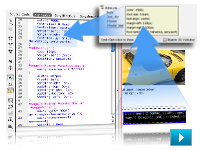
Complex web pages made approachable
Design and develop more sophisticated websites with the new Live View in Dreamweaver CS4, featuring interactive code editing. Rely on the new Related Files and Code Navigator features to dive deeply into complex pages.

Animation and transformational enhancements
Give your content a greater sense of depth with the new 3D transformation tools in Flash CS4 Professional, complete with multireference rotation options. Bring your animations to life with the advanced inverse kinematics of the Bones tool.
Multiple export options from a single creative source
Design once and deploy to many formats without having to re-create your work. Move from Photoshop, Illustrator, or Flash to Fireworks with confidence, thanks to a universal interface design.
Faster, more expressive design tools
With Photoshop CS4 Extended, take advantage of greater precision, more intuitive selection, and smoother image navigation, along with comprehensive 3D painting and ray-trace rendering. Illustrator CS4 incorporates multiple artboards, live preview, in-place editing, and robust gradient handling.
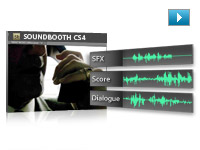
Intuitive audio
Amplify your impact with Soundbooth CS4. Multitrack recording capabilities and professional audio editing features make Soundbooth an essential component of your creative toolset, fully integrated into Web Premium.
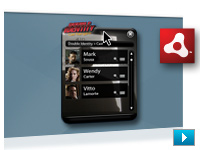
Advanced application development
Design and create your Adobe AIR interactive prototype in Fireworks for deployment in Dreamweaver, Flash Professional, or Adobe Flex software. Enhance your Adobe AIR application with HTML and JavaScript in Dreamweaver and then preview or deploy it immediately.
Mobile authoring integration
Enjoy tighter integration with Flash Professional and other Creative Suite 4 components using Adobe Device Central CS4, which also enables full-featured testing of content including web pages, video, images, and interactive SWF files.
Online services
Tap into the creative community quickly, and collaborate smoothly with your customers, colleagues, and vendors. Share your screen, search for expert help, and get color inspiration through online services accessed from within the components of Creative Suite 4 Web Premium.
PDF collaboration
Communicate with your clients professionally with PDF export from Fireworks CS4. Fireworks automatically transforms linked pages into interactive PDF elements so clients can quickly experience how your design flows from one page to another.
Power tools for high-powered work
Step up to powerful web tools, complete with integrated workflows and enhanced utilities. Design, develop, and maintain sophisticated websites, full-featured applications, and compelling interactive experiences for the web, mobile devices, and the desktop.
Total workflow integration
Follow your workflow wherever it leads with Adobe Dreamweaver CS4, Flash CS4 Professional, Photoshop CS4 Extended, Illustrator CS4, and Fireworks CS4. Manage your assets with Adobe Bridge, and add professional-quality audio with Adobe Soundbooth CS4.
Animation and transformational enhancements
Give your content a greater sense of depth with the new 3D transformation tools in Flash Professional, complete with multireference rotation options. Bring your animations to life with the advanced inverse kinematics of the Bones tool.
Cross-discipline workflow
Effortlessly transition fixed graphics to interactive movies. Build on wireframes and prototypes developed by information architects and turn them into standards-compliant HTML and CSS. Create rich application interfaces with the core design intact.
Cutting-edge technologies coupled with industry standards
Work with the latest technologies to output standards-based websites and applications, whether you're working with client-side HTML/XHTML, CSS, and XML; server-side application languages like Adobe ColdFusion, ASP, and PHP; or advanced JavaScript and Ajax.
ActionScript 3.0 development
Code more effectively with ActionScript 3.0, the Adobe Flash Player runtime programming language. Leverage the extensive ActionScript 3.0 API, libraries, and community support to extend the reach and improve the performance of your applications.
Best practices
Make best practices in web design and development your practice with standards-based tools from Adobe, whether you're building CSS-based layouts or data-rich pages with the accessible HTML Data Set feature.
Mobile content authoring
Extend your websites to mobile devices with sleek workflows and high-fidelity results. Adobe Device Central CS4 offers tighter integration with Flash and other Adobe Creative Suite 4 components and enables full-featured testing of content.
Advanced application development
Design and create your Adobe AIR interactive prototype in Fireworks for deployment in Dreamweaver, Flash Professional, or Adobe Flex software. Enhance your Adobe AIR application with HTML and JavaScript in Dreamweaver and then preview or deploy it immediately.
Cross-platform support
Design with your chosen system Mac OS, Microsoft Windows XP, or Windows Vista and then deliver across platforms with reliable, consistent, and high-performance results.
|
|
|
|
26/09
|
Nikon MB-D80 Multi Function Battery Pack - for D80
Multi-function Battery Pack MB-D80
The MB-D80 battery pack adds extended shooting capability in an ergonomic design that adds shooting stability. Able to run on either one or two EN-EL3e batteries or six AA-size batteries*, it also features additional command dials and alternative buttons for shutter release and AE-Lock/AF-Lock that make vertical shooting more comfortable. Approx. 2,500 shots with one EN-EL3e and approx. 5,000 shots with two EN-EL3e batteries. *Compatible AA-size batteries comprise alkaline, Ni-MH, lithium and nickel-manganese batteries.
|
|
|
|
26/09
|
Adobe Creative Suite 4 (CS4) Web Premium - Mac, Upgrade
- Upgrade from CS3 Suite except Master Collection *** Upgrade from CS3 Suite except Master Collection ***
* Dreamweaver CS4
* Flash CS4 Professional
* Photoshop CS4 Extended
* Illustrator CS4
* Fireworks CS4
* Acrobat 9 Pro
* Soundbooth CS4
* Contribute CS4
* Adobe Bridge CS4
* Adobe Device Central CS4
* Version Cue CS4
New versions, new integration
Enjoy updated versions of the creative tools you rely on. Adobe Creative Suite 4 Web Premium includes new versions of Adobe Dreamweaver, Flash Professional, Photoshop Extended, Illustrator, Fireworks, Acrobat Pro, Soundbooth, and Contribute.
Complex web pages made approachable
Design and develop more sophisticated websites with the new Live View in Dreamweaver CS4, featuring interactive code editing. Rely on the new Related Files and Code Navigator features to dive deeply into complex pages.

Animation and transformational enhancements
Give your content a greater sense of depth with the new 3D transformation tools in Flash CS4 Professional, complete with multireference rotation options. Bring your animations to life with the advanced inverse kinematics of the Bones tool.
Multiple export options from a single creative source
Design once and deploy to many formats without having to re-create your work. Move from Photoshop, Illustrator, or Flash to Fireworks with confidence, thanks to a universal interface design.
Faster, more expressive design tools
With Photoshop CS4 Extended, take advantage of greater precision, more intuitive selection, and smoother image navigation, along with comprehensive 3D painting and ray-trace rendering. Illustrator CS4 incorporates multiple artboards, live preview, in-place editing, and robust gradient handling.
Intuitive audio
Amplify your impact with Soundbooth CS4. Multitrack recording capabilities and professional audio editing features make Soundbooth an essential component of your creative toolset, fully integrated into Web Premium.
Advanced application development
Design and create your Adobe AIR interactive prototype in Fireworks for deployment in Dreamweaver, Flash Professional, or Adobe Flex software. Enhance your Adobe AIR application with HTML and JavaScript in Dreamweaver and then preview or deploy it immediately.
Mobile authoring integration
Enjoy tighter integration with Flash Professional and other Creative Suite 4 components using Adobe Device Central CS4, which also enables full-featured testing of content including web pages, video, images, and interactive SWF files.
Online services
Tap into the creative community quickly, and collaborate smoothly with your customers, colleagues, and vendors. Share your screen, search for expert help, and get color inspiration through online services accessed from within the components of Creative Suite 4 Web Premium.
PDF collaboration
Communicate with your clients professionally with PDF export from Fireworks CS4. Fireworks automatically transforms linked pages into interactive PDF elements so clients can quickly experience how your design flows from one page to another.
Power tools for high-powered work
Step up to powerful web tools, complete with integrated workflows and enhanced utilities. Design, develop, and maintain sophisticated websites, full-featured applications, and compelling interactive experiences for the web, mobile devices, and the desktop.
Total workflow integration
Follow your workflow wherever it leads with Adobe Dreamweaver CS4, Flash CS4 Professional, Photoshop CS4 Extended, Illustrator CS4, and Fireworks CS4. Manage your assets with Adobe Bridge, and add professional-quality audio with Adobe Soundbooth CS4.
Animation and transformational enhancements
Give your content a greater sense of depth with the new 3D transformation tools in Flash Professional, complete with multireference rotation options. Bring your animations to life with the advanced inverse kinematics of the Bones tool.
Cross-discipline workflow
Effortlessly transition fixed graphics to interactive movies. Build on wireframes and prototypes developed by information architects and turn them into standards-compliant HTML and CSS. Create rich application interfaces with the core design intact.
Cutting-edge technologies coupled with industry standards
Work with the latest technologies to output standards-based websites and applications, whether you're working with client-side HTML/XHTML, CSS, and XML; server-side application languages like Adobe ColdFusion, ASP, and PHP; or advanced JavaScript and Ajax.
ActionScript 3.0 development
Code more effectively with ActionScript 3.0, the Adobe Flash Player runtime programming language. Leverage the extensive ActionScript 3.0 API, libraries, and community support to extend the reach and improve the performance of your applications.
Best practices
Make best practices in web design and development your practice with standards-based tools from Adobe, whether you're building CSS-based layouts or data-rich pages with the accessible HTML Data Set feature.
Mobile content authoring
Extend your websites to mobile devices with sleek workflows and high-fidelity results. Adobe Device Central CS4 offers tighter integration with Flash and other Adobe Creative Suite 4 components and enables full-featured testing of content.
Advanced application development
Design and create your Adobe AIR interactive prototype in Fireworks for deployment in Dreamweaver, Flash Professional, or Adobe Flex software. Enhance your Adobe AIR application with HTML and JavaScript in Dreamweaver and then preview or deploy it immediately.
Cross-platform support
Design with your chosen system Mac OS, Microsoft Windows XP, or Windows Vista and then deliver across platforms with reliable, consistent, and high-performance results.
|
|
|
|
26/09
|
Adobe Creative Suite 4 (CS4) Web Premium - Mac, Retail * Dreamweaver CS4
* Flash CS4 Professional
* Photoshop CS4 Extended
* Illustrator CS4
* Fireworks CS4
* Acrobat 9 Pro
* Soundbooth CS4
* Contribute CS4
* Adobe Bridge CS4
* Adobe Device Central CS4
* Version Cue CS4
New versions, new integration
Enjoy updated versions of the creative tools you rely on. Adobe Creative Suite 4 Web Premium includes new versions of Adobe Dreamweaver, Flash Professional, Photoshop Extended, Illustrator, Fireworks, Acrobat Pro, Soundbooth, and Contribute.
Complex web pages made approachable
Design and develop more sophisticated websites with the new Live View in Dreamweaver CS4, featuring interactive code editing. Rely on the new Related Files and Code Navigator features to dive deeply into complex pages.

Animation and transformational enhancements
Give your content a greater sense of depth with the new 3D transformation tools in Flash CS4 Professional, complete with multireference rotation options. Bring your animations to life with the advanced inverse kinematics of the Bones tool.
Multiple export options from a single creative source
Design once and deploy to many formats without having to re-create your work. Move from Photoshop, Illustrator, or Flash to Fireworks with confidence, thanks to a universal interface design.
Faster, more expressive design tools
With Photoshop CS4 Extended, take advantage of greater precision, more intuitive selection, and smoother image navigation, along with comprehensive 3D painting and ray-trace rendering. Illustrator CS4 incorporates multiple artboards, live preview, in-place editing, and robust gradient handling.
Intuitive audio
Amplify your impact with Soundbooth CS4. Multitrack recording capabilities and professional audio editing features make Soundbooth an essential component of your creative toolset, fully integrated into Web Premium.
Advanced application development
Design and create your Adobe AIR interactive prototype in Fireworks for deployment in Dreamweaver, Flash Professional, or Adobe Flex software. Enhance your Adobe AIR application with HTML and JavaScript in Dreamweaver and then preview or deploy it immediately.
Mobile authoring integration
Enjoy tighter integration with Flash Professional and other Creative Suite 4 components using Adobe Device Central CS4, which also enables full-featured testing of content including web pages, video, images, and interactive SWF files.
Online services
Tap into the creative community quickly, and collaborate smoothly with your customers, colleagues, and vendors. Share your screen, search for expert help, and get color inspiration through online services accessed from within the components of Creative Suite 4 Web Premium.
PDF collaboration
Communicate with your clients professionally with PDF export from Fireworks CS4. Fireworks automatically transforms linked pages into interactive PDF elements so clients can quickly experience how your design flows from one page to another.
Power tools for high-powered work
Step up to powerful web tools, complete with integrated workflows and enhanced utilities. Design, develop, and maintain sophisticated websites, full-featured applications, and compelling interactive experiences for the web, mobile devices, and the desktop.
Total workflow integration
Follow your workflow wherever it leads with Adobe Dreamweaver CS4, Flash CS4 Professional, Photoshop CS4 Extended, Illustrator CS4, and Fireworks CS4. Manage your assets with Adobe Bridge, and add professional-quality audio with Adobe Soundbooth CS4.
Animation and transformational enhancements
Give your content a greater sense of depth with the new 3D transformation tools in Flash Professional, complete with multireference rotation options. Bring your animations to life with the advanced inverse kinematics of the Bones tool.
Cross-discipline workflow
Effortlessly transition fixed graphics to interactive movies. Build on wireframes and prototypes developed by information architects and turn them into standards-compliant HTML and CSS. Create rich application interfaces with the core design intact.
Cutting-edge technologies coupled with industry standards
Work with the latest technologies to output standards-based websites and applications, whether you're working with client-side HTML/XHTML, CSS, and XML; server-side application languages like Adobe ColdFusion, ASP, and PHP; or advanced JavaScript and Ajax.
ActionScript 3.0 development
Code more effectively with ActionScript 3.0, the Adobe Flash Player runtime programming language. Leverage the extensive ActionScript 3.0 API, libraries, and community support to extend the reach and improve the performance of your applications.
Best practices
Make best practices in web design and development your practice with standards-based tools from Adobe, whether you're building CSS-based layouts or data-rich pages with the accessible HTML Data Set feature.
Mobile content authoring
Extend your websites to mobile devices with sleek workflows and high-fidelity results. Adobe Device Central CS4 offers tighter integration with Flash and other Adobe Creative Suite 4 components and enables full-featured testing of content.
Advanced application development
Design and create your Adobe AIR interactive prototype in Fireworks for deployment in Dreamweaver, Flash Professional, or Adobe Flex software. Enhance your Adobe AIR application with HTML and JavaScript in Dreamweaver and then preview or deploy it immediately.
Cross-platform support
Design with your chosen system Mac OS, Microsoft Windows XP, or Windows Vista and then deliver across platforms with reliable, consistent, and high-performance results.
|
|
|
|
26/09
|
Adobe Creative Suite 4 (CS4) Web Premium - Mac, Educational Only * Dreamweaver CS4
* Flash CS4 Professional
* Photoshop CS4 Extended
* Illustrator CS4
* Fireworks CS4
* Acrobat 9 Pro
* Soundbooth CS4
* Contribute CS4
* Adobe Bridge CS4
* Adobe Device Central CS4
* Version Cue CS4
New versions, new integration
Enjoy updated versions of the creative tools you rely on. Adobe Creative Suite 4 Web Premium includes new versions of Adobe Dreamweaver, Flash Professional, Photoshop Extended, Illustrator, Fireworks, Acrobat Pro, Soundbooth, and Contribute.
Complex web pages made approachable
Design and develop more sophisticated websites with the new Live View in Dreamweaver CS4, featuring interactive code editing. Rely on the new Related Files and Code Navigator features to dive deeply into complex pages.

Animation and transformational enhancements
Give your content a greater sense of depth with the new 3D transformation tools in Flash CS4 Professional, complete with multireference rotation options. Bring your animations to life with the advanced inverse kinematics of the Bones tool.
Multiple export options from a single creative source
Design once and deploy to many formats without having to re-create your work. Move from Photoshop, Illustrator, or Flash to Fireworks with confidence, thanks to a universal interface design.
Faster, more expressive design tools
With Photoshop CS4 Extended, take advantage of greater precision, more intuitive selection, and smoother image navigation, along with comprehensive 3D painting and ray-trace rendering. Illustrator CS4 incorporates multiple artboards, live preview, in-place editing, and robust gradient handling.
Intuitive audio
Amplify your impact with Soundbooth CS4. Multitrack recording capabilities and professional audio editing features make Soundbooth an essential component of your creative toolset, fully integrated into Web Premium.
Advanced application development
Design and create your Adobe AIR interactive prototype in Fireworks for deployment in Dreamweaver, Flash Professional, or Adobe Flex software. Enhance your Adobe AIR application with HTML and JavaScript in Dreamweaver and then preview or deploy it immediately.
Mobile authoring integration
Enjoy tighter integration with Flash Professional and other Creative Suite 4 components using Adobe Device Central CS4, which also enables full-featured testing of content including web pages, video, images, and interactive SWF files.
Online services
Tap into the creative community quickly, and collaborate smoothly with your customers, colleagues, and vendors. Share your screen, search for expert help, and get color inspiration through online services accessed from within the components of Creative Suite 4 Web Premium.
PDF collaboration
Communicate with your clients professionally with PDF export from Fireworks CS4. Fireworks automatically transforms linked pages into interactive PDF elements so clients can quickly experience how your design flows from one page to another.
Power tools for high-powered work
Step up to powerful web tools, complete with integrated workflows and enhanced utilities. Design, develop, and maintain sophisticated websites, full-featured applications, and compelling interactive experiences for the web, mobile devices, and the desktop.
Total workflow integration
Follow your workflow wherever it leads with Adobe Dreamweaver CS4, Flash CS4 Professional, Photoshop CS4 Extended, Illustrator CS4, and Fireworks CS4. Manage your assets with Adobe Bridge, and add professional-quality audio with Adobe Soundbooth CS4.
Animation and transformational enhancements
Give your content a greater sense of depth with the new 3D transformation tools in Flash Professional, complete with multireference rotation options. Bring your animations to life with the advanced inverse kinematics of the Bones tool.
Cross-discipline workflow
Effortlessly transition fixed graphics to interactive movies. Build on wireframes and prototypes developed by information architects and turn them into standards-compliant HTML and CSS. Create rich application interfaces with the core design intact.
Cutting-edge technologies coupled with industry standards
Work with the latest technologies to output standards-based websites and applications, whether you're working with client-side HTML/XHTML, CSS, and XML; server-side application languages like Adobe ColdFusion, ASP, and PHP; or advanced JavaScript and Ajax.
ActionScript 3.0 development
Code more effectively with ActionScript 3.0, the Adobe Flash Player runtime programming language. Leverage the extensive ActionScript 3.0 API, libraries, and community support to extend the reach and improve the performance of your applications.
Best practices
Make best practices in web design and development your practice with standards-based tools from Adobe, whether you're building CSS-based layouts or data-rich pages with the accessible HTML Data Set feature.
Mobile content authoring
Extend your websites to mobile devices with sleek workflows and high-fidelity results. Adobe Device Central CS4 offers tighter integration with Flash and other Adobe Creative Suite 4 components and enables full-featured testing of content.
Advanced application development
Design and create your Adobe AIR interactive prototype in Fireworks for deployment in Dreamweaver, Flash Professional, or Adobe Flex software. Enhance your Adobe AIR application with HTML and JavaScript in Dreamweaver and then preview or deploy it immediately.
Cross-platform support
Design with your chosen system Mac OS, Microsoft Windows XP, or Windows Vista and then deliver across platforms with reliable, consistent, and high-performance results.
|
|
|
|
26/09
|
Nikon MB-40 Battery Holder Grip - for F6
|
|
|
|
26/09
|
Adobe Creative Suite 4 (CS4) Production Premium - Windows, Upgrade
- Upgrade from CS3 Suite except Master Collection *** Upgrade from CS3 Suite except Master Collection ***
Includes:
* After Effects CS4
* Adobe Premiere Pro CS4
* Photoshop CS4 Extended
* Flash CS4 Professional
* Illustrator CS4
* Soundbooth CS4
* Adobe OnLocation CS4
* Encore CS4
* Adobe Bridge CS4
* Adobe Device Central CS4
* Dynamic Link
Powerful integration, including expanded Adobe Dynamic Link, for exceptional productivity
Work with unparalleled efficiency, so you have more time to craft your vision. For example, expanded Adobe Dynamic Link lets you link content between Adobe Creative Suite 4 Production Premium components, so you can see updates immediately without rendering.
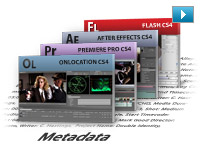
Project intelligence with XMP metadata
Capture valuable XMP metadata from your camera, and accumulate key information throughout the production process for intelligent media management. Use new Speech Search technology in Adobe Premiere Pro and Soundbooth to turn spoken dialog into metadata, making it easy to find particular clips and make video assets searchable.

Direct-to-disk recording and tapeless workflows
Shoot footage directly to disk from non-file-based cameras with redesigned Adobe OnLocation CS4, which now runs natively on Windows and Intel based Mac OS systems. Import and natively edit a wide variety of tapeless formats including RED One, P2, XDCAM EX, and AVCHD without transcoding or rewrapping in Adobe Premiere Pro CS4.

Wide variety of output options
Deliver on film, on video, on DVD and Blu-ray Disc, online, and on mobile devices with smooth efficiency to reach more audiences.
Collaboration with clients and colleagues
Use the Adobe ConnectNow service to share project storyboards online before you shoot. Access improved Resource Central to find new assets, and quickly find news and inspiration in Adobe Bridge Home.
Editing efficiency with Adobe Premiere Pro CS4
Utilize scalable, efficient, and flexible nonlinear video-editing capabilities and superior integration with other Creative Suite 4 components to tell your most compelling stories. New native support for tapeless workflows and more than 50 enhancements make the editing process more efficient.
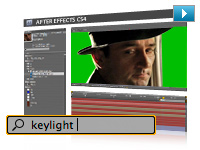
Motion graphics and visual effects with Adobe After Effects CS4
Be more productive with Adobe After Effects CS4: Searchable timelines and projects, easier navigation of nested compositions, expanded 3D compositing options including the ability to import 3D layers from Adobe Photoshop CS4 Extended, and the new Cartoon effect help you work more efficiently and open up new creative possibilities.
Industry-standard design with Adobe Illustrator CS4 and Photoshop CS4 Extended
Use an expanded set of creative options in Adobe Illustrator CS4 for designing static assets and creating storyboards, and take advantage of enhanced 3D support, Vanishing Point, and improved video support in Photoshop CS4 Extended to enhance your projects.
Interactive experiences with Adobe Flash CS4 Professional
Work with a new animation model that makes Adobe Flash CS4 Professional easier to learn for new users, adds efficiency for proficient users, and provides even greater control for creating immersive interactive experiences.
Enhanced audio editing with Adobe Soundbooth CS4
Create and arrange audio clips for your film, video, and interactive projects for Flash with more flexibility using convenient, task-based tools along with new multitrack audio project support.
Complete pre- and post-production solution
Create and deliver high-quality video and interactive productions with tightly integrated software tools for pre- and post-production on Windows and Intel based Mac OS systems.
Creative control
Achieve exceptional creative control with all components. Produce engaging experiences by leveraging innovative new 3D workflows; enhanced editing, animation, and compositing features; a unified user interface that makes moving between components fluid; and robust output options.
Powerful integration for exceptional productivity
Work with unparalleled efficiency, so you have more time to craft your vision. For example, expanded Adobe Dynamic Link enables you to link content between components so you can see updates immediately without rendering.
Project intelligence with XMP metadata
Take advantage of the efficiency XMP metadata offers for project intelligence. For example, new Speech Search technology in Adobe Premiere Pro CS4 and Soundbooth CS4 speeds up the editing process by using metadata to turn spoken words into searchable metadata, making it easy to find particular clips and make video assets searchable.
Wide variety of output options
Deliver on film, on video, on DVD and Blu-ray Disc, online, and on mobile devices with smooth efficiency to reach more audiences.
Motion graphics and visual effects with Adobe After Effects CS4
Be more productive with a host of enhanced features in Adobe After Effects CS4. Searchable timelines and projects, expanded 3D compositing options, included Mocha for Adobe After Effects software, and numerous interface enhancements streamline almost everything you do.
Editing efficiency with Adobe Premiere Pro CS4
Take advantage of scalable and flexible nonlinear video-editing capabilities to tell your most compelling stories. New native support for tapeless workflows and more than 50 enhancements in this release help make the editing workflow more efficient.
Direct-to-disk recording with Adobe OnLocation CS4
Bypass the time-consuming capture process by shooting directly to disk, and monitor the quality of your footage using an impressive array of production tools. Featuring a completely redesigned interface, Adobe OnLocation CS4 now runs natively on both Windows and Intel based Mac OS systems.
Interactive experiences with Adobe Flash CS4 Professional
Work with a new animation model that makes Adobe Flash CS4 Professional easier to learn for new users, adds efficiency for proficient users, and provides even greater control for creating immersive interactive experiences.
Industry-standard design with Adobe Photoshop CS4 Extended
Edit images and video with an expanded set of creative options in Adobe Photoshop CS4 Extended. Work directly with 3D models, and take advantage of new video layer enhancements. Plus, the new Adjustments and Masks panels provide quick access to tools you need to adjust color, tone, and selections of your images.
Production planning with Adobe Illustrator CS4
Design project elements and storyboards for your productions with Adobe Illustrator CS4. Create multiple artboards in a single file, and work with enhanced gradient tools.
Enhanced audio editing with Adobe Soundbooth CS4
Create and arrange audio clips in film, video, and interactive projects with greater flexibility. Easily edit audio in Flash CS4 Professional projects in Soundbooth CS4 using convenient, task-based tools along with new multitrack audio project support.
Collaboration with clients and colleagues
Access the Adobe ConnectNow service to share project storyboards online with up to three people before you shoot. Use Adobe Encore CS4 to output SWF file versions of your dailies to post online. Expedite review cycles with the Adobe Clip Notes feature in Adobe Premiere Pro and After Effects, which lets you embed video in a PDF file and then import timecode-specific comments to the timeline. Access improved Resource Central to find new assets, and quickly find news and inspiration in Adobe Bridge Home.
|
|
|
|
26/09
|
Adobe Creative Suite 4 (CS4) Production Premium - Windows, Retail * After Effects CS4
* Adobe Premiere Pro CS4
* Photoshop CS4 Extended
* Flash CS4 Professional
* Illustrator CS4
* Soundbooth CS4
* Adobe OnLocation CS4
* Encore CS4
* Adobe Bridge CS4
* Adobe Device Central CS4
* Dynamic Link
Powerful integration, including expanded Adobe Dynamic Link, for exceptional productivity
Work with unparalleled efficiency, so you have more time to craft your vision. For example, expanded Adobe Dynamic Link lets you link content between Adobe Creative Suite 4 Production Premium components, so you can see updates immediately without rendering.
Project intelligence with XMP metadata
Capture valuable XMP metadata from your camera, and accumulate key information throughout the production process for intelligent media management. Use new Speech Search technology in Adobe Premiere Pro and Soundbooth to turn spoken dialog into metadata, making it easy to find particular clips and make video assets searchable.

Direct-to-disk recording and tapeless workflows
Shoot footage directly to disk from non-file-based cameras with redesigned Adobe OnLocation CS4, which now runs natively on Windows and Intel based Mac OS systems. Import and natively edit a wide variety of tapeless formats including RED One, P2, XDCAM EX, and AVCHD without transcoding or rewrapping in Adobe Premiere Pro CS4.

Wide variety of output options
Deliver on film, on video, on DVD and Blu-ray Disc, online, and on mobile devices with smooth efficiency to reach more audiences.
Collaboration with clients and colleagues
Use the Adobe ConnectNow service to share project storyboards online before you shoot. Access improved Resource Central to find new assets, and quickly find news and inspiration in Adobe Bridge Home.
Editing efficiency with Adobe Premiere Pro CS4
Utilize scalable, efficient, and flexible nonlinear video-editing capabilities and superior integration with other Creative Suite 4 components to tell your most compelling stories. New native support for tapeless workflows and more than 50 enhancements make the editing process more efficient.
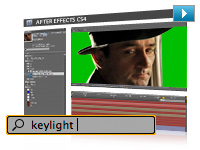
Motion graphics and visual effects with Adobe After Effects CS4
Be more productive with Adobe After Effects CS4: Searchable timelines and projects, easier navigation of nested compositions, expanded 3D compositing options including the ability to import 3D layers from Adobe Photoshop CS4 Extended, and the new Cartoon effect help you work more efficiently and open up new creative possibilities.
Industry-standard design with Adobe Illustrator CS4 and Photoshop CS4 Extended
Use an expanded set of creative options in Adobe Illustrator CS4 for designing static assets and creating storyboards, and take advantage of enhanced 3D support, Vanishing Point, and improved video support in Photoshop CS4 Extended to enhance your projects.
Interactive experiences with Adobe Flash CS4 Professional
Work with a new animation model that makes Adobe Flash CS4 Professional easier to learn for new users, adds efficiency for proficient users, and provides even greater control for creating immersive interactive experiences.
Enhanced audio editing with Adobe Soundbooth CS4
Create and arrange audio clips for your film, video, and interactive projects for Flash with more flexibility using convenient, task-based tools along with new multitrack audio project support.
Complete pre- and post-production solution
Create and deliver high-quality video and interactive productions with tightly integrated software tools for pre- and post-production on Windows and Intel based Mac OS systems.
Creative control
Achieve exceptional creative control with all components. Produce engaging experiences by leveraging innovative new 3D workflows; enhanced editing, animation, and compositing features; a unified user interface that makes moving between components fluid; and robust output options.
Powerful integration for exceptional productivity
Work with unparalleled efficiency, so you have more time to craft your vision. For example, expanded Adobe Dynamic Link enables you to link content between components so you can see updates immediately without rendering.
Project intelligence with XMP metadata
Take advantage of the efficiency XMP metadata offers for project intelligence. For example, new Speech Search technology in Adobe Premiere Pro CS4 and Soundbooth CS4 speeds up the editing process by using metadata to turn spoken words into searchable metadata, making it easy to find particular clips and make video assets searchable.
Wide variety of output options
Deliver on film, on video, on DVD and Blu-ray Disc, online, and on mobile devices with smooth efficiency to reach more audiences.
Motion graphics and visual effects with Adobe After Effects CS4
Be more productive with a host of enhanced features in Adobe After Effects CS4. Searchable timelines and projects, expanded 3D compositing options, included Mocha for Adobe After Effects software, and numerous interface enhancements streamline almost everything you do.
Editing efficiency with Adobe Premiere Pro CS4
Take advantage of scalable and flexible nonlinear video-editing capabilities to tell your most compelling stories. New native support for tapeless workflows and more than 50 enhancements in this release help make the editing workflow more efficient.
Direct-to-disk recording with Adobe OnLocation CS4
Bypass the time-consuming capture process by shooting directly to disk, and monitor the quality of your footage using an impressive array of production tools. Featuring a completely redesigned interface, Adobe OnLocation CS4 now runs natively on both Windows and Intel based Mac OS systems.
Interactive experiences with Adobe Flash CS4 Professional
Work with a new animation model that makes Adobe Flash CS4 Professional easier to learn for new users, adds efficiency for proficient users, and provides even greater control for creating immersive interactive experiences.
Industry-standard design with Adobe Photoshop CS4 Extended
Edit images and video with an expanded set of creative options in Adobe Photoshop CS4 Extended. Work directly with 3D models, and take advantage of new video layer enhancements. Plus, the new Adjustments and Masks panels provide quick access to tools you need to adjust color, tone, and selections of your images.
Production planning with Adobe Illustrator CS4
Design project elements and storyboards for your productions with Adobe Illustrator CS4. Create multiple artboards in a single file, and work with enhanced gradient tools.
Enhanced audio editing with Adobe Soundbooth CS4
Create and arrange audio clips in film, video, and interactive projects with greater flexibility. Easily edit audio in Flash CS4 Professional projects in Soundbooth CS4 using convenient, task-based tools along with new multitrack audio project support.
Collaboration with clients and colleagues
Access the Adobe ConnectNow service to share project storyboards online with up to three people before you shoot. Use Adobe Encore CS4 to output SWF file versions of your dailies to post online. Expedite review cycles with the Adobe Clip Notes feature in Adobe Premiere Pro and After Effects, which lets you embed video in a PDF file and then import timecode-specific comments to the timeline. Access improved Resource Central to find new assets, and quickly find news and inspiration in Adobe Bridge Home.
|
|
|
|
26/09
|
Adobe Creative Suite 4 (CS4) Production Premium - Windows, Educational Only * After Effects CS4
* Adobe Premiere Pro CS4
* Photoshop CS4 Extended
* Flash CS4 Professional
* Illustrator CS4
* Soundbooth CS4
* Adobe OnLocation CS4
* Encore CS4
* Adobe Bridge CS4
* Adobe Device Central CS4
* Dynamic Link
Powerful integration, including expanded Adobe Dynamic Link, for exceptional productivity
Work with unparalleled efficiency, so you have more time to craft your vision. For example, expanded Adobe Dynamic Link lets you link content between Adobe Creative Suite 4 Production Premium components, so you can see updates immediately without rendering.
Project intelligence with XMP metadata
Capture valuable XMP metadata from your camera, and accumulate key information throughout the production process for intelligent media management. Use new Speech Search technology in Adobe Premiere Pro and Soundbooth to turn spoken dialog into metadata, making it easy to find particular clips and make video assets searchable.

Direct-to-disk recording and tapeless workflows
Shoot footage directly to disk from non-file-based cameras with redesigned Adobe OnLocation CS4, which now runs natively on Windows and Intel based Mac OS systems. Import and natively edit a wide variety of tapeless formats including RED One, P2, XDCAM EX, and AVCHD without transcoding or rewrapping in Adobe Premiere Pro CS4.

Wide variety of output options
Deliver on film, on video, on DVD and Blu-ray Disc, online, and on mobile devices with smooth efficiency to reach more audiences.
Collaboration with clients and colleagues
Use the Adobe ConnectNow service to share project storyboards online before you shoot. Access improved Resource Central to find new assets, and quickly find news and inspiration in Adobe Bridge Home.
Editing efficiency with Adobe Premiere Pro CS4
Utilize scalable, efficient, and flexible nonlinear video-editing capabilities and superior integration with other Creative Suite 4 components to tell your most compelling stories. New native support for tapeless workflows and more than 50 enhancements make the editing process more efficient.
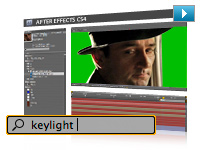
Motion graphics and visual effects with Adobe After Effects CS4
Be more productive with Adobe After Effects CS4: Searchable timelines and projects, easier navigation of nested compositions, expanded 3D compositing options including the ability to import 3D layers from Adobe Photoshop CS4 Extended, and the new Cartoon effect help you work more efficiently and open up new creative possibilities.
Industry-standard design with Adobe Illustrator CS4 and Photoshop CS4 Extended
Use an expanded set of creative options in Adobe Illustrator CS4 for designing static assets and creating storyboards, and take advantage of enhanced 3D support, Vanishing Point, and improved video support in Photoshop CS4 Extended to enhance your projects.
Interactive experiences with Adobe Flash CS4 Professional
Work with a new animation model that makes Adobe Flash CS4 Professional easier to learn for new users, adds efficiency for proficient users, and provides even greater control for creating immersive interactive experiences.
Enhanced audio editing with Adobe Soundbooth CS4
Create and arrange audio clips for your film, video, and interactive projects for Flash with more flexibility using convenient, task-based tools along with new multitrack audio project support.
Complete pre- and post-production solution
Create and deliver high-quality video and interactive productions with tightly integrated software tools for pre- and post-production on Windows and Intel based Mac OS systems.
Creative control
Achieve exceptional creative control with all components. Produce engaging experiences by leveraging innovative new 3D workflows; enhanced editing, animation, and compositing features; a unified user interface that makes moving between components fluid; and robust output options.
Powerful integration for exceptional productivity
Work with unparalleled efficiency, so you have more time to craft your vision. For example, expanded Adobe Dynamic Link enables you to link content between components so you can see updates immediately without rendering.
Project intelligence with XMP metadata
Take advantage of the efficiency XMP metadata offers for project intelligence. For example, new Speech Search technology in Adobe Premiere Pro CS4 and Soundbooth CS4 speeds up the editing process by using metadata to turn spoken words into searchable metadata, making it easy to find particular clips and make video assets searchable.
Wide variety of output options
Deliver on film, on video, on DVD and Blu-ray Disc, online, and on mobile devices with smooth efficiency to reach more audiences.
Motion graphics and visual effects with Adobe After Effects CS4
Be more productive with a host of enhanced features in Adobe After Effects CS4. Searchable timelines and projects, expanded 3D compositing options, included Mocha for Adobe After Effects software, and numerous interface enhancements streamline almost everything you do.
Editing efficiency with Adobe Premiere Pro CS4
Take advantage of scalable and flexible nonlinear video-editing capabilities to tell your most compelling stories. New native support for tapeless workflows and more than 50 enhancements in this release help make the editing workflow more efficient.
Direct-to-disk recording with Adobe OnLocation CS4
Bypass the time-consuming capture process by shooting directly to disk, and monitor the quality of your footage using an impressive array of production tools. Featuring a completely redesigned interface, Adobe OnLocation CS4 now runs natively on both Windows and Intel based Mac OS systems.
Interactive experiences with Adobe Flash CS4 Professional
Work with a new animation model that makes Adobe Flash CS4 Professional easier to learn for new users, adds efficiency for proficient users, and provides even greater control for creating immersive interactive experiences.
Industry-standard design with Adobe Photoshop CS4 Extended
Edit images and video with an expanded set of creative options in Adobe Photoshop CS4 Extended. Work directly with 3D models, and take advantage of new video layer enhancements. Plus, the new Adjustments and Masks panels provide quick access to tools you need to adjust color, tone, and selections of your images.
Production planning with Adobe Illustrator CS4
Design project elements and storyboards for your productions with Adobe Illustrator CS4. Create multiple artboards in a single file, and work with enhanced gradient tools.
Enhanced audio editing with Adobe Soundbooth CS4
Create and arrange audio clips in film, video, and interactive projects with greater flexibility. Easily edit audio in Flash CS4 Professional projects in Soundbooth CS4 using convenient, task-based tools along with new multitrack audio project support.
Collaboration with clients and colleagues
Access the Adobe ConnectNow service to share project storyboards online with up to three people before you shoot. Use Adobe Encore CS4 to output SWF file versions of your dailies to post online. Expedite review cycles with the Adobe Clip Notes feature in Adobe Premiere Pro and After Effects, which lets you embed video in a PDF file and then import timecode-specific comments to the timeline. Access improved Resource Central to find new assets, and quickly find news and inspiration in Adobe Bridge Home.
|
|
|
|
26/09
|
Adobe Creative Suite 4 (CS4) Production Premium - Mac, Upgrade
- Upgrade from CS3 Suite except Master Collection *** Upgrade from CS3 Suite except Master Collection ***
* After Effects CS4
* Adobe Premiere Pro CS4
* Photoshop CS4 Extended
* Flash CS4 Professional
* Illustrator CS4
* Soundbooth CS4
* Adobe OnLocation CS4
* Encore CS4
* Adobe Bridge CS4
* Adobe Device Central CS4
* Dynamic Link
Powerful integration, including expanded Adobe Dynamic Link, for exceptional productivity
Work with unparalleled efficiency, so you have more time to craft your vision. For example, expanded Adobe Dynamic Link lets you link content between Adobe Creative Suite 4 Production Premium components, so you can see updates immediately without rendering.
Project intelligence with XMP metadata
Capture valuable XMP metadata from your camera, and accumulate key information throughout the production process for intelligent media management. Use new Speech Search technology in Adobe Premiere Pro and Soundbooth to turn spoken dialog into metadata, making it easy to find particular clips and make video assets searchable.

Direct-to-disk recording and tapeless workflows
Shoot footage directly to disk from non-file-based cameras with redesigned Adobe OnLocation CS4, which now runs natively on Windows and Intel based Mac OS systems. Import and natively edit a wide variety of tapeless formats including RED One, P2, XDCAM EX, and AVCHD without transcoding or rewrapping in Adobe Premiere Pro CS4.

Wide variety of output options
Deliver on film, on video, on DVD and Blu-ray Disc, online, and on mobile devices with smooth efficiency to reach more audiences.
Collaboration with clients and colleagues
Use the Adobe ConnectNow service to share project storyboards online before you shoot. Access improved Resource Central to find new assets, and quickly find news and inspiration in Adobe Bridge Home.
Editing efficiency with Adobe Premiere Pro CS4
Utilize scalable, efficient, and flexible nonlinear video-editing capabilities and superior integration with other Creative Suite 4 components to tell your most compelling stories. New native support for tapeless workflows and more than 50 enhancements make the editing process more efficient.
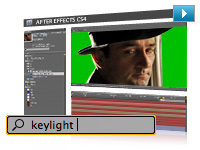
Motion graphics and visual effects with Adobe After Effects CS4
Be more productive with Adobe After Effects CS4: Searchable timelines and projects, easier navigation of nested compositions, expanded 3D compositing options including the ability to import 3D layers from Adobe Photoshop CS4 Extended, and the new Cartoon effect help you work more efficiently and open up new creative possibilities.
Industry-standard design with Adobe Illustrator CS4 and Photoshop CS4 Extended
Use an expanded set of creative options in Adobe Illustrator CS4 for designing static assets and creating storyboards, and take advantage of enhanced 3D support, Vanishing Point, and improved video support in Photoshop CS4 Extended to enhance your projects.
Interactive experiences with Adobe Flash CS4 Professional
Work with a new animation model that makes Adobe Flash CS4 Professional easier to learn for new users, adds efficiency for proficient users, and provides even greater control for creating immersive interactive experiences.
Enhanced audio editing with Adobe Soundbooth CS4
Create and arrange audio clips for your film, video, and interactive projects for Flash with more flexibility using convenient, task-based tools along with new multitrack audio project support.
Complete pre- and post-production solution
Create and deliver high-quality video and interactive productions with tightly integrated software tools for pre- and post-production on Windows and Intel based Mac OS systems.
Creative control
Achieve exceptional creative control with all components. Produce engaging experiences by leveraging innovative new 3D workflows; enhanced editing, animation, and compositing features; a unified user interface that makes moving between components fluid; and robust output options.
Powerful integration for exceptional productivity
Work with unparalleled efficiency, so you have more time to craft your vision. For example, expanded Adobe Dynamic Link enables you to link content between components so you can see updates immediately without rendering.
Project intelligence with XMP metadata
Take advantage of the efficiency XMP metadata offers for project intelligence. For example, new Speech Search technology in Adobe Premiere Pro CS4 and Soundbooth CS4 speeds up the editing process by using metadata to turn spoken words into searchable metadata, making it easy to find particular clips and make video assets searchable.
Wide variety of output options
Deliver on film, on video, on DVD and Blu-ray Disc, online, and on mobile devices with smooth efficiency to reach more audiences.
Motion graphics and visual effects with Adobe After Effects CS4
Be more productive with a host of enhanced features in Adobe After Effects CS4. Searchable timelines and projects, expanded 3D compositing options, included Mocha for Adobe After Effects software, and numerous interface enhancements streamline almost everything you do.
Editing efficiency with Adobe Premiere Pro CS4
Take advantage of scalable and flexible nonlinear video-editing capabilities to tell your most compelling stories. New native support for tapeless workflows and more than 50 enhancements in this release help make the editing workflow more efficient.
Direct-to-disk recording with Adobe OnLocation CS4
Bypass the time-consuming capture process by shooting directly to disk, and monitor the quality of your footage using an impressive array of production tools. Featuring a completely redesigned interface, Adobe OnLocation CS4 now runs natively on both Windows and Intel based Mac OS systems.
Interactive experiences with Adobe Flash CS4 Professional
Work with a new animation model that makes Adobe Flash CS4 Professional easier to learn for new users, adds efficiency for proficient users, and provides even greater control for creating immersive interactive experiences.
Industry-standard design with Adobe Photoshop CS4 Extended
Edit images and video with an expanded set of creative options in Adobe Photoshop CS4 Extended. Work directly with 3D models, and take advantage of new video layer enhancements. Plus, the new Adjustments and Masks panels provide quick access to tools you need to adjust color, tone, and selections of your images.
Production planning with Adobe Illustrator CS4
Design project elements and storyboards for your productions with Adobe Illustrator CS4. Create multiple artboards in a single file, and work with enhanced gradient tools.
Enhanced audio editing with Adobe Soundbooth CS4
Create and arrange audio clips in film, video, and interactive projects with greater flexibility. Easily edit audio in Flash CS4 Professional projects in Soundbooth CS4 using convenient, task-based tools along with new multitrack audio project support.
Collaboration with clients and colleagues
Access the Adobe ConnectNow service to share project storyboards online with up to three people before you shoot. Use Adobe Encore CS4 to output SWF file versions of your dailies to post online. Expedite review cycles with the Adobe Clip Notes feature in Adobe Premiere Pro and After Effects, which lets you embed video in a PDF file and then import timecode-specific comments to the timeline. Access improved Resource Central to find new assets, and quickly find news and inspiration in Adobe Bridge Home.
|
|
|
|
26/09
|
AP DX 400 Metal Film Cassettes - Box Of 100 AP DX 400 Metal Film Cassettes - Box Of 100
Neutral metallic cartridges with DX code. Enamelled steel. Easy to open and close with secure end-cap fastening.
|
|
|
|
26/09
|
Adobe Creative Suite 4 (CS4) Production Premium - Mac, Retail * After Effects CS4
* Adobe Premiere Pro CS4
* Photoshop CS4 Extended
* Flash CS4 Professional
* Illustrator CS4
* Soundbooth CS4
* Adobe OnLocation CS4
* Encore CS4
* Adobe Bridge CS4
* Adobe Device Central CS4
* Dynamic Link
Powerful integration, including expanded Adobe Dynamic Link, for exceptional productivity
Work with unparalleled efficiency, so you have more time to craft your vision. For example, expanded Adobe Dynamic Link lets you link content between Adobe Creative Suite 4 Production Premium components, so you can see updates immediately without rendering.
Project intelligence with XMP metadata
Capture valuable XMP metadata from your camera, and accumulate key information throughout the production process for intelligent media management. Use new Speech Search technology in Adobe Premiere Pro and Soundbooth to turn spoken dialog into metadata, making it easy to find particular clips and make video assets searchable.

Direct-to-disk recording and tapeless workflows
Shoot footage directly to disk from non-file-based cameras with redesigned Adobe OnLocation CS4, which now runs natively on Windows and Intel based Mac OS systems. Import and natively edit a wide variety of tapeless formats including RED One, P2, XDCAM EX, and AVCHD without transcoding or rewrapping in Adobe Premiere Pro CS4.

Wide variety of output options
Deliver on film, on video, on DVD and Blu-ray Disc, online, and on mobile devices with smooth efficiency to reach more audiences.
Collaboration with clients and colleagues
Use the Adobe ConnectNow service to share project storyboards online before you shoot. Access improved Resource Central to find new assets, and quickly find news and inspiration in Adobe Bridge Home.
Editing efficiency with Adobe Premiere Pro CS4
Utilize scalable, efficient, and flexible nonlinear video-editing capabilities and superior integration with other Creative Suite 4 components to tell your most compelling stories. New native support for tapeless workflows and more than 50 enhancements make the editing process more efficient.
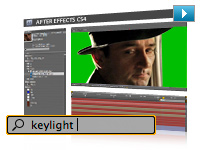
Motion graphics and visual effects with Adobe After Effects CS4
Be more productive with Adobe After Effects CS4: Searchable timelines and projects, easier navigation of nested compositions, expanded 3D compositing options including the ability to import 3D layers from Adobe Photoshop CS4 Extended, and the new Cartoon effect help you work more efficiently and open up new creative possibilities.
Industry-standard design with Adobe Illustrator CS4 and Photoshop CS4 Extended
Use an expanded set of creative options in Adobe Illustrator CS4 for designing static assets and creating storyboards, and take advantage of enhanced 3D support, Vanishing Point, and improved video support in Photoshop CS4 Extended to enhance your projects.
Interactive experiences with Adobe Flash CS4 Professional
Work with a new animation model that makes Adobe Flash CS4 Professional easier to learn for new users, adds efficiency for proficient users, and provides even greater control for creating immersive interactive experiences.
Enhanced audio editing with Adobe Soundbooth CS4
Create and arrange audio clips for your film, video, and interactive projects for Flash with more flexibility using convenient, task-based tools along with new multitrack audio project support.
Complete pre- and post-production solution
Create and deliver high-quality video and interactive productions with tightly integrated software tools for pre- and post-production on Windows and Intel based Mac OS systems.
Creative control
Achieve exceptional creative control with all components. Produce engaging experiences by leveraging innovative new 3D workflows; enhanced editing, animation, and compositing features; a unified user interface that makes moving between components fluid; and robust output options.
Powerful integration for exceptional productivity
Work with unparalleled efficiency, so you have more time to craft your vision. For example, expanded Adobe Dynamic Link enables you to link content between components so you can see updates immediately without rendering.
Project intelligence with XMP metadata
Take advantage of the efficiency XMP metadata offers for project intelligence. For example, new Speech Search technology in Adobe Premiere Pro CS4 and Soundbooth CS4 speeds up the editing process by using metadata to turn spoken words into searchable metadata, making it easy to find particular clips and make video assets searchable.
Wide variety of output options
Deliver on film, on video, on DVD and Blu-ray Disc, online, and on mobile devices with smooth efficiency to reach more audiences.
Motion graphics and visual effects with Adobe After Effects CS4
Be more productive with a host of enhanced features in Adobe After Effects CS4. Searchable timelines and projects, expanded 3D compositing options, included Mocha for Adobe After Effects software, and numerous interface enhancements streamline almost everything you do.
Editing efficiency with Adobe Premiere Pro CS4
Take advantage of scalable and flexible nonlinear video-editing capabilities to tell your most compelling stories. New native support for tapeless workflows and more than 50 enhancements in this release help make the editing workflow more efficient.
Direct-to-disk recording with Adobe OnLocation CS4
Bypass the time-consuming capture process by shooting directly to disk, and monitor the quality of your footage using an impressive array of production tools. Featuring a completely redesigned interface, Adobe OnLocation CS4 now runs natively on both Windows and Intel based Mac OS systems.
Interactive experiences with Adobe Flash CS4 Professional
Work with a new animation model that makes Adobe Flash CS4 Professional easier to learn for new users, adds efficiency for proficient users, and provides even greater control for creating immersive interactive experiences.
Industry-standard design with Adobe Photoshop CS4 Extended
Edit images and video with an expanded set of creative options in Adobe Photoshop CS4 Extended. Work directly with 3D models, and take advantage of new video layer enhancements. Plus, the new Adjustments and Masks panels provide quick access to tools you need to adjust color, tone, and selections of your images.
Production planning with Adobe Illustrator CS4
Design project elements and storyboards for your productions with Adobe Illustrator CS4. Create multiple artboards in a single file, and work with enhanced gradient tools.
Enhanced audio editing with Adobe Soundbooth CS4
Create and arrange audio clips in film, video, and interactive projects with greater flexibility. Easily edit audio in Flash CS4 Professional projects in Soundbooth CS4 using convenient, task-based tools along with new multitrack audio project support.
Collaboration with clients and colleagues
Access the Adobe ConnectNow service to share project storyboards online with up to three people before you shoot. Use Adobe Encore CS4 to output SWF file versions of your dailies to post online. Expedite review cycles with the Adobe Clip Notes feature in Adobe Premiere Pro and After Effects, which lets you embed video in a PDF file and then import timecode-specific comments to the timeline. Access improved Resource Central to find new assets, and quickly find news and inspiration in Adobe Bridge Home.
|
|
|
|
26/09
|
AP DX 100 Metal Film Cassettes - Box Of 100 AP DX 100 Metal Film Cassettes - Box Of 100
Neutral metallic cartridges with DX code. Enamelled steel. Easy to open and close with secure end-cap fastening.
|
|
|
|
26/09
|
Adobe Creative Suite 4 (CS4) Production Premium - Mac, Educational Only * After Effects CS4
* Adobe Premiere Pro CS4
* Photoshop CS4 Extended
* Flash CS4 Professional
* Illustrator CS4
* Soundbooth CS4
* Adobe OnLocation CS4
* Encore CS4
* Adobe Bridge CS4
* Adobe Device Central CS4
* Dynamic Link
Powerful integration, including expanded Adobe Dynamic Link, for exceptional productivity
Work with unparalleled efficiency, so you have more time to craft your vision. For example, expanded Adobe Dynamic Link lets you link content between Adobe Creative Suite 4 Production Premium components, so you can see updates immediately without rendering.
Project intelligence with XMP metadata
Capture valuable XMP metadata from your camera, and accumulate key information throughout the production process for intelligent media management. Use new Speech Search technology in Adobe Premiere Pro and Soundbooth to turn spoken dialog into metadata, making it easy to find particular clips and make video assets searchable.

Direct-to-disk recording and tapeless workflows
Shoot footage directly to disk from non-file-based cameras with redesigned Adobe OnLocation CS4, which now runs natively on Windows and Intel based Mac OS systems. Import and natively edit a wide variety of tapeless formats including RED One, P2, XDCAM EX, and AVCHD without transcoding or rewrapping in Adobe Premiere Pro CS4.

Wide variety of output options
Deliver on film, on video, on DVD and Blu-ray Disc, online, and on mobile devices with smooth efficiency to reach more audiences.
Collaboration with clients and colleagues
Use the Adobe ConnectNow service to share project storyboards online before you shoot. Access improved Resource Central to find new assets, and quickly find news and inspiration in Adobe Bridge Home.
Editing efficiency with Adobe Premiere Pro CS4
Utilize scalable, efficient, and flexible nonlinear video-editing capabilities and superior integration with other Creative Suite 4 components to tell your most compelling stories. New native support for tapeless workflows and more than 50 enhancements make the editing process more efficient.
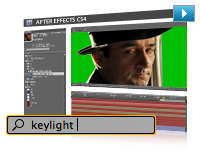
Motion graphics and visual effects with Adobe After Effects CS4
Be more productive with Adobe After Effects CS4: Searchable timelines and projects, easier navigation of nested compositions, expanded 3D compositing options including the ability to import 3D layers from Adobe Photoshop CS4 Extended, and the new Cartoon effect help you work more efficiently and open up new creative possibilities.
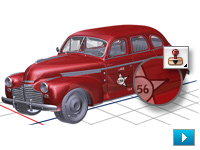
Industry-standard design with Adobe Illustrator CS4 and Photoshop CS4 Extended
Use an expanded set of creative options in Adobe Illustrator CS4 for designing static assets and creating storyboards, and take advantage of enhanced 3D support, Vanishing Point, and improved video support in Photoshop CS4 Extended to enhance your projects.
Interactive experiences with Adobe Flash CS4 Professional
Work with a new animation model that makes Adobe Flash CS4 Professional easier to learn for new users, adds efficiency for proficient users, and provides even greater control for creating immersive interactive experiences.
Enhanced audio editing with Adobe Soundbooth CS4
Create and arrange audio clips for your film, video, and interactive projects for Flash with more flexibility using convenient, task-based tools along with new multitrack audio project support.
Complete pre- and post-production solution
Create and deliver high-quality video and interactive productions with tightly integrated software tools for pre- and post-production on Windows and Intel based Mac OS systems.
Creative control
Achieve exceptional creative control with all components. Produce engaging experiences by leveraging innovative new 3D workflows; enhanced editing, animation, and compositing features; a unified user interface that makes moving between components fluid; and robust output options.
Powerful integration for exceptional productivity
Work with unparalleled efficiency, so you have more time to craft your vision. For example, expanded Adobe Dynamic Link enables you to link content between components so you can see updates immediately without rendering.
Project intelligence with XMP metadata
Take advantage of the efficiency XMP metadata offers for project intelligence. For example, new Speech Search technology in Adobe Premiere Pro CS4 and Soundbooth CS4 speeds up the editing process by using metadata to turn spoken words into searchable metadata, making it easy to find particular clips and make video assets searchable.
Wide variety of output options
Deliver on film, on video, on DVD and Blu-ray Disc, online, and on mobile devices with smooth efficiency to reach more audiences.
Motion graphics and visual effects with Adobe After Effects CS4
Be more productive with a host of enhanced features in Adobe After Effects CS4. Searchable timelines and projects, expanded 3D compositing options, included Mocha for Adobe After Effects software, and numerous interface enhancements streamline almost everything you do.
Editing efficiency with Adobe Premiere Pro CS4
Take advantage of scalable and flexible nonlinear video-editing capabilities to tell your most compelling stories. New native support for tapeless workflows and more than 50 enhancements in this release help make the editing workflow more efficient.
Direct-to-disk recording with Adobe OnLocation CS4
Bypass the time-consuming capture process by shooting directly to disk, and monitor the quality of your footage using an impressive array of production tools. Featuring a completely redesigned interface, Adobe OnLocation CS4 now runs natively on both Windows and Intel based Mac OS systems.
Interactive experiences with Adobe Flash CS4 Professional
Work with a new animation model that makes Adobe Flash CS4 Professional easier to learn for new users, adds efficiency for proficient users, and provides even greater control for creating immersive interactive experiences.
Industry-standard design with Adobe Photoshop CS4 Extended
Edit images and video with an expanded set of creative options in Adobe Photoshop CS4 Extended. Work directly with 3D models, and take advantage of new video layer enhancements. Plus, the new Adjustments and Masks panels provide quick access to tools you need to adjust color, tone, and selections of your images.
Production planning with Adobe Illustrator CS4
Design project elements and storyboards for your productions with Adobe Illustrator CS4. Create multiple artboards in a single file, and work with enhanced gradient tools.
Enhanced audio editing with Adobe Soundbooth CS4
Create and arrange audio clips in film, video, and interactive projects with greater flexibility. Easily edit audio in Flash CS4 Professional projects in Soundbooth CS4 using convenient, task-based tools along with new multitrack audio project support.
Collaboration with clients and colleagues
Access the Adobe ConnectNow service to share project storyboards online with up to three people before you shoot. Use Adobe Encore CS4 to output SWF file versions of your dailies to post online. Expedite review cycles with the Adobe Clip Notes feature in Adobe Premiere Pro and After Effects, which lets you embed video in a PDF file and then import timecode-specific comments to the timeline. Access improved Resource Central to find new assets, and quickly find news and inspiration in Adobe Bridge Home.
|
|
|
|
26/09
|
AP Metal Film Cassettes - Bulk Pack Of 6 AP Metal Film Cassettes - Bulk Pack Of 6
Enamelled steel. Easy to open and close with secure end-cap fastening.
|
|
|
|
26/09
|
Adobe Creative Suite 4 (CS4) Master Collection - Windows, Upgrade
- Upgrade from Master Collection CS3 *** Upgrade from Master Collection CS3 ***
* InDesign CS4
* Photoshop CS4 Extended
* Illustrator CS4
* Acrobat 9 Pro
* Flash CS4 Professional
* Dreamweaver CS4
* Fireworks CS4
* Contribute CS4
* After Effects CS4
* Adobe Premiere Pro CS4
* Soundbooth CS4
* Adobe OnLocation CS4
* Encore CS4
* Adobe Bridge CS4
* Adobe Device Central CS4
* Dynamic Link
* Version Cue CS4
More speed and control in everyday design tasks
Catch production errors on-the-fly with Live Preflight and manage placed files more efficiently with the newly customizable Links panel in Adobe InDesign CS4. Zoom in on images more smoothly and rapidly than ever, and rotate your canvas to any angle in Adobe Photoshop CS4 Extended. Combine multiple artboards in a single document in Adobe Illustrator CS4. And do more with dozens of other enhancements that help you deliver the design work you do today, faster.
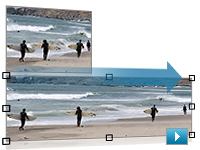
New dimensions in image editing
Use the indispensable tools in Photoshop Extended as a starting point in any medium: Apply the revolutionary new Content-Aware Scaling to automatically recompose an image as you resize it, smartly preserving vital areas of the image as it adapts to new dimensions. Paint, composite, and animate 3D models using familiar tools. Enhance video footage, even syncing visual effects to an audio track.
Rich interactive documents
Export a dynamic presentation or interactive brochure as a SWF file with interactive buttons, hyperlinks, and unique page transitions, such as curl, wipe, dissolve, and fade. Or, combine the page layout strength of InDesign and the authoring power of Adobe Flash CS4 Professional to customize rich interactive documents. For example, export an InDesign layout as an XLF file and open it with full visual fidelity in Flash. Then add sophisticated interactivity, animation, and navigation in Flash to produce engaging online experiences.

New animation controls for richer online experiences
Simplify the creation and updating of animations in Flash CS4 Professional without losing creative flexibility. Apply tweens directly to objects instead of to keyframes with greater control over individual animation attributes. Use the new 3D translation and rotation tools to animate 2D objects on x, y, and z axes in 3D space. Create more natural animated interactions between linked objects or distort a single shape using the new Bones tool.

Easier interactions with complex web pages
Design and develop more sophisticated websites with new Live View in Adobe Dreamweaver CS4, which features interactive code editing. Use the new Related Files and Code Navigator features to dive deeply into complex pages that include HTML files, link to external JavaScript documents, and integrate XML data. Update your code in the associated files and review changes instantly in the master document's Design view.
Exceptional productivity in video post-production
Move content among Adobe After Effects CS4, Adobe Premiere Pro CS4, Soundbooth CS4, and Encore CS4 with unparalleled efficiency, so you have more time to craft your vision. Expanded Adobe Dynamic Link enables you to link content between components so you can see updates instantly without rendering.
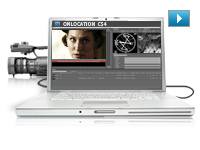
Direct-to-disk recording and tapeless workflows
Shoot footage directly to disk from non-file-based cameras with redesigned Adobe OnLocation CS4, which now runs natively on Windows and Intel based Mac OS systems. Import and natively edit the latest tapeless formats including AVCHD, P2, and XDCAM EX without transcoding or rewrapping in Adobe Premiere Pro CS4.
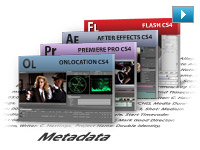
Project intelligence with XMP metadata
Capture valuable XMP metadata from your camera, and accumulate key information throughout the production process for intelligent media management. For example, use new Speech Search technology in Adobe Premiere Pro and Soundbooth to turn spoken dialog into metadata, making it easy to find particular clips and making video assets searchable online.
Intuitive audio
Amplify your impact in your video, film, and online interactive projects with Soundbooth CS4. Multitrack recording capabilities, a visual approach to professional audio editing, and tight integration with Adobe Premiere Pro, After Effects, Flash, and Encore make Soundbooth a valuable addition to your creative work.
PDF collaboration
Communicate effectively with clients, colleagues, and others using Adobe PDF files. Add video and audio created in Flash to PDF files for smooth playback in Adobe Acrobat 9 Pro and Adobe Reader 9 software. Quickly export interactive web prototypes from Adobe Fireworks CS4 to PDF for client review. Embed video into PDF files for clients to add timecode-specific comments, and then view those comments mapped to an Adobe Premiere Pro timeline. Package documents in dynamic PDF Portfolios with customizable interactive navigation.
Ultimate creative toolset
Design across media using a comprehensive, integrated creative environment. Work deeply in one discipline, such as print, web, video, or audio, and then efficiently move your skills and content to another medium. For example, export rich interactive documents as SWF or PDF files from Adobe InDesign CS4. Or import layered Adobe After Effects CS4 compositions into Adobe Flash CS4 Professional to add interactivity.
Industry-leading graphic design tools
Create eye-catching vector graphics in Adobe Illustrator CS4, produce powerful digital images in Adobe Photoshop CS4 Extended, and lay out visually rich long and short documents for print and digital delivery in InDesign. Showcase design work in dynamic, customizable PDF Portfolios, and prepare PDF files for high-end printed output.
Efficient creation of websites, applications, and digital experiences
Prototype and create leading-edge digital experiences, including interactive websites, applications, user interfaces, presentations, and mobile device content, using Adobe Fireworks CS4, Dreamweaver CS4, Flash, and many other tools in Adobe Creative Suite 4 Master Collection. Exchange creative content between designers and developers without rework.
A complete pre- and post-production toolset
Work with a highly efficient pre- and post-production toolset to do video and audio editing, still and motion graphics, visual effects, and interactive media design, and then deliver for film, broadcast, and DVD as well as Blu-ray Disc and mobile authoring.
New dimensions in image editing
Use the indispensable tools in Photoshop Extended more efficiently: Pan and zoom on images more smoothly and rapidly, rotate your canvas to any angle, and resize images without distortion or pixelation using revolutionary new Content-Aware Scaling. Paint, composite, and animate 3D models using familiar tools.
Rich animation
Produce animations for virtually any screen with the utmost control in After Effects, or create rich interactive animations with new easy-to-use, object-based controls in Flash.
Cutting-edge web technologies and industry standards
Prototype in Fireworks and build standards-based websites and applications in Dreamweaver, whether you're working with client-side HTML/XHTML, CSS, and XML; server-side application languages like Adobe ColdFusion, ASP, and PHP; or advanced JavaScript and Ajax. Get consistent cross-browser-compatible results regardless of your development platform.
Project intelligence with XMP metadata
Capture valuable XMP metadata from your camera, and accumulate key information throughout the production process for intelligent media management. For example, use new Speech Search technology in Adobe Premiere Pro CS4 and Soundbooth CS4 to turn spoken dialog into metadata, making it easy to find particular clips and making video assets searchable online.
Collaboration with clients and colleagues
Use the Adobe ConnectNow service to review creative ideas online in real time with colleagues or clients. Find answers to technical questions with Adobe Community Help. Share color harmonies online with Adobe Kuler. Access improved Resource Central to find new assets, and quickly find news and inspiration in Adobe Bridge Home.
See more online services for creative professionals
Mobile designs for millions
Deliver compelling content to mobile subscribers worldwide. Use Adobe Device Central CS4 to create, preview, and test mobile content easily on an extensive selection of devices under simulated real-life conditions directly from your desktop.
|
|
|
|
26/09
|
Adobe Creative Suite 4 (CS4) Master Collection - Windows, Retail * InDesign CS4
* Photoshop CS4 Extended
* Illustrator CS4
* Acrobat 9 Pro
* Flash CS4 Professional
* Dreamweaver CS4
* Fireworks CS4
* Contribute CS4
* After Effects CS4
* Adobe Premiere Pro CS4
* Soundbooth CS4
* Adobe OnLocation CS4
* Encore CS4
* Adobe Bridge CS4
* Adobe Device Central CS4
* Dynamic Link
* Version Cue CS4
More speed and control in everyday design tasks
Catch production errors on-the-fly with Live Preflight and manage placed files more efficiently with the newly customizable Links panel in Adobe InDesign CS4. Zoom in on images more smoothly and rapidly than ever, and rotate your canvas to any angle in Adobe Photoshop CS4 Extended. Combine multiple artboards in a single document in Adobe Illustrator CS4. And do more with dozens of other enhancements that help you deliver the design work you do today, faster.
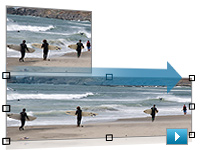
New dimensions in image editing
Use the indispensable tools in Photoshop Extended as a starting point in any medium: Apply the revolutionary new Content-Aware Scaling to automatically recompose an image as you resize it, smartly preserving vital areas of the image as it adapts to new dimensions. Paint, composite, and animate 3D models using familiar tools. Enhance video footage, even syncing visual effects to an audio track.
Rich interactive documents
Export a dynamic presentation or interactive brochure as a SWF file with interactive buttons, hyperlinks, and unique page transitions, such as curl, wipe, dissolve, and fade. Or, combine the page layout strength of InDesign and the authoring power of Adobe Flash CS4 Professional to customize rich interactive documents. For example, export an InDesign layout as an XLF file and open it with full visual fidelity in Flash. Then add sophisticated interactivity, animation, and navigation in Flash to produce engaging online experiences.

New animation controls for richer online experiences
Simplify the creation and updating of animations in Flash CS4 Professional without losing creative flexibility. Apply tweens directly to objects instead of to keyframes with greater control over individual animation attributes. Use the new 3D translation and rotation tools to animate 2D objects on x, y, and z axes in 3D space. Create more natural animated interactions between linked objects or distort a single shape using the new Bones tool.

Easier interactions with complex web pages
Design and develop more sophisticated websites with new Live View in Adobe Dreamweaver CS4, which features interactive code editing. Use the new Related Files and Code Navigator features to dive deeply into complex pages that include HTML files, link to external JavaScript documents, and integrate XML data. Update your code in the associated files and review changes instantly in the master document's Design view.
Exceptional productivity in video post-production
Move content among Adobe After Effects CS4, Adobe Premiere Pro CS4, Soundbooth CS4, and Encore CS4 with unparalleled efficiency, so you have more time to craft your vision. Expanded Adobe Dynamic Link enables you to link content between components so you can see updates instantly without rendering.
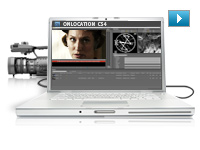
Direct-to-disk recording and tapeless workflows
Shoot footage directly to disk from non-file-based cameras with redesigned Adobe OnLocation CS4, which now runs natively on Windows and Intel based Mac OS systems. Import and natively edit the latest tapeless formats including AVCHD, P2, and XDCAM EX without transcoding or rewrapping in Adobe Premiere Pro CS4.
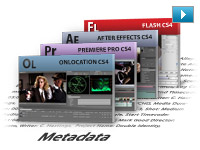
Project intelligence with XMP metadata
Capture valuable XMP metadata from your camera, and accumulate key information throughout the production process for intelligent media management. For example, use new Speech Search technology in Adobe Premiere Pro and Soundbooth to turn spoken dialog into metadata, making it easy to find particular clips and making video assets searchable online.
Intuitive audio
Amplify your impact in your video, film, and online interactive projects with Soundbooth CS4. Multitrack recording capabilities, a visual approach to professional audio editing, and tight integration with Adobe Premiere Pro, After Effects, Flash, and Encore make Soundbooth a valuable addition to your creative work.
PDF collaboration
Communicate effectively with clients, colleagues, and others using Adobe PDF files. Add video and audio created in Flash to PDF files for smooth playback in Adobe Acrobat 9 Pro and Adobe Reader 9 software. Quickly export interactive web prototypes from Adobe Fireworks CS4 to PDF for client review. Embed video into PDF files for clients to add timecode-specific comments, and then view those comments mapped to an Adobe Premiere Pro timeline. Package documents in dynamic PDF Portfolios with customizable interactive navigation.
Ultimate creative toolset
Design across media using a comprehensive, integrated creative environment. Work deeply in one discipline, such as print, web, video, or audio, and then efficiently move your skills and content to another medium. For example, export rich interactive documents as SWF or PDF files from Adobe InDesign CS4. Or import layered Adobe After Effects CS4 compositions into Adobe Flash CS4 Professional to add interactivity.
Industry-leading graphic design tools
Create eye-catching vector graphics in Adobe Illustrator CS4, produce powerful digital images in Adobe Photoshop CS4 Extended, and lay out visually rich long and short documents for print and digital delivery in InDesign. Showcase design work in dynamic, customizable PDF Portfolios, and prepare PDF files for high-end printed output.
Efficient creation of websites, applications, and digital experiences
Prototype and create leading-edge digital experiences, including interactive websites, applications, user interfaces, presentations, and mobile device content, using Adobe Fireworks CS4, Dreamweaver CS4, Flash, and many other tools in Adobe Creative Suite 4 Master Collection. Exchange creative content between designers and developers without rework.
A complete pre- and post-production toolset
Work with a highly efficient pre- and post-production toolset to do video and audio editing, still and motion graphics, visual effects, and interactive media design, and then deliver for film, broadcast, and DVD as well as Blu-ray Disc and mobile authoring.
New dimensions in image editing
Use the indispensable tools in Photoshop Extended more efficiently: Pan and zoom on images more smoothly and rapidly, rotate your canvas to any angle, and resize images without distortion or pixelation using revolutionary new Content-Aware Scaling. Paint, composite, and animate 3D models using familiar tools.
Rich animation
Produce animations for virtually any screen with the utmost control in After Effects, or create rich interactive animations with new easy-to-use, object-based controls in Flash.
Cutting-edge web technologies and industry standards
Prototype in Fireworks and build standards-based websites and applications in Dreamweaver, whether you're working with client-side HTML/XHTML, CSS, and XML; server-side application languages like Adobe ColdFusion, ASP, and PHP; or advanced JavaScript and Ajax. Get consistent cross-browser-compatible results regardless of your development platform.
Project intelligence with XMP metadata
Capture valuable XMP metadata from your camera, and accumulate key information throughout the production process for intelligent media management. For example, use new Speech Search technology in Adobe Premiere Pro CS4 and Soundbooth CS4 to turn spoken dialog into metadata, making it easy to find particular clips and making video assets searchable online.
Collaboration with clients and colleagues
Use the Adobe ConnectNow service to review creative ideas online in real time with colleagues or clients. Find answers to technical questions with Adobe Community Help. Share color harmonies online with Adobe Kuler. Access improved Resource Central to find new assets, and quickly find news and inspiration in Adobe Bridge Home.
See more online services for creative professionals
Mobile designs for millions
Deliver compelling content to mobile subscribers worldwide. Use Adobe Device Central CS4 to create, preview, and test mobile content easily on an extensive selection of devices under simulated real-life conditions directly from your desktop.
|
|
|
|
26/09
|
AP Plastic Film Cassettes - Bulk Pack of 100 AP Plastic Film Cassettes - Bulk Pack Of 100
Opened at one side by unscrewing cap. High security model.
|
|
|
|
26/09
|
Adobe Creative Suite 4 (CS4) Master Collection - Windows, Educational Only * InDesign CS4
* Photoshop CS4 Extended
* Illustrator CS4
* Acrobat 9 Pro
* Flash CS4 Professional
* Dreamweaver CS4
* Fireworks CS4
* Contribute CS4
* After Effects CS4
* Adobe Premiere Pro CS4
* Soundbooth CS4
* Adobe OnLocation CS4
* Encore CS4
* Adobe Bridge CS4
* Adobe Device Central CS4
* Dynamic Link
* Version Cue CS4
More speed and control in everyday design tasks
Catch production errors on-the-fly with Live Preflight and manage placed files more efficiently with the newly customizable Links panel in Adobe InDesign CS4. Zoom in on images more smoothly and rapidly than ever, and rotate your canvas to any angle in Adobe Photoshop CS4 Extended. Combine multiple artboards in a single document in Adobe Illustrator CS4. And do more with dozens of other enhancements that help you deliver the design work you do today, faster.
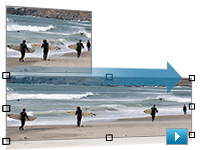
New dimensions in image editing
Use the indispensable tools in Photoshop Extended as a starting point in any medium: Apply the revolutionary new Content-Aware Scaling to automatically recompose an image as you resize it, smartly preserving vital areas of the image as it adapts to new dimensions. Paint, composite, and animate 3D models using familiar tools. Enhance video footage, even syncing visual effects to an audio track.
Rich interactive documents
Export a dynamic presentation or interactive brochure as a SWF file with interactive buttons, hyperlinks, and unique page transitions, such as curl, wipe, dissolve, and fade. Or, combine the page layout strength of InDesign and the authoring power of Adobe Flash CS4 Professional to customize rich interactive documents. For example, export an InDesign layout as an XLF file and open it with full visual fidelity in Flash. Then add sophisticated interactivity, animation, and navigation in Flash to produce engaging online experiences.

New animation controls for richer online experiences
Simplify the creation and updating of animations in Flash CS4 Professional without losing creative flexibility. Apply tweens directly to objects instead of to keyframes with greater control over individual animation attributes. Use the new 3D translation and rotation tools to animate 2D objects on x, y, and z axes in 3D space. Create more natural animated interactions between linked objects or distort a single shape using the new Bones tool.

Easier interactions with complex web pages
Design and develop more sophisticated websites with new Live View in Adobe Dreamweaver CS4, which features interactive code editing. Use the new Related Files and Code Navigator features to dive deeply into complex pages that include HTML files, link to external JavaScript documents, and integrate XML data. Update your code in the associated files and review changes instantly in the master document's Design view.
Exceptional productivity in video post-production
Move content among Adobe After Effects CS4, Adobe Premiere Pro CS4, Soundbooth CS4, and Encore CS4 with unparalleled efficiency, so you have more time to craft your vision. Expanded Adobe Dynamic Link enables you to link content between components so you can see updates instantly without rendering.
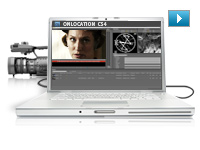
Direct-to-disk recording and tapeless workflows
Shoot footage directly to disk from non-file-based cameras with redesigned Adobe OnLocation CS4, which now runs natively on Windows and Intel based Mac OS systems. Import and natively edit the latest tapeless formats including AVCHD, P2, and XDCAM EX without transcoding or rewrapping in Adobe Premiere Pro CS4.
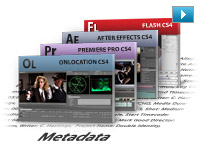
Project intelligence with XMP metadata
Capture valuable XMP metadata from your camera, and accumulate key information throughout the production process for intelligent media management. For example, use new Speech Search technology in Adobe Premiere Pro and Soundbooth to turn spoken dialog into metadata, making it easy to find particular clips and making video assets searchable online.
Intuitive audio
Amplify your impact in your video, film, and online interactive projects with Soundbooth CS4. Multitrack recording capabilities, a visual approach to professional audio editing, and tight integration with Adobe Premiere Pro, After Effects, Flash, and Encore make Soundbooth a valuable addition to your creative work.
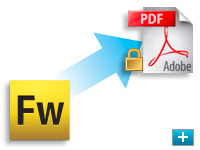
PDF collaboration
Communicate effectively with clients, colleagues, and others using Adobe PDF files. Add video and audio created in Flash to PDF files for smooth playback in Adobe Acrobat 9 Pro and Adobe Reader 9 software. Quickly export interactive web prototypes from Adobe Fireworks CS4 to PDF for client review. Embed video into PDF files for clients to add timecode-specific comments, and then view those comments mapped to an Adobe Premiere Pro timeline. Package documents in dynamic PDF Portfolios with customizable interactive navigation.
Ultimate creative toolset
Design across media using a comprehensive, integrated creative environment. Work deeply in one discipline, such as print, web, video, or audio, and then efficiently move your skills and content to another medium. For example, export rich interactive documents as SWF or PDF files from Adobe InDesign CS4. Or import layered Adobe After Effects CS4 compositions into Adobe Flash CS4 Professional to add interactivity.
Industry-leading graphic design tools
Create eye-catching vector graphics in Adobe Illustrator CS4, produce powerful digital images in Adobe Photoshop CS4 Extended, and lay out visually rich long and short documents for print and digital delivery in InDesign. Showcase design work in dynamic, customizable PDF Portfolios, and prepare PDF files for high-end printed output.
Efficient creation of websites, applications, and digital experiences
Prototype and create leading-edge digital experiences, including interactive websites, applications, user interfaces, presentations, and mobile device content, using Adobe Fireworks CS4, Dreamweaver CS4, Flash, and many other tools in Adobe Creative Suite 4 Master Collection. Exchange creative content between designers and developers without rework.
A complete pre- and post-production toolset
Work with a highly efficient pre- and post-production toolset to do video and audio editing, still and motion graphics, visual effects, and interactive media design, and then deliver for film, broadcast, and DVD as well as Blu-ray Disc and mobile authoring.
New dimensions in image editing
Use the indispensable tools in Photoshop Extended more efficiently: Pan and zoom on images more smoothly and rapidly, rotate your canvas to any angle, and resize images without distortion or pixelation using revolutionary new Content-Aware Scaling. Paint, composite, and animate 3D models using familiar tools.
Rich animation
Produce animations for virtually any screen with the utmost control in After Effects, or create rich interactive animations with new easy-to-use, object-based controls in Flash.
Cutting-edge web technologies and industry standards
Prototype in Fireworks and build standards-based websites and applications in Dreamweaver, whether you're working with client-side HTML/XHTML, CSS, and XML; server-side application languages like Adobe ColdFusion, ASP, and PHP; or advanced JavaScript and Ajax. Get consistent cross-browser-compatible results regardless of your development platform.
Project intelligence with XMP metadata
Capture valuable XMP metadata from your camera, and accumulate key information throughout the production process for intelligent media management. For example, use new Speech Search technology in Adobe Premiere Pro CS4 and Soundbooth CS4 to turn spoken dialog into metadata, making it easy to find particular clips and making video assets searchable online.
Collaboration with clients and colleagues
Use the Adobe ConnectNow service to review creative ideas online in real time with colleagues or clients. Find answers to technical questions with Adobe Community Help. Share color harmonies online with Adobe Kuler. Access improved Resource Central to find new assets, and quickly find news and inspiration in Adobe Bridge Home.
See more online services for creative professionals
Mobile designs for millions
Deliver compelling content to mobile subscribers worldwide. Use Adobe Device Central CS4 to create, preview, and test mobile content easily on an extensive selection of devices under simulated real-life conditions directly from your desktop.
|
|
|
|
26/09
|
Adobe Creative Suite 4 (CS4) Master Collection - Mac, Upgrade
- Upgrade from Master Collection CS3 *** Upgrade from Master Collection CS3 ***
* InDesign CS4
* Photoshop CS4 Extended
* Illustrator CS4
* Acrobat 9 Pro
* Flash CS4 Professional
* Dreamweaver CS4
* Fireworks CS4
* Contribute CS4
* After Effects CS4
* Adobe Premiere Pro CS4
* Soundbooth CS4
* Adobe OnLocation CS4
* Encore CS4
* Adobe Bridge CS4
* Adobe Device Central CS4
* Dynamic Link
* Version Cue CS4
More speed and control in everyday design tasks
Catch production errors on-the-fly with Live Preflight and manage placed files more efficiently with the newly customizable Links panel in Adobe InDesign CS4. Zoom in on images more smoothly and rapidly than ever, and rotate your canvas to any angle in Adobe Photoshop CS4 Extended. Combine multiple artboards in a single document in Adobe Illustrator CS4. And do more with dozens of other enhancements that help you deliver the design work you do today, faster.
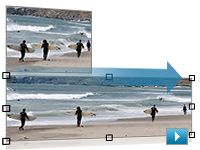
New dimensions in image editing
Use the indispensable tools in Photoshop Extended as a starting point in any medium: Apply the revolutionary new Content-Aware Scaling to automatically recompose an image as you resize it, smartly preserving vital areas of the image as it adapts to new dimensions. Paint, composite, and animate 3D models using familiar tools. Enhance video footage, even syncing visual effects to an audio track.
Rich interactive documents
Export a dynamic presentation or interactive brochure as a SWF file with interactive buttons, hyperlinks, and unique page transitions, such as curl, wipe, dissolve, and fade. Or, combine the page layout strength of InDesign and the authoring power of Adobe Flash CS4 Professional to customize rich interactive documents. For example, export an InDesign layout as an XLF file and open it with full visual fidelity in Flash. Then add sophisticated interactivity, animation, and navigation in Flash to produce engaging online experiences.

New animation controls for richer online experiences
Simplify the creation and updating of animations in Flash CS4 Professional without losing creative flexibility. Apply tweens directly to objects instead of to keyframes with greater control over individual animation attributes. Use the new 3D translation and rotation tools to animate 2D objects on x, y, and z axes in 3D space. Create more natural animated interactions between linked objects or distort a single shape using the new Bones tool.

Easier interactions with complex web pages
Design and develop more sophisticated websites with new Live View in Adobe Dreamweaver CS4, which features interactive code editing. Use the new Related Files and Code Navigator features to dive deeply into complex pages that include HTML files, link to external JavaScript documents, and integrate XML data. Update your code in the associated files and review changes instantly in the master document's Design view.
Exceptional productivity in video post-production
Move content among Adobe After Effects CS4, Adobe Premiere Pro CS4, Soundbooth CS4, and Encore CS4 with unparalleled efficiency, so you have more time to craft your vision. Expanded Adobe Dynamic Link enables you to link content between components so you can see updates instantly without rendering.
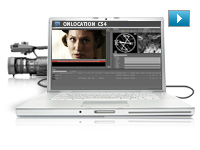
Direct-to-disk recording and tapeless workflows
Shoot footage directly to disk from non-file-based cameras with redesigned Adobe OnLocation CS4, which now runs natively on Windows and Intel based Mac OS systems. Import and natively edit the latest tapeless formats including AVCHD, P2, and XDCAM EX without transcoding or rewrapping in Adobe Premiere Pro CS4.
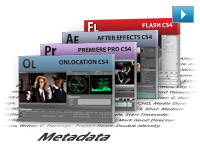
Project intelligence with XMP metadata
Capture valuable XMP metadata from your camera, and accumulate key information throughout the production process for intelligent media management. For example, use new Speech Search technology in Adobe Premiere Pro and Soundbooth to turn spoken dialog into metadata, making it easy to find particular clips and making video assets searchable online.
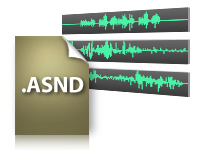
Intuitive audio
Amplify your impact in your video, film, and online interactive projects with Soundbooth CS4. Multitrack recording capabilities, a visual approach to professional audio editing, and tight integration with Adobe Premiere Pro, After Effects, Flash, and Encore make Soundbooth a valuable addition to your creative work.
PDF collaboration
Communicate effectively with clients, colleagues, and others using Adobe PDF files. Add video and audio created in Flash to PDF files for smooth playback in Adobe Acrobat 9 Pro and Adobe Reader 9 software. Quickly export interactive web prototypes from Adobe Fireworks CS4 to PDF for client review. Embed video into PDF files for clients to add timecode-specific comments, and then view those comments mapped to an Adobe Premiere Pro timeline. Package documents in dynamic PDF Portfolios with customizable interactive navigation.
Ultimate creative toolset
Design across media using a comprehensive, integrated creative environment. Work deeply in one discipline, such as print, web, video, or audio, and then efficiently move your skills and content to another medium. For example, export rich interactive documents as SWF or PDF files from Adobe InDesign CS4. Or import layered Adobe After Effects CS4 compositions into Adobe Flash CS4 Professional to add interactivity.
Industry-leading graphic design tools
Create eye-catching vector graphics in Adobe Illustrator CS4, produce powerful digital images in Adobe Photoshop CS4 Extended, and lay out visually rich long and short documents for print and digital delivery in InDesign. Showcase design work in dynamic, customizable PDF Portfolios, and prepare PDF files for high-end printed output.
Efficient creation of websites, applications, and digital experiences
Prototype and create leading-edge digital experiences, including interactive websites, applications, user interfaces, presentations, and mobile device content, using Adobe Fireworks CS4, Dreamweaver CS4, Flash, and many other tools in Adobe Creative Suite 4 Master Collection. Exchange creative content between designers and developers without rework.
A complete pre- and post-production toolset
Work with a highly efficient pre- and post-production toolset to do video and audio editing, still and motion graphics, visual effects, and interactive media design, and then deliver for film, broadcast, and DVD as well as Blu-ray Disc and mobile authoring.
New dimensions in image editing
Use the indispensable tools in Photoshop Extended more efficiently: Pan and zoom on images more smoothly and rapidly, rotate your canvas to any angle, and resize images without distortion or pixelation using revolutionary new Content-Aware Scaling. Paint, composite, and animate 3D models using familiar tools.
Rich animation
Produce animations for virtually any screen with the utmost control in After Effects, or create rich interactive animations with new easy-to-use, object-based controls in Flash.
Cutting-edge web technologies and industry standards
Prototype in Fireworks and build standards-based websites and applications in Dreamweaver, whether you're working with client-side HTML/XHTML, CSS, and XML; server-side application languages like Adobe ColdFusion, ASP, and PHP; or advanced JavaScript and Ajax. Get consistent cross-browser-compatible results regardless of your development platform.
Project intelligence with XMP metadata
Capture valuable XMP metadata from your camera, and accumulate key information throughout the production process for intelligent media management. For example, use new Speech Search technology in Adobe Premiere Pro CS4 and Soundbooth CS4 to turn spoken dialog into metadata, making it easy to find particular clips and making video assets searchable online.
Collaboration with clients and colleagues
Use the Adobe ConnectNow service to review creative ideas online in real time with colleagues or clients. Find answers to technical questions with Adobe Community Help. Share color harmonies online with Adobe Kuler. Access improved Resource Central to find new assets, and quickly find news and inspiration in Adobe Bridge Home.
See more online services for creative professionals
Mobile designs for millions
Deliver compelling content to mobile subscribers worldwide. Use Adobe Device Central CS4 to create, preview, and test mobile content easily on an extensive selection of devices under simulated real-life conditions directly from your desktop.
|
|
|
|
26/09
|
AP Metal Film Cassettes - Blister Pack Of 6 AP Metal Film Cassettes - Blister Pack Of 6
Enamelled steel. Easy to open and close with secure end-cap fastening.
|
|
|
|
26/09
|
Adobe Creative Suite 4 (CS4) Master Collection - Mac, Retail * InDesign CS4
* Photoshop CS4 Extended
* Illustrator CS4
* Acrobat 9 Pro
* Flash CS4 Professional
* Dreamweaver CS4
* Fireworks CS4
* Contribute CS4
* After Effects CS4
* Adobe Premiere Pro CS4
* Soundbooth CS4
* Adobe OnLocation CS4
* Encore CS4
* Adobe Bridge CS4
* Adobe Device Central CS4
* Dynamic Link
* Version Cue CS4
More speed and control in everyday design tasks
Catch production errors on-the-fly with Live Preflight and manage placed files more efficiently with the newly customizable Links panel in Adobe InDesign CS4. Zoom in on images more smoothly and rapidly than ever, and rotate your canvas to any angle in Adobe Photoshop CS4 Extended. Combine multiple artboards in a single document in Adobe Illustrator CS4. And do more with dozens of other enhancements that help you deliver the design work you do today, faster.
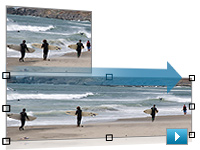
New dimensions in image editing
Use the indispensable tools in Photoshop Extended as a starting point in any medium: Apply the revolutionary new Content-Aware Scaling to automatically recompose an image as you resize it, smartly preserving vital areas of the image as it adapts to new dimensions. Paint, composite, and animate 3D models using familiar tools. Enhance video footage, even syncing visual effects to an audio track.
Rich interactive documents
Export a dynamic presentation or interactive brochure as a SWF file with interactive buttons, hyperlinks, and unique page transitions, such as curl, wipe, dissolve, and fade. Or, combine the page layout strength of InDesign and the authoring power of Adobe Flash CS4 Professional to customize rich interactive documents. For example, export an InDesign layout as an XLF file and open it with full visual fidelity in Flash. Then add sophisticated interactivity, animation, and navigation in Flash to produce engaging online experiences.

New animation controls for richer online experiences
Simplify the creation and updating of animations in Flash CS4 Professional without losing creative flexibility. Apply tweens directly to objects instead of to keyframes with greater control over individual animation attributes. Use the new 3D translation and rotation tools to animate 2D objects on x, y, and z axes in 3D space. Create more natural animated interactions between linked objects or distort a single shape using the new Bones tool.

Easier interactions with complex web pages
Design and develop more sophisticated websites with new Live View in Adobe Dreamweaver CS4, which features interactive code editing. Use the new Related Files and Code Navigator features to dive deeply into complex pages that include HTML files, link to external JavaScript documents, and integrate XML data. Update your code in the associated files and review changes instantly in the master document's Design view.
Exceptional productivity in video post-production
Move content among Adobe After Effects CS4, Adobe Premiere Pro CS4, Soundbooth CS4, and Encore CS4 with unparalleled efficiency, so you have more time to craft your vision. Expanded Adobe Dynamic Link enables you to link content between components so you can see updates instantly without rendering.
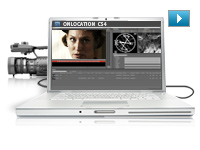
Direct-to-disk recording and tapeless workflows
Shoot footage directly to disk from non-file-based cameras with redesigned Adobe OnLocation CS4, which now runs natively on Windows and Intel based Mac OS systems. Import and natively edit the latest tapeless formats including AVCHD, P2, and XDCAM EX without transcoding or rewrapping in Adobe Premiere Pro CS4.
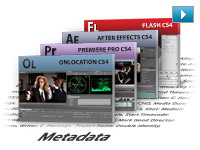
Project intelligence with XMP metadata
Capture valuable XMP metadata from your camera, and accumulate key information throughout the production process for intelligent media management. For example, use new Speech Search technology in Adobe Premiere Pro and Soundbooth to turn spoken dialog into metadata, making it easy to find particular clips and making video assets searchable online.
Intuitive audio
Amplify your impact in your video, film, and online interactive projects with Soundbooth CS4. Multitrack recording capabilities, a visual approach to professional audio editing, and tight integration with Adobe Premiere Pro, After Effects, Flash, and Encore make Soundbooth a valuable addition to your creative work.
PDF collaboration
Communicate effectively with clients, colleagues, and others using Adobe PDF files. Add video and audio created in Flash to PDF files for smooth playback in Adobe Acrobat 9 Pro and Adobe Reader 9 software. Quickly export interactive web prototypes from Adobe Fireworks CS4 to PDF for client review. Embed video into PDF files for clients to add timecode-specific comments, and then view those comments mapped to an Adobe Premiere Pro timeline. Package documents in dynamic PDF Portfolios with customizable interactive navigation.
Ultimate creative toolset
Design across media using a comprehensive, integrated creative environment. Work deeply in one discipline, such as print, web, video, or audio, and then efficiently move your skills and content to another medium. For example, export rich interactive documents as SWF or PDF files from Adobe InDesign CS4. Or import layered Adobe After Effects CS4 compositions into Adobe Flash CS4 Professional to add interactivity.
Industry-leading graphic design tools
Create eye-catching vector graphics in Adobe Illustrator CS4, produce powerful digital images in Adobe Photoshop CS4 Extended, and lay out visually rich long and short documents for print and digital delivery in InDesign. Showcase design work in dynamic, customizable PDF Portfolios, and prepare PDF files for high-end printed output.
Efficient creation of websites, applications, and digital experiences
Prototype and create leading-edge digital experiences, including interactive websites, applications, user interfaces, presentations, and mobile device content, using Adobe Fireworks CS4, Dreamweaver CS4, Flash, and many other tools in Adobe Creative Suite 4 Master Collection. Exchange creative content between designers and developers without rework.
A complete pre- and post-production toolset
Work with a highly efficient pre- and post-production toolset to do video and audio editing, still and motion graphics, visual effects, and interactive media design, and then deliver for film, broadcast, and DVD as well as Blu-ray Disc and mobile authoring.
New dimensions in image editing
Use the indispensable tools in Photoshop Extended more efficiently: Pan and zoom on images more smoothly and rapidly, rotate your canvas to any angle, and resize images without distortion or pixelation using revolutionary new Content-Aware Scaling. Paint, composite, and animate 3D models using familiar tools.
Rich animation
Produce animations for virtually any screen with the utmost control in After Effects, or create rich interactive animations with new easy-to-use, object-based controls in Flash.
Cutting-edge web technologies and industry standards
Prototype in Fireworks and build standards-based websites and applications in Dreamweaver, whether you're working with client-side HTML/XHTML, CSS, and XML; server-side application languages like Adobe ColdFusion, ASP, and PHP; or advanced JavaScript and Ajax. Get consistent cross-browser-compatible results regardless of your development platform.
Project intelligence with XMP metadata
Capture valuable XMP metadata from your camera, and accumulate key information throughout the production process for intelligent media management. For example, use new Speech Search technology in Adobe Premiere Pro CS4 and Soundbooth CS4 to turn spoken dialog into metadata, making it easy to find particular clips and making video assets searchable online.
Collaboration with clients and colleagues
Use the Adobe ConnectNow service to review creative ideas online in real time with colleagues or clients. Find answers to technical questions with Adobe Community Help. Share color harmonies online with Adobe Kuler. Access improved Resource Central to find new assets, and quickly find news and inspiration in Adobe Bridge Home.
See more online services for creative professionals
Mobile designs for millions
Deliver compelling content to mobile subscribers worldwide. Use Adobe Device Central CS4 to create, preview, and test mobile content easily on an extensive selection of devices under simulated real-life conditions directly from your desktop.
|
|
|
|
26/09
|
Adobe Creative Suite 4 (CS4) Master Collection - Mac, Educational Only * InDesign CS4
* Photoshop CS4 Extended
* Illustrator CS4
* Acrobat 9 Pro
* Flash CS4 Professional
* Dreamweaver CS4
* Fireworks CS4
* Contribute CS4
* After Effects CS4
* Adobe Premiere Pro CS4
* Soundbooth CS4
* Adobe OnLocation CS4
* Encore CS4
* Adobe Bridge CS4
* Adobe Device Central CS4
* Dynamic Link
* Version Cue CS4
More speed and control in everyday design tasks
Catch production errors on-the-fly with Live Preflight and manage placed files more efficiently with the newly customizable Links panel in Adobe InDesign CS4. Zoom in on images more smoothly and rapidly than ever, and rotate your canvas to any angle in Adobe Photoshop CS4 Extended. Combine multiple artboards in a single document in Adobe Illustrator CS4. And do more with dozens of other enhancements that help you deliver the design work you do today, faster.
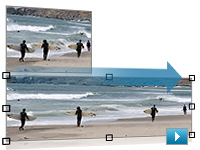
New dimensions in image editing
Use the indispensable tools in Photoshop Extended as a starting point in any medium: Apply the revolutionary new Content-Aware Scaling to automatically recompose an image as you resize it, smartly preserving vital areas of the image as it adapts to new dimensions. Paint, composite, and animate 3D models using familiar tools. Enhance video footage, even syncing visual effects to an audio track.
Rich interactive documents
Export a dynamic presentation or interactive brochure as a SWF file with interactive buttons, hyperlinks, and unique page transitions, such as curl, wipe, dissolve, and fade. Or, combine the page layout strength of InDesign and the authoring power of Adobe Flash CS4 Professional to customize rich interactive documents. For example, export an InDesign layout as an XLF file and open it with full visual fidelity in Flash. Then add sophisticated interactivity, animation, and navigation in Flash to produce engaging online experiences.

New animation controls for richer online experiences
Simplify the creation and updating of animations in Flash CS4 Professional without losing creative flexibility. Apply tweens directly to objects instead of to keyframes with greater control over individual animation attributes. Use the new 3D translation and rotation tools to animate 2D objects on x, y, and z axes in 3D space. Create more natural animated interactions between linked objects or distort a single shape using the new Bones tool.

Easier interactions with complex web pages
Design and develop more sophisticated websites with new Live View in Adobe Dreamweaver CS4, which features interactive code editing. Use the new Related Files and Code Navigator features to dive deeply into complex pages that include HTML files, link to external JavaScript documents, and integrate XML data. Update your code in the associated files and review changes instantly in the master document's Design view.
Exceptional productivity in video post-production
Move content among Adobe After Effects CS4, Adobe Premiere Pro CS4, Soundbooth CS4, and Encore CS4 with unparalleled efficiency, so you have more time to craft your vision. Expanded Adobe Dynamic Link enables you to link content between components so you can see updates instantly without rendering.
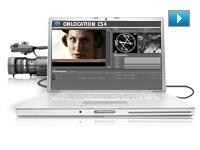
Direct-to-disk recording and tapeless workflows
Shoot footage directly to disk from non-file-based cameras with redesigned Adobe OnLocation CS4, which now runs natively on Windows and Intel based Mac OS systems. Import and natively edit the latest tapeless formats including AVCHD, P2, and XDCAM EX without transcoding or rewrapping in Adobe Premiere Pro CS4.
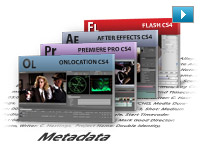
Project intelligence with XMP metadata
Capture valuable XMP metadata from your camera, and accumulate key information throughout the production process for intelligent media management. For example, use new Speech Search technology in Adobe Premiere Pro and Soundbooth to turn spoken dialog into metadata, making it easy to find particular clips and making video assets searchable online.
Intuitive audio
Amplify your impact in your video, film, and online interactive projects with Soundbooth CS4. Multitrack recording capabilities, a visual approach to professional audio editing, and tight integration with Adobe Premiere Pro, After Effects, Flash, and Encore make Soundbooth a valuable addition to your creative work.
PDF collaboration
Communicate effectively with clients, colleagues, and others using Adobe PDF files. Add video and audio created in Flash to PDF files for smooth playback in Adobe Acrobat 9 Pro and Adobe Reader 9 software. Quickly export interactive web prototypes from Adobe Fireworks CS4 to PDF for client review. Embed video into PDF files for clients to add timecode-specific comments, and then view those comments mapped to an Adobe Premiere Pro timeline. Package documents in dynamic PDF Portfolios with customizable interactive navigation.
Ultimate creative toolset
Design across media using a comprehensive, integrated creative environment. Work deeply in one discipline, such as print, web, video, or audio, and then efficiently move your skills and content to another medium. For example, export rich interactive documents as SWF or PDF files from Adobe InDesign CS4. Or import layered Adobe After Effects CS4 compositions into Adobe Flash CS4 Professional to add interactivity.
Industry-leading graphic design tools
Create eye-catching vector graphics in Adobe Illustrator CS4, produce powerful digital images in Adobe Photoshop CS4 Extended, and lay out visually rich long and short documents for print and digital delivery in InDesign. Showcase design work in dynamic, customizable PDF Portfolios, and prepare PDF files for high-end printed output.
Efficient creation of websites, applications, and digital experiences
Prototype and create leading-edge digital experiences, including interactive websites, applications, user interfaces, presentations, and mobile device content, using Adobe Fireworks CS4, Dreamweaver CS4, Flash, and many other tools in Adobe Creative Suite 4 Master Collection. Exchange creative content between designers and developers without rework.
A complete pre- and post-production toolset
Work with a highly efficient pre- and post-production toolset to do video and audio editing, still and motion graphics, visual effects, and interactive media design, and then deliver for film, broadcast, and DVD as well as Blu-ray Disc and mobile authoring.
New dimensions in image editing
Use the indispensable tools in Photoshop Extended more efficiently: Pan and zoom on images more smoothly and rapidly, rotate your canvas to any angle, and resize images without distortion or pixelation using revolutionary new Content-Aware Scaling. Paint, composite, and animate 3D models using familiar tools.
Rich animation
Produce animations for virtually any screen with the utmost control in After Effects, or create rich interactive animations with new easy-to-use, object-based controls in Flash.
Cutting-edge web technologies and industry standards
Prototype in Fireworks and build standards-based websites and applications in Dreamweaver, whether you're working with client-side HTML/XHTML, CSS, and XML; server-side application languages like Adobe ColdFusion, ASP, and PHP; or advanced JavaScript and Ajax. Get consistent cross-browser-compatible results regardless of your development platform.
Project intelligence with XMP metadata
Capture valuable XMP metadata from your camera, and accumulate key information throughout the production process for intelligent media management. For example, use new Speech Search technology in Adobe Premiere Pro CS4 and Soundbooth CS4 to turn spoken dialog into metadata, making it easy to find particular clips and making video assets searchable online.
Collaboration with clients and colleagues
Use the Adobe ConnectNow service to review creative ideas online in real time with colleagues or clients. Find answers to technical questions with Adobe Community Help. Share color harmonies online with Adobe Kuler. Access improved Resource Central to find new assets, and quickly find news and inspiration in Adobe Bridge Home.
See more online services for creative professionals
Mobile designs for millions
Deliver compelling content to mobile subscribers worldwide. Use Adobe Device Central CS4 to create, preview, and test mobile content easily on an extensive selection of devices under simulated real-life conditions directly from your desktop.
|
|
|
|
26/09
|
AP Plastic Film Cassettes - Blister Pack Of 6 AP Plastic Film Cassettes - Blister Pack Of 6
Opened at one side by unscrewing cap. High security model.
|
|
|
|
26/09
|
AP Bulk Loader HandleAP Bulk Loader Handle
|
|
|
|
26/09
|
AP Bulk Film Loader - 35mm Film AP Bulk Film Loader - 35mm Film
User-friendly manual film loader. For any kind of 35mm film: black & white, colour or slide. Allows all available ISO sensitivities. All types of cartridges may be used: plastic, neutral metal, or with DX code. Cartridge loading may be done in day- light. Built-in exposure counter. Film-length counter gives at-a-glance indication of remaining film. Loading capacity: 30.5 m. Double scale in meters and feets. ISO/ASA indicator.
|
|
|
|
26/09
|
Adobe Creative Suite 4 (CS4) Design Standard - Windows, Upgrade
- Upgrade from CS3 Suite except Master Collection *** Can only be upgraded from CS3 for this version ***
* InDesign CS4
* Photoshop CS4
* Illustrator CS4
* Acrobat 9 Pro
* Adobe Bridge CS4
* Adobe Device Central CS4
* Version Cue CS4
Exciting new versions and services
Bring your best ideas to life with feature-packed new versions of Adobe InDesign CS4, Photoshop CS4, Illustrator CS4, and Acrobat 9 Pro. Plus explore exciting new services that help you collaborate and connect more efficiently than ever before.
Simplified workflows
In InDesign CS4, easily manage placed files in the new, customizable Links panel. Rotate the canvas in Photoshop CS4 or the spread in InDesign. Combine multiple artboards in a single document in Illustrator CS4.
Flexible, powerful page layout
Use InDesign CS4 to create stunning print documents, from long and complex to short and simple. Efficiently deliver multiple versions within a single file, and streamline production with automatically updated cross-references.
Publishing redefined
Venture into new territory by transforming InDesign CS4 layouts into dynamic documents that anyone with the Adobe Flash Player runtime can view. Or combine rich typography, interactivity, and top-quality page design for electronic delivery in PDF.
Streamlined digital imaging
In Photoshop CS4, take advantage of new ways to make image adjustments and create masks, more powerful compositing, improved color correction, accelerated graphics handling, and enhanced raw image processing.
Sophisticated vector graphics
Find inspiration with new creative options in Illustrator CS4, such as transparency within gradients or the painterly Blob Brush tool. Work quickly and fluidly by accessing tools and options now availably directly on your artwork.
Innovative collaboration and presentations
Easily share your screen to present, review, or brainstorm directly from within your design software. Showcase your work in a dynamic, customizable PDF Portfolio that is easy to distribute and view.
Quality testing as you work
Catch production errors on-the-fly with Live Preflight in InDesign CS4, and use enhanced preflight checks and corrections in Acrobat 9 Pro.
Efficient shared interface elements
Enjoy improved user interface consistency across InDesign CS4, Photoshop CS4, and Illustrator CS4. Flexibly arrange multiple documents in a single window to compare content or drag-copy objects between them. Easily tab through multiple open documents without maximizing each one.
Answers when you need them
Connect to the expertise of the online design community through your creative desktop. Access information ranging from basic tips, Adobe Help content, and video tutorials to community discussions and blogs.
Comprehensive toolset for print design and production
Bring your best ideas to life in a powerful, flexible, intuitive, and tightly integrated creative environment that includes Adobe InDesign CS4, Photoshop CS4, Illustrator CS4, and Acrobat 9 Pro.
Professional page layout
With InDesign CS4, create stunning designs using tools that enable free-flowing expression and fine control over typography, color, graphics, transparency, effects, and placed images. Move naturally and efficiently between production tasks.
Breathtaking digital imaging
Quickly compose outstanding images using Photoshop CS4, the professional standard in digital image editing. Take advantage of intuitive image adjustment and masking tools, and experiment freely thanks to nondestructive editing.
Sophisticated vector graphics
Develop eye-catching graphics quickly and confidently with Illustrator CS4. Enjoy powerful drawing tools, advanced type handling, color control, creative effects, and advanced print production features.
Adobe PDF workflows
Prepare files for high-end print production with confidence using Acrobat 9 Pro. End-to-end PDF workflows use common technology to generate, preview, and print PDF files, enabling consistently high-quality output.
Convenient common interface and native file support
Work quickly and intuitively using common interface elements. Flexibly arrange multiple documents in a single window to compare content or drag-copy objects between them. Benefit from using native file formats that streamline moving files between Design Standard components.
Visual asset browsing with Adobe Bridge CS4
Browse all the elements in your projects with Adobe Bridge CS4, a powerful, easy-to-use media browser for visual people. Quickly organize, locate, and view all types of creative assets.
Quality testing as you work
Catch production errors on-the-fly with Live Preflight in InDesign CS4, use Separations Preview in Illustrator CS4 to avoid color output surprises, and rely on preflight checks and corrections in Acrobat 9 Pro.
Innovative collaboration and presentations
Easily share your screen to present, review, or brainstorm directly from within your design software. Showcase your work in a dynamic, customizable PDF Portfolio that is easy to distribute and view.
Answers when you need them
Connect to the expertise of the online design community through your creative desktop. Access information ranging from basic tips, Adobe Help content, and video tutorials to community discussions and blogs.
|
|
|
|
26/09
|
Adobe Creative Suite 4 (CS4) Design Standard - Windows, Retail * InDesign CS4
* Photoshop CS4
* Illustrator CS4
* Acrobat 9 Pro
* Adobe Bridge CS4
* Adobe Device Central CS4
* Version Cue CS4
Exciting new versions and services
Bring your best ideas to life with feature-packed new versions of Adobe InDesign CS4, Photoshop CS4, Illustrator CS4, and Acrobat 9 Pro. Plus explore exciting new services that help you collaborate and connect more efficiently than ever before.
Simplified workflows
In InDesign CS4, easily manage placed files in the new, customizable Links panel. Rotate the canvas in Photoshop CS4 or the spread in InDesign. Combine multiple artboards in a single document in Illustrator CS4.
Flexible, powerful page layout
Use InDesign CS4 to create stunning print documents, from long and complex to short and simple. Efficiently deliver multiple versions within a single file, and streamline production with automatically updated cross-references.
Publishing redefined
Venture into new territory by transforming InDesign CS4 layouts into dynamic documents that anyone with the Adobe Flash Player runtime can view. Or combine rich typography, interactivity, and top-quality page design for electronic delivery in PDF.
Streamlined digital imaging
In Photoshop CS4, take advantage of new ways to make image adjustments and create masks, more powerful compositing, improved color correction, accelerated graphics handling, and enhanced raw image processing.
Sophisticated vector graphics
Find inspiration with new creative options in Illustrator CS4, such as transparency within gradients or the painterly Blob Brush tool. Work quickly and fluidly by accessing tools and options now availably directly on your artwork.
Innovative collaboration and presentations
Easily share your screen to present, review, or brainstorm directly from within your design software. Showcase your work in a dynamic, customizable PDF Portfolio that is easy to distribute and view.
Quality testing as you work
Catch production errors on-the-fly with Live Preflight in InDesign CS4, and use enhanced preflight checks and corrections in Acrobat 9 Pro.
Efficient shared interface elements
Enjoy improved user interface consistency across InDesign CS4, Photoshop CS4, and Illustrator CS4. Flexibly arrange multiple documents in a single window to compare content or drag-copy objects between them. Easily tab through multiple open documents without maximizing each one.
Answers when you need them
Connect to the expertise of the online design community through your creative desktop. Access information ranging from basic tips, Adobe Help content, and video tutorials to community discussions and blogs.
Comprehensive toolset for print design and production
Bring your best ideas to life in a powerful, flexible, intuitive, and tightly integrated creative environment that includes Adobe InDesign CS4, Photoshop CS4, Illustrator CS4, and Acrobat 9 Pro.
Professional page layout
With InDesign CS4, create stunning designs using tools that enable free-flowing expression and fine control over typography, color, graphics, transparency, effects, and placed images. Move naturally and efficiently between production tasks.
Breathtaking digital imaging
Quickly compose outstanding images using Photoshop CS4, the professional standard in digital image editing. Take advantage of intuitive image adjustment and masking tools, and experiment freely thanks to nondestructive editing.
Sophisticated vector graphics
Develop eye-catching graphics quickly and confidently with Illustrator CS4. Enjoy powerful drawing tools, advanced type handling, color control, creative effects, and advanced print production features.
Adobe PDF workflows
Prepare files for high-end print production with confidence using Acrobat 9 Pro. End-to-end PDF workflows use common technology to generate, preview, and print PDF files, enabling consistently high-quality output.
Convenient common interface and native file support
Work quickly and intuitively using common interface elements. Flexibly arrange multiple documents in a single window to compare content or drag-copy objects between them. Benefit from using native file formats that streamline moving files between Design Standard components.
Visual asset browsing with Adobe Bridge CS4
Browse all the elements in your projects with Adobe Bridge CS4, a powerful, easy-to-use media browser for visual people. Quickly organize, locate, and view all types of creative assets.
Quality testing as you work
Catch production errors on-the-fly with Live Preflight in InDesign CS4, use Separations Preview in Illustrator CS4 to avoid color output surprises, and rely on preflight checks and corrections in Acrobat 9 Pro.
Innovative collaboration and presentations
Easily share your screen to present, review, or brainstorm directly from within your design software. Showcase your work in a dynamic, customizable PDF Portfolio that is easy to distribute and view.
Answers when you need them
Connect to the expertise of the online design community through your creative desktop. Access information ranging from basic tips, Adobe Help content, and video tutorials to community discussions and blogs.
|
|
|
|
26/09
|
Adobe Creative Suite 4 (CS4) Design Standard - Windows, Educational Only * InDesign CS4
* Photoshop CS4
* Illustrator CS4
* Acrobat 9 Pro
* Adobe Bridge CS4
* Adobe Device Central CS4
* Version Cue CS4
Exciting new versions and services
Bring your best ideas to life with feature-packed new versions of Adobe InDesign CS4, Photoshop CS4, Illustrator CS4, and Acrobat 9 Pro. Plus explore exciting new services that help you collaborate and connect more efficiently than ever before.
Simplified workflows
In InDesign CS4, easily manage placed files in the new, customizable Links panel. Rotate the canvas in Photoshop CS4 or the spread in InDesign. Combine multiple artboards in a single document in Illustrator CS4.
Flexible, powerful page layout
Use InDesign CS4 to create stunning print documents, from long and complex to short and simple. Efficiently deliver multiple versions within a single file, and streamline production with automatically updated cross-references.
Publishing redefined
Venture into new territory by transforming InDesign CS4 layouts into dynamic documents that anyone with the Adobe Flash Player runtime can view. Or combine rich typography, interactivity, and top-quality page design for electronic delivery in PDF.
Streamlined digital imaging
In Photoshop CS4, take advantage of new ways to make image adjustments and create masks, more powerful compositing, improved color correction, accelerated graphics handling, and enhanced raw image processing.
Sophisticated vector graphics
Find inspiration with new creative options in Illustrator CS4, such as transparency within gradients or the painterly Blob Brush tool. Work quickly and fluidly by accessing tools and options now availably directly on your artwork.
Innovative collaboration and presentations
Easily share your screen to present, review, or brainstorm directly from within your design software. Showcase your work in a dynamic, customizable PDF Portfolio that is easy to distribute and view.
Quality testing as you work
Catch production errors on-the-fly with Live Preflight in InDesign CS4, and use enhanced preflight checks and corrections in Acrobat 9 Pro.
Efficient shared interface elements
Enjoy improved user interface consistency across InDesign CS4, Photoshop CS4, and Illustrator CS4. Flexibly arrange multiple documents in a single window to compare content or drag-copy objects between them. Easily tab through multiple open documents without maximizing each one.
Answers when you need them
Connect to the expertise of the online design community through your creative desktop. Access information ranging from basic tips, Adobe Help content, and video tutorials to community discussions and blogs.
Comprehensive toolset for print design and production
Bring your best ideas to life in a powerful, flexible, intuitive, and tightly integrated creative environment that includes Adobe InDesign CS4, Photoshop CS4, Illustrator CS4, and Acrobat 9 Pro.
Professional page layout
With InDesign CS4, create stunning designs using tools that enable free-flowing expression and fine control over typography, color, graphics, transparency, effects, and placed images. Move naturally and efficiently between production tasks.
Breathtaking digital imaging
Quickly compose outstanding images using Photoshop CS4, the professional standard in digital image editing. Take advantage of intuitive image adjustment and masking tools, and experiment freely thanks to nondestructive editing.
Sophisticated vector graphics
Develop eye-catching graphics quickly and confidently with Illustrator CS4. Enjoy powerful drawing tools, advanced type handling, color control, creative effects, and advanced print production features.
Adobe PDF workflows
Prepare files for high-end print production with confidence using Acrobat 9 Pro. End-to-end PDF workflows use common technology to generate, preview, and print PDF files, enabling consistently high-quality output.
Convenient common interface and native file support
Work quickly and intuitively using common interface elements. Flexibly arrange multiple documents in a single window to compare content or drag-copy objects between them. Benefit from using native file formats that streamline moving files between Design Standard components.
Visual asset browsing with Adobe Bridge CS4
Browse all the elements in your projects with Adobe Bridge CS4, a powerful, easy-to-use media browser for visual people. Quickly organize, locate, and view all types of creative assets.
Quality testing as you work
Catch production errors on-the-fly with Live Preflight in InDesign CS4, use Separations Preview in Illustrator CS4 to avoid color output surprises, and rely on preflight checks and corrections in Acrobat 9 Pro.
Innovative collaboration and presentations
Easily share your screen to present, review, or brainstorm directly from within your design software. Showcase your work in a dynamic, customizable PDF Portfolio that is easy to distribute and view.
Answers when you need them
Connect to the expertise of the online design community through your creative desktop. Access information ranging from basic tips, Adobe Help content, and video tutorials to community discussions and blogs.
|
|
|
|
26/09
|
Adobe Creative Suite 4 (CS4) Design Standard - Mac, Upgrade
- Upgrade from CS3 Suite except Master Collection *** Can only be upgraded from CS3 for this version ***
* InDesign CS4
* Photoshop CS4
* Illustrator CS4
* Acrobat 9 Pro
* Adobe Bridge CS4
* Adobe Device Central CS4
* Version Cue CS4
Exciting new versions and services
Bring your best ideas to life with feature-packed new versions of Adobe InDesign CS4, Photoshop CS4, Illustrator CS4, and Acrobat 9 Pro. Plus explore exciting new services that help you collaborate and connect more efficiently than ever before.
Simplified workflows
In InDesign CS4, easily manage placed files in the new, customizable Links panel. Rotate the canvas in Photoshop CS4 or the spread in InDesign. Combine multiple artboards in a single document in Illustrator CS4.
Flexible, powerful page layout
Use InDesign CS4 to create stunning print documents, from long and complex to short and simple. Efficiently deliver multiple versions within a single file, and streamline production with automatically updated cross-references.
Publishing redefined
Venture into new territory by transforming InDesign CS4 layouts into dynamic documents that anyone with the Adobe Flash Player runtime can view. Or combine rich typography, interactivity, and top-quality page design for electronic delivery in PDF.
Streamlined digital imaging
In Photoshop CS4, take advantage of new ways to make image adjustments and create masks, more powerful compositing, improved color correction, accelerated graphics handling, and enhanced raw image processing.
Sophisticated vector graphics
Find inspiration with new creative options in Illustrator CS4, such as transparency within gradients or the painterly Blob Brush tool. Work quickly and fluidly by accessing tools and options now availably directly on your artwork.
Innovative collaboration and presentations
Easily share your screen to present, review, or brainstorm directly from within your design software. Showcase your work in a dynamic, customizable PDF Portfolio that is easy to distribute and view.
Quality testing as you work
Catch production errors on-the-fly with Live Preflight in InDesign CS4, and use enhanced preflight checks and corrections in Acrobat 9 Pro.
Efficient shared interface elements
Enjoy improved user interface consistency across InDesign CS4, Photoshop CS4, and Illustrator CS4. Flexibly arrange multiple documents in a single window to compare content or drag-copy objects between them. Easily tab through multiple open documents without maximizing each one.
Answers when you need them
Connect to the expertise of the online design community through your creative desktop. Access information ranging from basic tips, Adobe Help content, and video tutorials to community discussions and blogs.
Comprehensive toolset for print design and production
Bring your best ideas to life in a powerful, flexible, intuitive, and tightly integrated creative environment that includes Adobe InDesign CS4, Photoshop CS4, Illustrator CS4, and Acrobat 9 Pro.
Professional page layout
With InDesign CS4, create stunning designs using tools that enable free-flowing expression and fine control over typography, color, graphics, transparency, effects, and placed images. Move naturally and efficiently between production tasks.
Breathtaking digital imaging
Quickly compose outstanding images using Photoshop CS4, the professional standard in digital image editing. Take advantage of intuitive image adjustment and masking tools, and experiment freely thanks to nondestructive editing.
Sophisticated vector graphics
Develop eye-catching graphics quickly and confidently with Illustrator CS4. Enjoy powerful drawing tools, advanced type handling, color control, creative effects, and advanced print production features.
Adobe PDF workflows
Prepare files for high-end print production with confidence using Acrobat 9 Pro. End-to-end PDF workflows use common technology to generate, preview, and print PDF files, enabling consistently high-quality output.
Convenient common interface and native file support
Work quickly and intuitively using common interface elements. Flexibly arrange multiple documents in a single window to compare content or drag-copy objects between them. Benefit from using native file formats that streamline moving files between Design Standard components.
Visual asset browsing with Adobe Bridge CS4
Browse all the elements in your projects with Adobe Bridge CS4, a powerful, easy-to-use media browser for visual people. Quickly organize, locate, and view all types of creative assets.
Quality testing as you work
Catch production errors on-the-fly with Live Preflight in InDesign CS4, use Separations Preview in Illustrator CS4 to avoid color output surprises, and rely on preflight checks and corrections in Acrobat 9 Pro.
Innovative collaboration and presentations
Easily share your screen to present, review, or brainstorm directly from within your design software. Showcase your work in a dynamic, customizable PDF Portfolio that is easy to distribute and view.
Answers when you need them
Connect to the expertise of the online design community through your creative desktop. Access information ranging from basic tips, Adobe Help content, and video tutorials to community discussions and blogs.
|
|
|
|
26/09
|
Adobe Creative Suite 4 (CS4) Design Standard - Mac, Retail * InDesign CS4
* Photoshop CS4
* Illustrator CS4
* Acrobat 9 Pro
* Adobe Bridge CS4
* Adobe Device Central CS4
* Version Cue CS4
Exciting new versions and services
Bring your best ideas to life with feature-packed new versions of Adobe InDesign CS4, Photoshop CS4, Illustrator CS4, and Acrobat 9 Pro. Plus explore exciting new services that help you collaborate and connect more efficiently than ever before.
Simplified workflows
In InDesign CS4, easily manage placed files in the new, customizable Links panel. Rotate the canvas in Photoshop CS4 or the spread in InDesign. Combine multiple artboards in a single document in Illustrator CS4.
Flexible, powerful page layout
Use InDesign CS4 to create stunning print documents, from long and complex to short and simple. Efficiently deliver multiple versions within a single file, and streamline production with automatically updated cross-references.
Publishing redefined
Venture into new territory by transforming InDesign CS4 layouts into dynamic documents that anyone with the Adobe Flash Player runtime can view. Or combine rich typography, interactivity, and top-quality page design for electronic delivery in PDF.
Streamlined digital imaging
In Photoshop CS4, take advantage of new ways to make image adjustments and create masks, more powerful compositing, improved color correction, accelerated graphics handling, and enhanced raw image processing.
Sophisticated vector graphics
Find inspiration with new creative options in Illustrator CS4, such as transparency within gradients or the painterly Blob Brush tool. Work quickly and fluidly by accessing tools and options now availably directly on your artwork.
Innovative collaboration and presentations
Easily share your screen to present, review, or brainstorm directly from within your design software. Showcase your work in a dynamic, customizable PDF Portfolio that is easy to distribute and view.
Quality testing as you work
Catch production errors on-the-fly with Live Preflight in InDesign CS4, and use enhanced preflight checks and corrections in Acrobat 9 Pro.
Efficient shared interface elements
Enjoy improved user interface consistency across InDesign CS4, Photoshop CS4, and Illustrator CS4. Flexibly arrange multiple documents in a single window to compare content or drag-copy objects between them. Easily tab through multiple open documents without maximizing each one.
Answers when you need them
Connect to the expertise of the online design community through your creative desktop. Access information ranging from basic tips, Adobe Help content, and video tutorials to community discussions and blogs.
Comprehensive toolset for print design and production
Bring your best ideas to life in a powerful, flexible, intuitive, and tightly integrated creative environment that includes Adobe InDesign CS4, Photoshop CS4, Illustrator CS4, and Acrobat 9 Pro.
Professional page layout
With InDesign CS4, create stunning designs using tools that enable free-flowing expression and fine control over typography, color, graphics, transparency, effects, and placed images. Move naturally and efficiently between production tasks.
Breathtaking digital imaging
Quickly compose outstanding images using Photoshop CS4, the professional standard in digital image editing. Take advantage of intuitive image adjustment and masking tools, and experiment freely thanks to nondestructive editing.
Sophisticated vector graphics
Develop eye-catching graphics quickly and confidently with Illustrator CS4. Enjoy powerful drawing tools, advanced type handling, color control, creative effects, and advanced print production features.
Adobe PDF workflows
Prepare files for high-end print production with confidence using Acrobat 9 Pro. End-to-end PDF workflows use common technology to generate, preview, and print PDF files, enabling consistently high-quality output.
Convenient common interface and native file support
Work quickly and intuitively using common interface elements. Flexibly arrange multiple documents in a single window to compare content or drag-copy objects between them. Benefit from using native file formats that streamline moving files between Design Standard components.
Visual asset browsing with Adobe Bridge CS4
Browse all the elements in your projects with Adobe Bridge CS4, a powerful, easy-to-use media browser for visual people. Quickly organize, locate, and view all types of creative assets.
Quality testing as you work
Catch production errors on-the-fly with Live Preflight in InDesign CS4, use Separations Preview in Illustrator CS4 to avoid color output surprises, and rely on preflight checks and corrections in Acrobat 9 Pro.
Innovative collaboration and presentations
Easily share your screen to present, review, or brainstorm directly from within your design software. Showcase your work in a dynamic, customizable PDF Portfolio that is easy to distribute and view.
Answers when you need them
Connect to the expertise of the online design community through your creative desktop. Access information ranging from basic tips, Adobe Help content, and video tutorials to community discussions and blogs.
|
|
|
|
26/09
|
Adobe Creative Suite 4 (CS4) Design Standard - Mac, Educational Only * InDesign CS4
* Photoshop CS4
* Illustrator CS4
* Acrobat 9 Pro
* Adobe Bridge CS4
* Adobe Device Central CS4
* Version Cue CS4
Exciting new versions and services
Bring your best ideas to life with feature-packed new versions of Adobe InDesign CS4, Photoshop CS4, Illustrator CS4, and Acrobat 9 Pro. Plus explore exciting new services that help you collaborate and connect more efficiently than ever before.
Simplified workflows
In InDesign CS4, easily manage placed files in the new, customizable Links panel. Rotate the canvas in Photoshop CS4 or the spread in InDesign. Combine multiple artboards in a single document in Illustrator CS4.
Flexible, powerful page layout
Use InDesign CS4 to create stunning print documents, from long and complex to short and simple. Efficiently deliver multiple versions within a single file, and streamline production with automatically updated cross-references.
Publishing redefined
Venture into new territory by transforming InDesign CS4 layouts into dynamic documents that anyone with the Adobe Flash Player runtime can view. Or combine rich typography, interactivity, and top-quality page design for electronic delivery in PDF.
Streamlined digital imaging
In Photoshop CS4, take advantage of new ways to make image adjustments and create masks, more powerful compositing, improved color correction, accelerated graphics handling, and enhanced raw image processing.
Sophisticated vector graphics
Find inspiration with new creative options in Illustrator CS4, such as transparency within gradients or the painterly Blob Brush tool. Work quickly and fluidly by accessing tools and options now availably directly on your artwork.
Innovative collaboration and presentations
Easily share your screen to present, review, or brainstorm directly from within your design software. Showcase your work in a dynamic, customizable PDF Portfolio that is easy to distribute and view.
Quality testing as you work
Catch production errors on-the-fly with Live Preflight in InDesign CS4, and use enhanced preflight checks and corrections in Acrobat 9 Pro.
Efficient shared interface elements
Enjoy improved user interface consistency across InDesign CS4, Photoshop CS4, and Illustrator CS4. Flexibly arrange multiple documents in a single window to compare content or drag-copy objects between them. Easily tab through multiple open documents without maximizing each one.
Answers when you need them
Connect to the expertise of the online design community through your creative desktop. Access information ranging from basic tips, Adobe Help content, and video tutorials to community discussions and blogs.
Comprehensive toolset for print design and production
Bring your best ideas to life in a powerful, flexible, intuitive, and tightly integrated creative environment that includes Adobe InDesign CS4, Photoshop CS4, Illustrator CS4, and Acrobat 9 Pro.
Professional page layout
With InDesign CS4, create stunning designs using tools that enable free-flowing expression and fine control over typography, color, graphics, transparency, effects, and placed images. Move naturally and efficiently between production tasks.
Breathtaking digital imaging
Quickly compose outstanding images using Photoshop CS4, the professional standard in digital image editing. Take advantage of intuitive image adjustment and masking tools, and experiment freely thanks to nondestructive editing.
Sophisticated vector graphics
Develop eye-catching graphics quickly and confidently with Illustrator CS4. Enjoy powerful drawing tools, advanced type handling, color control, creative effects, and advanced print production features.
Adobe PDF workflows
Prepare files for high-end print production with confidence using Acrobat 9 Pro. End-to-end PDF workflows use common technology to generate, preview, and print PDF files, enabling consistently high-quality output.
Convenient common interface and native file support
Work quickly and intuitively using common interface elements. Flexibly arrange multiple documents in a single window to compare content or drag-copy objects between them. Benefit from using native file formats that streamline moving files between Design Standard components.
Visual asset browsing with Adobe Bridge CS4
Browse all the elements in your projects with Adobe Bridge CS4, a powerful, easy-to-use media browser for visual people. Quickly organize, locate, and view all types of creative assets.
Quality testing as you work
Catch production errors on-the-fly with Live Preflight in InDesign CS4, use Separations Preview in Illustrator CS4 to avoid color output surprises, and rely on preflight checks and corrections in Acrobat 9 Pro.
Innovative collaboration and presentations
Easily share your screen to present, review, or brainstorm directly from within your design software. Showcase your work in a dynamic, customizable PDF Portfolio that is easy to distribute and view.
Answers when you need them
Connect to the expertise of the online design community through your creative desktop. Access information ranging from basic tips, Adobe Help content, and video tutorials to community discussions and blogs.
|
|
|
|
26/09
|
Generic Multigrade Filter SetGeneric Multigrade Filter Set
|
|
|
|
26/09
|
Adobe Creative Suite 4 (CS4) Design Premium - Windows, Upgrade
- Upgrade from CS3 Suite except Master Collection *** Can only be upgraded from CS3 for this version ***
* InDesign CS4
* Photoshop CS4 Extended
* Illustrator CS4
* Flash CS4 Professional
* Dreamweaver CS4
* Fireworks CS4
* Acrobat 9 Pro
* Adobe Bridge CS4
* Adobe Device Central CS4
* Version Cue CS4
Essential design tools enhanced and extended
Enjoy feature-packed new versions of your favorite design software. Discover innovative online services for collaborating, finding inspiration, and mastering your design tools, and use Adobe Fireworks CS4 for fast website prototyping.
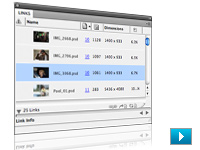
Everyday tasks made even simpler
In Adobe InDesign CS4, easily manage placed files in the new, customizable Links panel. Rotate the canvas in Adobe Photoshop CS4 Extended or the spread in InDesign. Combine multiple artboards in a single document in Adobe Illustrator CS4.

Streamlined delivery across media
Build rich interactive documents by exporting an InDesign layout and adding animation in Adobe Flash CS4 Professional. Prototype websites by opening Photoshop or Illustrator mock-ups in Fireworks CS4, and then embellishing in Flash or publishing in Adobe Dreamweaver CS4.
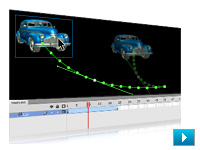
Easy-to-do animation and video
In Flash CS4 Professional, create simple but engaging animations in as few as two steps. Use Photoshop CS4 Extended to enhance video footage, even syncing visual effects to the audio track.

Mobile designs for millions
Use Adobe Device Central CS4 to easily create, preview, and test mobile content on a wide selection of devices under simulated real-life conditions directly from your desktop.
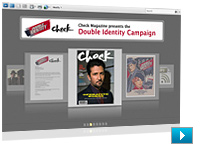
Innovative collaboration and presentations
Easily share your screen to present, review, or brainstorm directly from within your design software. Showcase your work in a dynamic, customizable PDF Portfolio that is easy to distribute and view.

Quality testing as you work
Catch production errors on-the-fly with Live Preflight in InDesign CS4, preview content under real-world browser conditions with Live View in Dreamweaver CS4, test mobile designs in Device Central, and use enhanced preflight checks and corrections in Adobe Acrobat 9 Pro.
Convenient new common interface
Enjoy improved interface consistency across all Adobe Creative Suite 4 Design Premium components. Flexibly arrange multiple documents in a single window to compare content or drag-copy objects between them. Easily tab through multiple open documents without maximizing each one.
Answers when you need them
Connect to the expertise of the online design community through your creative desktop. Access information ranging from basic tips, Adobe Help content, and video tutorials to community discussions and blogs.
Ultimate design toolset
Design for print, web, and mobile devices in a powerful, integrated, and comprehensive creative environment. Plus, enjoy innovative services for collaborating, finding inspiration, and mastering your design tools.
Compelling vector graphics and digital images
Create eye-catching vector graphics in Adobe Illustrator CS4 and powerful digital images in Adobe Photoshop CS4 Extended. Deliver imaginative combinations of graphics and images in many media.
Layout and production for print, web, and mobile
Use Adobe Fireworks CS4 to prototype websites, Adobe InDesign CS4 to create short and long documents for print or digital delivery, Adobe Dreamweaver CS4 for standards-based web production, and Adobe Flash CS4 Professional to build engaging interactive experiences.
Ideas in motion
In Flash CS4 Professional, create simple but engaging animations in as few as two steps. Use Photoshop CS4 Extended to enhance video footage, even syncing visual effects to the audio track. Incorporate animations and video in PDF, web, or mobile creations.
Powerful 3D possibilities
Edit, enhance, and manipulate 3D content and even paint directly on 3D models with Photoshop CS4 Extended. Wrap 2D images around common 3D shapes, and create 3D animations by controlling movement, camera position, and rendering.
Mobile designs for millions
Deliver compelling content to mobile subscribers worldwide. Use Adobe Device Central CS4 to easily create, preview, and test mobile content on an extensive selection of devices under simulated real-life conditions directly from your desktop.
Innovative collaboration and presentations
Easily share your screen to present, review, or brainstorm directly from within your design software. Showcase your work in a dynamic, customizable PDF Portfolio that is easy to distribute and view.
Quality testing as you work
Catch production errors on-the-fly with Live Preflight in InDesign CS4, use preflight checks and corrections in Adobe Acrobat 9 Pro, preview content under real-world browser conditions with Live View in Dreamweaver CS4, and test mobile designs in Device Central CS4.
Convenient common interface and native file support
Work quickly and intuitively using common interface elements. Flexibly arrange multiple documents in a single window to compare content or drag-copy objects between them. Benefit from using native file formats that streamline moving files between Adobe Creative Suite 4 Design Premium components.
Answers when you need them
Connect to the expertise of the online design community through your creative desktop. Access information ranging from basic tips, Adobe Help content, and video tutorials to community discussions and blogs.
|
|
|
|
26/09
|
AP Darkroom ApronAP Darkroom Apron
|
|
|
|
26/09
|
Adobe Creative Suite 4 (CS4) Design Premium - Windows, Retail * InDesign CS4
* Photoshop CS4 Extended
* Illustrator CS4
* Flash CS4 Professional
* Dreamweaver CS4
* Fireworks CS4
* Acrobat 9 Pro
* Adobe Bridge CS4
* Adobe Device Central CS4
* Version Cue CS4
Essential design tools enhanced and extended
Enjoy feature-packed new versions of your favorite design software. Discover innovative online services for collaborating, finding inspiration, and mastering your design tools, and use Adobe Fireworks CS4 for fast website prototyping.
Everyday tasks made even simpler
In Adobe InDesign CS4, easily manage placed files in the new, customizable Links panel. Rotate the canvas in Adobe Photoshop CS4 Extended or the spread in InDesign. Combine multiple artboards in a single document in Adobe Illustrator CS4.

Streamlined delivery across media
Build rich interactive documents by exporting an InDesign layout and adding animation in Adobe Flash CS4 Professional. Prototype websites by opening Photoshop or Illustrator mock-ups in Fireworks CS4, and then embellishing in Flash or publishing in Adobe Dreamweaver CS4.
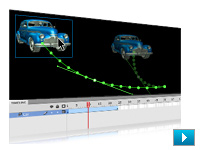
Easy-to-do animation and video
In Flash CS4 Professional, create simple but engaging animations in as few as two steps. Use Photoshop CS4 Extended to enhance video footage, even syncing visual effects to the audio track.

Mobile designs for millions
Use Adobe Device Central CS4 to easily create, preview, and test mobile content on a wide selection of devices under simulated real-life conditions directly from your desktop.
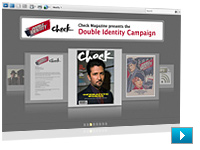
Innovative collaboration and presentations
Easily share your screen to present, review, or brainstorm directly from within your design software. Showcase your work in a dynamic, customizable PDF Portfolio that is easy to distribute and view.

Quality testing as you work
Catch production errors on-the-fly with Live Preflight in InDesign CS4, preview content under real-world browser conditions with Live View in Dreamweaver CS4, test mobile designs in Device Central, and use enhanced preflight checks and corrections in Adobe Acrobat 9 Pro.
Convenient new common interface
Enjoy improved interface consistency across all Adobe Creative Suite 4 Design Premium components. Flexibly arrange multiple documents in a single window to compare content or drag-copy objects between them. Easily tab through multiple open documents without maximizing each one.
Answers when you need them
Connect to the expertise of the online design community through your creative desktop. Access information ranging from basic tips, Adobe Help content, and video tutorials to community discussions and blogs.
Ultimate design toolset
Design for print, web, and mobile devices in a powerful, integrated, and comprehensive creative environment. Plus, enjoy innovative services for collaborating, finding inspiration, and mastering your design tools.
Compelling vector graphics and digital images
Create eye-catching vector graphics in Adobe Illustrator CS4 and powerful digital images in Adobe Photoshop CS4 Extended. Deliver imaginative combinations of graphics and images in many media.
Layout and production for print, web, and mobile
Use Adobe Fireworks CS4 to prototype websites, Adobe InDesign CS4 to create short and long documents for print or digital delivery, Adobe Dreamweaver CS4 for standards-based web production, and Adobe Flash CS4 Professional to build engaging interactive experiences.
Ideas in motion
In Flash CS4 Professional, create simple but engaging animations in as few as two steps. Use Photoshop CS4 Extended to enhance video footage, even syncing visual effects to the audio track. Incorporate animations and video in PDF, web, or mobile creations.
Powerful 3D possibilities
Edit, enhance, and manipulate 3D content and even paint directly on 3D models with Photoshop CS4 Extended. Wrap 2D images around common 3D shapes, and create 3D animations by controlling movement, camera position, and rendering.
Mobile designs for millions
Deliver compelling content to mobile subscribers worldwide. Use Adobe Device Central CS4 to easily create, preview, and test mobile content on an extensive selection of devices under simulated real-life conditions directly from your desktop.
Innovative collaboration and presentations
Easily share your screen to present, review, or brainstorm directly from within your design software. Showcase your work in a dynamic, customizable PDF Portfolio that is easy to distribute and view.
Quality testing as you work
Catch production errors on-the-fly with Live Preflight in InDesign CS4, use preflight checks and corrections in Adobe Acrobat 9 Pro, preview content under real-world browser conditions with Live View in Dreamweaver CS4, and test mobile designs in Device Central CS4.
Convenient common interface and native file support
Work quickly and intuitively using common interface elements. Flexibly arrange multiple documents in a single window to compare content or drag-copy objects between them. Benefit from using native file formats that streamline moving files between Adobe Creative Suite 4 Design Premium components.
Answers when you need them
Connect to the expertise of the online design community through your creative desktop. Access information ranging from basic tips, Adobe Help content, and video tutorials to community discussions and blogs.
|
|
|
|
26/09
|
Ryka Large Changing Bag - 27 x 30"Ryka Large Changing Bag - 27 x 30"
|
|
|
|
26/09
|
Adobe Creative Suite 4 (CS4) Design Premium - Windows, Educational Only * InDesign CS4
* Photoshop CS4 Extended
* Illustrator CS4
* Flash CS4 Professional
* Dreamweaver CS4
* Fireworks CS4
* Acrobat 9 Pro
* Adobe Bridge CS4
* Adobe Device Central CS4
* Version Cue CS4
Essential design tools enhanced and extended
Enjoy feature-packed new versions of your favorite design software. Discover innovative online services for collaborating, finding inspiration, and mastering your design tools, and use Adobe Fireworks CS4 for fast website prototyping.
Everyday tasks made even simpler
In Adobe InDesign CS4, easily manage placed files in the new, customizable Links panel. Rotate the canvas in Adobe Photoshop CS4 Extended or the spread in InDesign. Combine multiple artboards in a single document in Adobe Illustrator CS4.

Streamlined delivery across media
Build rich interactive documents by exporting an InDesign layout and adding animation in Adobe Flash CS4 Professional. Prototype websites by opening Photoshop or Illustrator mock-ups in Fireworks CS4, and then embellishing in Flash or publishing in Adobe Dreamweaver CS4.
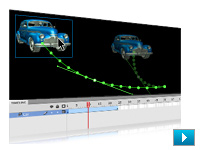
Easy-to-do animation and video
In Flash CS4 Professional, create simple but engaging animations in as few as two steps. Use Photoshop CS4 Extended to enhance video footage, even syncing visual effects to the audio track.

Mobile designs for millions
Use Adobe Device Central CS4 to easily create, preview, and test mobile content on a wide selection of devices under simulated real-life conditions directly from your desktop.
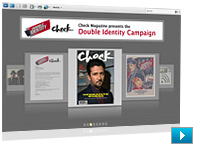
Innovative collaboration and presentations
Easily share your screen to present, review, or brainstorm directly from within your design software. Showcase your work in a dynamic, customizable PDF Portfolio that is easy to distribute and view.

Quality testing as you work
Catch production errors on-the-fly with Live Preflight in InDesign CS4, preview content under real-world browser conditions with Live View in Dreamweaver CS4, test mobile designs in Device Central, and use enhanced preflight checks and corrections in Adobe Acrobat 9 Pro.
Convenient new common interface
Enjoy improved interface consistency across all Adobe Creative Suite 4 Design Premium components. Flexibly arrange multiple documents in a single window to compare content or drag-copy objects between them. Easily tab through multiple open documents without maximizing each one.
Answers when you need them
Connect to the expertise of the online design community through your creative desktop. Access information ranging from basic tips, Adobe Help content, and video tutorials to community discussions and blogs.
Ultimate design toolset
Design for print, web, and mobile devices in a powerful, integrated, and comprehensive creative environment. Plus, enjoy innovative services for collaborating, finding inspiration, and mastering your design tools.
Compelling vector graphics and digital images
Create eye-catching vector graphics in Adobe Illustrator CS4 and powerful digital images in Adobe Photoshop CS4 Extended. Deliver imaginative combinations of graphics and images in many media.
Layout and production for print, web, and mobile
Use Adobe Fireworks CS4 to prototype websites, Adobe InDesign CS4 to create short and long documents for print or digital delivery, Adobe Dreamweaver CS4 for standards-based web production, and Adobe Flash CS4 Professional to build engaging interactive experiences.
Ideas in motion
In Flash CS4 Professional, create simple but engaging animations in as few as two steps. Use Photoshop CS4 Extended to enhance video footage, even syncing visual effects to the audio track. Incorporate animations and video in PDF, web, or mobile creations.
Powerful 3D possibilities
Edit, enhance, and manipulate 3D content and even paint directly on 3D models with Photoshop CS4 Extended. Wrap 2D images around common 3D shapes, and create 3D animations by controlling movement, camera position, and rendering.
Mobile designs for millions
Deliver compelling content to mobile subscribers worldwide. Use Adobe Device Central CS4 to easily create, preview, and test mobile content on an extensive selection of devices under simulated real-life conditions directly from your desktop.
Innovative collaboration and presentations
Easily share your screen to present, review, or brainstorm directly from within your design software. Showcase your work in a dynamic, customizable PDF Portfolio that is easy to distribute and view.
Quality testing as you work
Catch production errors on-the-fly with Live Preflight in InDesign CS4, use preflight checks and corrections in Adobe Acrobat 9 Pro, preview content under real-world browser conditions with Live View in Dreamweaver CS4, and test mobile designs in Device Central CS4.
Convenient common interface and native file support
Work quickly and intuitively using common interface elements. Flexibly arrange multiple documents in a single window to compare content or drag-copy objects between them. Benefit from using native file formats that streamline moving files between Adobe Creative Suite 4 Design Premium components.
Answers when you need them
Connect to the expertise of the online design community through your creative desktop. Access information ranging from basic tips, Adobe Help content, and video tutorials to community discussions and blogs.
|
|
|
|
26/09
|
Ryka Small Changing Bag - 16 x 17"Ryka Small Changing Bag - 16 x 17"
|
|
|
|
26/09
|
Adobe Creative Suite 4 (CS4) Design Premium - Mac, Upgrade
- Upgrade from CS3 Suite except Master Collection What's Inside?
* InDesign CS4
* Photoshop CS4 Extended
* Illustrator CS4
* Flash CS4 Professional
* Dreamweaver CS4
* Fireworks CS4
* Acrobat 9 Pro
* Adobe Bridge CS4
* Adobe Device Central CS4
* Version Cue CS4
Essential design tools enhanced and extended
Enjoy feature-packed new versions of your favorite design software. Discover innovative online services for collaborating, finding inspiration, and mastering your design tools, and use Adobe Fireworks CS4 for fast website prototyping.
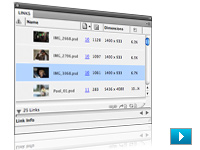
Everyday tasks made even simpler
In Adobe InDesign CS4, easily manage placed files in the new, customizable Links panel. Rotate the canvas in Adobe Photoshop CS4 Extended or the spread in InDesign. Combine multiple artboards in a single document in Adobe Illustrator CS4.

Streamlined delivery across media
Build rich interactive documents by exporting an InDesign layout and adding animation in Adobe Flash CS4 Professional. Prototype websites by opening Photoshop or Illustrator mock-ups in Fireworks CS4, and then embellishing in Flash or publishing in Adobe Dreamweaver CS4.
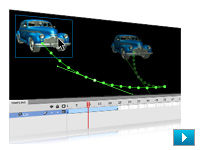
Easy-to-do animation and video
In Flash CS4 Professional, create simple but engaging animations in as few as two steps. Use Photoshop CS4 Extended to enhance video footage, even syncing visual effects to the audio track.

Mobile designs for millions
Use Adobe Device Central CS4 to easily create, preview, and test mobile content on a wide selection of devices under simulated real-life conditions directly from your desktop.
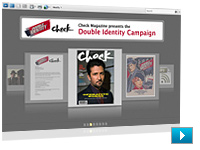
Innovative collaboration and presentations
Easily share your screen to present, review, or brainstorm directly from within your design software. Showcase your work in a dynamic, customizable PDF Portfolio that is easy to distribute and view.

Quality testing as you work
Catch production errors on-the-fly with Live Preflight in InDesign CS4, preview content under real-world browser conditions with Live View in Dreamweaver CS4, test mobile designs in Device Central, and use enhanced preflight checks and corrections in Adobe Acrobat 9 Pro.
Convenient new common interface
Enjoy improved interface consistency across all Adobe Creative Suite 4 Design Premium components. Flexibly arrange multiple documents in a single window to compare content or drag-copy objects between them. Easily tab through multiple open documents without maximizing each one.
Answers when you need them
Connect to the expertise of the online design community through your creative desktop. Access information ranging from basic tips, Adobe Help content, and video tutorials to community discussions and blogs.
Essential design tools enhanced and extended
Enjoy feature-packed new versions of your favorite design software. Discover innovative online services for collaborating, finding inspiration, and mastering your design tools, and use Adobe Fireworks CS4 for fast website prototyping.
Everyday tasks made even simpler
In Adobe InDesign CS4, easily manage placed files in the new, customizable Links panel. Rotate the canvas in Adobe Photoshop CS4 Extended or the spread in InDesign. Combine multiple artboards in a single document in Adobe Illustrator CS4.
Streamlined delivery across media
Build rich interactive documents by exporting an InDesign layout and adding animation in Adobe Flash CS4 Professional. Prototype websites by opening Photoshop or Illustrator mock-ups in Fireworks CS4, and then embellishing in Flash or publishing in Adobe Dreamweaver CS4.
Easy-to-do animation and video
In Flash CS4 Professional, create simple but engaging animations in as few as two steps. Use Photoshop CS4 Extended to enhance video footage, even syncing visual effects to the audio track.
Mobile designs for millions
Use Adobe Device Central CS4 to easily create, preview, and test mobile content on a wide selection of devices under simulated real-life conditions directly from your desktop.
Innovative collaboration and presentations
Easily share your screen to present, review, or brainstorm directly from within your design software. Showcase your work in a dynamic, customizable PDF Portfolio that is easy to distribute and view.
Quality testing as you work
Catch production errors on-the-fly with Live Preflight in InDesign CS4, preview content under real-world browser conditions with Live View in Dreamweaver CS4, test mobile designs in Device Central, and use enhanced preflight checks and corrections in Adobe Acrobat 9 Pro.
Convenient new common interface
Enjoy improved interface consistency across all Adobe Creative Suite 4 Design Premium components. Flexibly arrange multiple documents in a single window to compare content or drag-copy objects between them. Easily tab through multiple open documents without maximizing each one.
Answers when you need them
Connect to the expertise of the online design community through your creative desktop. Access information ranging from basic tips, Adobe Help content, and video tutorials to community discussions and blogs.
|
|
|
|
26/09
|
Marumi Easel - 8 x 10"Marumi Easel - 8 x 10"
|
|
|
|
26/09
|
Adobe Creative Suite 4 (CS4) Design Premium - Mac, Retail What's Inside?
* InDesign CS4
* Photoshop CS4 Extended
* Illustrator CS4
* Flash CS4 Professional
* Dreamweaver CS4
* Fireworks CS4
* Acrobat 9 Pro
* Adobe Bridge CS4
* Adobe Device Central CS4
* Version Cue CS4
Essential design tools enhanced and extended
Enjoy feature-packed new versions of your favorite design software. Discover innovative online services for collaborating, finding inspiration, and mastering your design tools, and use Adobe Fireworks CS4 for fast website prototyping.
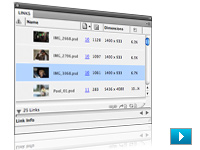
Everyday tasks made even simpler
In Adobe InDesign CS4, easily manage placed files in the new, customizable Links panel. Rotate the canvas in Adobe Photoshop CS4 Extended or the spread in InDesign. Combine multiple artboards in a single document in Adobe Illustrator CS4.

Streamlined delivery across media
Build rich interactive documents by exporting an InDesign layout and adding animation in Adobe Flash CS4 Professional. Prototype websites by opening Photoshop or Illustrator mock-ups in Fireworks CS4, and then embellishing in Flash or publishing in Adobe Dreamweaver CS4.
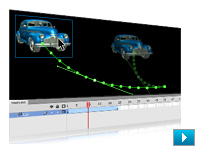
Easy-to-do animation and video
In Flash CS4 Professional, create simple but engaging animations in as few as two steps. Use Photoshop CS4 Extended to enhance video footage, even syncing visual effects to the audio track.

Mobile designs for millions
Use Adobe Device Central CS4 to easily create, preview, and test mobile content on a wide selection of devices under simulated real-life conditions directly from your desktop.
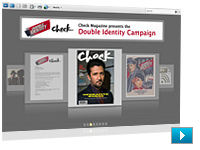
Innovative collaboration and presentations
Easily share your screen to present, review, or brainstorm directly from within your design software. Showcase your work in a dynamic, customizable PDF Portfolio that is easy to distribute and view.

Quality testing as you work
Catch production errors on-the-fly with Live Preflight in InDesign CS4, preview content under real-world browser conditions with Live View in Dreamweaver CS4, test mobile designs in Device Central, and use enhanced preflight checks and corrections in Adobe Acrobat 9 Pro.
Convenient new common interface
Enjoy improved interface consistency across all Adobe Creative Suite 4 Design Premium components. Flexibly arrange multiple documents in a single window to compare content or drag-copy objects between them. Easily tab through multiple open documents without maximizing each one.
Answers when you need them
Connect to the expertise of the online design community through your creative desktop. Access information ranging from basic tips, Adobe Help content, and video tutorials to community discussions and blogs.
Ultimate design toolset
Design for print, web, and mobile devices in a powerful, integrated, and comprehensive creative environment. Plus, enjoy innovative services for collaborating, finding inspiration, and mastering your design tools.
Compelling vector graphics and digital images
Create eye-catching vector graphics in Adobe Illustrator CS4 and powerful digital images in Adobe Photoshop CS4 Extended. Deliver imaginative combinations of graphics and images in many media.
Layout and production for print, web, and mobile
Use Adobe Fireworks CS4 to prototype websites, Adobe InDesign CS4 to create short and long documents for print or digital delivery, Adobe Dreamweaver CS4 for standards-based web production, and Adobe Flash CS4 Professional to build engaging interactive experiences.
Ideas in motion
In Flash CS4 Professional, create simple but engaging animations in as few as two steps. Use Photoshop CS4 Extended to enhance video footage, even syncing visual effects to the audio track. Incorporate animations and video in PDF, web, or mobile creations.
Powerful 3D possibilities
Edit, enhance, and manipulate 3D content and even paint directly on 3D models with Photoshop CS4 Extended. Wrap 2D images around common 3D shapes, and create 3D animations by controlling movement, camera position, and rendering.
Mobile designs for millions
Deliver compelling content to mobile subscribers worldwide. Use Adobe Device Central CS4 to easily create, preview, and test mobile content on an extensive selection of devices under simulated real-life conditions directly from your desktop.
Innovative collaboration and presentations
Easily share your screen to present, review, or brainstorm directly from within your design software. Showcase your work in a dynamic, customizable PDF Portfolio that is easy to distribute and view.
Quality testing as you work
Catch production errors on-the-fly with Live Preflight in InDesign CS4, use preflight checks and corrections in Adobe Acrobat 9 Pro, preview content under real-world browser conditions with Live View in Dreamweaver CS4, and test mobile designs in Device Central CS4.
Convenient common interface and native file support
Work quickly and intuitively using common interface elements. Flexibly arrange multiple documents in a single window to compare content or drag-copy objects between them. Benefit from using native file formats that streamline moving files between Adobe Creative Suite 4 Design Premium components.
Answers when you need them
Connect to the expertise of the online design community through your creative desktop. Access information ranging from basic tips, Adobe Help content, and video tutorials to community discussions and blogs.
|
|
|
|
26/09
|
Adobe Creative Suite 4 (CS4) Design Premium - Mac, Educational Only What's indside?
* InDesign CS4
* Photoshop CS4 Extended
* Illustrator CS4
* Flash CS4 Professional
* Dreamweaver CS4
* Fireworks CS4
* Acrobat 9 Pro
* Adobe Bridge CS4
* Adobe Device Central CS4
* Version Cue CS4
Essential design tools enhanced and extended
Enjoy feature-packed new versions of your favorite design software. Discover innovative online services for collaborating, finding inspiration, and mastering your design tools, and use Adobe Fireworks CS4 for fast website prototyping.
Everyday tasks made even simpler
In Adobe InDesign CS4, easily manage placed files in the new, customizable Links panel. Rotate the canvas in Adobe Photoshop CS4 Extended or the spread in InDesign. Combine multiple artboards in a single document in Adobe Illustrator CS4.

Streamlined delivery across media
Build rich interactive documents by exporting an InDesign layout and adding animation in Adobe Flash CS4 Professional. Prototype websites by opening Photoshop or Illustrator mock-ups in Fireworks CS4, and then embellishing in Flash or publishing in Adobe Dreamweaver CS4.
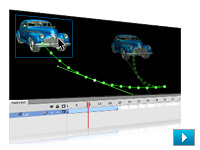
Easy-to-do animation and video
In Flash CS4 Professional, create simple but engaging animations in as few as two steps. Use Photoshop CS4 Extended to enhance video footage, even syncing visual effects to the audio track.

Mobile designs for millions
Use Adobe Device Central CS4 to easily create, preview, and test mobile content on a wide selection of devices under simulated real-life conditions directly from your desktop.
Innovative collaboration and presentations
Easily share your screen to present, review, or brainstorm directly from within your design software. Showcase your work in a dynamic, customizable PDF Portfolio that is easy to distribute and view.

Quality testing as you work
Catch production errors on-the-fly with Live Preflight in InDesign CS4, preview content under real-world browser conditions with Live View in Dreamweaver CS4, test mobile designs in Device Central, and use enhanced preflight checks and corrections in Adobe Acrobat 9 Pro.
Convenient new common interface
Enjoy improved interface consistency across all Adobe Creative Suite 4 Design Premium components. Flexibly arrange multiple documents in a single window to compare content or drag-copy objects between them. Easily tab through multiple open documents without maximizing each one.
Answers when you need them
Connect to the expertise of the online design community through your creative desktop. Access information ranging from basic tips, Adobe Help content, and video tutorials to community discussions and blogs.
Ultimate design toolset
Design for print, web, and mobile devices in a powerful, integrated, and comprehensive creative environment. Plus, enjoy innovative services for collaborating, finding inspiration, and mastering your design tools.
Compelling vector graphics and digital images
Create eye-catching vector graphics in Adobe Illustrator CS4 and powerful digital images in Adobe Photoshop CS4 Extended. Deliver imaginative combinations of graphics and images in many media.
Layout and production for print, web, and mobile
Use Adobe Fireworks CS4 to prototype websites, Adobe InDesign CS4 to create short and long documents for print or digital delivery, Adobe Dreamweaver CS4 for standards-based web production, and Adobe Flash CS4 Professional to build engaging interactive experiences.
Ideas in motion
In Flash CS4 Professional, create simple but engaging animations in as few as two steps. Use Photoshop CS4 Extended to enhance video footage, even syncing visual effects to the audio track. Incorporate animations and video in PDF, web, or mobile creations.
Powerful 3D possibilities
Edit, enhance, and manipulate 3D content and even paint directly on 3D models with Photoshop CS4 Extended. Wrap 2D images around common 3D shapes, and create 3D animations by controlling movement, camera position, and rendering.
Mobile designs for millions
Deliver compelling content to mobile subscribers worldwide. Use Adobe Device Central CS4 to easily create, preview, and test mobile content on an extensive selection of devices under simulated real-life conditions directly from your desktop.
Innovative collaboration and presentations
Easily share your screen to present, review, or brainstorm directly from within your design software. Showcase your work in a dynamic, customizable PDF Portfolio that is easy to distribute and view.
Quality testing as you work
Catch production errors on-the-fly with Live Preflight in InDesign CS4, use preflight checks and corrections in Adobe Acrobat 9 Pro, preview content under real-world browser conditions with Live View in Dreamweaver CS4, and test mobile designs in Device Central CS4.
Convenient common interface and native file support
Work quickly and intuitively using common interface elements. Flexibly arrange multiple documents in a single window to compare content or drag-copy objects between them. Benefit from using native file formats that streamline moving files between Adobe Creative Suite 4 Design Premium components.
Answers when you need them
Connect to the expertise of the online design community through your creative desktop. Access information ranging from basic tips, Adobe Help content, and video tutorials to community discussions and blogs.
|
|
|
|
26/09
|
Marumi FocuscopeMarumi Focuscope
|
|
|
|
26/09
|
AP Contact Proof PrinterAP Contact Proof Printer
|
|
|
|
26/09
|
AP LCD Darkroom TimerAP LCD Darkroom Timer
|
|
|
|
26/09
|
Adobe After Effects CS4 - Windows - Upgrade
Live Adobe Photoshop 3D layers import
Import Adobe Photoshop 3D layers into Adobe After Effects CS4, move them, animate cameras around them, adjust lighting, and composite them with other elements.
Searchable timelines and projects and easier nested comp navigation
Locate any element in a comp or project with the new QuickSearch. Quickly navigate between nested comps with the new Mini-Flowchart.
Compositions exported as layered projects
Export compositions as layered, XFL format projects that can be opened and edited in Adobe Flash CS4 Professional software. Many After Effects assets such as text and Adobe Illustrator artwork are preserved as vectors.
Integrated workflow for mobile device authoring
Select devices in Adobe Device Central and automatically set up an After Effects project that targets those devices, with settings that match the targeted devices and the Render Queue setup to output to the proper codecs and resolutions.
Numerous interface and workflow tweaks
Work more efficiently with dozens of user-requested changes, including the new Auto Resolution setting that only renders visible pixels when zooming in and out of a comp view, streamlined memory and multicore processing preferences, and more.
Dynamic Link between Adobe Premiere Pro, After Effects, and Soundbooth
Using Adobe Creative Suite 4 Production Premium software, now link Adobe Premiere Pro sequences to an After Effects composition and After Effects comps to Adobe Soundbooth with Adobe Dynamic Link.
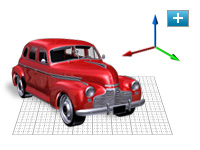
Independent keyframing of x, y, z values, plus 3D compositing improvements
Composite in 3D space more easily: Keyframe x, y, and z position values separately, and use the new unified camera, which makes the After Effects camera tool work more like those in 3D modeling applications.
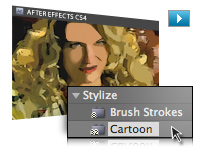
Cartoon effect
Instantly give live footage the look of cell animation. Stylize video by reducing the color palette of a clip and by emphasizing edges.
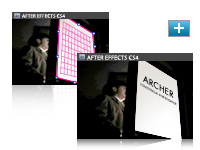
Mocha for Adobe After Effects from Imagineer Systems
Use this powerful 2.5D planar tracking application from Imagineer Systems to track the motion of elements even in challenging shots where elements move offscreen or where there is motion blur or excessive grain.

XMP metadata for asset intelligence
Now retain asset metadata while you work in After Effects. Add new project-, comp-, and layer-level metadata to streamline project tracking, and automate asset auditing and many other tasks.
Innovative compositing and animation tools
Create high-impact communications by combining moving imagery, still images, graphics, text, and sound in 2D or 3D space and then animating virtually any aspect of each element.
Unmatched integration
Enjoy a streamlined workflow with support for Adobe Photoshop 3D and video layers, Adobe Illustrator graphics that maintain image integrity, and tight integration with Adobe Flash CS4 Professional, Adobe Premiere Pro CS4, Encore CS4, and Soundbooth CS4 software.
Unlimited creative options
Manipulate moving and still images using hundreds of effects that stylize, distort, generate new elements, and more; add or remove film grain; and bring images and text to life by animating them with the Puppet tool.
Text and vector graphics creation and animation
Create text and vector graphics in Adobe After Effects CS4 using familiar Adobe tools, and then animate these elements to create visually innovative work.
Timesaving tools
Start projects quickly with animation presets and behaviors. Use Brainstorm to experiment and to refine designs. Learn fast with Tool Tips and training resources, and help speed the review process with Adobe Clip Notes.
Comprehensive masking and keying tools
Control which portions of a layer are visible by drawing and animating masks. Easily get precise results with flexible auto-tracing options and RotoBezier masks. Remove greenscreen backgrounds with Keylight and myriad supporting tools.
Powerful motion and keyframing controls
Apply motion blur to produce realistic animations. Slow down and speed up footage using Timewarp. Edit keyframes using the Graph Editor. Match source footage using the Motion Tracker or using Mocha for After Effects (now included). Remove unwanted movement with the Motion Stabilizer.
Responsive performance
Harness your computer's processing power with easier to adjust multicore and graphics acceleration. Disk caching allows you to spend less time waiting and more time creating. Distribute rendering across your network to maximize output performance.
Professional results for every media type
Produce animated content for virtually any media, from the web and mobile devices to film and broadcast, thanks to comprehensive output format support. Use the Render Queue or background render with the Adobe Media Encoder.
High-fidelity color
Get precise, predictable color with high dynamic range (32-bit-per-channel, floating point) color, the use of ICC-based color management tools, and ProEXR support for exchanging files with other applications that support high dynamic range color.
|
|
|
|
26/09
|
Adobe After Effects CS4 - Windows - Retail
Live Adobe Photoshop 3D layers import
Import Adobe Photoshop 3D layers into Adobe After Effects CS4, move them, animate cameras around them, adjust lighting, and composite them with other elements.
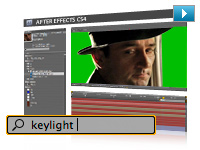
Searchable timelines and projects and easier nested comp navigation
Locate any element in a comp or project with the new QuickSearch. Quickly navigate between nested comps with the new Mini-Flowchart.
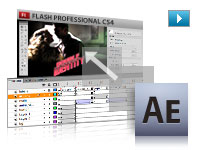
Compositions exported as layered projects
Export compositions as layered, XFL format projects that can be opened and edited in Adobe Flash CS4 Professional software. Many After Effects assets such as text and Adobe Illustrator artwork are preserved as vectors.
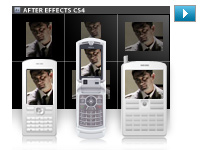
Integrated workflow for mobile device authoring
Select devices in Adobe Device Central and automatically set up an After Effects project that targets those devices, with settings that match the targeted devices and the Render Queue setup to output to the proper codecs and resolutions.
Numerous interface and workflow tweaks
Work more efficiently with dozens of user-requested changes, including the new Auto Resolution setting that only renders visible pixels when zooming in and out of a comp view, streamlined memory and multicore processing preferences, and more.
Dynamic Link between Adobe Premiere Pro, After Effects, and Soundbooth
Using Adobe Creative Suite 4 Production Premium software, now link Adobe Premiere Pro sequences to an After Effects composition and After Effects comps to Adobe Soundbooth with Adobe Dynamic Link.
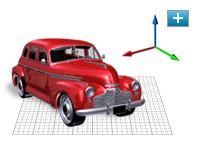
Independent keyframing of x, y, z values, plus 3D compositing improvements
Composite in 3D space more easily: Keyframe x, y, and z position values separately, and use the new unified camera, which makes the After Effects camera tool work more like those in 3D modeling applications.
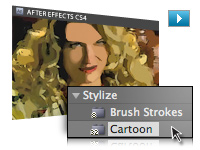
Cartoon effect
Instantly give live footage the look of cell animation. Stylize video by reducing the color palette of a clip and by emphasizing edges.
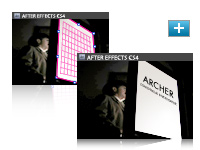
Mocha for Adobe After Effects from Imagineer Systems
Use this powerful 2.5D planar tracking application from Imagineer Systems to track the motion of elements even in challenging shots where elements move offscreen or where there is motion blur or excessive grain.

XMP metadata for asset intelligence
Now retain asset metadata while you work in After Effects. Add new project-, comp-, and layer-level metadata to streamline project tracking, and automate asset auditing and many other tasks.
Innovative compositing and animation tools
Create high-impact communications by combining moving imagery, still images, graphics, text, and sound in 2D or 3D space and then animating virtually any aspect of each element.
Unmatched integration
Enjoy a streamlined workflow with support for Adobe Photoshop 3D and video layers, Adobe Illustrator graphics that maintain image integrity, and tight integration with Adobe Flash CS4 Professional, Adobe Premiere Pro CS4, Encore CS4, and Soundbooth CS4 software.
Unlimited creative options
Manipulate moving and still images using hundreds of effects that stylize, distort, generate new elements, and more; add or remove film grain; and bring images and text to life by animating them with the Puppet tool.
Text and vector graphics creation and animation
Create text and vector graphics in Adobe After Effects CS4 using familiar Adobe tools, and then animate these elements to create visually innovative work.
Timesaving tools
Start projects quickly with animation presets and behaviors. Use Brainstorm to experiment and to refine designs. Learn fast with Tool Tips and training resources, and help speed the review process with Adobe Clip Notes.
Comprehensive masking and keying tools
Control which portions of a layer are visible by drawing and animating masks. Easily get precise results with flexible auto-tracing options and RotoBezier masks. Remove greenscreen backgrounds with Keylight and myriad supporting tools.
Powerful motion and keyframing controls
Apply motion blur to produce realistic animations. Slow down and speed up footage using Timewarp. Edit keyframes using the Graph Editor. Match source footage using the Motion Tracker or using Mocha for After Effects (now included). Remove unwanted movement with the Motion Stabilizer.
Responsive performance
Harness your computer's processing power with easier to adjust multicore and graphics acceleration. Disk caching allows you to spend less time waiting and more time creating. Distribute rendering across your network to maximize output performance.
Professional results for every media type
Produce animated content for virtually any media, from the web and mobile devices to film and broadcast, thanks to comprehensive output format support. Use the Render Queue or background render with the Adobe Media Encoder.
High-fidelity color
Get precise, predictable color with high dynamic range (32-bit-per-channel, floating point) color, the use of ICC-based color management tools, and ProEXR support for exchanging files with other applications that support high dynamic range color.
|
|
|
|
26/09
|
Adobe After Effects CS4 - Windows - Educational Only
Live Adobe Photoshop 3D layers import
Import Adobe Photoshop 3D layers into Adobe After Effects CS4, move them, animate cameras around them, adjust lighting, and composite them with other elements.
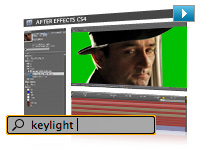
Searchable timelines and projects and easier nested comp navigation
Locate any element in a comp or project with the new QuickSearch. Quickly navigate between nested comps with the new Mini-Flowchart.
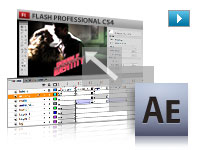
Compositions exported as layered projects
Export compositions as layered, XFL format projects that can be opened and edited in Adobe Flash CS4 Professional software. Many After Effects assets such as text and Adobe Illustrator artwork are preserved as vectors.
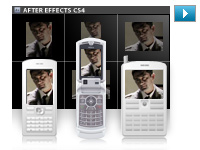
Integrated workflow for mobile device authoring
Select devices in Adobe Device Central and automatically set up an After Effects project that targets those devices, with settings that match the targeted devices and the Render Queue setup to output to the proper codecs and resolutions.
Numerous interface and workflow tweaks
Work more efficiently with dozens of user-requested changes, including the new Auto Resolution setting that only renders visible pixels when zooming in and out of a comp view, streamlined memory and multicore processing preferences, and more.
Dynamic Link between Adobe Premiere Pro, After Effects, and Soundbooth
Using Adobe Creative Suite 4 Production Premium software, now link Adobe Premiere Pro sequences to an After Effects composition and After Effects comps to Adobe Soundbooth with Adobe Dynamic Link.
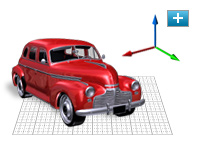
Independent keyframing of x, y, z values, plus 3D compositing improvements
Composite in 3D space more easily: Keyframe x, y, and z position values separately, and use the new unified camera, which makes the After Effects camera tool work more like those in 3D modeling applications.
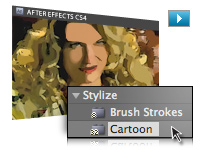
Cartoon effect
Instantly give live footage the look of cell animation. Stylize video by reducing the color palette of a clip and by emphasizing edges.
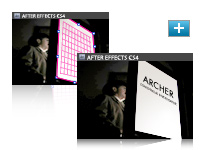
Mocha for Adobe After Effects from Imagineer Systems
Use this powerful 2.5D planar tracking application from Imagineer Systems to track the motion of elements even in challenging shots where elements move offscreen or where there is motion blur or excessive grain.

XMP metadata for asset intelligence
Now retain asset metadata while you work in After Effects. Add new project-, comp-, and layer-level metadata to streamline project tracking, and automate asset auditing and many other tasks.
Innovative compositing and animation tools
Create high-impact communications by combining moving imagery, still images, graphics, text, and sound in 2D or 3D space and then animating virtually any aspect of each element.
Unmatched integration
Enjoy a streamlined workflow with support for Adobe Photoshop 3D and video layers, Adobe Illustrator graphics that maintain image integrity, and tight integration with Adobe Flash CS4 Professional, Adobe Premiere Pro CS4, Encore CS4, and Soundbooth CS4 software.
Unlimited creative options
Manipulate moving and still images using hundreds of effects that stylize, distort, generate new elements, and more; add or remove film grain; and bring images and text to life by animating them with the Puppet tool.
Text and vector graphics creation and animation
Create text and vector graphics in Adobe After Effects CS4 using familiar Adobe tools, and then animate these elements to create visually innovative work.
Timesaving tools
Start projects quickly with animation presets and behaviors. Use Brainstorm to experiment and to refine designs. Learn fast with Tool Tips and training resources, and help speed the review process with Adobe Clip Notes.
Comprehensive masking and keying tools
Control which portions of a layer are visible by drawing and animating masks. Easily get precise results with flexible auto-tracing options and RotoBezier masks. Remove greenscreen backgrounds with Keylight and myriad supporting tools.
Powerful motion and keyframing controls
Apply motion blur to produce realistic animations. Slow down and speed up footage using Timewarp. Edit keyframes using the Graph Editor. Match source footage using the Motion Tracker or using Mocha for After Effects (now included). Remove unwanted movement with the Motion Stabilizer.
Responsive performance
Harness your computer's processing power with easier to adjust multicore and graphics acceleration. Disk caching allows you to spend less time waiting and more time creating. Distribute rendering across your network to maximize output performance.
Professional results for every media type
Produce animated content for virtually any media, from the web and mobile devices to film and broadcast, thanks to comprehensive output format support. Use the Render Queue or background render with the Adobe Media Encoder.
High-fidelity color
Get precise, predictable color with high dynamic range (32-bit-per-channel, floating point) color, the use of ICC-based color management tools, and ProEXR support for exchanging files with other applications that support high dynamic range color.
|
|
|
|
26/09
|
AP 35mm Film Picker AP 35mm Film Picker
Especially designed film remover to facilitate the retrieval of the film end within the cartridge without damaging it. Easy and quick to handle. A "must" in the lab or darkroom.
|
|
|
|
26/09
|
Adobe After Effects CS4 - MAC - Upgrade
Live Adobe Photoshop 3D layers import
Import Adobe Photoshop 3D layers into Adobe After Effects CS4, move them, animate cameras around them, adjust lighting, and composite them with other elements.
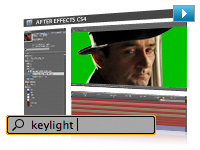
Searchable timelines and projects and easier nested comp navigation
Locate any element in a comp or project with the new QuickSearch. Quickly navigate between nested comps with the new Mini-Flowchart.
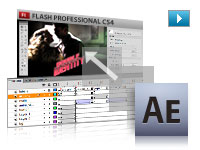
Compositions exported as layered projects
Export compositions as layered, XFL format projects that can be opened and edited in Adobe Flash CS4 Professional software. Many After Effects assets such as text and Adobe Illustrator artwork are preserved as vectors.
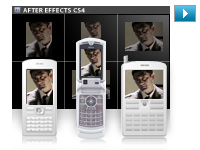
Integrated workflow for mobile device authoring
Select devices in Adobe Device Central and automatically set up an After Effects project that targets those devices, with settings that match the targeted devices and the Render Queue setup to output to the proper codecs and resolutions.
Numerous interface and workflow tweaks
Work more efficiently with dozens of user-requested changes, including the new Auto Resolution setting that only renders visible pixels when zooming in and out of a comp view, streamlined memory and multicore processing preferences, and more.
Dynamic Link between Adobe Premiere Pro, After Effects, and Soundbooth
Using Adobe Creative Suite 4 Production Premium software, now link Adobe Premiere Pro sequences to an After Effects composition and After Effects comps to Adobe Soundbooth with Adobe Dynamic Link.
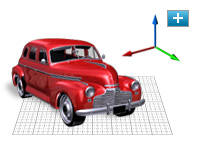
Independent keyframing of x, y, z values, plus 3D compositing improvements
Composite in 3D space more easily: Keyframe x, y, and z position values separately, and use the new unified camera, which makes the After Effects camera tool work more like those in 3D modeling applications.
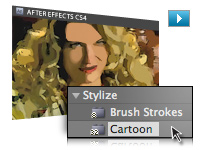
Cartoon effect
Instantly give live footage the look of cell animation. Stylize video by reducing the color palette of a clip and by emphasizing edges.
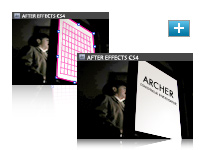
Mocha for Adobe After Effects from Imagineer Systems
Use this powerful 2.5D planar tracking application from Imagineer Systems to track the motion of elements even in challenging shots where elements move offscreen or where there is motion blur or excessive grain.

XMP metadata for asset intelligence
Now retain asset metadata while you work in After Effects. Add new project-, comp-, and layer-level metadata to streamline project tracking, and automate asset auditing and many other tasks.
Innovative compositing and animation tools
Create high-impact communications by combining moving imagery, still images, graphics, text, and sound in 2D or 3D space and then animating virtually any aspect of each element.
Unmatched integration
Enjoy a streamlined workflow with support for Adobe Photoshop 3D and video layers, Adobe Illustrator graphics that maintain image integrity, and tight integration with Adobe Flash CS4 Professional, Adobe Premiere Pro CS4, Encore CS4, and Soundbooth CS4 software.
Unlimited creative options
Manipulate moving and still images using hundreds of effects that stylize, distort, generate new elements, and more; add or remove film grain; and bring images and text to life by animating them with the Puppet tool.
Text and vector graphics creation and animation
Create text and vector graphics in Adobe After Effects CS4 using familiar Adobe tools, and then animate these elements to create visually innovative work.
Timesaving tools
Start projects quickly with animation presets and behaviors. Use Brainstorm to experiment and to refine designs. Learn fast with Tool Tips and training resources, and help speed the review process with Adobe Clip Notes.
Comprehensive masking and keying tools
Control which portions of a layer are visible by drawing and animating masks. Easily get precise results with flexible auto-tracing options and RotoBezier masks. Remove greenscreen backgrounds with Keylight and myriad supporting tools.
Powerful motion and keyframing controls
Apply motion blur to produce realistic animations. Slow down and speed up footage using Timewarp. Edit keyframes using the Graph Editor. Match source footage using the Motion Tracker or using Mocha for After Effects (now included). Remove unwanted movement with the Motion Stabilizer.
Responsive performance
Harness your computer's processing power with easier to adjust multicore and graphics acceleration. Disk caching allows you to spend less time waiting and more time creating. Distribute rendering across your network to maximize output performance.
Professional results for every media type
Produce animated content for virtually any media, from the web and mobile devices to film and broadcast, thanks to comprehensive output format support. Use the Render Queue or background render with the Adobe Media Encoder.
High-fidelity color
Get precise, predictable color with high dynamic range (32-bit-per-channel, floating point) color, the use of ICC-based color management tools, and ProEXR support for exchanging files with other applications that support high dynamic range color.
|
|
|
|
26/09
|
Adobe After Effects CS4 - MAC - Retail
Live Adobe Photoshop 3D layers import
Import Adobe Photoshop 3D layers into Adobe After Effects CS4, move them, animate cameras around them, adjust lighting, and composite them with other elements.
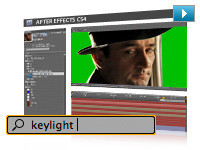
Searchable timelines and projects and easier nested comp navigation
Locate any element in a comp or project with the new QuickSearch. Quickly navigate between nested comps with the new Mini-Flowchart.
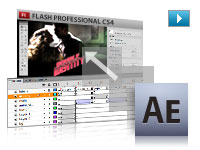
Compositions exported as layered projects
Export compositions as layered, XFL format projects that can be opened and edited in Adobe Flash CS4 Professional software. Many After Effects assets such as text and Adobe Illustrator artwork are preserved as vectors.
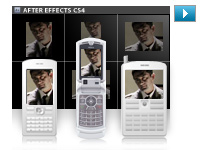
Integrated workflow for mobile device authoring
Select devices in Adobe Device Central and automatically set up an After Effects project that targets those devices, with settings that match the targeted devices and the Render Queue setup to output to the proper codecs and resolutions.
Numerous interface and workflow tweaks
Work more efficiently with dozens of user-requested changes, including the new Auto Resolution setting that only renders visible pixels when zooming in and out of a comp view, streamlined memory and multicore processing preferences, and more.
Dynamic Link between Adobe Premiere Pro, After Effects, and Soundbooth
Using Adobe Creative Suite 4 Production Premium software, now link Adobe Premiere Pro sequences to an After Effects composition and After Effects comps to Adobe Soundbooth with Adobe Dynamic Link.
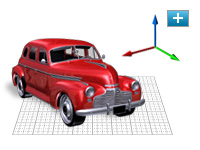
Independent keyframing of x, y, z values, plus 3D compositing improvements
Composite in 3D space more easily: Keyframe x, y, and z position values separately, and use the new unified camera, which makes the After Effects camera tool work more like those in 3D modeling applications.
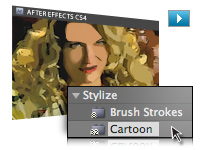
Cartoon effect
Instantly give live footage the look of cell animation. Stylize video by reducing the color palette of a clip and by emphasizing edges.
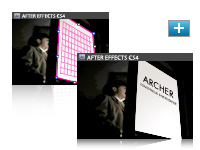
Mocha for Adobe After Effects from Imagineer Systems
Use this powerful 2.5D planar tracking application from Imagineer Systems to track the motion of elements even in challenging shots where elements move offscreen or where there is motion blur or excessive grain.

XMP metadata for asset intelligence
Now retain asset metadata while you work in After Effects. Add new project-, comp-, and layer-level metadata to streamline project tracking, and automate asset auditing and many other tasks.
Innovative compositing and animation tools
Create high-impact communications by combining moving imagery, still images, graphics, text, and sound in 2D or 3D space and then animating virtually any aspect of each element.
Unmatched integration
Enjoy a streamlined workflow with support for Adobe Photoshop 3D and video layers, Adobe Illustrator graphics that maintain image integrity, and tight integration with Adobe Flash CS4 Professional, Adobe Premiere Pro CS4, Encore CS4, and Soundbooth CS4 software.
Unlimited creative options
Manipulate moving and still images using hundreds of effects that stylize, distort, generate new elements, and more; add or remove film grain; and bring images and text to life by animating them with the Puppet tool.
Text and vector graphics creation and animation
Create text and vector graphics in Adobe After Effects CS4 using familiar Adobe tools, and then animate these elements to create visually innovative work.
Timesaving tools
Start projects quickly with animation presets and behaviors. Use Brainstorm to experiment and to refine designs. Learn fast with Tool Tips and training resources, and help speed the review process with Adobe Clip Notes.
Comprehensive masking and keying tools
Control which portions of a layer are visible by drawing and animating masks. Easily get precise results with flexible auto-tracing options and RotoBezier masks. Remove greenscreen backgrounds with Keylight and myriad supporting tools.
Powerful motion and keyframing controls
Apply motion blur to produce realistic animations. Slow down and speed up footage using Timewarp. Edit keyframes using the Graph Editor. Match source footage using the Motion Tracker or using Mocha for After Effects (now included). Remove unwanted movement with the Motion Stabilizer.
Responsive performance
Harness your computer's processing power with easier to adjust multicore and graphics acceleration. Disk caching allows you to spend less time waiting and more time creating. Distribute rendering across your network to maximize output performance.
Professional results for every media type
Produce animated content for virtually any media, from the web and mobile devices to film and broadcast, thanks to comprehensive output format support. Use the Render Queue or background render with the Adobe Media Encoder.
High-fidelity color
Get precise, predictable color with high dynamic range (32-bit-per-channel, floating point) color, the use of ICC-based color management tools, and ProEXR support for exchanging files with other applications that support high dynamic range color.
|
|
|
|
26/09
|
Adobe After Effects CS4 - MAC - Educational Only
Create motion graphics and visual effects with the industry standard
With Adobe After Effects CS4 software, you can create compelling motion graphics and blockbuster visual effects with flexible tools that help save you time and deliver unparalleled creative power.
Did you know...
Timelines are searchable
Use QuickSearch to instantly locate any element or even missing footage in a comp or project; navigate quickly between nested comps using the new Mini-Flowchart.
After Effects can import 3D layers from Photoshop
Import 3D models from Adobe Photoshop CS4, and then bring them into After Effects to composite them with other elements, adjust lighting, and more.
After Effects is part of an end-to-end solution
Adobe provides end-to-end software solutions to deliver compelling experiences on film, video, DVD, the web, and mobile devices.
Live Adobe Photoshop 3D layers import
Import Adobe Photoshop 3D layers into Adobe After Effects CS4, move them, animate cameras around them, adjust lighting, and composite them with other elements.
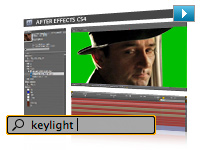
Searchable timelines and projects and easier nested comp navigation
Locate any element in a comp or project with the new QuickSearch. Quickly navigate between nested comps with the new Mini-Flowchart.
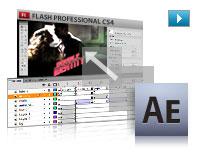
Compositions exported as layered projects
Export compositions as layered, XFL format projects that can be opened and edited in Adobe Flash CS4 Professional software. Many After Effects assets such as text and Adobe Illustrator artwork are preserved as vectors.
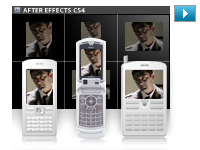
Integrated workflow for mobile device authoring
Select devices in Adobe Device Central and automatically set up an After Effects project that targets those devices, with settings that match the targeted devices and the Render Queue setup to output to the proper codecs and resolutions.
Numerous interface and workflow tweaks
Work more efficiently with dozens of user-requested changes, including the new Auto Resolution setting that only renders visible pixels when zooming in and out of a comp view, streamlined memory and multicore processing preferences, and more.
Dynamic Link between Adobe Premiere Pro, After Effects, and Soundbooth
Using Adobe Creative Suite 4 Production Premium software, now link Adobe Premiere Pro sequences to an After Effects composition and After Effects comps to Adobe Soundbooth with Adobe Dynamic Link.
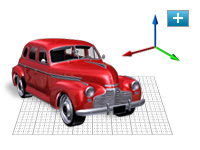
Independent keyframing of x, y, z values, plus 3D compositing improvements
Composite in 3D space more easily: Keyframe x, y, and z position values separately, and use the new unified camera, which makes the After Effects camera tool work more like those in 3D modeling applications.
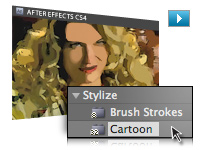
Cartoon effect
Instantly give live footage the look of cell animation. Stylize video by reducing the color palette of a clip and by emphasizing edges.
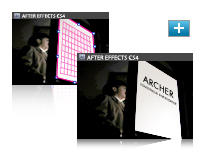
Mocha for Adobe After Effects from Imagineer Systems
Use this powerful 2.5D planar tracking application from Imagineer Systems to track the motion of elements even in challenging shots where elements move offscreen or where there is motion blur or excessive grain.

XMP metadata for asset intelligence
Now retain asset metadata while you work in After Effects. Add new project-, comp-, and layer-level metadata to streamline project tracking, and automate asset auditing and many other tasks.
Innovative compositing and animation tools
Create high-impact communications by combining moving imagery, still images, graphics, text, and sound in 2D or 3D space and then animating virtually any aspect of each element.
Unmatched integration
Enjoy a streamlined workflow with support for Adobe Photoshop 3D and video layers, Adobe Illustrator graphics that maintain image integrity, and tight integration with Adobe Flash CS4 Professional, Adobe Premiere Pro CS4, Encore CS4, and Soundbooth CS4 software.
Unlimited creative options
Manipulate moving and still images using hundreds of effects that stylize, distort, generate new elements, and more; add or remove film grain; and bring images and text to life by animating them with the Puppet tool.
Text and vector graphics creation and animation
Create text and vector graphics in Adobe After Effects CS4 using familiar Adobe tools, and then animate these elements to create visually innovative work.
Timesaving tools
Start projects quickly with animation presets and behaviors. Use Brainstorm to experiment and to refine designs. Learn fast with Tool Tips and training resources, and help speed the review process with Adobe Clip Notes.
Comprehensive masking and keying tools
Control which portions of a layer are visible by drawing and animating masks. Easily get precise results with flexible auto-tracing options and RotoBezier masks. Remove greenscreen backgrounds with Keylight and myriad supporting tools.
Powerful motion and keyframing controls
Apply motion blur to produce realistic animations. Slow down and speed up footage using Timewarp. Edit keyframes using the Graph Editor. Match source footage using the Motion Tracker or using Mocha for After Effects (now included). Remove unwanted movement with the Motion Stabilizer.
Responsive performance
Harness your computer's processing power with easier to adjust multicore and graphics acceleration. Disk caching allows you to spend less time waiting and more time creating. Distribute rendering across your network to maximize output performance.
Professional results for every media type
Produce animated content for virtually any media, from the web and mobile devices to film and broadcast, thanks to comprehensive output format support. Use the Render Queue or background render with the Adobe Media Encoder.
High-fidelity color
Get precise, predictable color with high dynamic range (32-bit-per-channel, floating point) color, the use of ICC-based color management tools, and ProEXR support for exchanging files with other applications that support high dynamic range color.
|
|
|
|
26/09
|
AP Stirring Rod With ThermometerAP Stirring Rod With Thermometer
|
|
|
|
26/09
|
Jessop Thermometer - 23cm (Suitable For Colour Processing) Jessop - Thermometer - 23cm (Suitable For Colour Processing)
Accurate to 0.5 degrees C.
|
|
|
|
26/09
|
Marumi Thermometer - 30cmMarumi Thermometer - 30cm
|
|
|
|
26/09
|
Marumi Thermometer - 15cmMarumi Thermometer - 15cm
|
|
|
|
26/09
|
Ricoh GV-2 Mini External Viewfinder
GV-2 Mini External viewfinder
Optical mini viewfinder for the GR Digital II and GR Digital cameras. Mounted on hot shoe. Includes 28 m-equivalent frame (35mm film equivalent) incorporating 1:1 aspect ratio marks. Includes case.
|
|
|
|
26/09
|
Ricoh GV-1 External Viewfinder
GV-1 External Viewfinder
Optical viewfinder for the GR Digital II and GR Digital cameras. Mounted on hot shoe. Includes 21 mm- and 28 m-equivalent frames (35mm film equivalent). Includes case.
* Bigger vignetting will appear if the external viewfinder is used with the wide conversion lens or hood.
|
|
|
|
26/09
|
AP Plastic Film Clips - Set Of 2AP Plastic Film Clips - Set Of 2
|
|
|
|
26/09
|
AP Stainless Steel Film Clips - Set Of 2AP Stainless Steel Film Clips - Set Of 2
|
|
|
|
26/09
|
Kingston 32GB DataTraveler 150 - USB2.0
DataTraveler 150 USB Flash drive is big news in mobile storage. Now you can store, carry and transfer large files in an affordable, convenient device. DataTraveler 150 from Kingston helps budget-concious users break storage barriers, allowing them to easily store and move large files in a 32GB device no bigger than a pocketknife. As easy as click and drag, DataTraveler 150 can hold just about any file you can think of - term papers, digital images, movies, spreadsheets, or other important documents.
Backed by legendary Kingstonreliability plus a five-year warrantya dn 24/7 tech support, DataTraveler 150 is a reliable, inexpensive solution for carrying digital files with you anywhere you go.
Features/Benefits:
- Simple - just plug into a USB port
- Convenient - pocket sized for easy transportability
- Practical - stores cap securely on end of device to prevent loss of cap
- Guaranteed - five year warranty
Specifications:
- Dimensions - 38.85mm x 16.40mm x 6.44mm
- Capacity - 32GB
- Weight - 0.064oz
- Read - upto 5MB/sec / Write - upto 1.5MB/sec
- Compliant - designed to Hi-Speed USB 2.0 specifications
- Operating Temperatures - 0oC to 60oC (32oF to 140oF)
- Storage Temperatures - -20oC to 85oC (-4oF to 185oF)
Warranty:
5 Years
|
|
|
|
Previous Page
|
Next Page
|
|


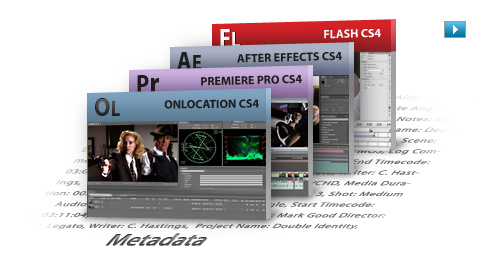

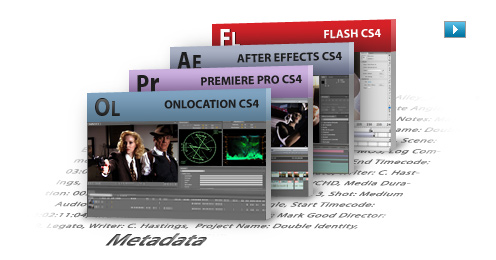

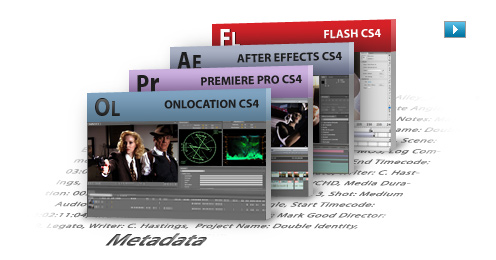

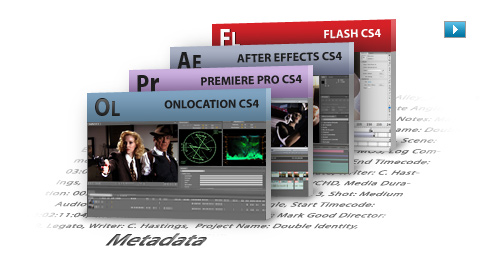

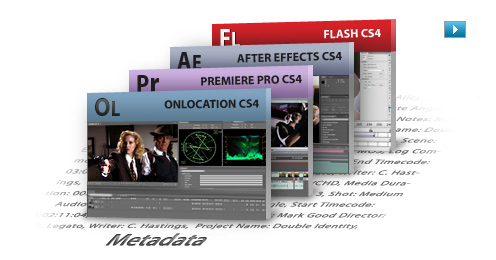

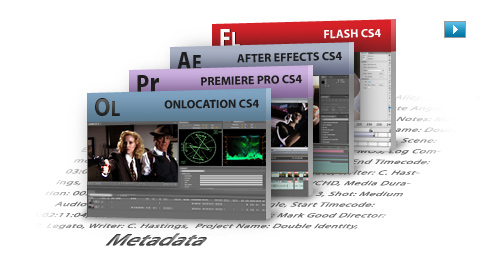

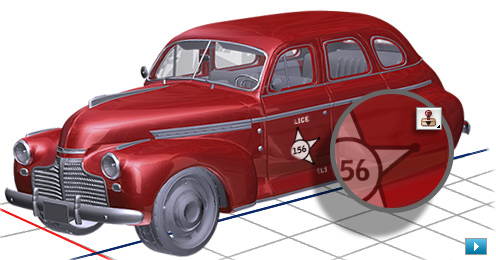


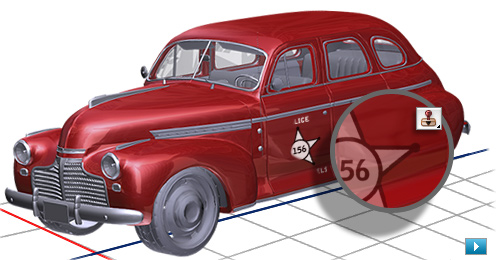


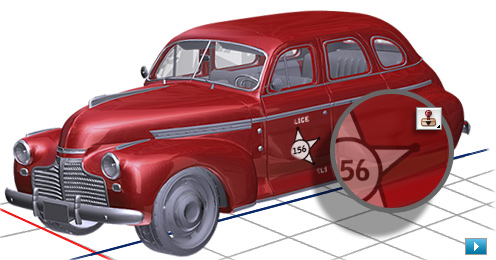









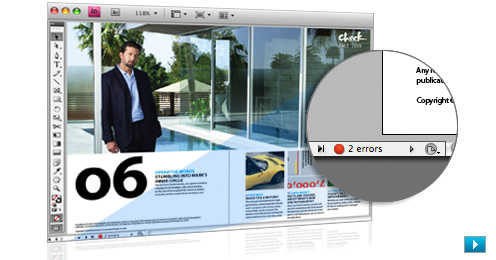

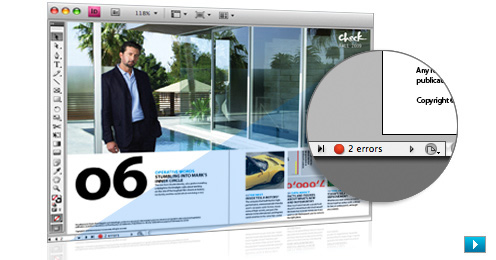
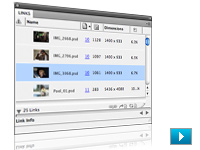



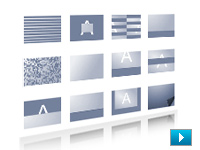
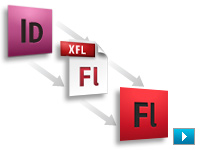
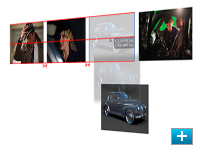

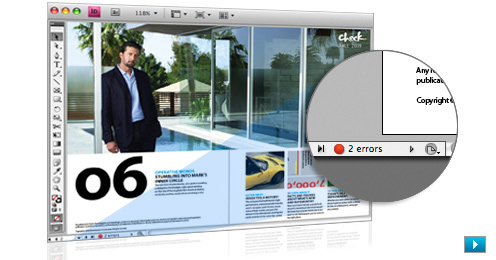

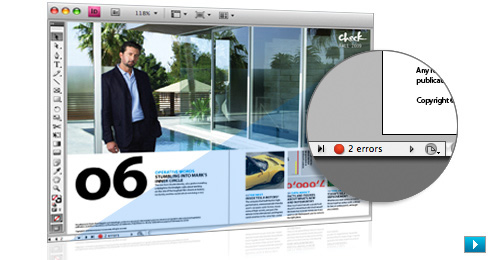

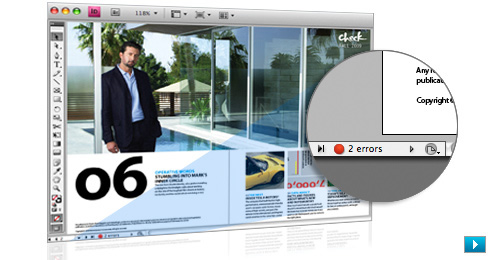

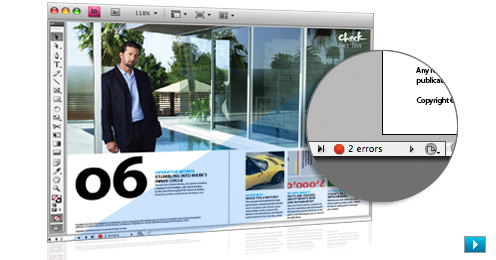





















 Screw Mount



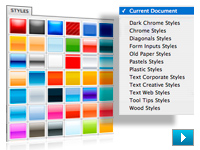








 Screw Mount










 Screw Mount










 Screw Mount











 Screw Mount










 Screw Mount









 Screw Mount









 Screw Mount









 Screw Mount









 Screw Mount









 Screw Mount









 Screw Mount









 Screw Mount









 Screw Mount









 Screw Mount








 Screw Mount












































 Without Filter
 Screw Mount




 Without Filter
 Screw Mount




 Without Filter
 Screw Mount





 Screw Mount






 Screw Mount





 Screw Mount





 Screw Mount





 Screw Mount





 Screw Mount





 Screw Mount





 Screw Mount





 Screw Mount





 Screw Mount





 Screw Mount





 Screw Mount





 Screw Mount





 Screw Mount





 Screw Mount





 Screw Mount





 Screw Mount





 Screw Mount





 Screw Mount





 Screw Mount





 Screw Mount